
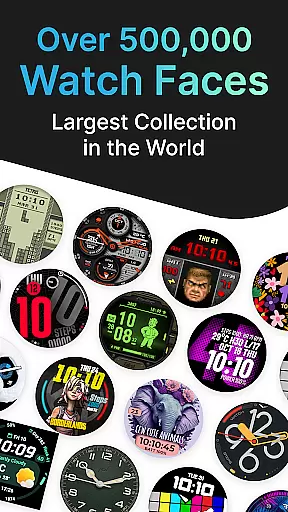
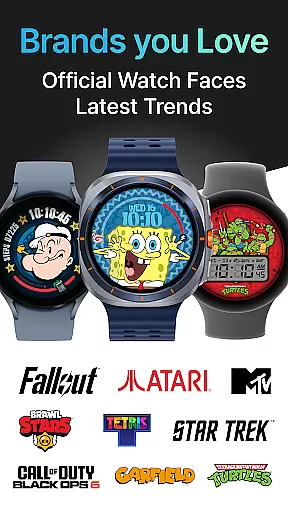
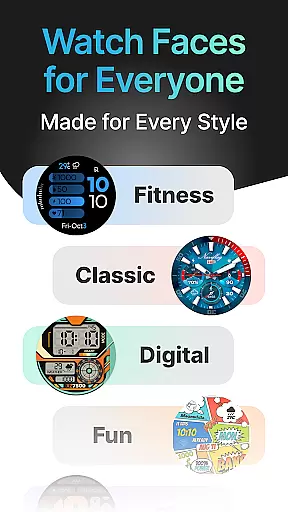
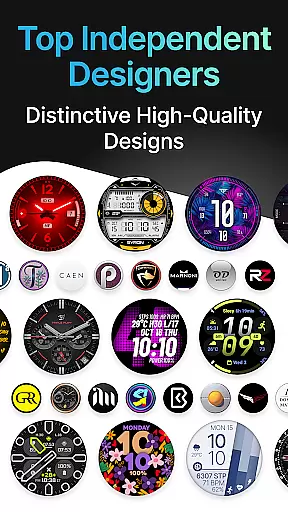
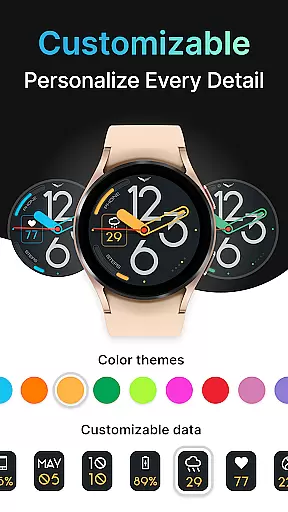
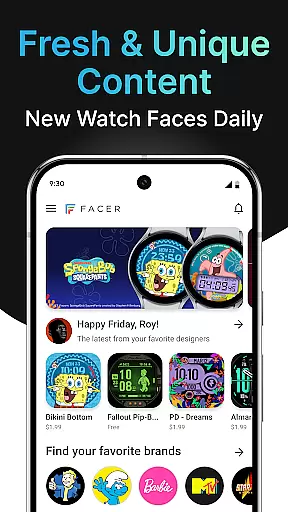
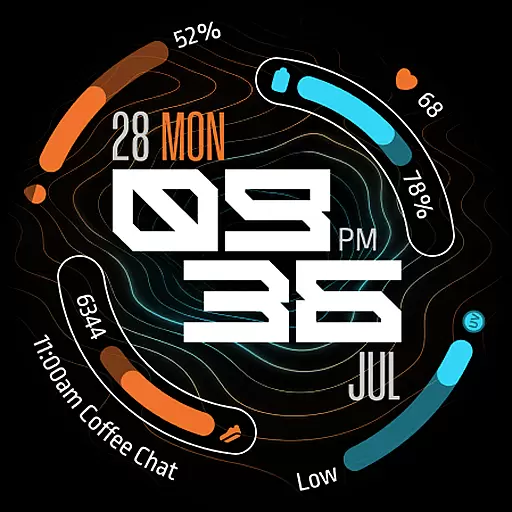
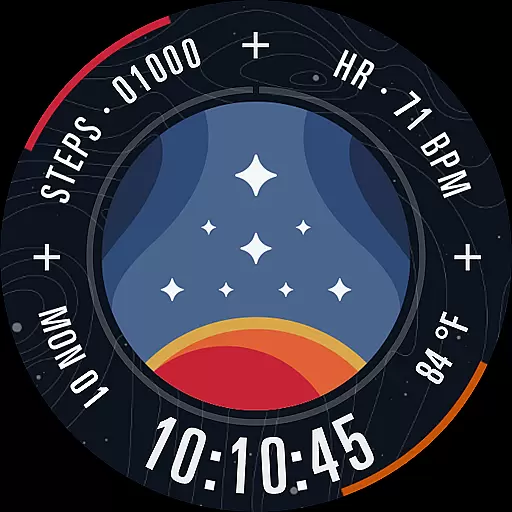
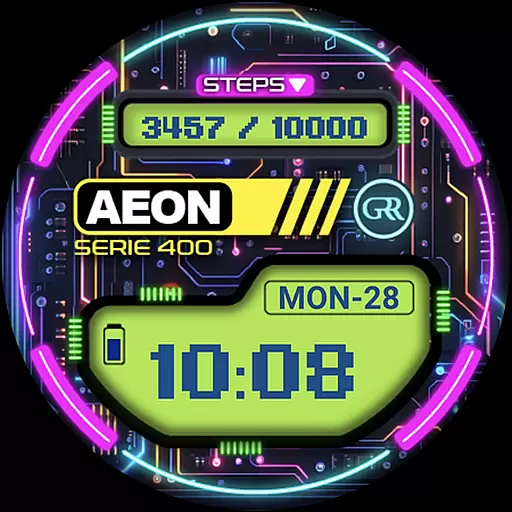
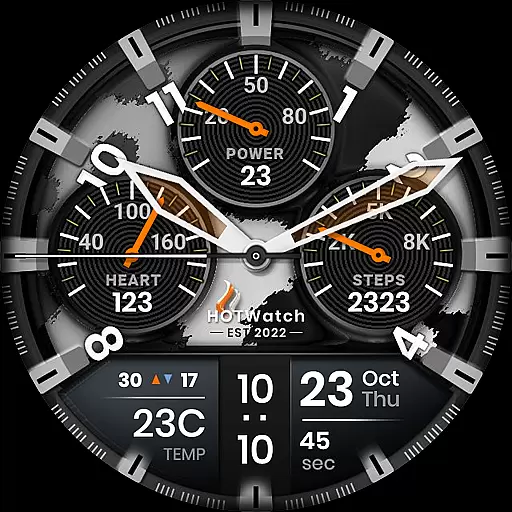
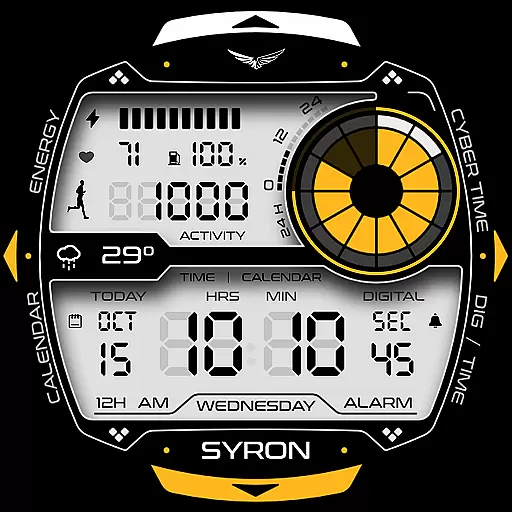
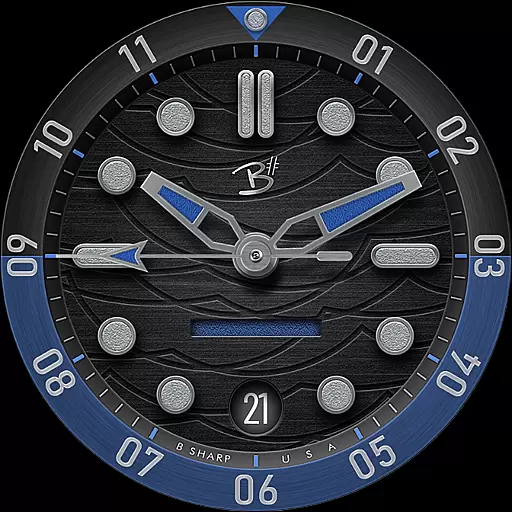
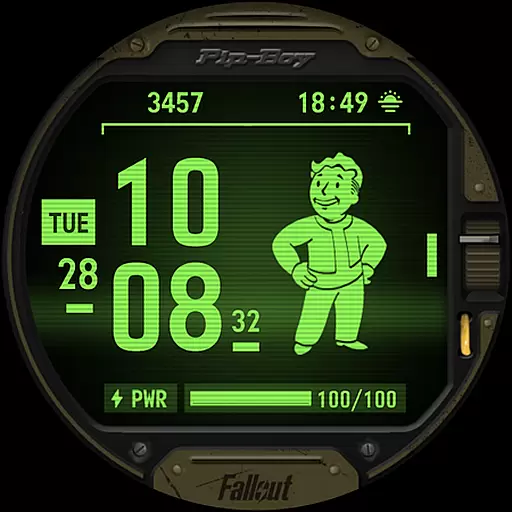
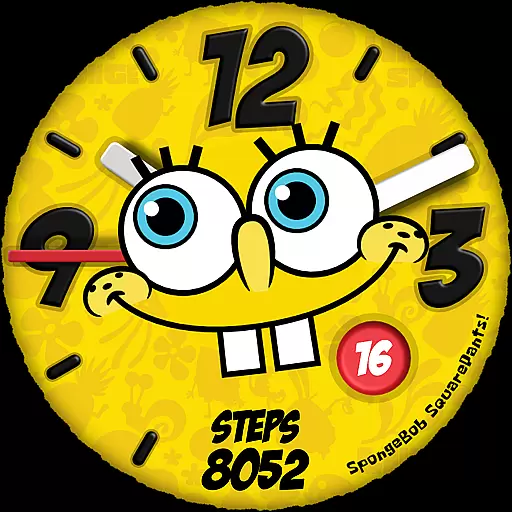
Facer Watch Faces is the ultimate customization tool for your smartwatch, offering over 500,000 free and premium watch faces from leading brands and independent artists. Compatible with Wear OS, Tizen, Apple Watch, and more, it allows you to personalize your style while providing access to a vast library of designs.
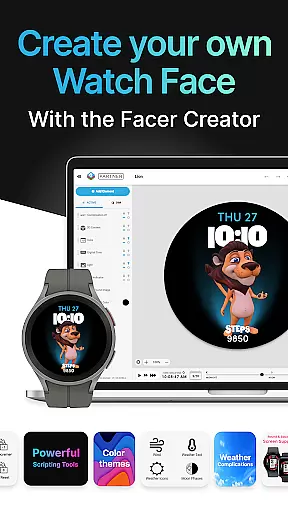
Whether you're looking for iconic branded faces from Tetris™, Star Trek, or Garfield, or unique creations by talented designers, Facer has something for everyone. With additional features like Facer Creator, you can even design and publish your own watch faces, reaching thousands of users worldwide.
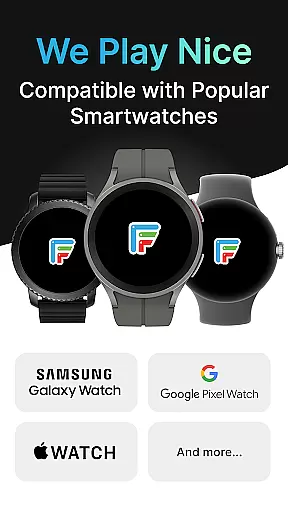
Facer stands out with its massive selection of watch faces tailored for all major smartwatch platforms, including Wear OS, Tizen, and Apple Watch. The app supports devices like Samsung Galaxy Watches, Google Pixel Watches, and more, ensuring cross-platform compatibility.
Beyond its extensive catalog, Facer offers advanced customization tools through its web-based editor, enabling users to create dynamic, personalized watch faces. Integration with fitness and location data further enhances functionality, allowing faces to display real-time weather updates, step counters, and heart rate information.
For creators, Facer provides an opportunity to join a growing community of certified designers, making it not just a personalization app but also a platform for artistic expression and innovation in wearable technology.
Companion app integration is essential for a seamless smartwatch experience. Facer ensures that your watch face preferences are perfectly synced between your phone and wearable device. This synchronization allows users to browse, select, and apply their chosen watch faces from the comfort of their smartphone.
The Facer app simplifies the setup process by providing clear instructions for installation on both devices. Once installed, users can effortlessly manage their watch faces directly from their phone. This includes accessing a vast library of over 500,000 free and premium designs, ensuring that your smartwatch reflects your personal style at all times.
Moreover, Facer's companion app integration extends beyond just watch faces. It supports various functionalities such as showing weather data based on your location and displaying fitness-related information like step counters and heart rates. These features enhance the overall utility of your smartwatch, making it not only a stylish accessory but also a practical tool in your daily life.
Facer stands out with its extensive Wear OS and device compatibility, supporting a wide range of smartwatches from leading brands. Whether you own a Samsung Galaxy Watch, Google Pixel Watch, or any other Wear OS device, Facer has got you covered. This broad compatibility ensures that no matter which smartwatch you choose, you can enjoy the benefits of customizing your watch face with Facer.
In addition to Wear OS, Facer also supports Tizen-based Samsung smartwatches and even extends its reach to Apple Watch users. This inclusivity means that whether you're using a Samsung Galaxy Watch4 or an Apple Watch, you have access to Facer's massive catalog of watch faces. The app's ability to adapt to different operating systems and devices highlights its versatility and commitment to user satisfaction.
Furthermore, Facer continuously updates its support to include new models and versions, such as the recent full support for Wear OS 6 launched on July 24th, 2025. This dedication to staying current with technological advancements guarantees that users will always have access to the latest features and designs, regardless of their smartwatch model. With Facer, you can be confident that your device will always reflect your unique style and preferences.
User-friendly interface
Wide device compatibility
Vast library of designs
Customizable watch faces
Active creator community
Premium faces cost extra
Setup process may confuse beginners
Limited free options
Requires multiple permissions
Occasional syncing issues

Christmas Theme Watch Face for Wear Os
 5.00
5.00
an Analog Watch Face for winter season with freeze winter background for Wear OS
4.0
Wear Os Watch Face - Animated Snow - Sesonal for Christmas & Winter
4.4
Current temperature, weather hourly, weather radar by the weather forecast app
4.40
Kia Access makes getting your vehicle information easier than ever
4.60
The Chevron App allows you to pay for fuel from the comfort of your car!
4.80
Real-time weather radar with temperatures, warnings, hurricanes, and widgets
4.80
Minimalistic design modern digital watch face.
4.2
A white realistic classic analog watch face with many customization options.
4.40
Hyperlocal rain alerts by MyRadar using patent-pending technology, radar & more
4.80
A modern premium sporty hybrid watch face for Wear OS by Ballozi
4.70
Be an elegant and classy secret agent, with this carefully detailed watch face
4.70
Your second brain for organizing your life: to-do, calendar, reminder.
4.70
Nutrition, Macro tracker: Food, fitness & healthy diet tracking for weight loss
4.60
Real-time results, stats, schedules and player profiles for all leagues
4.60
Retro digital watch face with customizable colors and a unique lighting effect
4.60
Your music, your playlists, and more—offline and unlimited.
4.20
Connect, create, and collaborate with Gmail, part of Google Workspace.
4.10
Structured watch face with seven complications and modular UI elements
3.90


User Reviews