
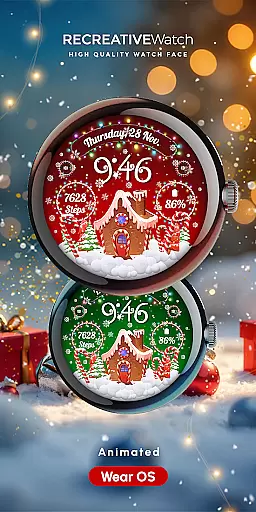
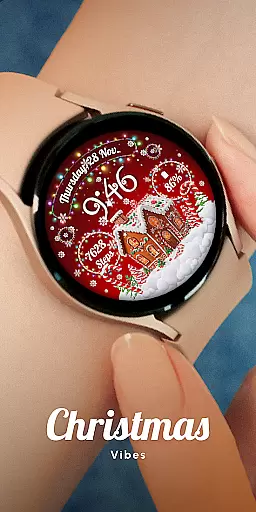
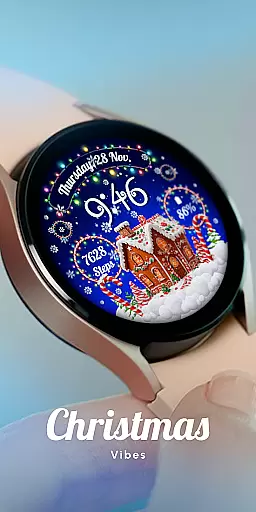
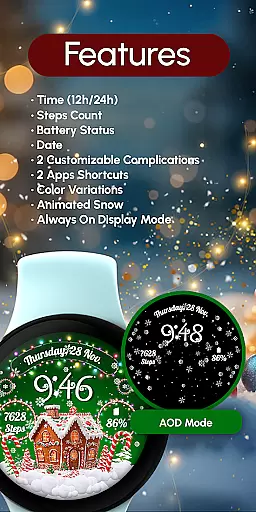
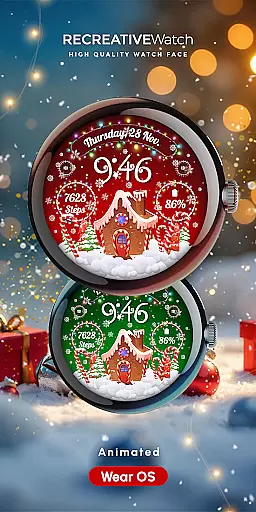
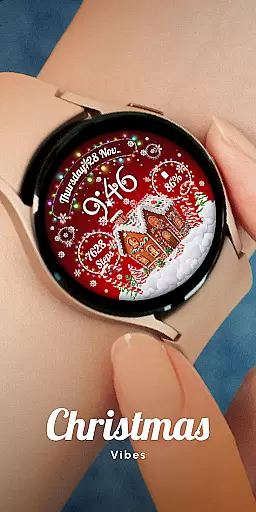
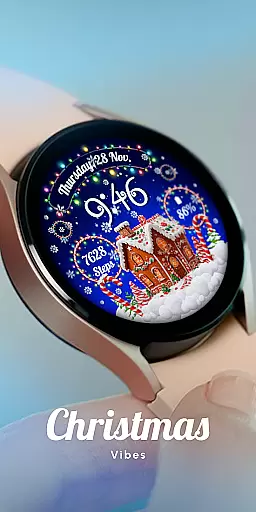
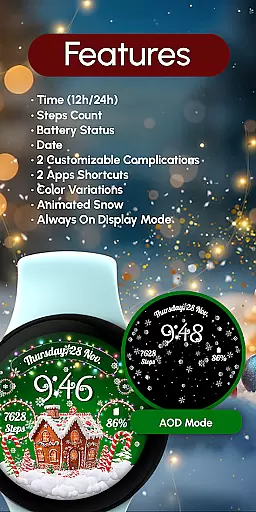
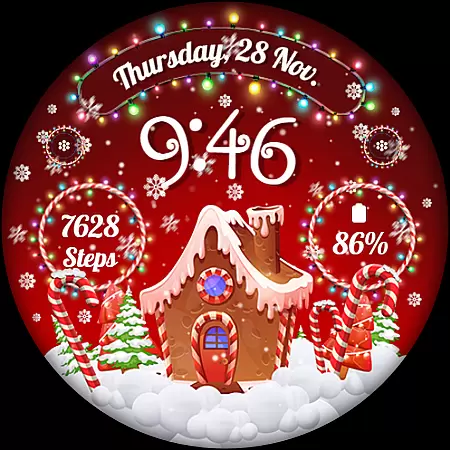
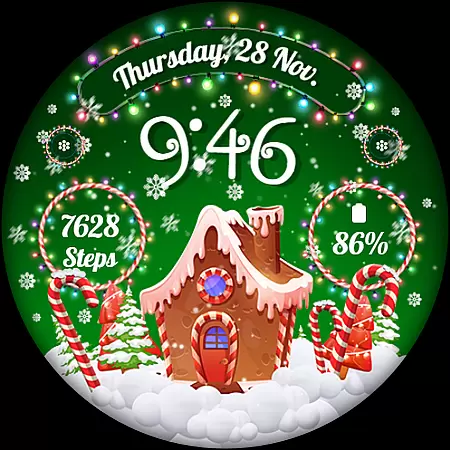
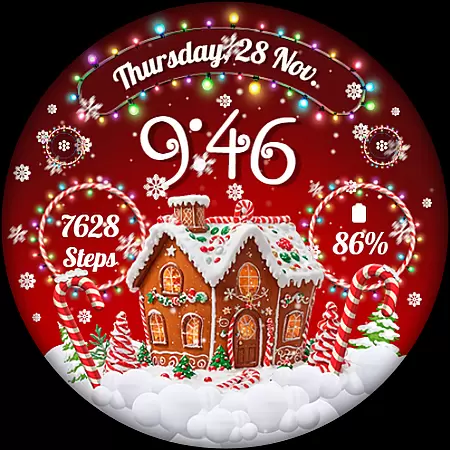
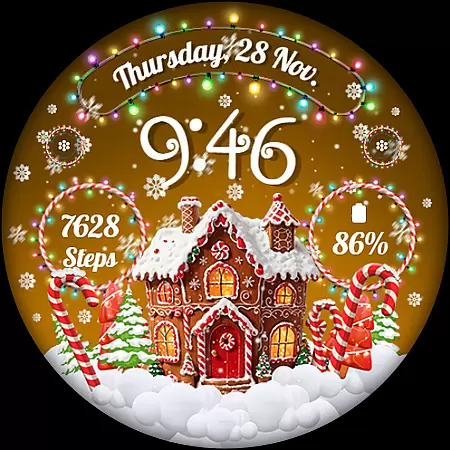
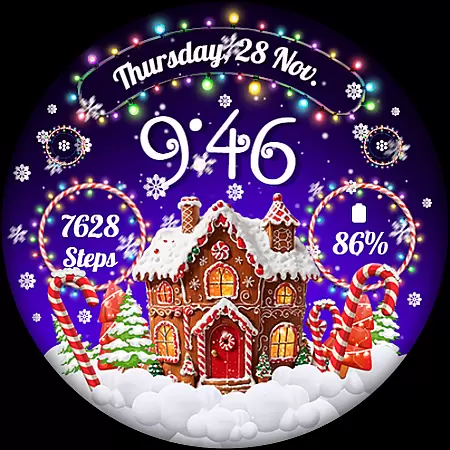
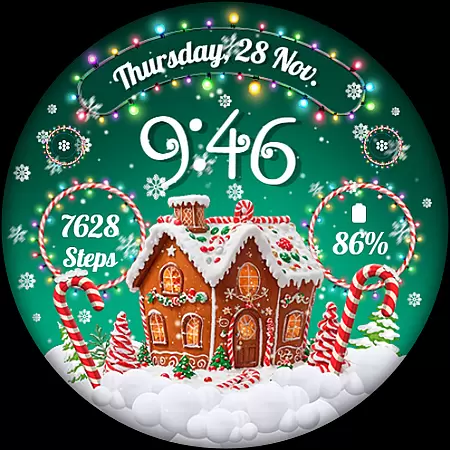
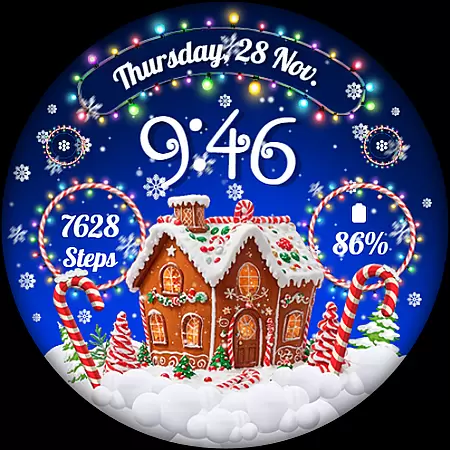
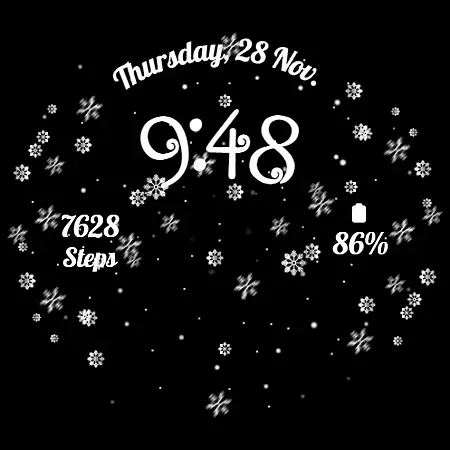
RW01 is a festive Wear OS watch face that brings holiday cheer to your wrist. Featuring animated snow and charming gingerbread houses, this app creates a magical Christmas atmosphere. The design includes essential timekeeping functions like 12/24hr digital time display, date, and battery indicators.
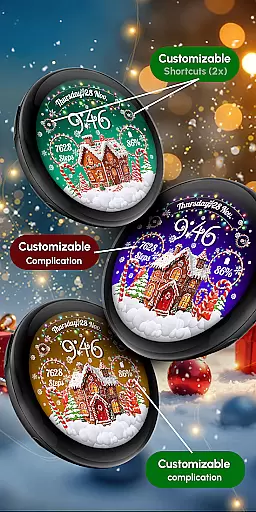
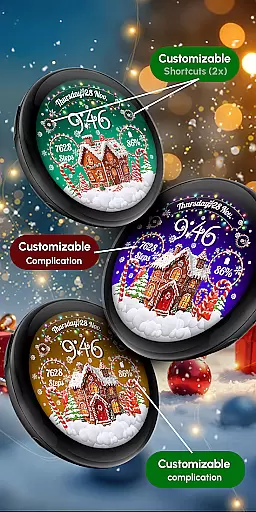
Designed for smartwatches running Wear OS, RW01 offers users multiple customization options including three different scenes, color variations, and two customizable complications. Users can personalize their watch face experience while enjoying the seasonal theme. Compatible with API level 33+ devices, this application provides both aesthetic appeal and practical functionality for smartwatch users during the holiday season.
RW01 stands out with its unique Christmas-themed design elements. The animated snow effect creates a dynamic visual experience, while the charming gingerbread houses add a touch of holiday magic. With support for 12/24hr digital time display, date tracking, and battery monitoring, it maintains essential smartwatch functionalities.
The application offers advanced customization features including two programmable shortcuts and three distinct scenes. Users can choose from various color variations to match their personal style. For optimal battery performance, the Always ON Display feature can be disabled. These comprehensive features make RW01 both visually appealing and highly functional, providing users with a perfect balance of holiday spirit and practical utility.
Companion app integration is essential for Wear OS applications as it ensures seamless synchronization between the watch face and a smartphone. For RW01, this means users can easily manage and customize their Christmas-themed watch face through a paired mobile device.
The RW01 app allows users to access advanced customization options such as scene selection, color variations, and complication settings directly from their phone. This feature simplifies personalization, making it accessible even to those who may not be tech-savvy.
By integrating with a companion app, RW01 enhances user experience by providing real-time previews of changes. Users can see how modifications will appear on their watch face instantly, allowing for quick adjustments and saving time.
This level of integration also supports better functionality by enabling features like step counting and battery monitoring to be accurately reflected on the watch face, ensuring that users have up-to-date information at a glance.
Ensuring broad device compatibility is crucial for Wear OS applications like RW01. This watch face is designed to work seamlessly with API level 33+ devices, including popular models such as Google Pixel, Galaxy Watch 4, 5, 6, 7, and other Wear OS models.
Compatibility with a wide range of devices guarantees that more users can enjoy the festive charm of RW01's animated snow and gingerbread houses. The application takes full advantage of Wear OS capabilities, offering features like Always On Display and customizable complications.
For optimal performance, especially concerning battery life, RW01 recommends disabling the Always On Display mode. This advice helps maintain the longevity of device usage while still enjoying the magical holiday theme.
Moreover, comprehensive support and troubleshooting resources are available at Recreative-watch.com, ensuring users can easily install and set up their new watch face, thus enhancing overall satisfaction and usability across different devices.
Unique Christmas theme
Animated snow effects
Customizable scenes
Battery optimization
Wide device compatibility
Limited to holiday season
Requires Wear OS
Basic timekeeping only
No advanced health metrics
Premium customization locked

A heartwarming Christmas scene featuring a cute image of Santa and Rudolf
 4.1
4.1
Be an elegant and classy secret agent, with this carefully detailed watch face
4.70
Sleek, highly customizable watch face inspired by Galaxy Watch Circle Dashboard.
4.4
The #1 source of faces for your smartwatch!
4.00
A realistic hybrid watch face with many customization options.
4.60
Daily Weather forecast with 15 weather images for Day & Night plus Big Bold time
4.10
Track airplanes and follow flights with our real-time flight tracker
4.50
Spam call blocker and caller ID for automatic call protection!
4.40
Toyota app currently supports 2010 or newer vehicles (2018 or newer for Hawaii).
4.50
To-Do List: daily schedule planner, task organizer, to do reminder app, calendar
4.60
Monitor health with the stress test and pulse checker in the heart rate app.
4.60
Fast and smart typing with Emojis, GIFs, and more
4.50
Reliable phone calls with spam protection, caller ID and more helpful features
4.40
Bold, Modern Hybrid Watch Face for Wear OS. 10 Colors, Rich Info Display.
4.30
Calming & relaxing sounds for sleeping and stress relief. Stay focused all day!
4.20
Watch face for Wear OS.
4.20
Animated video-game inspired “secret agent” simulation, right on your wrist!
4.20
A watch face that fuses motorsport precision with contemporary smartwatch design
4.5
3 Complications. All shadow on/off. 30 Themes color palette...
4.2


User Reviews