
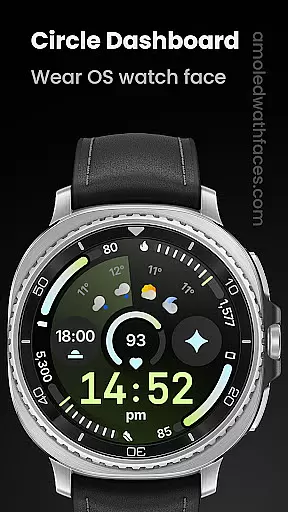
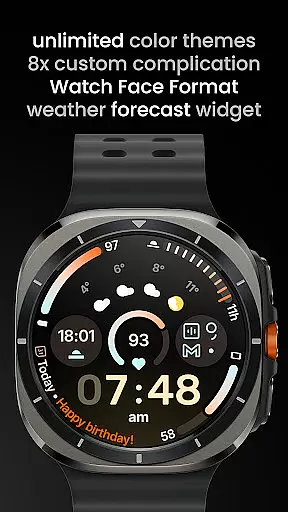
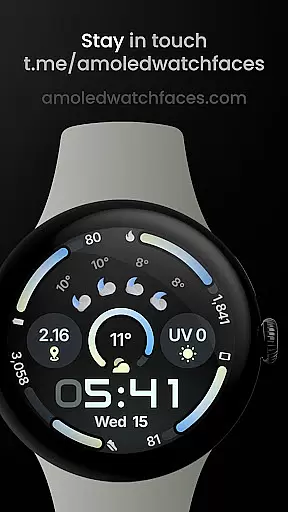
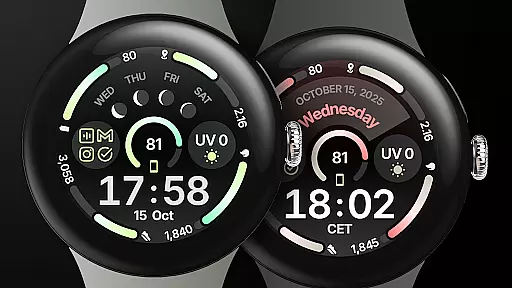
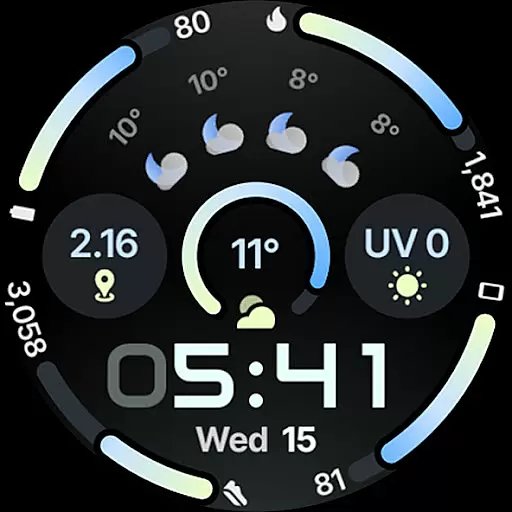
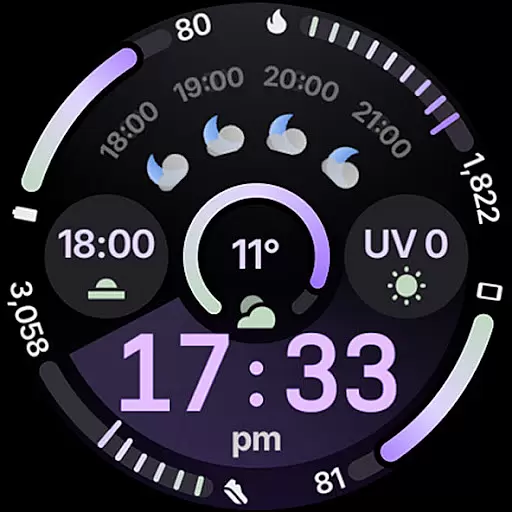
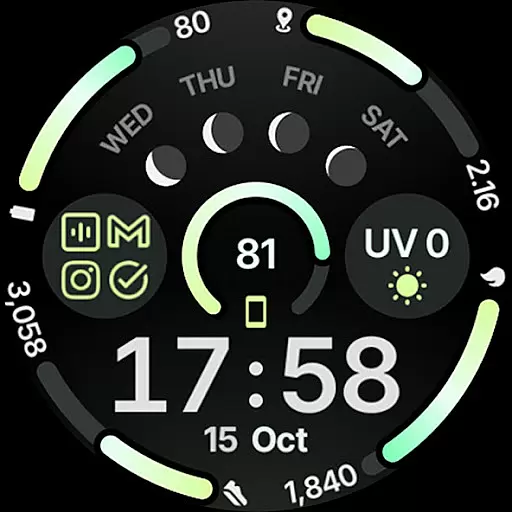
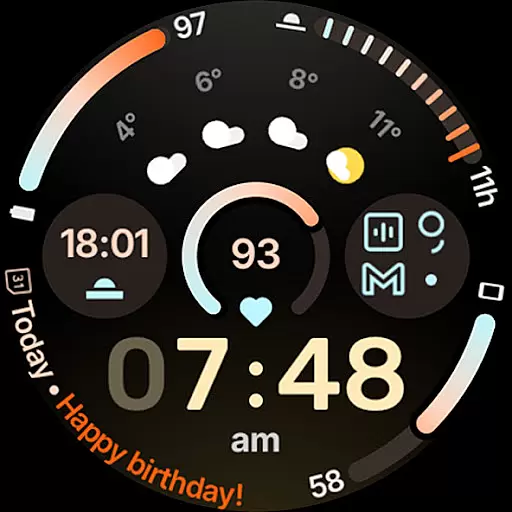
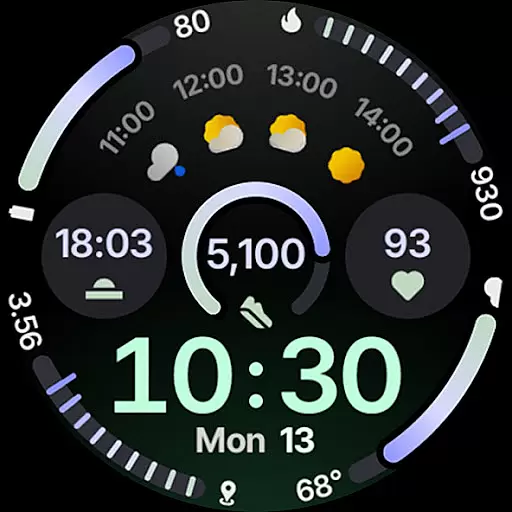
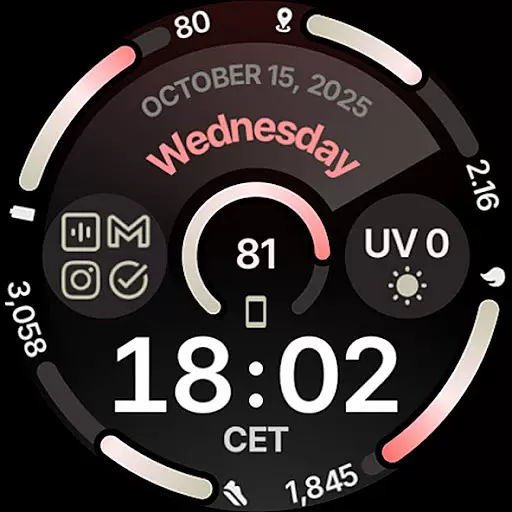
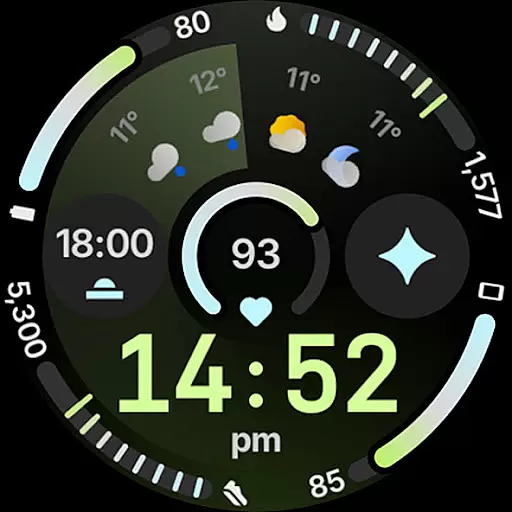
Circle Dashboard Watch Face is a feature-rich watch face designed exclusively for Wear OS 4+ devices. Inspired by the Galaxy Watch 8 series, it offers advanced customization options and supports multiple complications. The watch face provides users with an intuitive dashboard experience, featuring expressive progress bars, optional seconds indicators, and multilingual support.
This application stands out with its true black background, unlimited color themes, and battery-friendly design. It includes practical widgets like weather forecast and moon phases, making it both functional and visually appealing. Whether you want a personalized digital clock or adaptive complication text sizes, this watch face caters to various user preferences while maintaining optimal performance on your smartwatch.
Circle Dashboard Watch Face boasts an impressive array of features tailored for tech-savvy users. With support for Watch Face Format 4, it includes eight custom complication slots that accommodate different data types such as SHORT_TEXT, LONG_TEXT, and RANGED_VALUE. Users can also enjoy phone notification complications when paired with the Phone Battery Complication app.
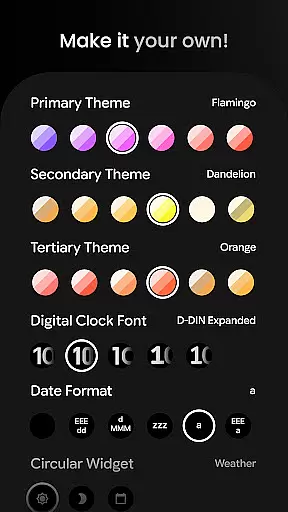
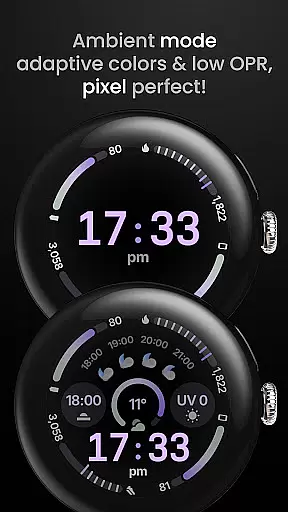
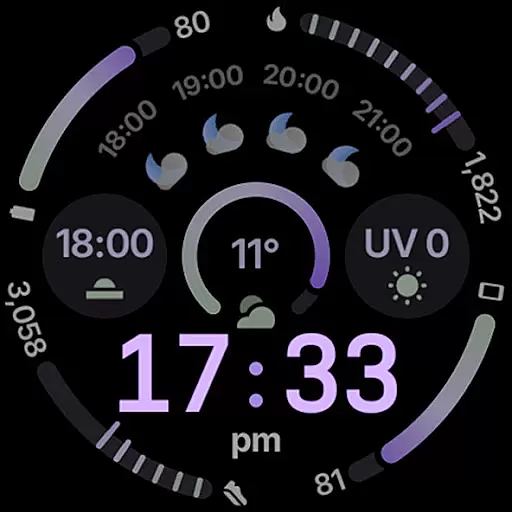
Among its standout features are material 3 expressive progress bars, animated AOD entering (Wear OS 6+), and customizable digital clock fonts with a blinking colon effect. Additionally, users have access to three always-on display styles, adaptive complication text size, and extensive user configurations including over 60 theme options each for primary, secondary, and tertiary themes. These capabilities ensure a highly personalized and dynamic wearable experience.
Companion app integration is essential for wearable devices to synchronize data and settings with a smartphone. Circle Dashboard Watch Face offers seamless companion app integration, ensuring that users can easily manage their watch face settings directly from their mobile device.
This application supports advanced features such as custom complications, which allow users to display personalized information on their watch face. With the companion app, users can configure these complications, select from various data sources, and customize how information is presented on the wearable device.
The companion app also provides access to over 60 theme options, multiple date formats, and digital clock fonts. This level of customization ensures that each user's watch face is tailored to their preferences, enhancing both aesthetics and functionality.
By maintaining a strong connection between the wearable and its companion app, Circle Dashboard Watch Face guarantees that all user configurations are accurately reflected on the device, providing a cohesive and intuitive user experience across platforms.
Device compatibility is a critical factor when selecting a watch face for Wear OS devices. Circle Dashboard Watch Face is optimized for Wear OS 4+ devices, ensuring that it takes full advantage of the platform's capabilities while delivering a smooth and responsive user experience.
This watch face leverages Watch Face Format 4 and introduces features like animated AOD entering and adaptive complication text size, which are supported on Wear OS 6+. Such advancements not only enhance visual appeal but also contribute to better performance and battery efficiency.
Circle Dashboard Watch Face includes support for an array of complication types including SHORT_TEXT, LONG_TEXT, RANGED_VALUE, MONOCHROMATIC_ICON, and SMALL_IMAGE. These complications work seamlessly across different Wear OS devices, allowing users to view relevant information at a glance without compromising on design or usability.
With comprehensive language support and true black background options, this watch face caters to diverse user needs while maintaining high standards of compatibility with various Wear OS devices, thus offering an inclusive and versatile solution for personalizing smartwatches.
Highly Customizable
Battery Friendly
Multiple Complications
True Black Background
Advanced Features
Wear OS 4+ Only
Complex Setup
Premium Features
Limited Compatibility
Requires Additional Apps

Analog watch face with 8 complications and expedition styling
 4.1
4.1
Watch face for Wear OS.
4.20
Bold, Modern Hybrid Watch Face for Wear OS. 10 Colors, Rich Info Display.
4.30
The Chevron App allows you to pay for fuel from the comfort of your car!
4.80
The most customizable hybrid watch face. For Wear OS 5.0, API 34+ and later
4.70
A modern hybrid informative watch face for Wear OS designed by BALLOZI
4.80
Start and succeed with PAP
4.10
Control your Samsung Smart TVs, appliances, and SmartThings-compatible devices
4.60
Spam call blocker and caller ID for automatic call protection!
4.40
Christmas - Festive - Christmas Village - Winter - Christmas lights
5.00
Period, ovulation & pregnancy tracker. Fertility insights & menstrual calendar.
4.90
Real-time results, stats, schedules and player profiles for all leagues
4.60
Ideal for surviving in the wasteland left after nuclear fallout
4.50
Stylish, Energizing and Modern Watch Face crafted by Dominus Mathias.
4.50
Calming & relaxing sounds for sleeping and stress relief. Stay focused all day!
4.20
sleep, alarm, snoring, stress, healing, focus, sound therapy, circadian rhythm
4.10
Viewer for Wyze/Yi/Eufy/Arlo/ONVIF/RTSP/P2P IP cams w/ adv. features & DIY DVR
4.00
Wear Os Watch Face - Animated Snow - Sesonal for Christmas & Winter
4.0
A watch face that fuses motorsport precision with contemporary smartwatch design
4.2


User Reviews