
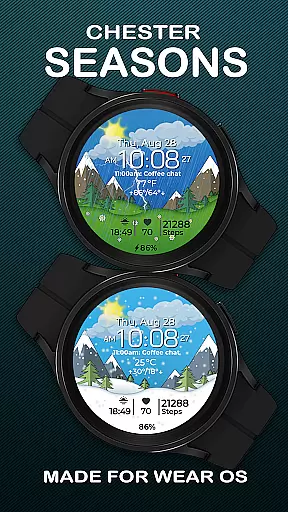
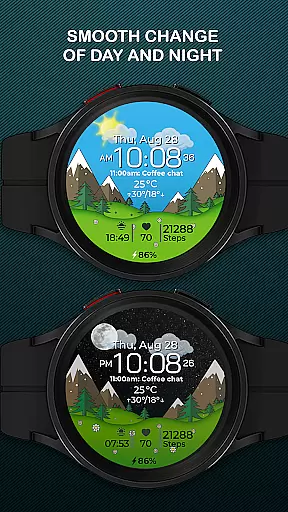
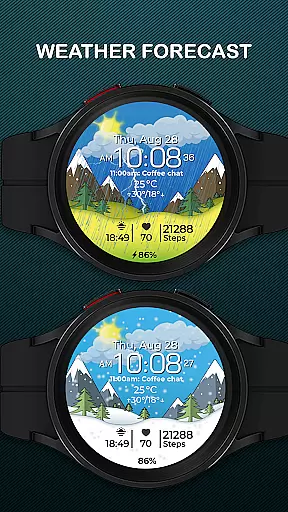
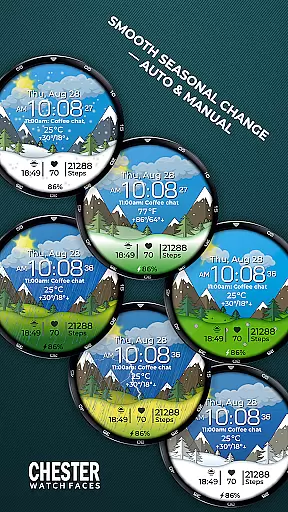
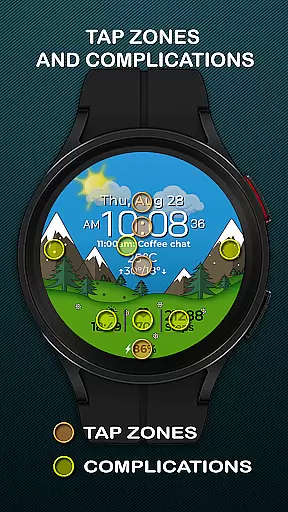
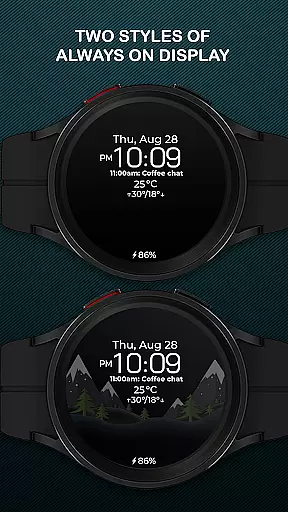
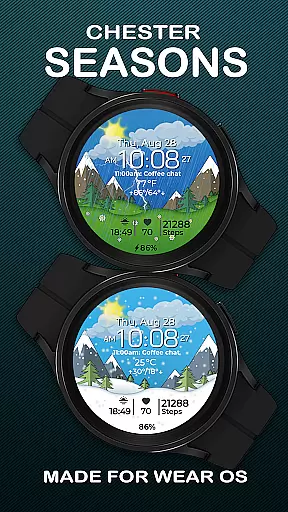
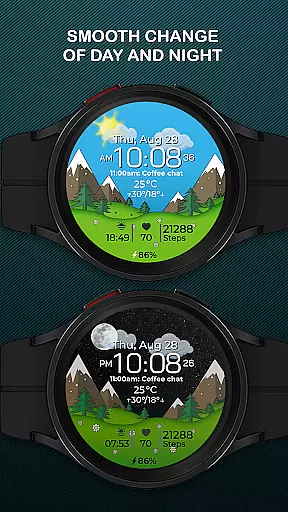
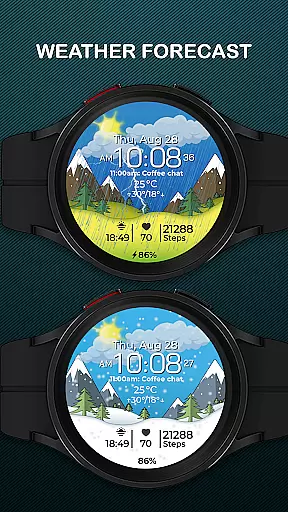
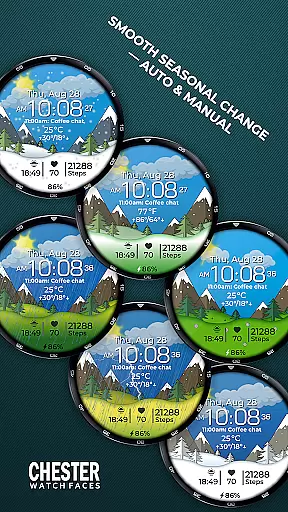
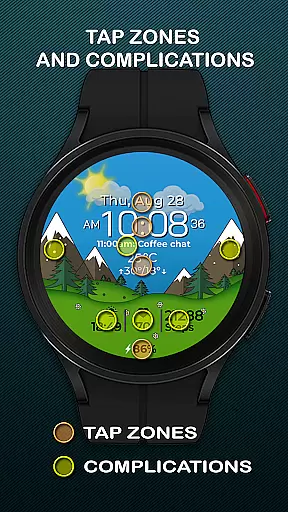
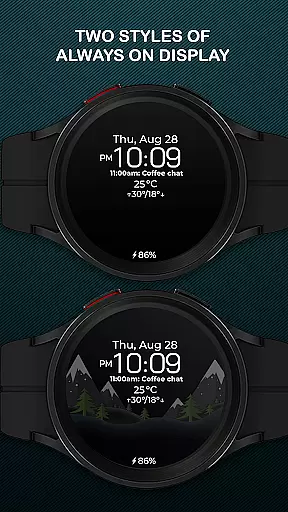
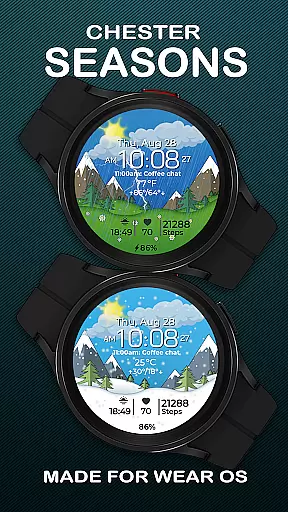
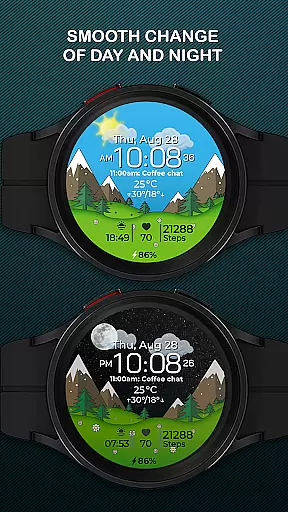
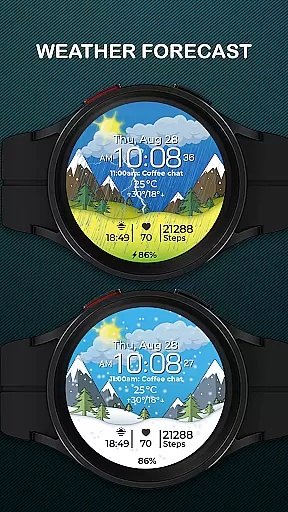
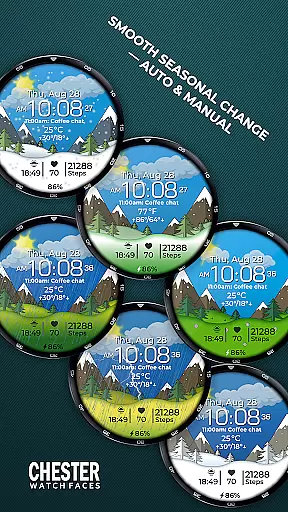
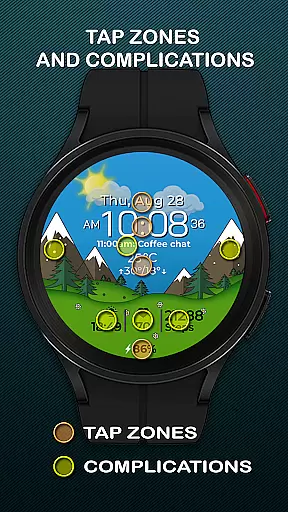
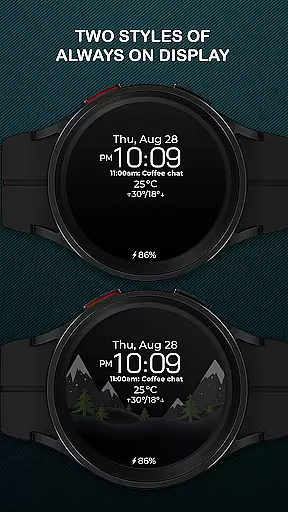
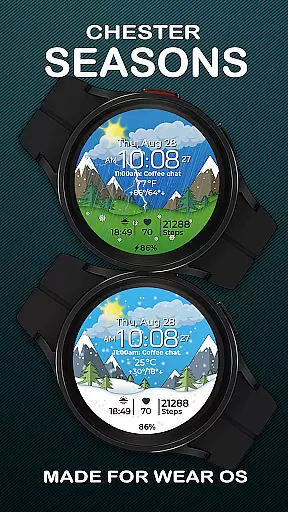
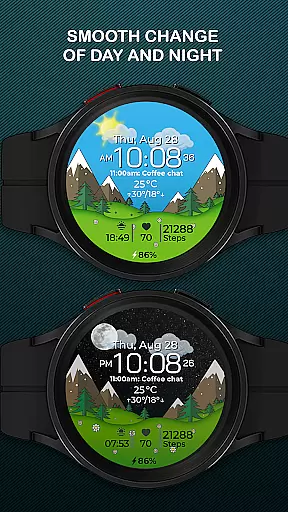
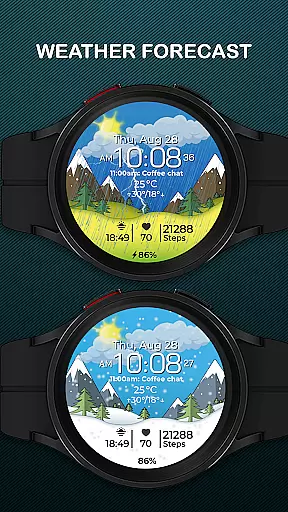
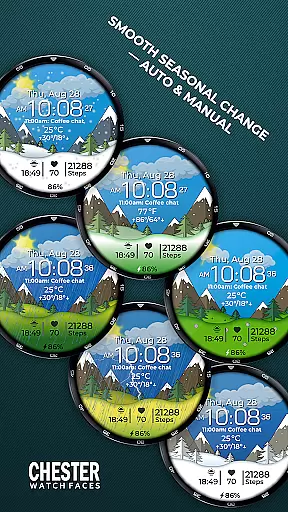
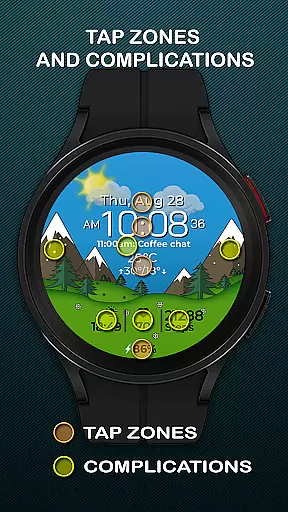
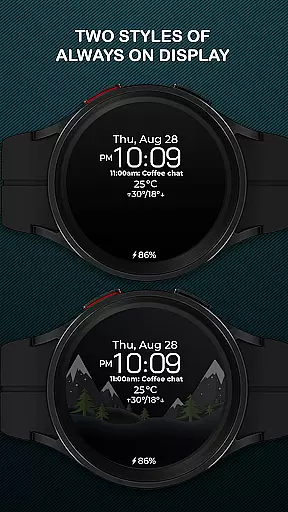
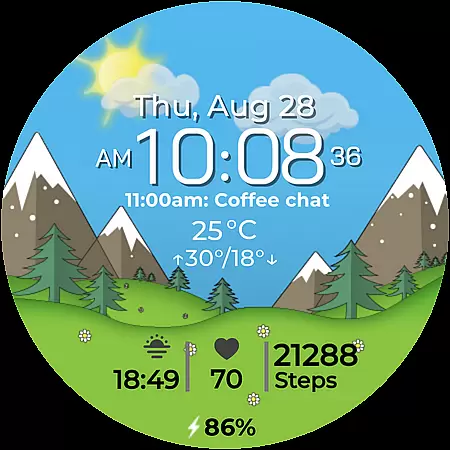
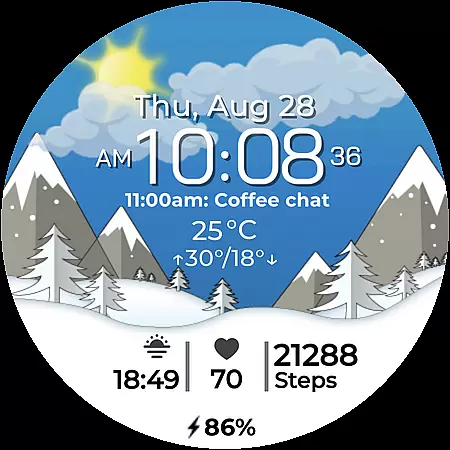
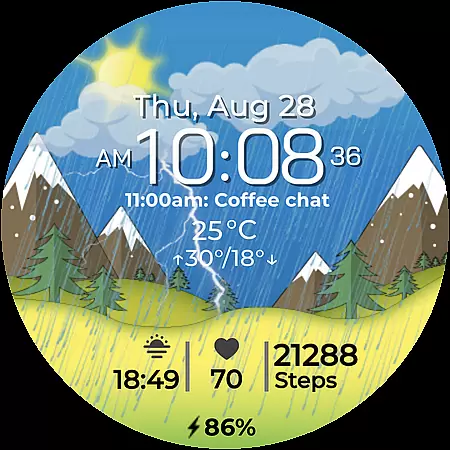
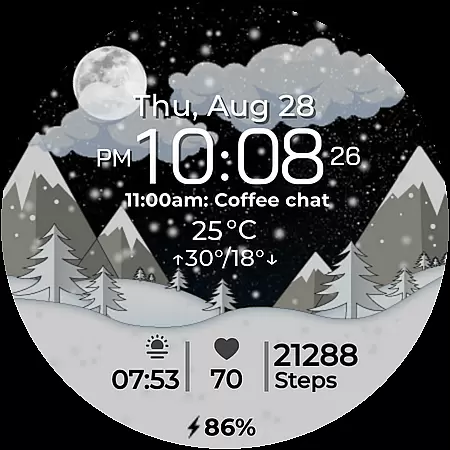
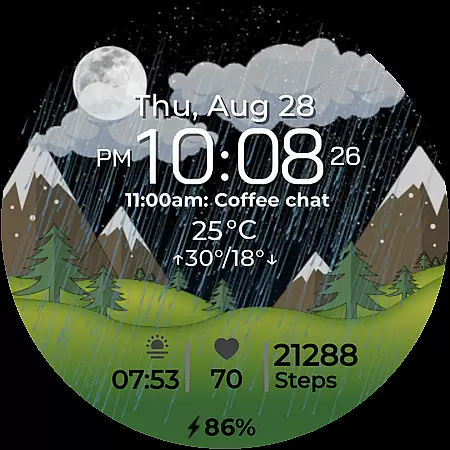
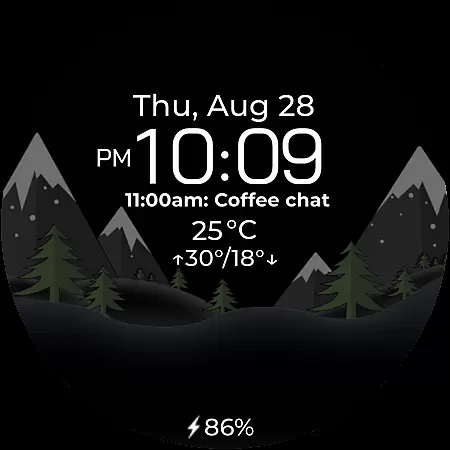
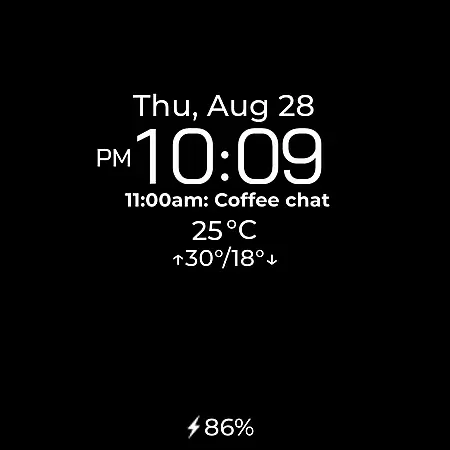
Chester Seasons is a premium watch face for Wear OS devices, offering both aesthetic appeal and practical functionality. Designed for users who value style and utility, this app brings dynamic animations and essential information directly to your wrist.
The watch face features smooth seasonal transitions, interactive tap zones, and rich customization options. With support for complications, weather display, and temperature readings, it transforms your smartwatch into a versatile lifestyle companion.
Whether you're monitoring your daily schedule or simply enjoying the artistic design, Chester Seasons adapts to your needs while complementing your personal style. Compatible with all Wear OS API 30+ devices, it represents the perfect blend of fashion and technology.
Chester Seasons stands out with its comprehensive feature set tailored for Wear OS users. The app provides essential timekeeping functions along with date, month, and day displays, making it a complete information hub on your wrist.
Advanced features include four customizable complications, three quick access zones for apps and workouts, and interactive tap zones for enhanced usability. The smooth day and night transitions, along with automatic seasonal changes, create a visually captivating experience that evolves throughout the year.
Practical elements such as battery level indicators and weather displays with temperature readings in both Celsius and Fahrenheit ensure you stay informed. While some features are limited on older devices, the core functionality remains robust across compatible Wear OS smartwatches.
Companion app integration is essential for a seamless smartwatch experience. Chester Seasons watch face offers robust connectivity with its companion app, ensuring that all your preferences and settings are perfectly synchronized.
This synchronization allows users to customize their watch face effortlessly. Whether it's adjusting the complications or changing the seasonal backgrounds manually, the process is smooth and intuitive through the companion app.
Additionally, the companion app provides easy access to weather updates and other dynamic features of Chester Seasons. This ensures that your watch face is not only stylish but also functional, displaying real-time information that matters to you.
By maintaining a strong link between the Wear OS device and the companion app, users can enjoy an uninterrupted and enriched experience, making their smartwatch a true extension of their personal style and needs.
Ensuring broad device compatibility is crucial for any Wear OS application. Chester Seasons is designed to work seamlessly with all Wear OS API 30+ devices, including popular models like the Google Pixel Watch and Samsung Galaxy Watch series.
This wide compatibility means that whether you own a Samsung Galaxy Watch 4, 5, or 6, or any other modern Wear OS device, you can enjoy the stylish and dynamic features of Chester Seasons without any issues.
However, it's important to note that this watch face is not suitable for rectangular watches, focusing instead on round and square designs to provide the best visual experience.
With Chester Seasons, users can be confident in a high level of performance and reliability across a variety of devices, ensuring that their smartwatch remains a versatile and adaptive accessory tailored to their lifestyle.
Stylish design
Rich customization
Seasonal animations
Interactive zones
Weather integration
No rectangular support
Limited on older OS
Manual season pro
Complication limit
Premium features

Wear Os Watch Face - Animated Snow - Sesonal for Christmas & Winter
 4.3
4.3
MyNISSAN® lets you remotely control your car from your phone.*
4.50
Structured watch face with seven complications and modular UI elements
3.90
Monitor health with the stress test and pulse checker in the heart rate app.
4.60
To-Do List: daily schedule planner, task organizer, to do reminder app, calendar
4.60
Stay in touch with your friends and family using LINE!
3.40
Retro digital watch face with customizable colors and a unique lighting effect
4.60
Hybrid Vibrant Health Watch Face for Wear OS
4.5
Spam call blocker and caller ID for automatic call protection!
4.40
Be an elegant and classy secret agent, with this carefully detailed watch face
4.70
Kia Access makes getting your vehicle information easier than ever
4.60
Simple, helpful messaging by Google
4.60
Connect to your Bluelink equipped Hyundai vehicle from your smartphone.
4.50
Your music, your playlists, and more—offline and unlimited.
4.20
Hyper-Realistic Airplane Dashboard Watch Face With 10 Skins and Custom AOD
4.00
A digital watch face that celebrates Christmas.
4.00
Christmas and New Year - Themed Watchface
4.1
Fitness interactive virtual pet super fighter boy watch face
4.2
Minimalistic design modern digital watch face.
4.1


User Reviews