
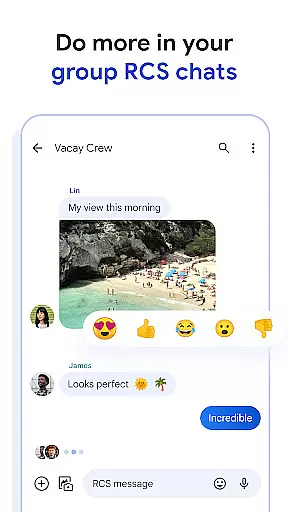
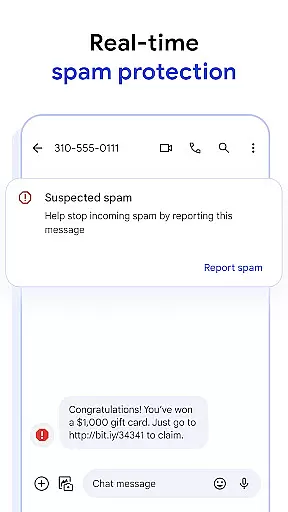
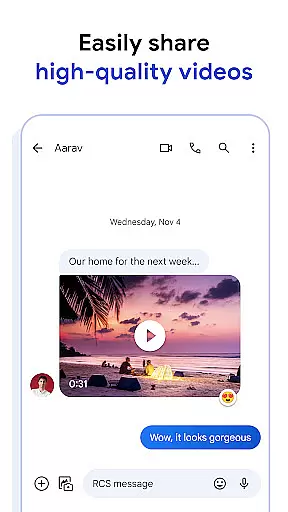
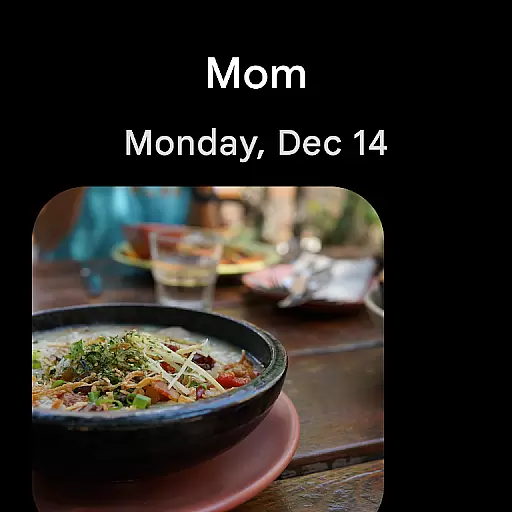
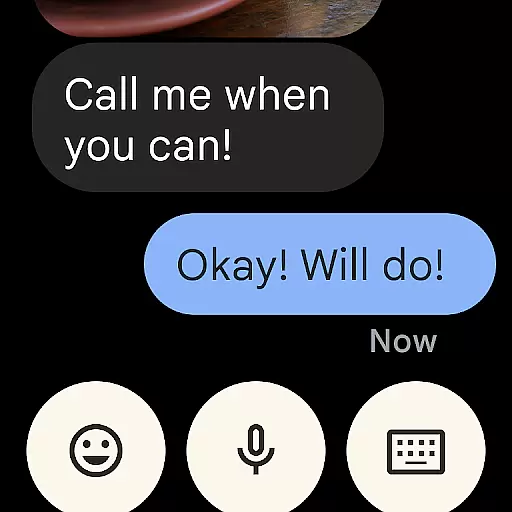
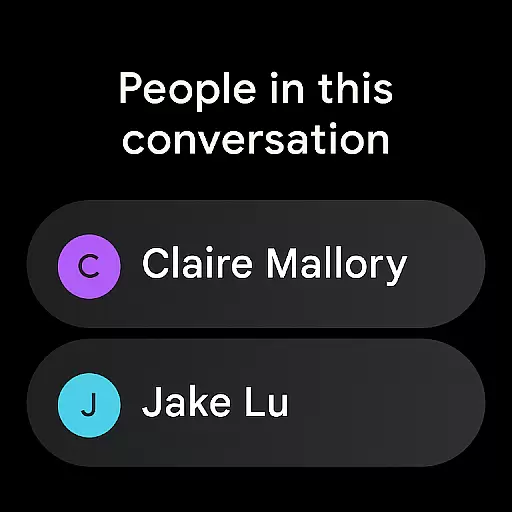
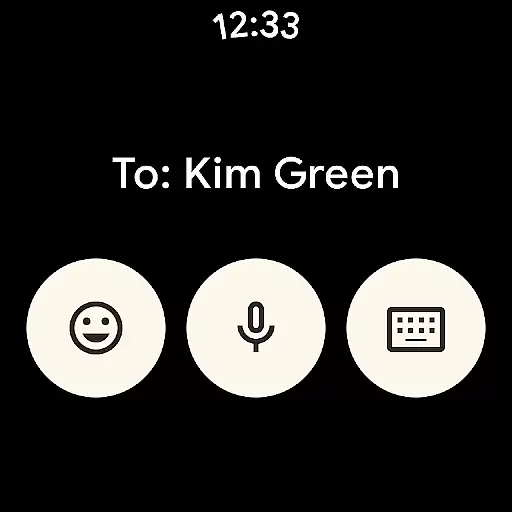
Google Messages is the official messaging app from Google, designed to enhance communication for Android users through Rich Communication Services (RCS). This app replaces traditional SMS and MMS with advanced features like high-resolution media sharing, dynamic group chats, and seamless cross-platform connectivity. With RCS enabled, users can enjoy richer conversations that include iPhone users as well.
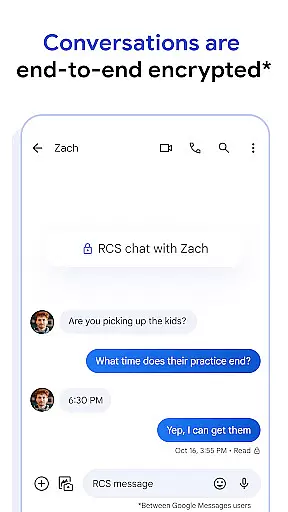
The application offers a personalized touch with customizable chat settings such as bubble colors and fun selfie GIFs. Privacy is prioritized with end-to-end encryption ensuring secure messaging between Google Messages users. Additionally, AI-powered tools like Magic Compose help craft perfect messages effortlessly. The app also extends its functionality across multiple devices including tablets, computers, and Wear OS smartwatches.
Whether you're looking to share vivid photos, engage in lively group discussions, or maintain privacy while chatting, Google Messages provides a comprehensive solution for modern communication needs.
Google Messages stands out with its robust feature set tailored to enrich user interaction. At its core, the app leverages RCS technology to enable high-quality photo and video sharing, real-time typing indicators, and enhanced group chat dynamics. These features collectively create an immersive experience that bridges the gap between different mobile platforms, allowing seamless conversations even with iPhone users.
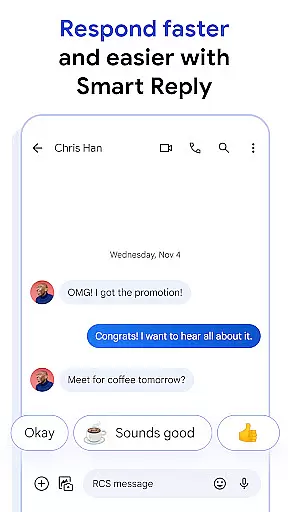
Beyond basic messaging, Google Messages introduces personalization options such as custom chat bubble colors and playful selfie GIFs. Privacy-conscious users will appreciate the end-to-end encryption that safeguards their conversations from unauthorized access. Furthermore, the app employs AI-driven functionalities like Magic Compose, which suggests optimal message responses based on context.
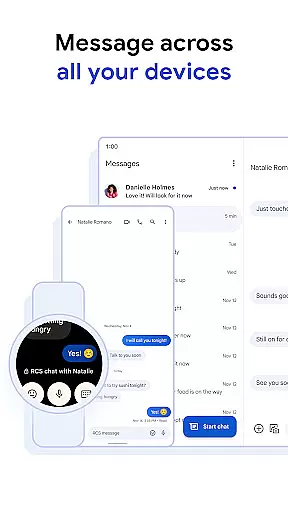
For those who value continuity across devices, Google Messages ensures uninterrupted communication by syncing chats across smartphones, tablets, computers, and Wear OS watches. This versatility makes it an indispensable tool for staying connected anytime, anywhere.
Companion app integration is essential for a seamless user experience across multiple devices. Google Messages excels in this area by ensuring that your conversations are synchronized and accessible on all your devices, including smartphones, tablets, and Wear OS devices.
The app achieves this through its advanced cross-device synchronization technology. When you start a conversation on your phone, you can effortlessly continue it on your tablet or computer. This ensures that you never miss an important message, regardless of the device you are using at the moment.
For users, this means unparalleled convenience and flexibility. Whether you're at home, in the office, or on the go, your messages are always within reach. The ability to switch devices without losing the context of your conversations significantly enhances productivity and keeps you connected.
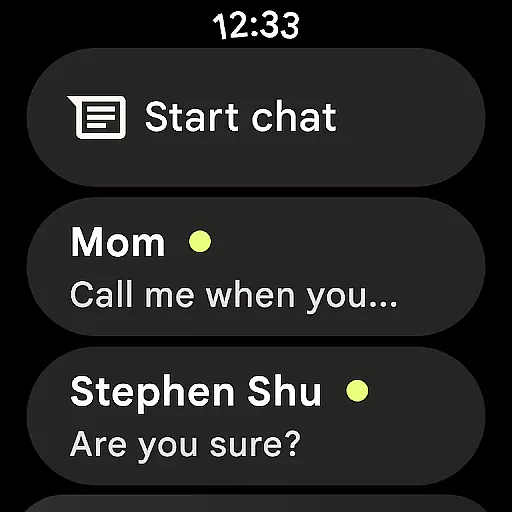
Moreover, the integration with Wear OS allows for quick replies and notifications directly from your smartwatch, making it easier than ever to stay in touch without needing to pull out your phone. This comprehensive companion app integration sets Google Messages apart as a versatile and indispensable tool for modern communication.
Device compatibility is crucial for apps designed to work across various platforms, especially when it comes to wearable technology like Wear OS. Google Messages ensures broad compatibility, allowing users to enjoy a consistent messaging experience on their Wear OS devices.
The app supports a wide range of devices running Wear OS, ensuring that whether you have a smartwatch from a major manufacturer or a lesser-known brand, you can still access your messages. This compatibility is achieved through rigorous testing and optimization to meet the unique requirements of different hardware configurations.
For users, this translates into a reliable and efficient messaging solution that works seamlessly with their existing tech ecosystem. You won't need to worry about whether your smartwatch will support Google Messages; the app is designed to integrate smoothly with your Wear OS device, providing timely notifications and easy access to your conversations.
In addition to basic messaging, Google Messages on Wear OS offers features like voice typing and canned responses, which enhance usability on smaller screens. This thoughtful design ensures that even on a smartwatch, messaging remains intuitive and convenient, further solidifying Google Messages' position as a leader in cross-platform communication solutions.
Enhanced media sharing
Real-time typing indicators
Customizable chat settings
End-to-end encryption
AI-powered suggestions
Limited RCS availability
Device compatibility issues
Requires data plan
Beta testing needed
Market-specific features

A customizable Christmas watch face for Wear OS with a countdown.
 4.20
4.20
Wear Os Watch Face - Animated Snow - Sesonal for Christmas & Winter
4.0
The most customizable minimal watch face. For Wear OS 5.0, API 34+ and later
4.70
Digital watch face with big numbers and many customization for Wear OS devices
4.40
Stay in touch with your friends and family using LINE!
3.40
Retro digital watch face with customizable colors and a unique lighting effect
4.60
Premium hybrid watch face with many customizations for Wear OS devices.
4.40
Fitbit is dedicated to helping people lead healthier, more active lives.
4.10
Toyota app currently supports 2010 or newer vehicles (2018 or newer for Hawaii).
4.50
Hybrid watch face for Wear OS with customizable complications by Matteo Dini MD
4.70
Diet tracker for weight loss - track calories, food and macros. Simple and easy!
4.70
Christmas watch face. For Wear OS devices.
4.30
Locate your family members by GPS phone location tracker everywhere and anytime
4.30
Daily Weather forecast with 15 weather images for Day & Night plus Big Bold time
4.10
A digital watch face that celebrates Christmas.
4.00
Watch the sharpness of the sky on your wrist..
3.70
Sleek, highly customizable watch face inspired by Galaxy Watch Circle Dashboard.
4.4
3 Complications. All shadow on/off. 30 Themes color palette...
4.3
Hybrid Vibrant Health Watch Face for Wear OS
4.0


User Reviews