
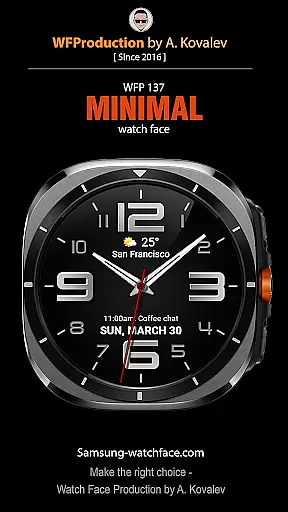
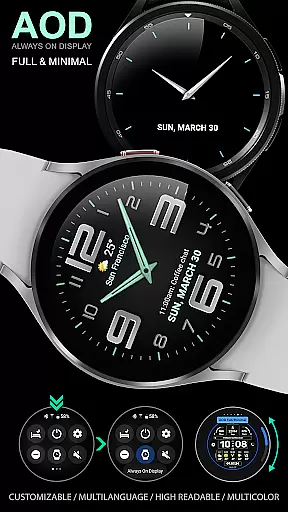
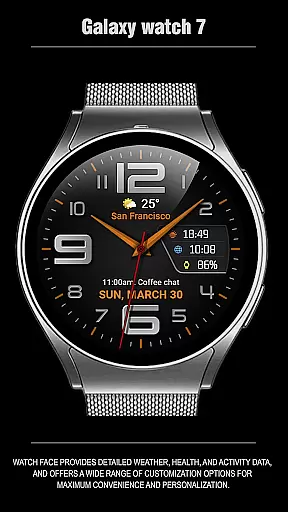
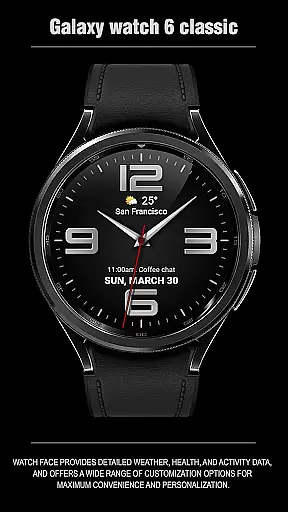
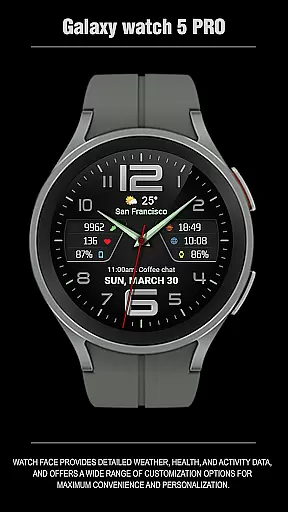
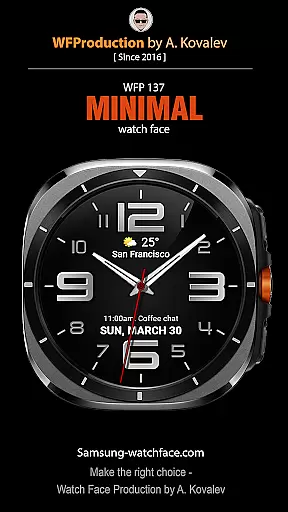
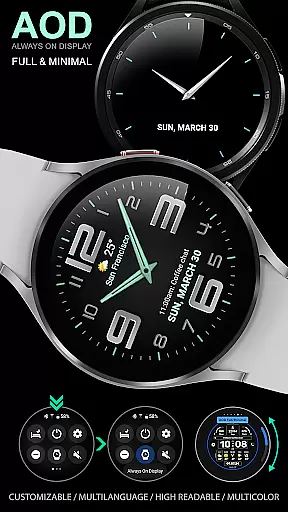
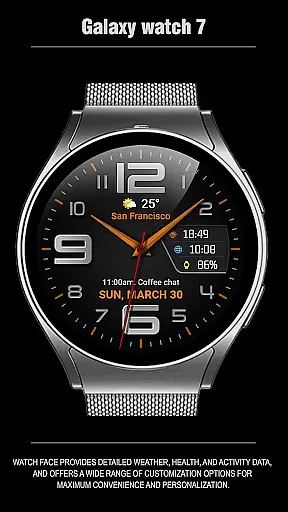
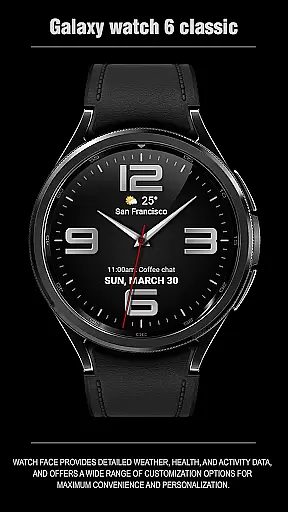
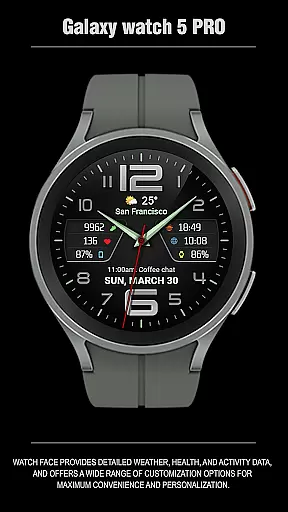
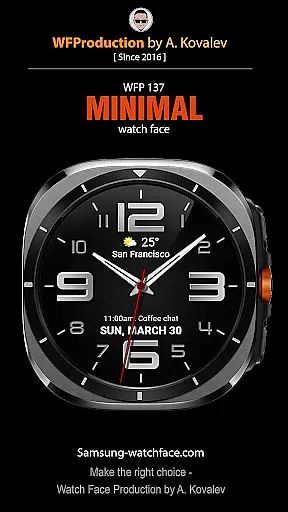
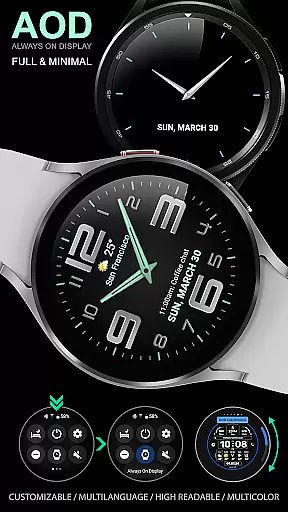
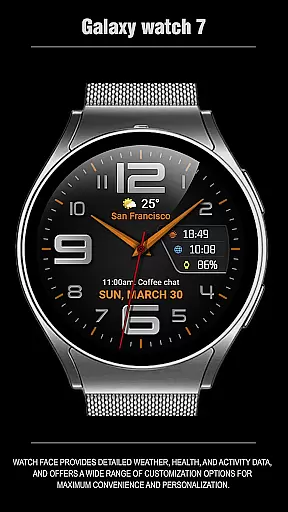
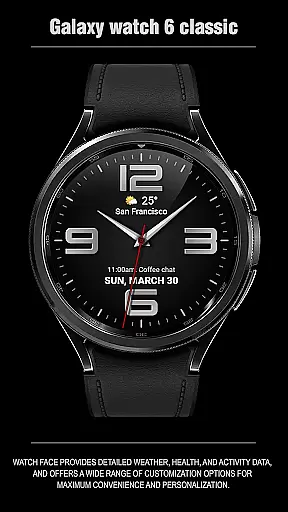
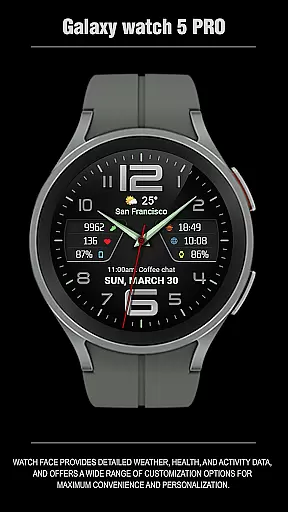
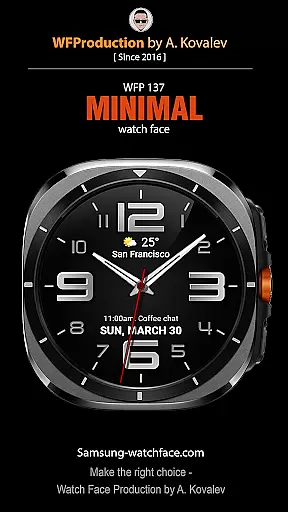
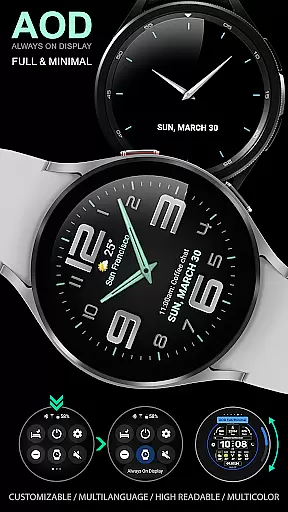
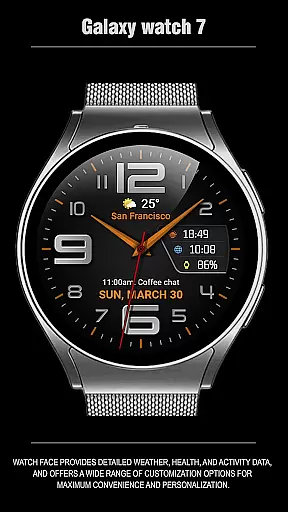
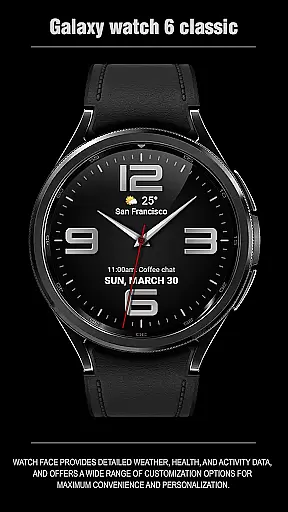
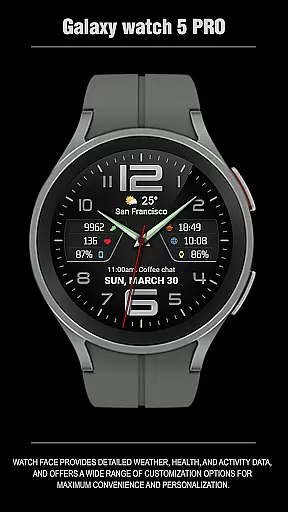
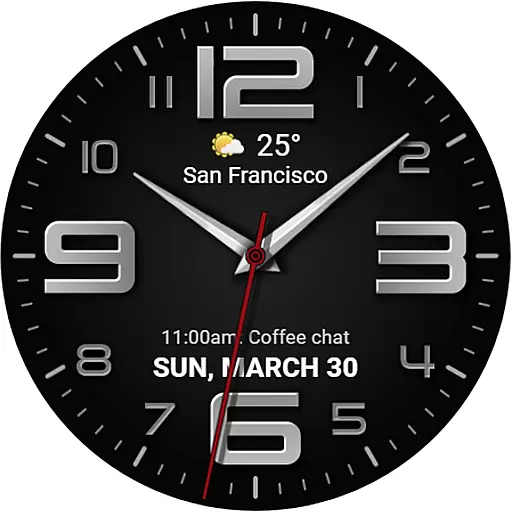
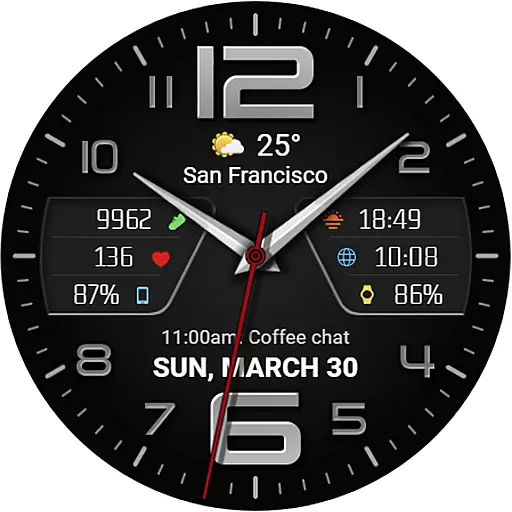
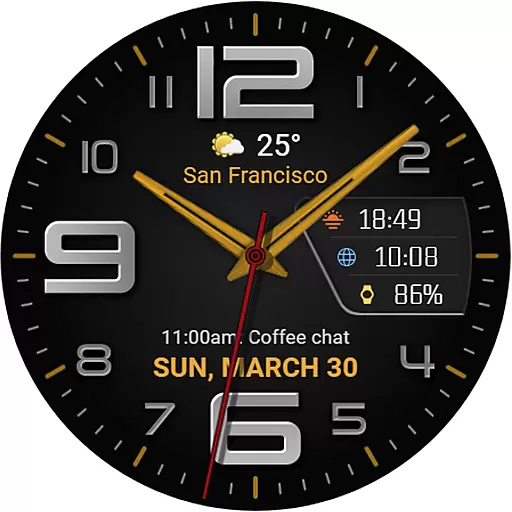
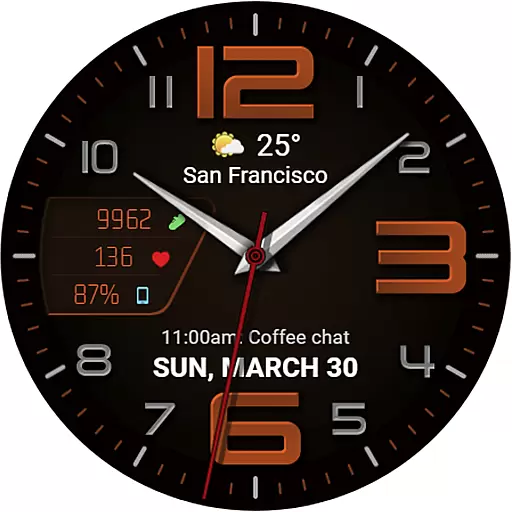
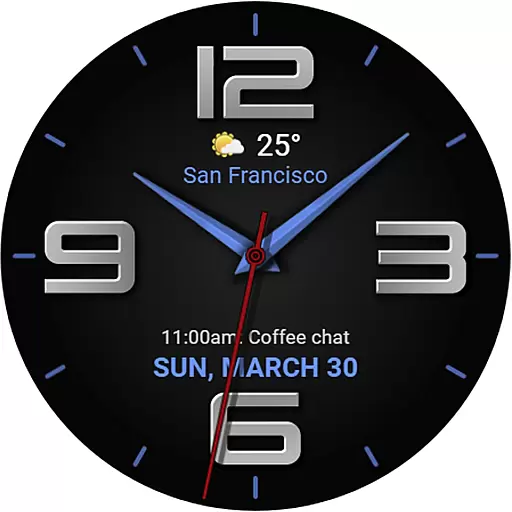
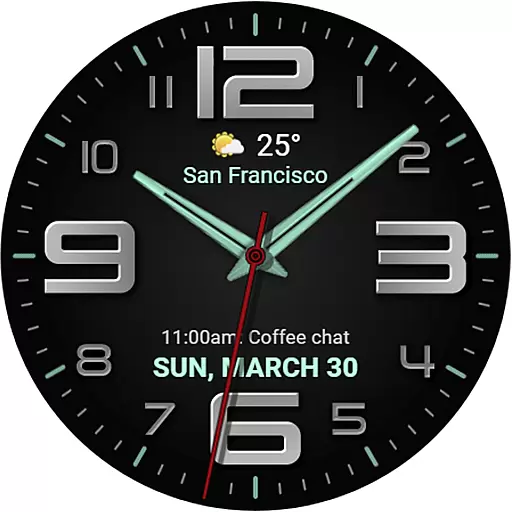
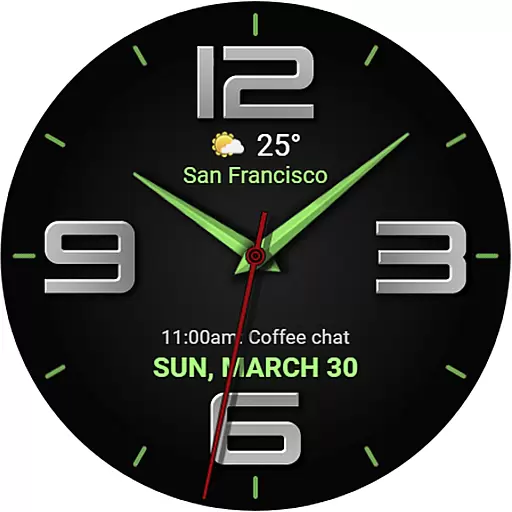
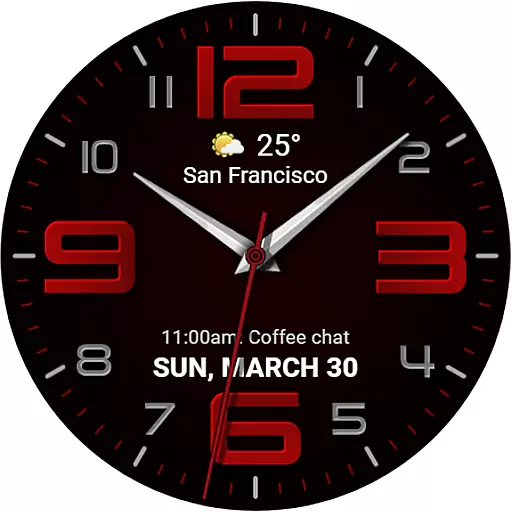
The WFP 137 Minimal watch face is a stylish and functional application designed for smartwatch users who value both aesthetics and utility. This app provides detailed weather forecasts, health tracking, and activity data while offering extensive customization options to enhance personalization.
With compatibility for devices running API 34+ and later, this watch face ensures that users can enjoy its features on a wide range of modern devices. Whether you're monitoring your daily step count or checking the weather, the WFP 137 Minimal watch face delivers essential information in an elegant format tailored to each user's preferences.
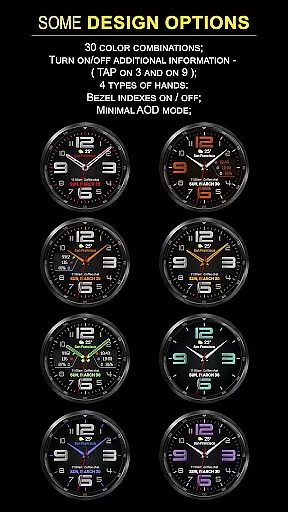
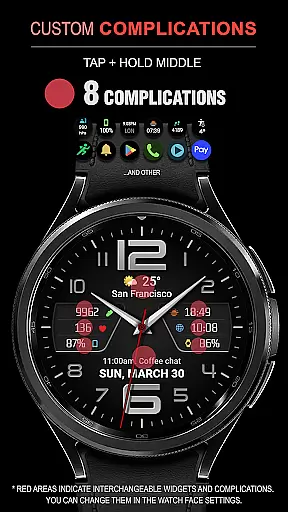
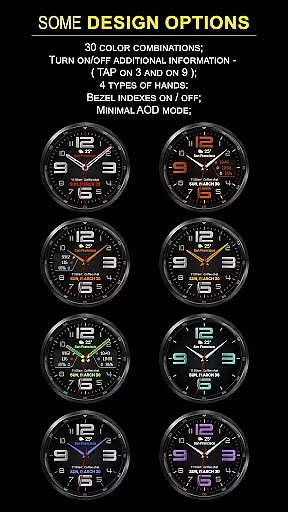
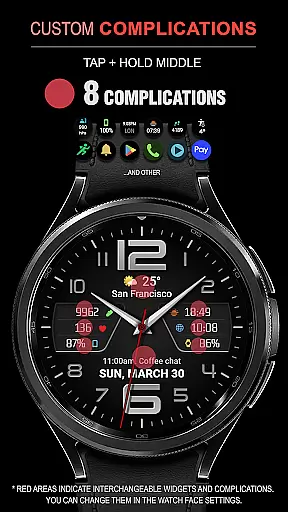
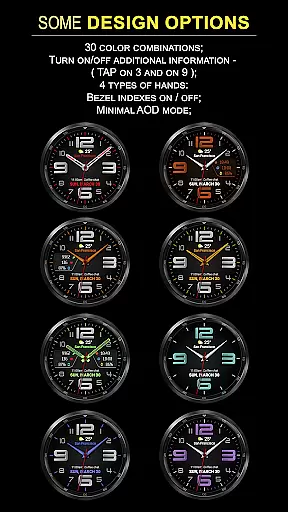
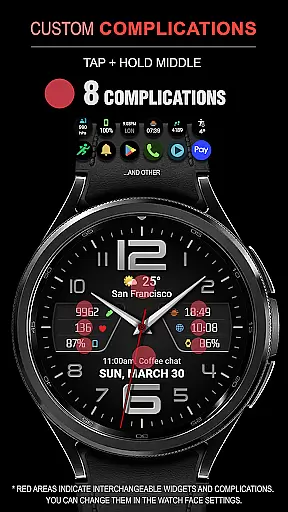
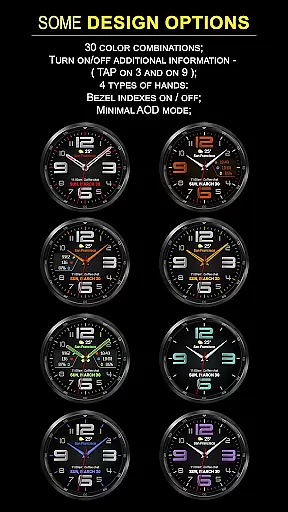
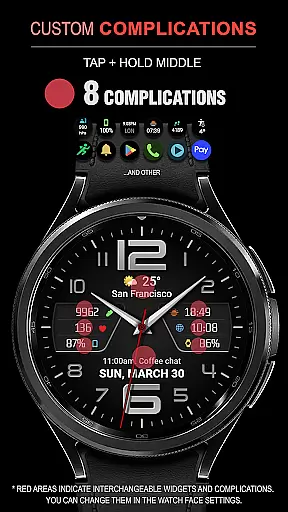
The WFP 137 Minimal watch face stands out with its rich feature set designed to provide maximum convenience and personalization. It includes eight complications and thirty color combinations, allowing users to tailor their watch faces according to their style.
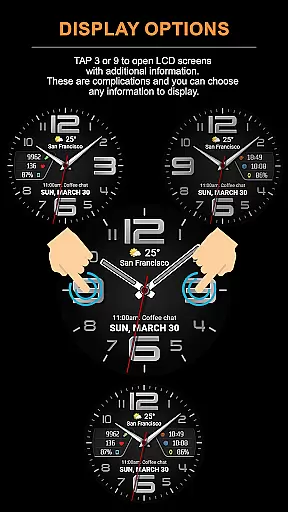
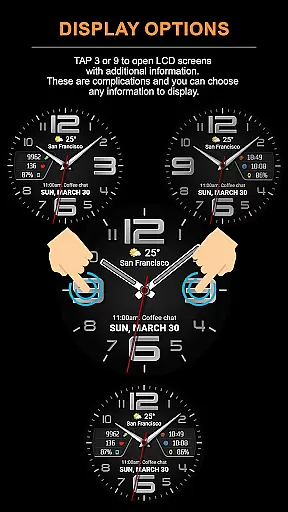
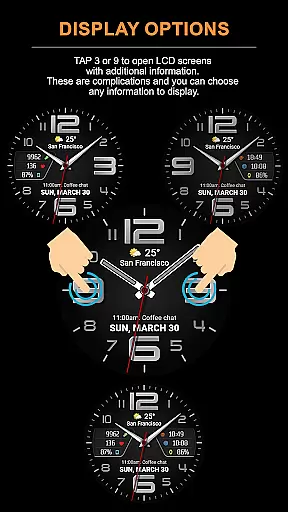
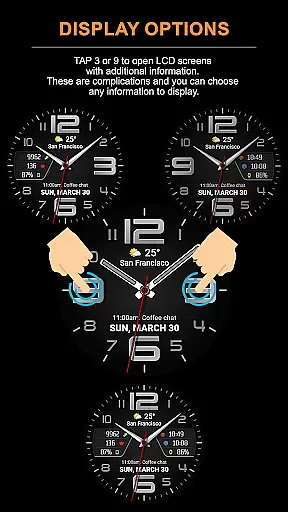
Users can tap at 3 or 9 to open LCD screens displaying additional information, choosing from various data points like weather forecasts, calories, and floors climbed. With four types of hands, high-resolution graphics, and optimized battery consumption, this app ensures a seamless experience. Moreover, it supports multilingual interfaces and customizable AOD modes, making it versatile for all users.
Companion app integration is essential for a seamless wearable experience. The WFP 137 Minimal watch face excels in this area by offering users the ability to sync and share data between their smartwatch and smartphone effortlessly.
This functionality allows for real-time updates of weather, health, and activity data on the watch face, ensuring that users have access to the most current information at a glance. With compatibility for devices running API 34+ and later, it ensures broad device support.
Users benefit from an enriched experience as they can customize their watch face with various widgets and complications directly from their phone. This includes choosing what additional information to display when tapping at designated areas on the watch face.
The synchronization extends to settings for color combinations, hand types, and AOD modes which are easily adjustable via the companion app, providing a personalized and convenient user experience across devices.
Device compatibility is crucial for ensuring that applications run smoothly across different platforms. The WFP 137 Minimal watch face is designed to be compatible with Wear OS, supporting devices that operate on API 34+ and later versions.
This wide-reaching compatibility means that whether you're using a Samsung or any other brand of smartwatch running Wear OS, you'll enjoy high optimization and low battery consumption without sacrificing style or functionality.
With features like detailed weather forecasts in Fahrenheit or Celsius, multilingual support, and customizable AOD modes, users can tailor their experience regardless of their device type. This flexibility enhances user satisfaction by catering to individual preferences.
By maintaining high resolution graphics and offering extensive customization options such as 8 complications and 30 color combinations, the WFP 137 guarantees a premium visual experience while remaining resource-efficient across all compatible Wear OS devices.
Stylish design
Extensive customization
High resolution display
Low battery usage
Multilingual support
Limited device compatibility
Complex setup process
Premium cost for full features
Requires frequent updates
Occasional bugs reported

"PER27 Galaxy Digital" is a digital Wear OS watch face designed by PERSONA
 4.10
4.10
WTW M17 is a premium and luxurious hybrid watch face
4.70
Funny animated watch face for Thanksgiving
4.0
Viewer for Wyze/Yi/Eufy/Arlo/ONVIF/RTSP/P2P IP cams w/ adv. features & DIY DVR
4.00
Hybrid watch face for Wear OS with customizable complications by Matteo Dini MD
4.70
Connect, create, and collaborate with Gmail, part of Google Workspace.
4.10
Fast and smart typing with Emojis, GIFs, and more
4.50
Want to take charge of your health? Let Google Fit help you reach your goals.
3.50
Toyota app currently supports 2010 or newer vehicles (2018 or newer for Hawaii).
4.50
Hyperlocal rain alerts by MyRadar using patent-pending technology, radar & more
4.80
Walking app for weight loss: walk & step tracker, pedometer, indoor treadmill
4.60
Monitor health with the stress test and pulse checker in the heart rate app.
4.60
Premium hybrid watch face with many customizations for Wear OS devices.
4.40
A white realistic classic analog watch face with many customization options.
4.40
Christmas watch face. For Wear OS devices.
4.30
Let's celebrate Thanksgiving - Wear Os watch face
4.20
Get helpful reminders, take progress photos and find answers to your questions.
3.90
Authentic military-tactical design with ZULU time! Realistic and functional!
3.80
Simple Analog-Digital Watchface For Wear OS 3.0 and Up Smartwatches
4.1


User Reviews