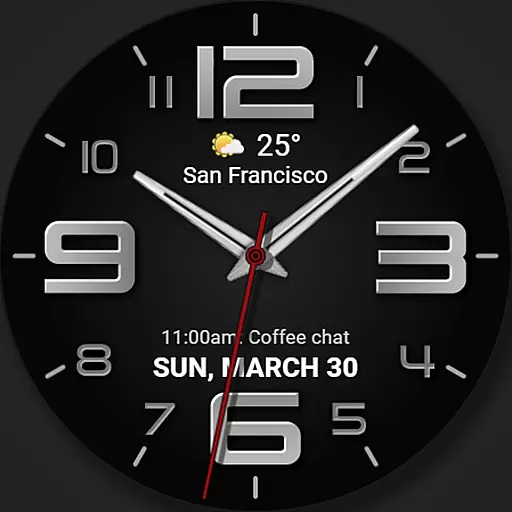
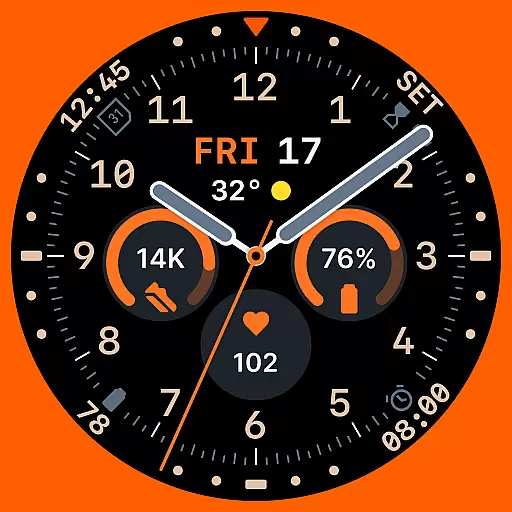
Analog watch face with 8 complications and expedition styling
 4.4
4.4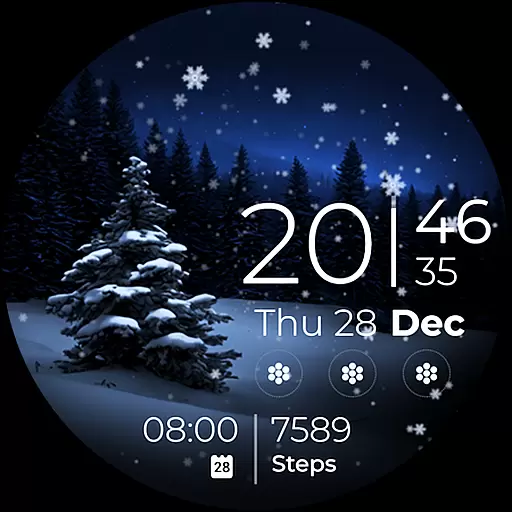
Beautiful artistic animated digital watch face, with a customizable layout!
4.40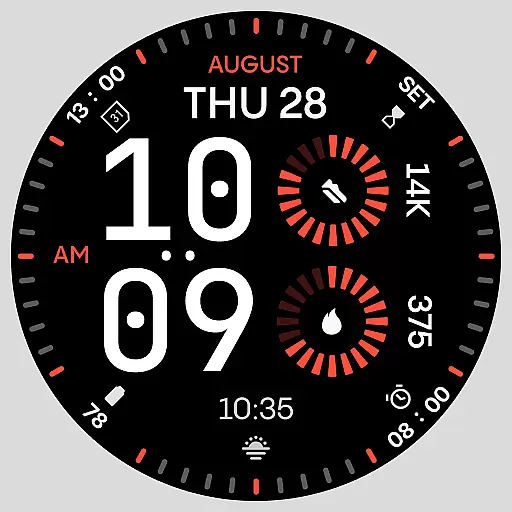
Stunning modern digital watch face with 7 complications and strong contrast
4.1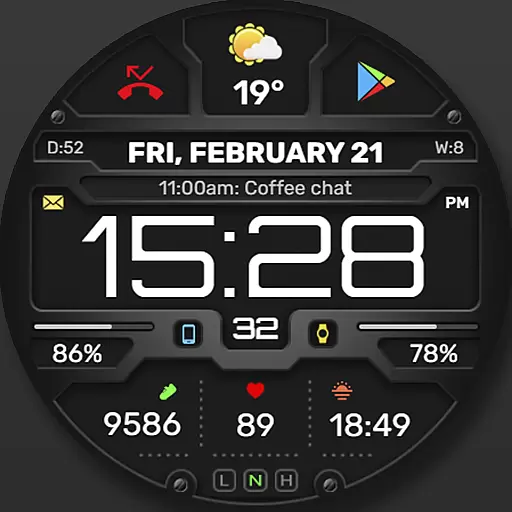
Digital, flexibly customizable watch face. For Wear OS 5.0, API 34+ and later.
5.00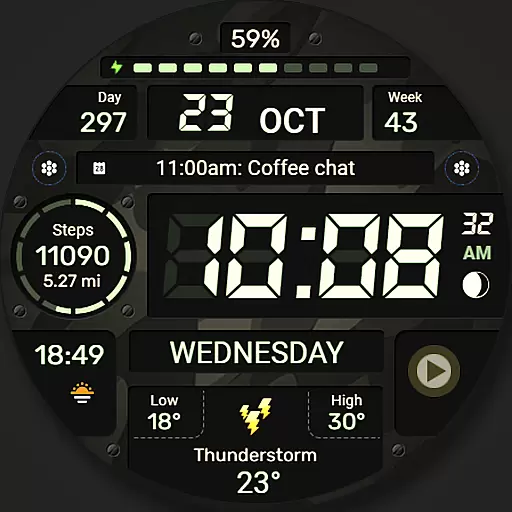
Digital watch face. For Wear OS devices.
4.40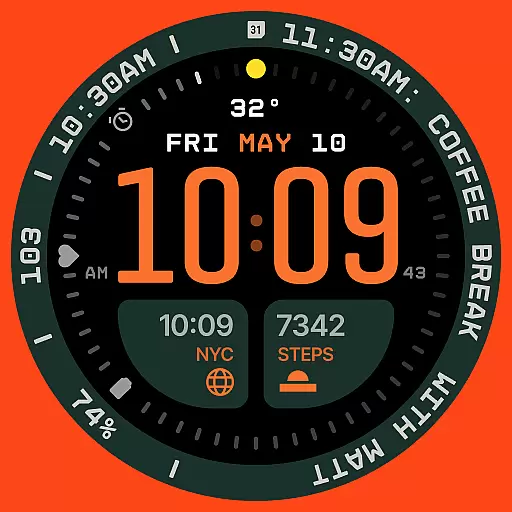
Structured watch face with seven complications and modular UI elements
3.90
The ultimate destination for kids ages 3-8 to explore the Marvel Universe!
4.30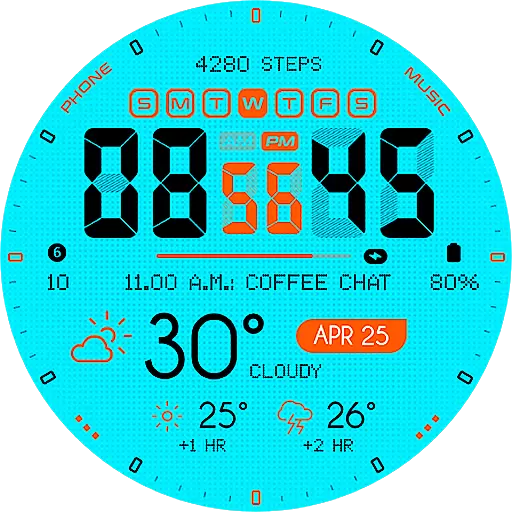
Bold weather Digital watchface with forecast & optional animated background
4.40
Back up your contacts & access them anywhere
4.30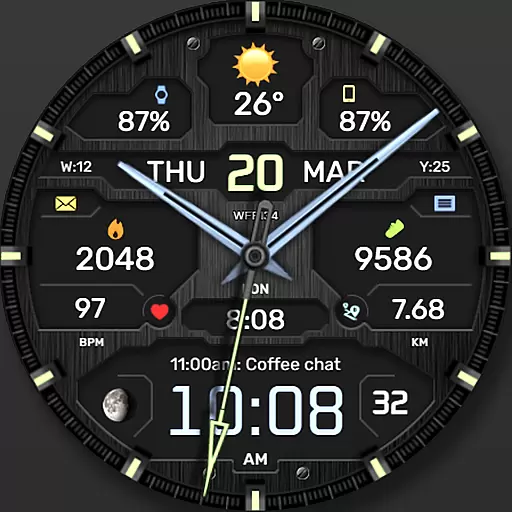
The most customizable hybrid watch face. For Wear OS 5.0, API 34+ and later
4.70
Easy Voice Recorder is your everyday companion to record important moments.
4.70
Walking app for weight loss: walk & step tracker, pedometer, indoor treadmill
4.60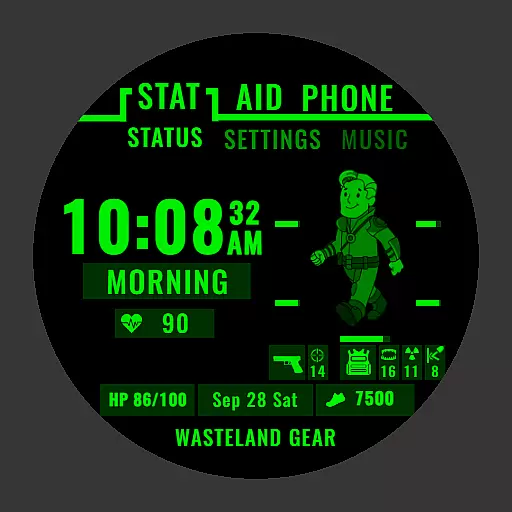
Ideal for surviving in the wasteland left after nuclear fallout
4.50
Find EV charging stations
4.30
Viewer for Wyze/Yi/Eufy/Arlo/ONVIF/RTSP/P2P IP cams w/ adv. features & DIY DVR
4.00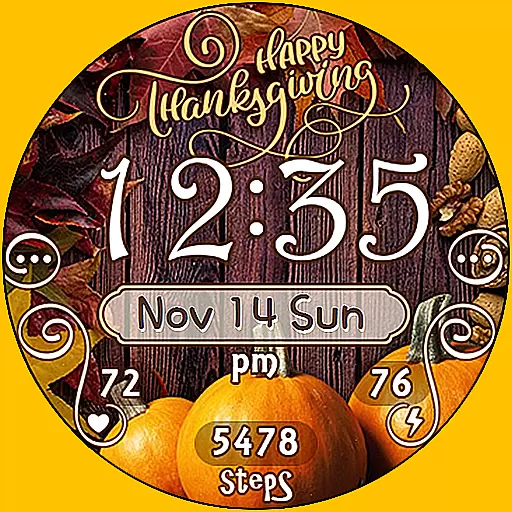
Watch face designed for Thanksgiving Day. 7 Background Styles included.
3.20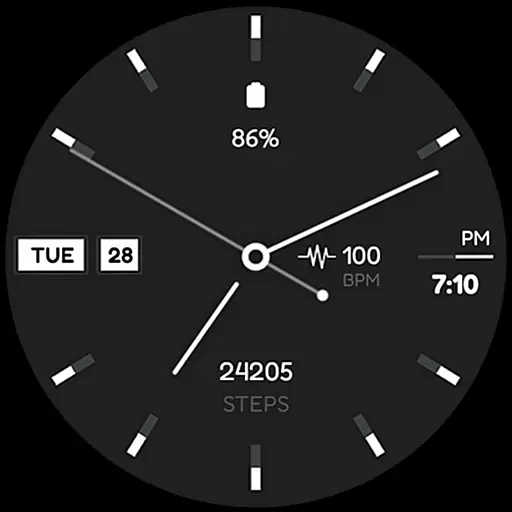
Simple Analog-Digital Watchface For Wear OS 3.0 and Up Smartwatches
4.5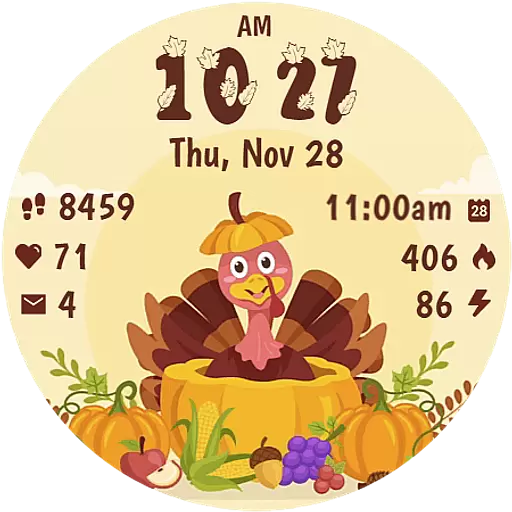
Funny animated watch face for Thanksgiving
4.1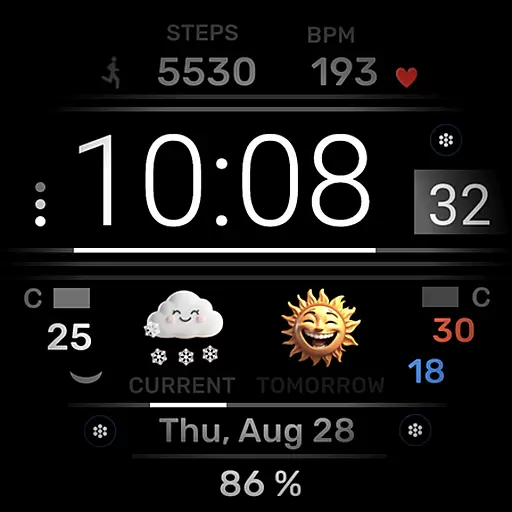
Minimalistic design modern digital watch face.
4.1


