
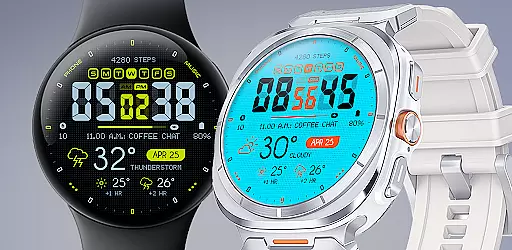
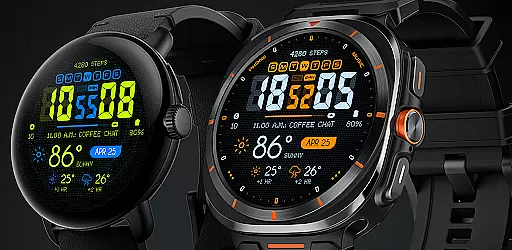
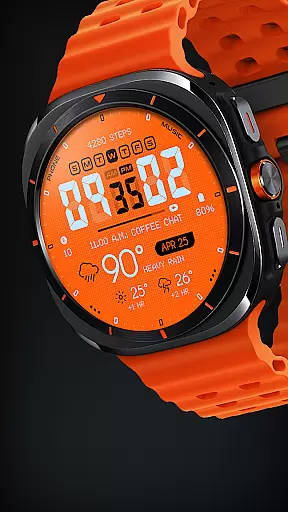
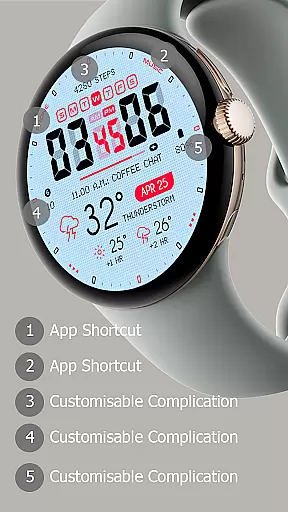
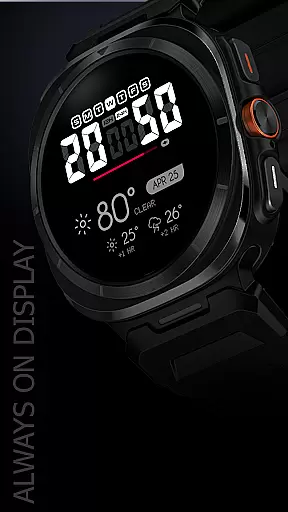
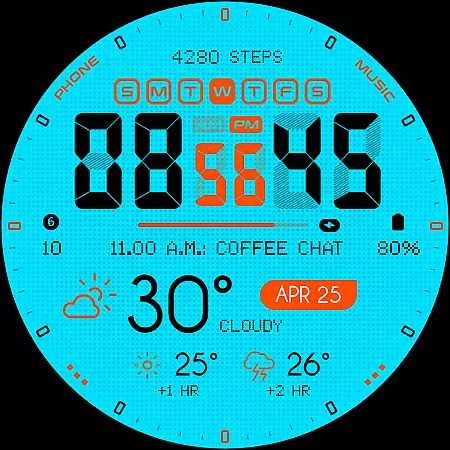
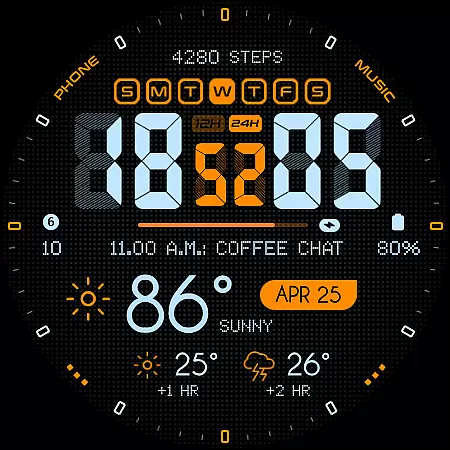
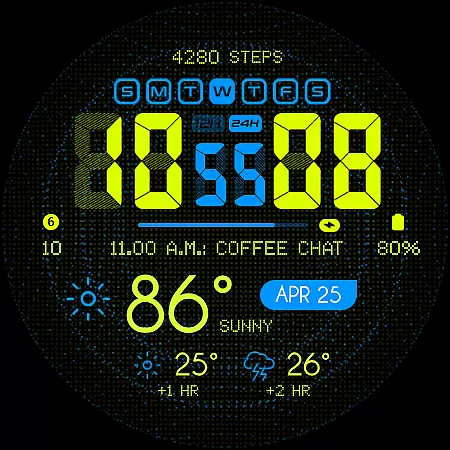
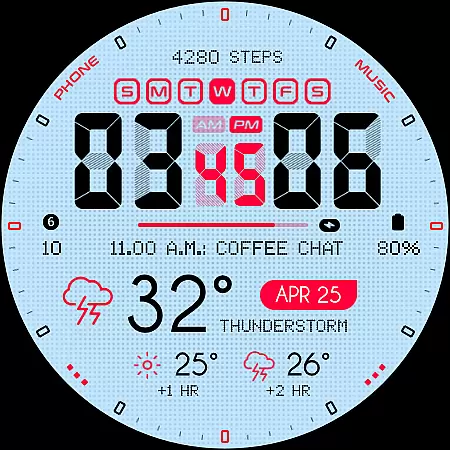
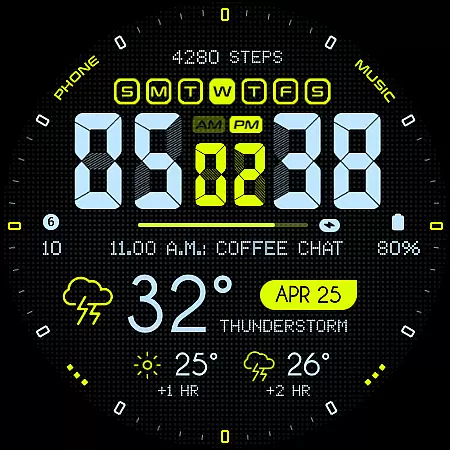
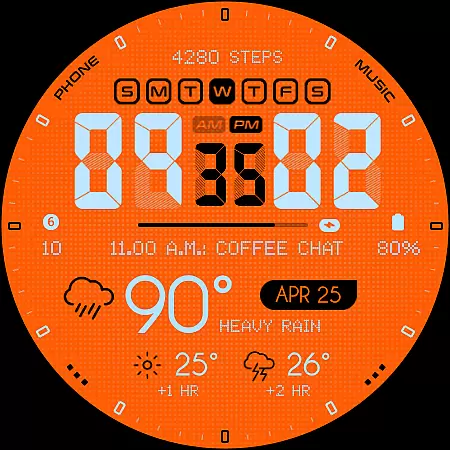
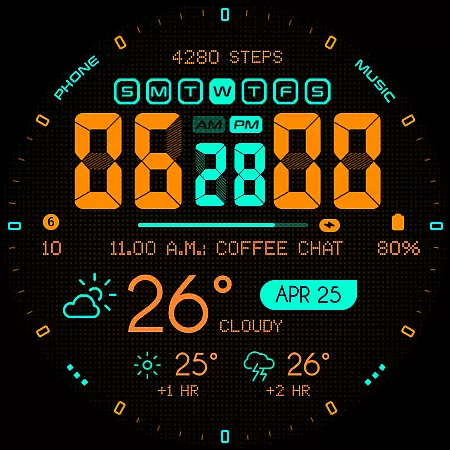
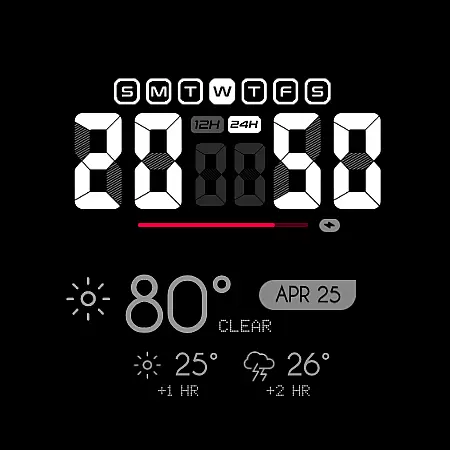
Oogly Atmos is a dynamic weather-themed watch face designed for Wear OS devices. It combines vivid colors with a clean layout to display current weather conditions and a 2-hour forecast directly on your wrist. The watch face offers both style and functionality, featuring customizable elements like animated backgrounds and index toggles.
Compatible with Galaxy Watch 5 or newer, Pixel Watch, Fossil, and other Wear OS devices running API 30 or higher, this app ensures real-time weather updates while maintaining an inspiring aesthetic. Whether you prefer movement in design or need focus, Oogly Atmos adapts to your needs seamlessly.
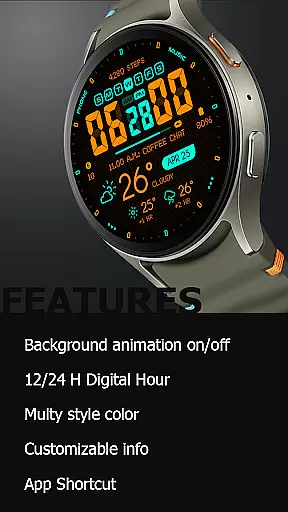
Oogly Atmos stands out with its range of innovative features tailored for both utility and personalization. Users can choose between 12/24 hour formats, activate or deactivate background animations, and toggle the index for a cleaner look. These options allow for a highly customized experience based on individual preferences.
The watch face also includes practical functionalities such as customizable information display, app shortcuts, and always-on display support. With these tools, users can access essential details at a glance while enjoying uninterrupted convenience. This combination of aesthetics and usability makes Oogly Atmos a versatile choice for smartwatch users.
Companion app integration is essential for a seamless wearable experience. Oogly Atmos ensures that all features are perfectly synchronized between your smartphone and smartwatch.
The watchface offers real-time weather updates and customizable settings through its companion app. This allows users to personalize their watchface with ease, choosing from various display options such as 12/24 hour format and background animations.
With just one tap, you can toggle the animated background on or off, depending on your preference for movement or focus. The app also provides shortcuts for quick access to frequently used functions, enhancing usability.
This synchronization ensures that your wearable device remains an extension of your personal style and functional needs, delivering accurate forecasts and adaptable features directly to your wrist.
Ensuring broad device compatibility is crucial for any Wear OS application. Oogly Atmos is designed to work seamlessly with WEAR OS API 34+ and is compatible with devices like Galaxy Watch 5, Pixel Watch, Fossil, and other Wear OS devices with a minimum API of 30.
This wide compatibility means that users with different devices can enjoy the bold, weather-themed watchface without worrying about technical limitations. The vivid colors and clean layout provide an informative and inspiring experience across all supported platforms.
Features such as Always-On Display and customizable information ensure that users can tailor the watchface to their specific needs, regardless of their device. This flexibility enhances user satisfaction and engagement.
For any issues, users can reach out via email at ooglywatchface@gmail.com or join the official Telegram community at https://t.me/ooglywatchface for support and updates.
Visually appealing design
Customizable features
Real-time weather updates
Wide device compatibility
User-friendly interface
Limited to Wear OS
Requires API 30+
Animation may drain battery
No iOS support
Premium feel but not free

Artistic Digital Watchface
 4.1
4.1
Simple Analog-Digital Watchface For Wear OS 3.0 and Up Smartwatches
4.4
Watch face for Wear OS.
4.20
Digital, flexibly customizable watch face. For Wear OS 5.0, API 34+ and later.
5.00
Connect to your Bluelink equipped Hyundai vehicle from your smartphone.
4.50
Period, ovulation & pregnancy tracker. Fertility insights & menstrual calendar.
4.90
Real-time results, stats, schedules and player profiles for all leagues
4.60
Simple, helpful messaging by Google
4.60
From periods to pregnancy & perimenopause, Flo helps you track it all. Try now.
4.70
Christmas - Festive - Christmas Village - Winter - Christmas lights
5.00
Your second brain for organizing your life: to-do, calendar, reminder.
4.70
Walking app for weight loss: walk & step tracker, pedometer, indoor treadmill
4.60
To-Do List: daily schedule planner, task organizer, to do reminder app, calendar
4.60
MyNISSAN® lets you remotely control your car from your phone.*
4.50
Embrace the holiday spirit with this magical animated watch face!
4.40
Locate your family members by GPS phone location tracker everywhere and anytime
4.30
A full-featured Amazon Alexa voice assistant that can show you things.
3.70
3 Complications. All shadow on/off. 30 Themes color palette...
4.0
Stylish digital watch face for Wear OS devices with customizable features
4.1


User Reviews