
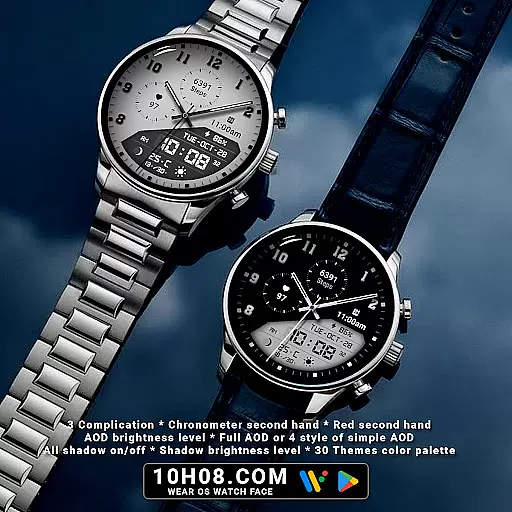
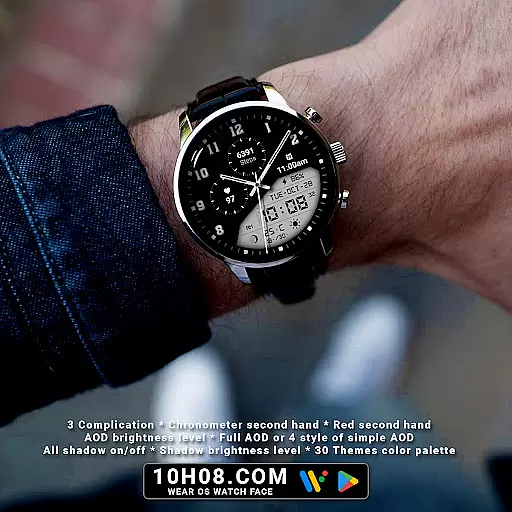
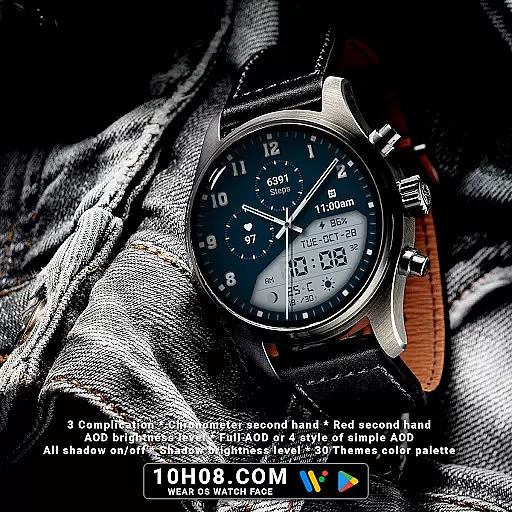
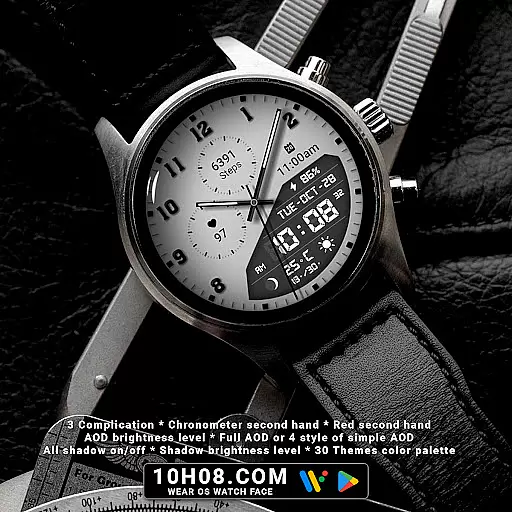
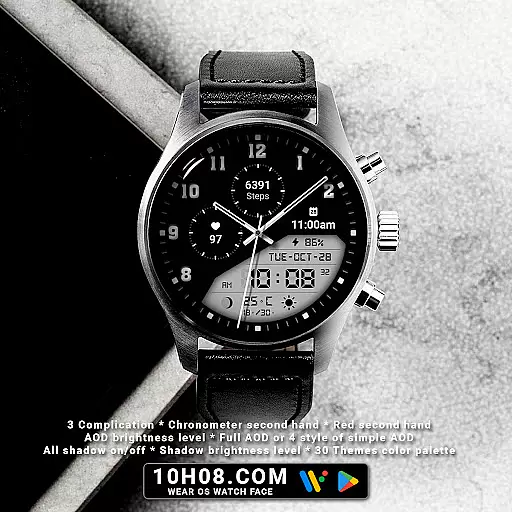
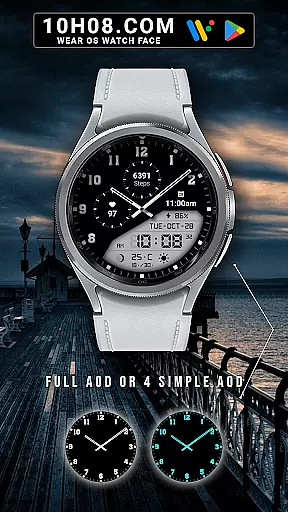
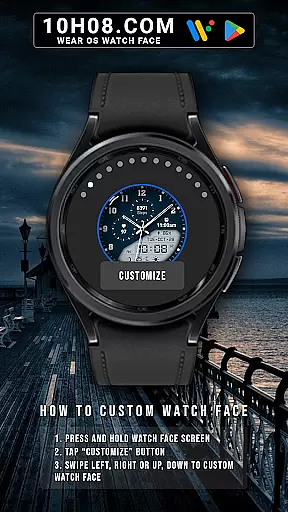
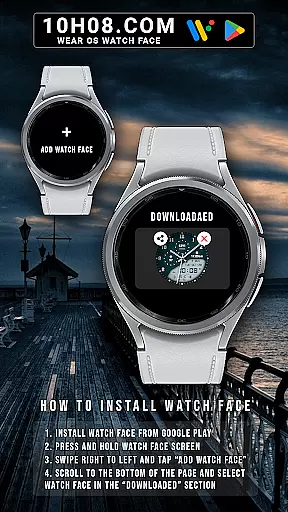
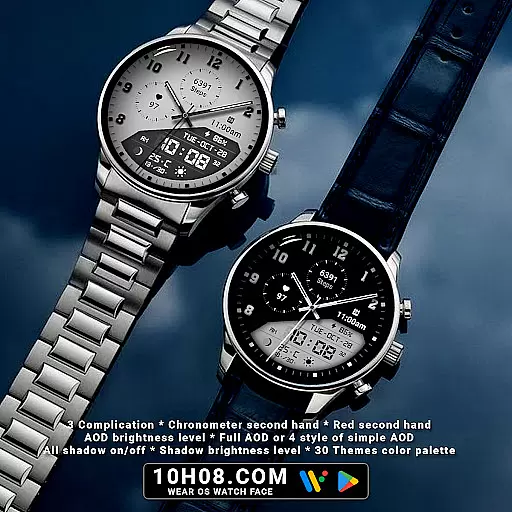
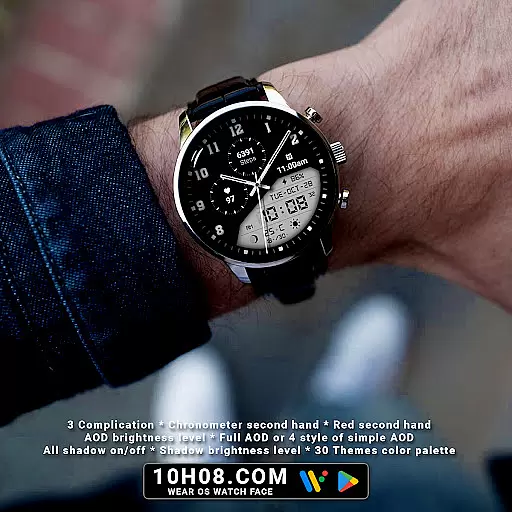
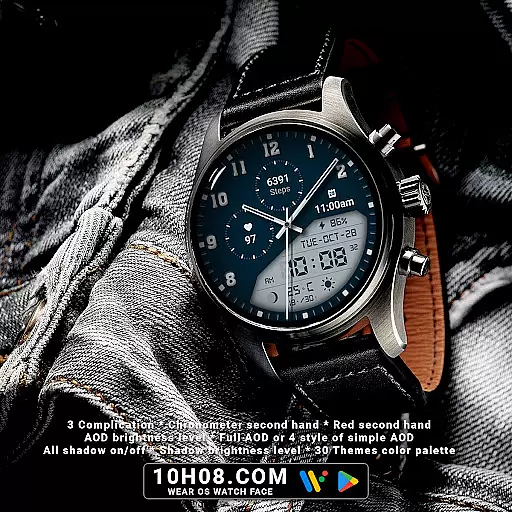
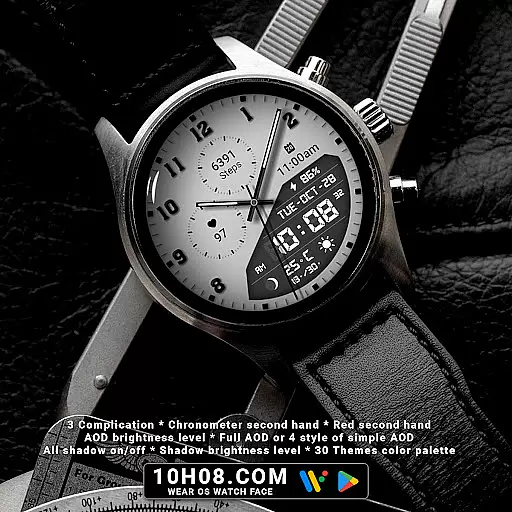
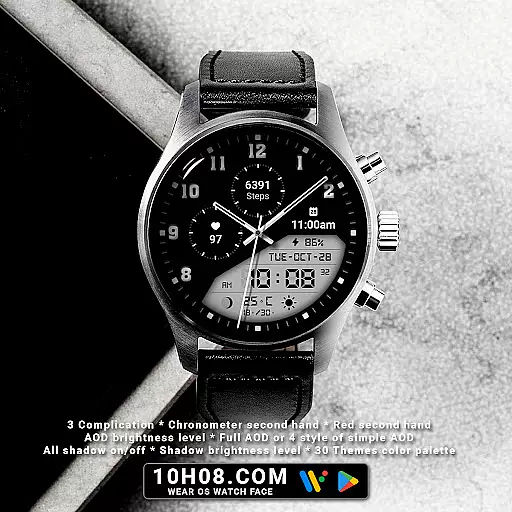
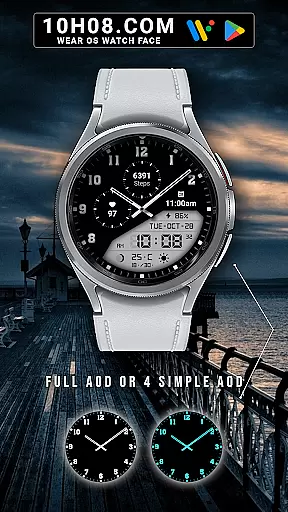
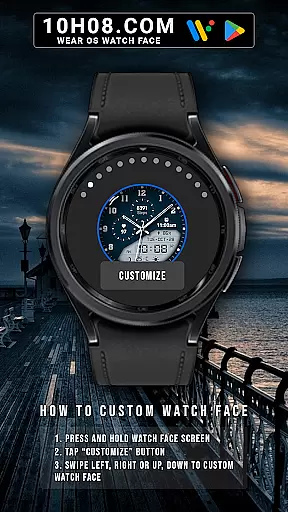
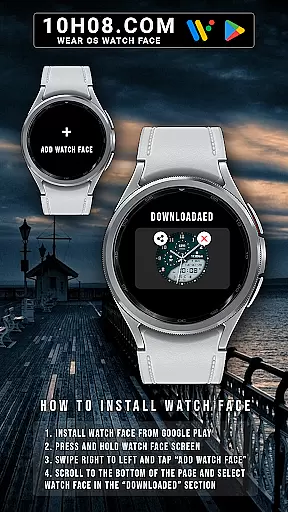
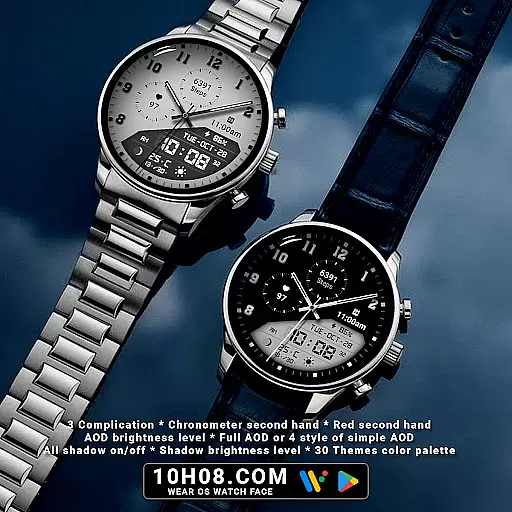
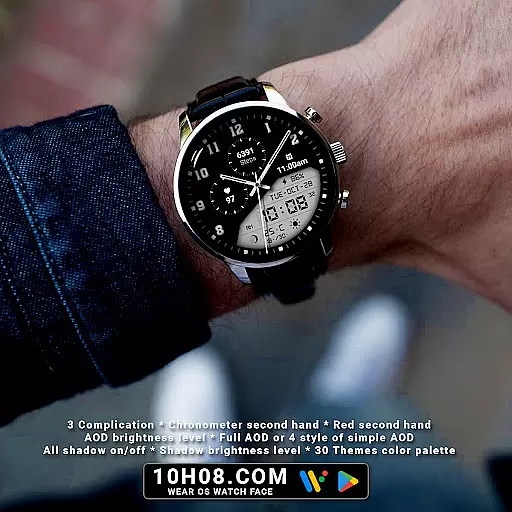
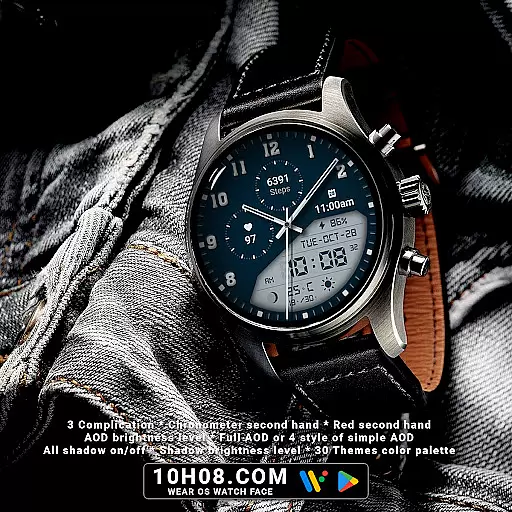
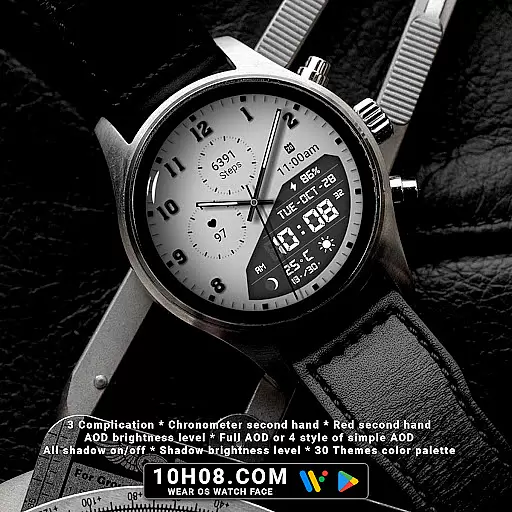
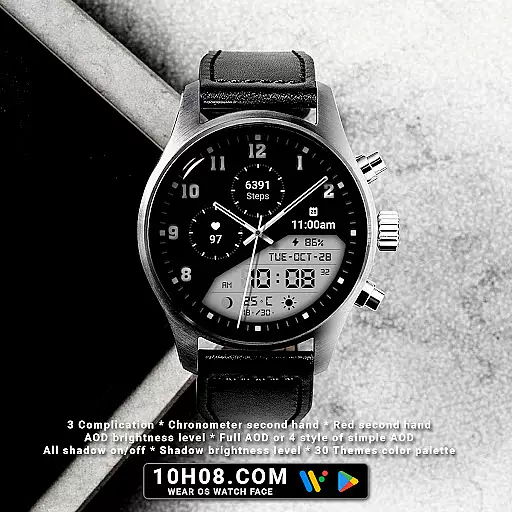
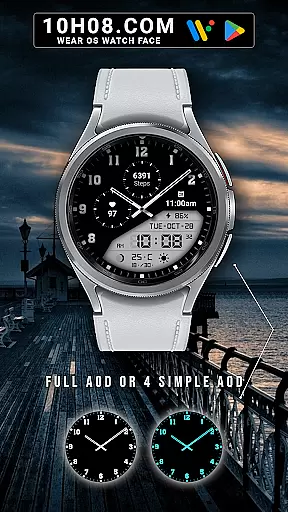
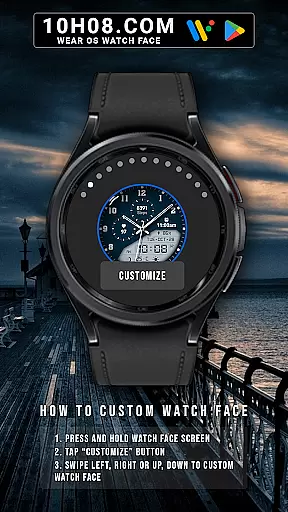
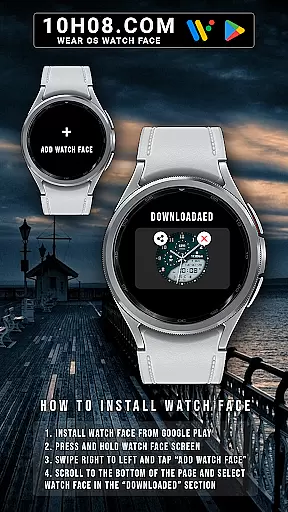
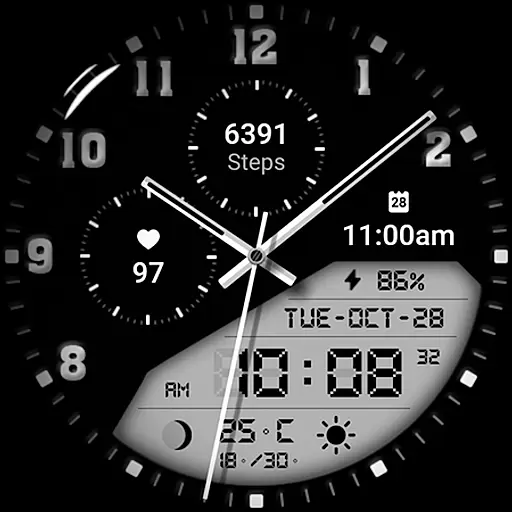
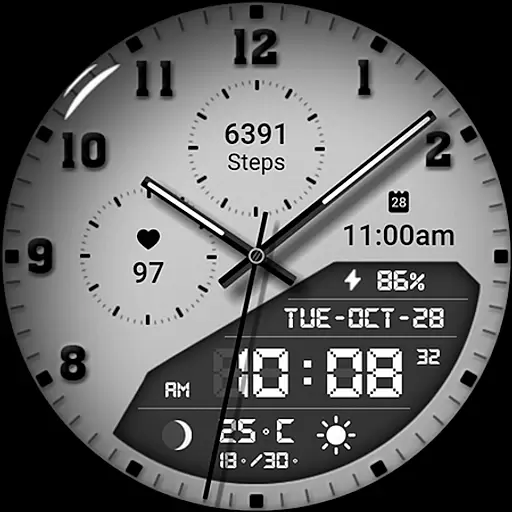
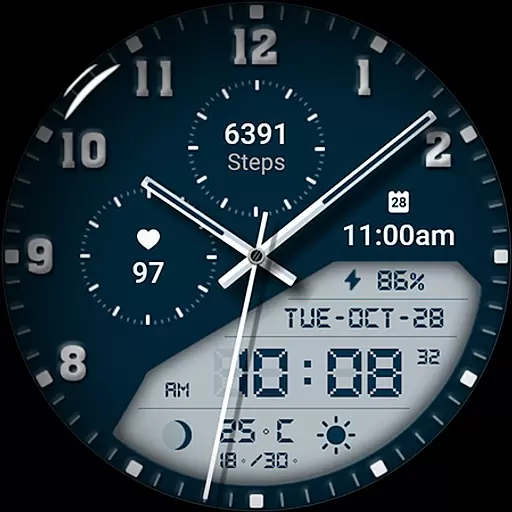
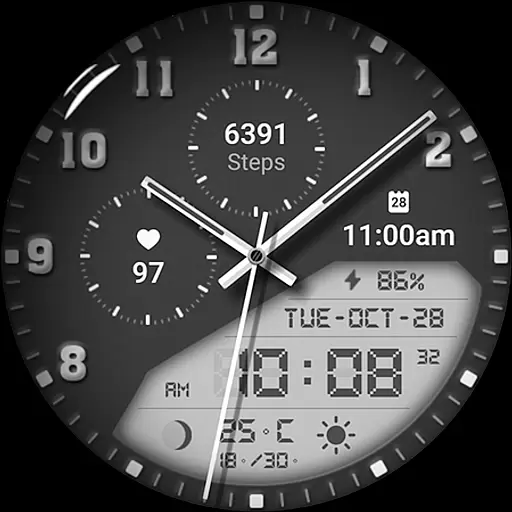
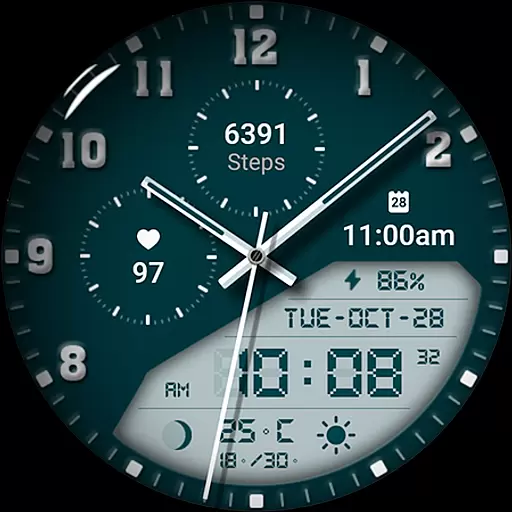
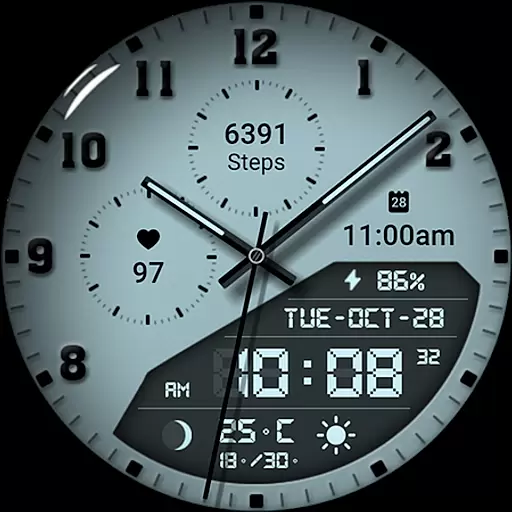
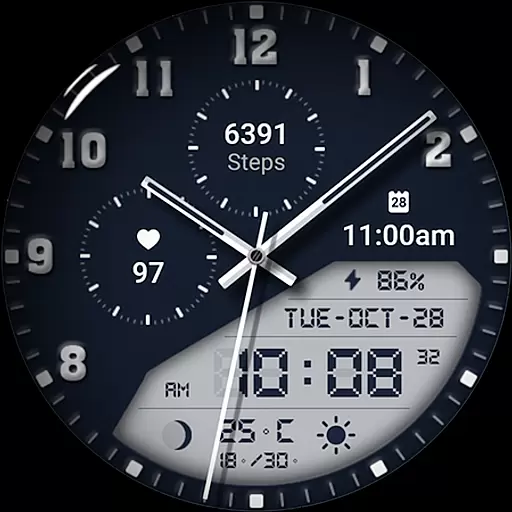
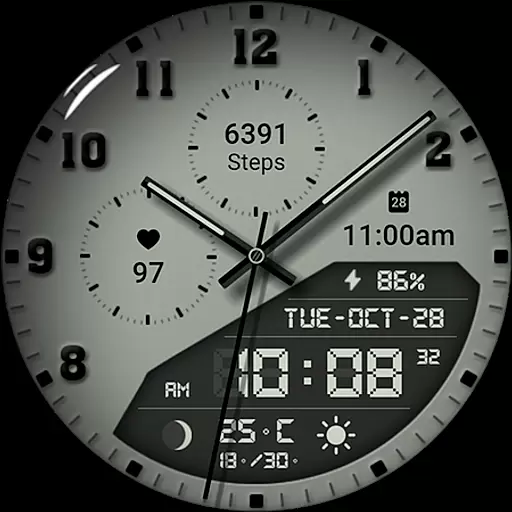
Watch face 10h08.com #85 is a highly customizable Android Wear application designed to enhance your smartwatch experience. This app offers users a classic watch face design with both analog and digital time displays alongside essential features such as weather updates step counts heart rate monitoring and upcoming events. Additionally it provides unique functionalities including moon phases battery levels and complications making it a versatile choice for smartwatch users.
The app supports Wear OS 5+ SDK 34+ ensuring compatibility with popular models like Galaxy Watch 6 and Ticwatch Pro 5. With its intuitive customization options users can personalize their watch faces by adjusting themes colors and other settings. Whether you're looking for a functional or stylish watch face this app caters to various preferences providing a seamless blend of utility and aesthetics.
One of the standout features of Watch face 10h08.com #85 is its extensive customization capabilities. Users can choose from 30 different theme color palettes and toggle shadows on or off adjusting brightness levels to fit their style. The app also includes an Always-On Display (AOD) mode with adjustable brightness and four simplified AOD styles ensuring visibility while conserving battery life.
Functionality is further enhanced with features like chronometer second hands red second hands and detailed health tracking such as step counts and heart rates. These elements are complemented by practical information displays including day date weather and next event notifications. By integrating these diverse features into one cohesive interface Watch face 10h08.com #85 delivers a comprehensive user experience that combines both form and function.
Companion app integration is essential for a seamless smartwatch experience. Watch face 10h08.com #85 offers robust connectivity with its companion app, ensuring that users can easily customize and manage their watch faces directly from their smartphone.
This application allows users to adjust various settings such as time format, weather updates, and health metrics like steps count and heart rate. The synchronization between the watch and the companion app ensures that all data is up-to-date and accurately reflected on the watch face.
By integrating with the companion app, users benefit from enhanced functionality and personalization options. They can choose from 30 themes in the color palette, toggle shadows, and adjust brightness levels for always-on display (AOD). This level of customization ensures that each user's watch face is uniquely tailored to their preferences.
The reliability of this integration enhances user satisfaction by providing an intuitive interface for managing the watch face's numerous features. Whether updating the next event or checking the moon phase, users can do so effortlessly through the companion app, making daily interactions with their smartwatch more efficient and enjoyable.
Ensuring broad device compatibility is crucial for any Wear OS application. Watch face 10h08.com #85 is designed to be compatible with smartwatches running Wear OS 5+ SDK 34+, which includes popular models like Galaxy Watch 6, Galaxy Watch 7 Ultra, Ticwatch Pro 5, Pixel Watch 2, and Watch 2 Pro.
This wide compatibility means that users across different devices can enjoy the high-resolution, sharp image quality and classic design of this watch face. The application supports both analog and digital time formats, along with additional features such as day, date, weather updates, and health metrics like steps count and heart rate monitoring.
Moreover, the watch face offers advanced functionalities including customizable complications, chronometer second hand, and adjustable shadow brightness levels. These features are accessible on all supported devices, ensuring a consistent and rich user experience regardless of the specific smartwatch model.
By maintaining compatibility with multiple devices, Watch face 10h08.com #85 not only reaches a larger audience but also provides existing users with peace of mind knowing they can switch devices without losing access to their preferred watch face. This flexibility enhances overall user engagement and satisfaction.
Highly customizable
Versatile design options
Comprehensive health tracking
Always-On Display functionality
Wide compatibility with Wear OS devices
Complex setup process
Limited free themes
Potential battery drain
Requires Wear OS 5+
No standalone iOS support

Diet tracker for weight loss - track calories, food and macros. Simple and easy!
 4.70
4.70
Christmas and New Year - Themed Watchface
4.1
A Wintery Snow Globe on Your Wrist; now celebrating Christmas!
4.5
Embrace the festive spirit with our Christmas Countdown watchface for Wear OS
4.10
Watch face designed for Thanksgiving Day. 7 Background Styles included.
3.20
The most customizable hybrid watch face. For Wear OS 5.0, API 34+ and later
4.70
Hyper-Realistic Airplane Dashboard Watch Face With 10 Skins and Custom AOD
4.00
Fitbit is dedicated to helping people lead healthier, more active lives.
4.10
From periods to pregnancy & perimenopause, Flo helps you track it all. Try now.
4.70
Christmas - Festive - Christmas Village - Winter - Christmas lights
5.00
WTW M17 is a premium and luxurious hybrid watch face
4.70
The most customizable minimal watch face. For Wear OS 5.0, API 34+ and later
4.70
Deck out your Wear OS Watch face with a beautifully decorated pine wreath!
4.50
Animated Watch Face and Customizable with 24 Backgrounds. Perfect for Christmas!
3.90
Structured watch face with seven complications and modular UI elements
3.90
Get helpful reminders, take progress photos and find answers to your questions.
3.90
Want to take charge of your health? Let Google Fit help you reach your goals.
3.50
an Analog Watch Face for winter season with freeze winter background for Wear OS
4.5
Stunning modern digital watch face with 7 complications and strong contrast
4.1


User Reviews