
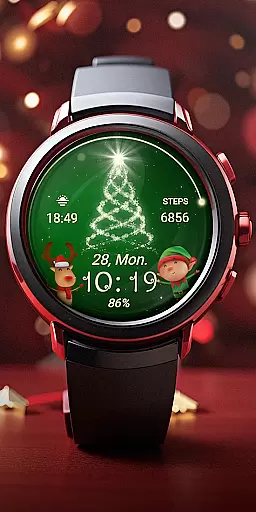
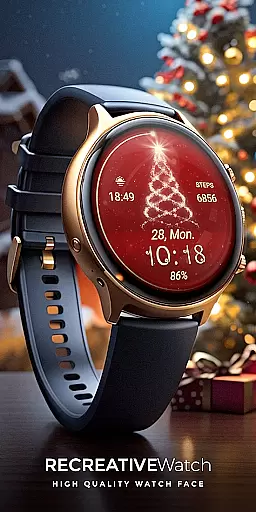
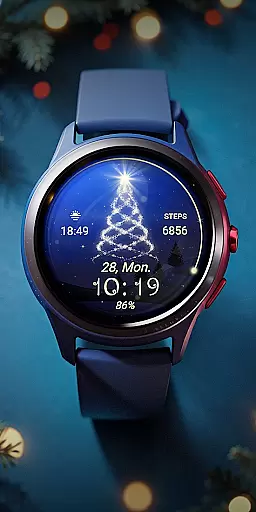
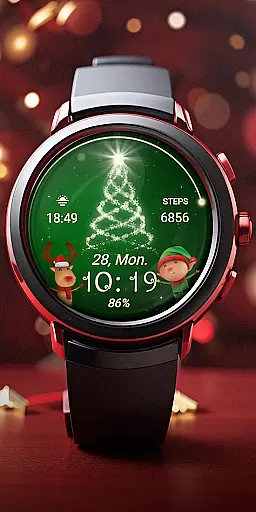
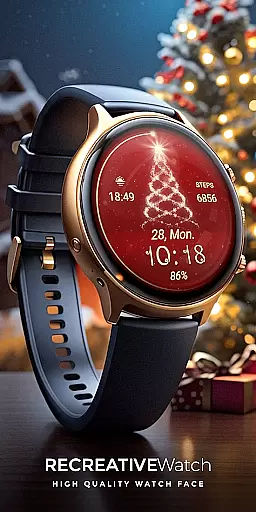
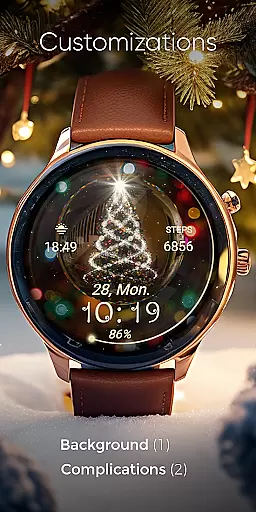
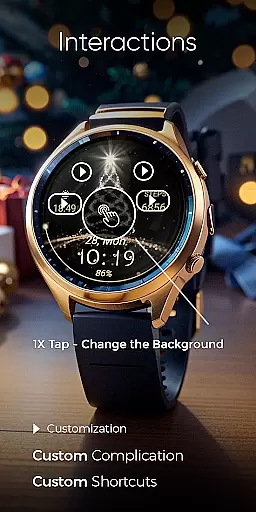
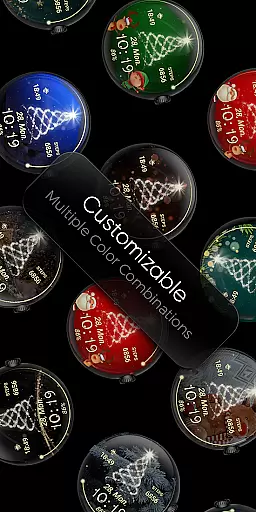
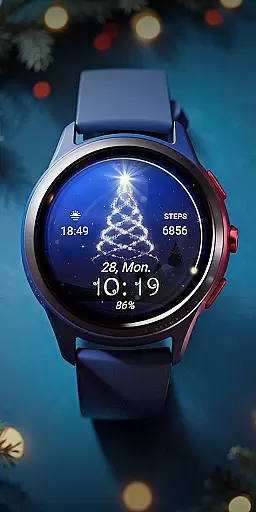
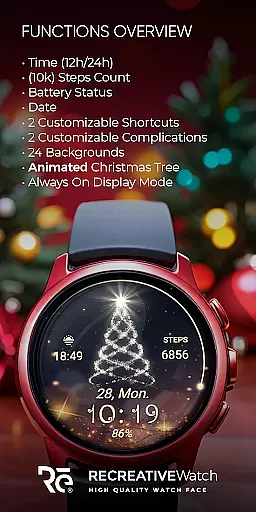
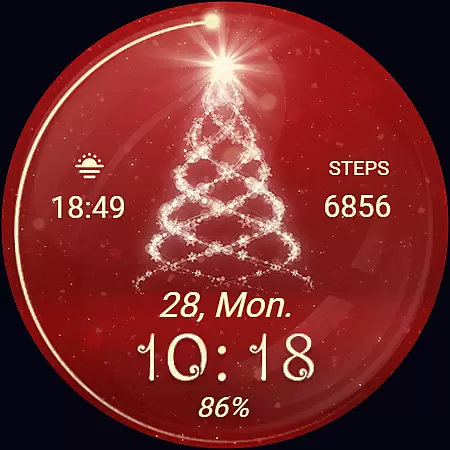
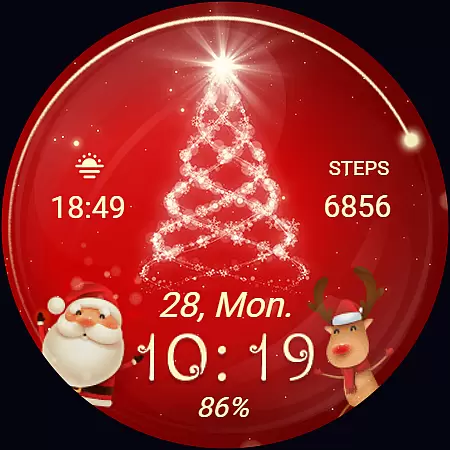
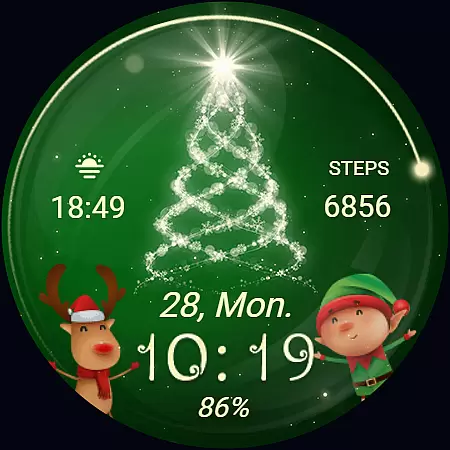
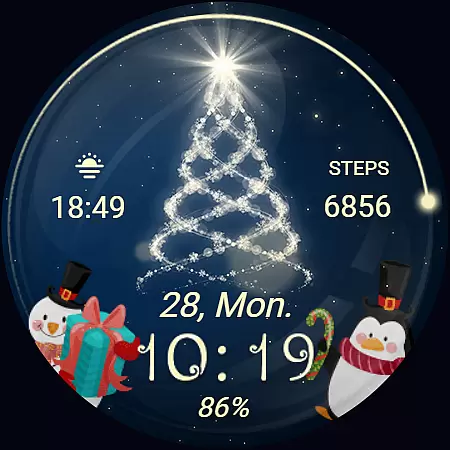
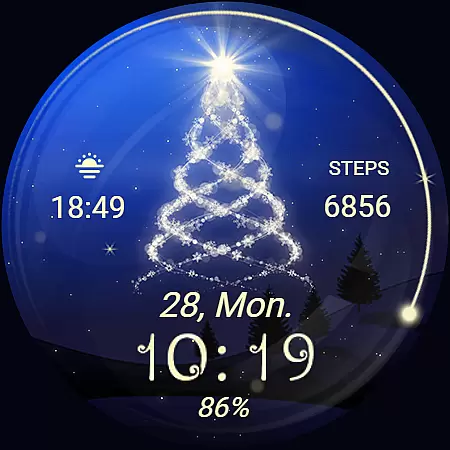
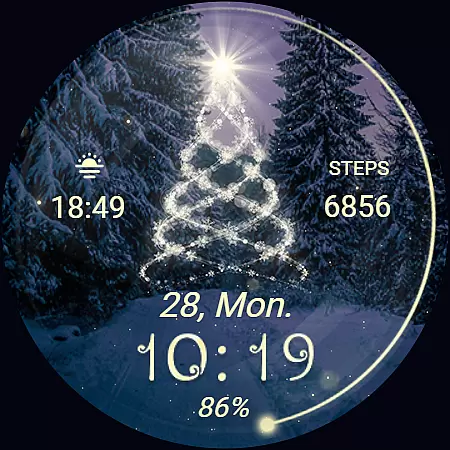
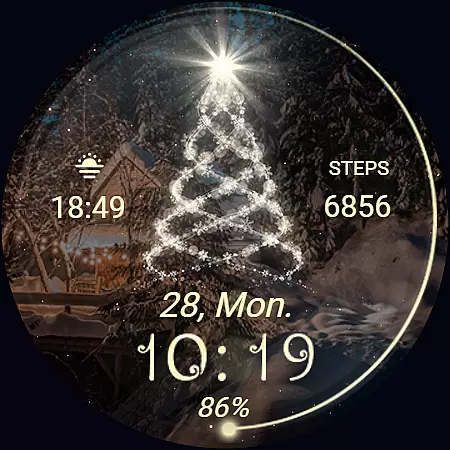
Christmas Spirit is a festive-themed watch face designed specifically for Wear OS devices. This application brings holiday cheer to your smartwatch with its vibrant, customizable backgrounds and an animated Christmas tree that creates a lively, seasonal atmosphere on your watch face.
The app offers a range of practical features including digital time display in 12/24hr formats, date, battery status, and step count. With support for Always ON Display and a variety of colorful customization options, users can tailor the watch face to their personal style while enjoying the functionality of two customizable shortcuts and complications.
Ideal for the holiday season, Christmas Spirit is compatible with API level 33+ devices such as Google Pixel and Galaxy Watch series, ensuring that your smartwatch not only looks festive but also remains functional and personalized.
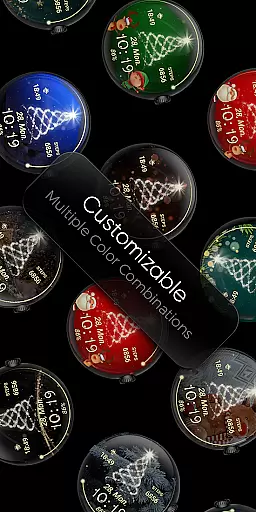
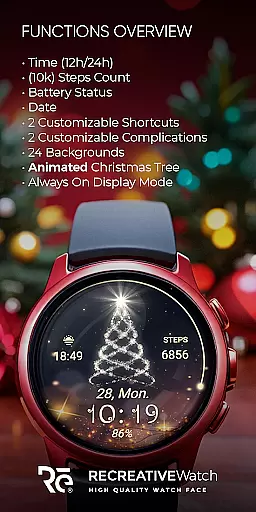
Christmas Spirit stands out with its rich feature set tailored for Wear OS users. The watch face includes digital time display, date, battery indicator, and step counter, providing essential information at a glance. Its eye-catching design incorporates 24 unique backgrounds and an animated Christmas tree with falling snow, creating a delightful visual experience.
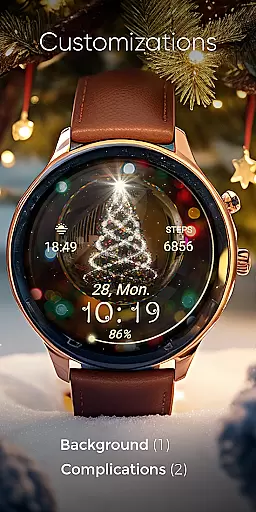
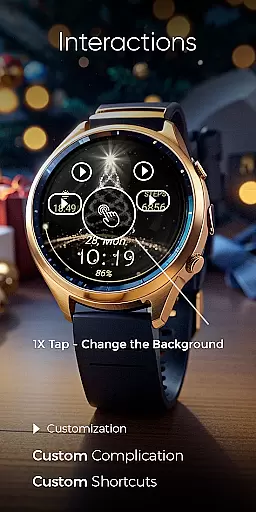
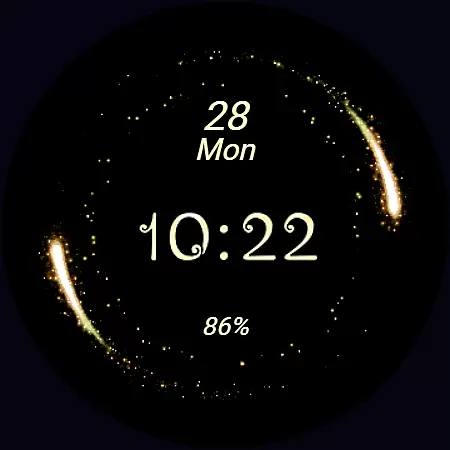
Customization is key with this app, allowing users to personalize their watch face through a simple tap-and-hold action to access settings. Two customizable shortcuts and complications enable users to tailor the display to show preferred data. Additionally, the Always ON Display feature supports changeable colors, enhancing usability without sacrificing style.
For optimal battery performance, users are advised to disable the Always ON Display mode when not needed. Compatible with API level 33+ devices like Google Pixel and Galaxy Watches, Christmas Spirit ensures broad device support while delivering both aesthetic appeal and practical utility.
Companion app integration is essential for ensuring seamless functionality between wearable devices and smartphones. Christmas Spirit offers a dedicated mobile app that simplifies the installation process of the watch face on your Wear OS device.
The phone app serves as a facilitator, helping users locate and install the desired watch face effortlessly. This ensures that users can quickly access and enjoy the festive features of the Christmas Spirit watch face without any hassle.
While the mobile app contains ads, it enhances user experience by streamlining the setup process. This approach allows users to focus on customizing their watch faces with colorful backgrounds and animated elements, bringing holiday cheer to their smartwatches.
Ensuring compatibility with various devices is crucial for any Wear OS application. Christmas Spirit is designed to work seamlessly with API level 33+ devices, including popular models like Google Pixel and Galaxy Watch series.
The watch face supports essential features such as 12/24hr digital time display, date, battery status, and step count. These functions are optimized to work efficiently across different Wear OS devices, providing users with accurate and useful information at a glance.
For optimal battery performance, users can disable the Always On Display mode. This feature, combined with compatibility across multiple devices, ensures that Christmas Spirit delivers both functionality and festive aesthetics without compromising device performance.
Festive animations
Customizable backgrounds
Always ON Display
Step tracking included
Vibrant color options
Battery intensive
Limited to Wear OS
No analog clock
Ads in phone app
Holiday themed only

Christmas and New Year - Themed Watchface
 4.4
4.4
Deck out your Wear OS Watch face with a beautifully decorated pine wreath!
4.50
Elegant animated Christmas tree with multiple customization options
4.20
Contemporary digital watch face with five complications
4.4
Hyperlocal rain alerts by MyRadar using patent-pending technology, radar & more
4.80
Nutrition, Macro tracker: Food, fitness & healthy diet tracking for weight loss
4.60
Gym & home workout plans with strength training, exercise tracking, HIIT & more.
4.60
A realistic hybrid watch face with many customization options.
4.60
Back up your contacts & access them anywhere
4.30
Period, ovulation & pregnancy tracker. Fertility insights & menstrual calendar.
4.90
The most customizable hybrid watch face. For Wear OS 5.0, API 34+ and later
4.70
Hybrid watch face for Wear OS with customizable complications by Matteo Dini MD
4.70
Walking app for weight loss: walk & step tracker, pedometer, indoor treadmill
4.60
Stylish, Energizing and Modern Watch Face crafted by Dominus Mathias.
4.50
Watch face for Wear OS.
4.20
Snowflake Rose Gold Watch Face - Digital, modern, & sleek with GYRO effect.
4.10
Daily Weather forecast with 15 weather images for Day & Night plus Big Bold time
4.10
Connect, create, and collaborate with Gmail, part of Google Workspace.
4.10
Sleek, highly customizable watch face inspired by Galaxy Watch Circle Dashboard.
4.0


User Reviews