
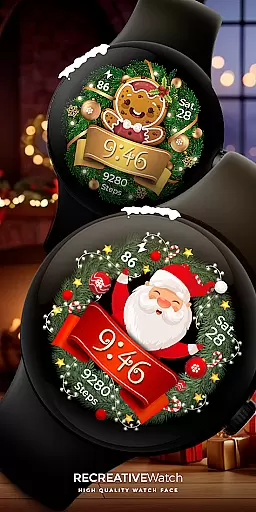
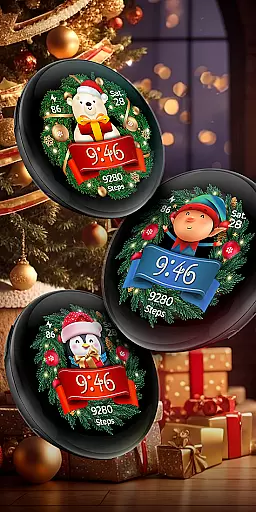
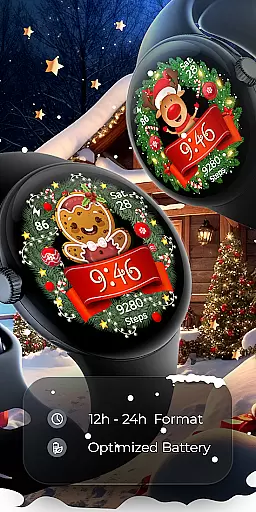

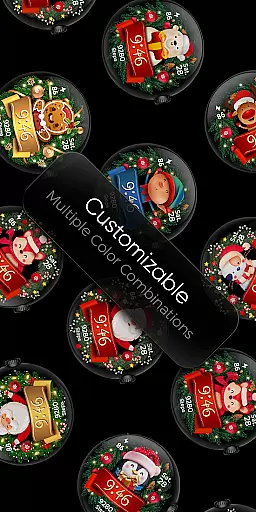
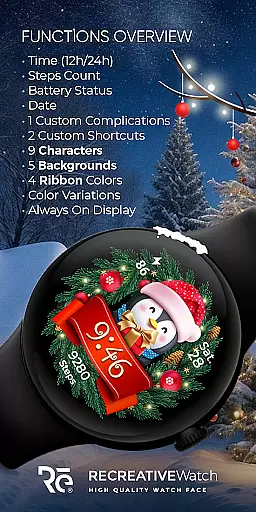
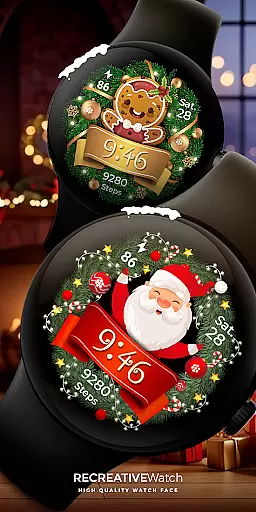
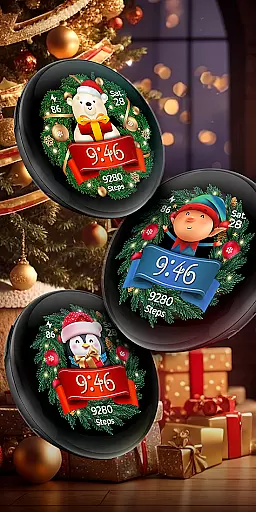
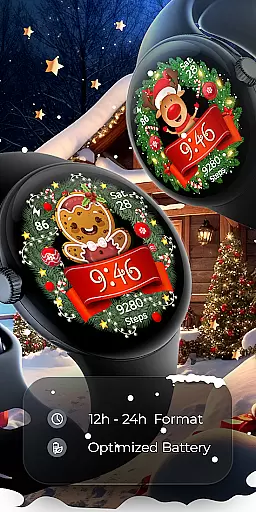

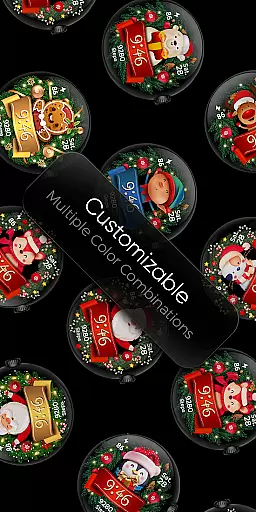
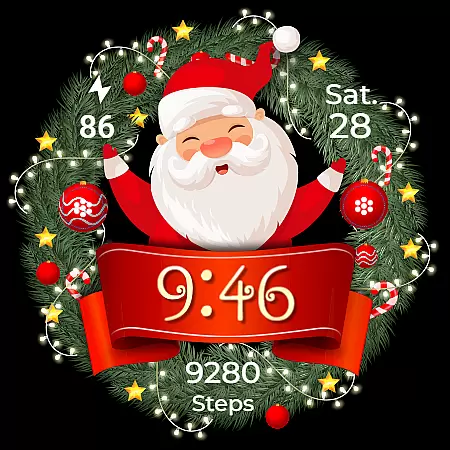
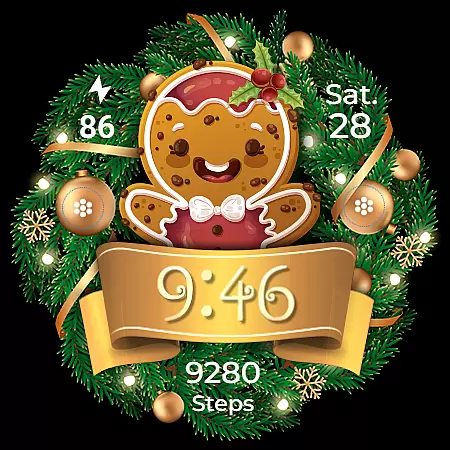
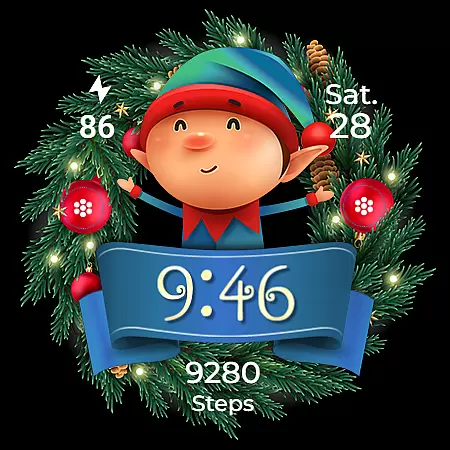
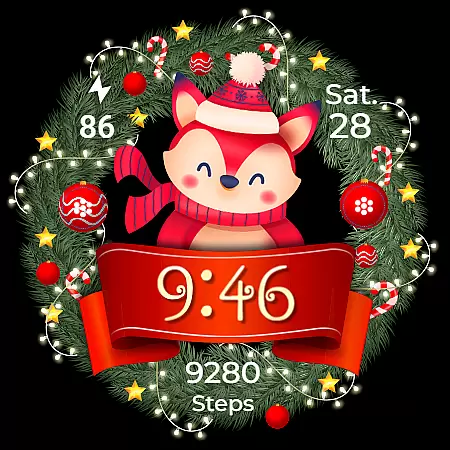
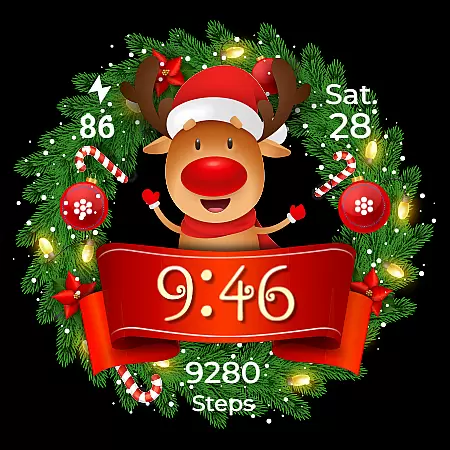
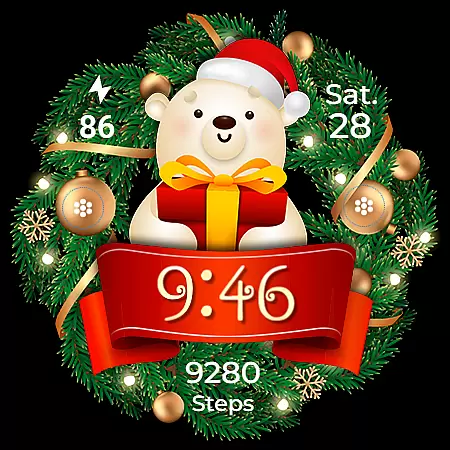
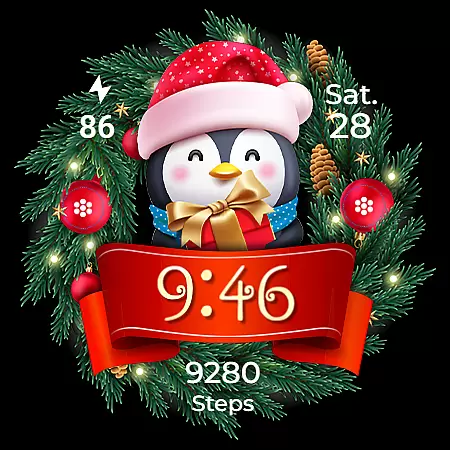
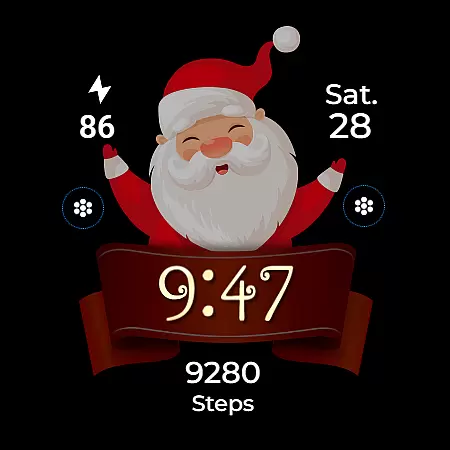
Christmas Frame is a festive-themed watch face app designed specifically for Wear OS devices. This app allows users to customize their smartwatch display with holiday-inspired designs, featuring various characters such as Santa, a reindeer, snowman, or an elf, all set within a decorative pine circle. Beyond its charming aesthetics, Christmas Frame also provides practical functionalities including digital time display, date, battery status, and step count.
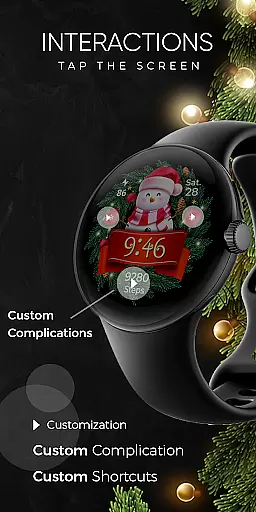
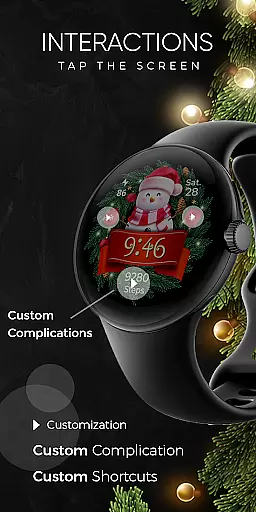
The app supports advanced features like customizable complications and shortcuts, enabling users to tailor their watch face to suit personal preferences. With support for Always ON Display and multiple background options, this app ensures both utility and festivity. Compatible with API level 33+ devices, including Google Pixel and Galaxy Watch series, Christmas Frame brings holiday cheer while maintaining essential smartwatch capabilities.
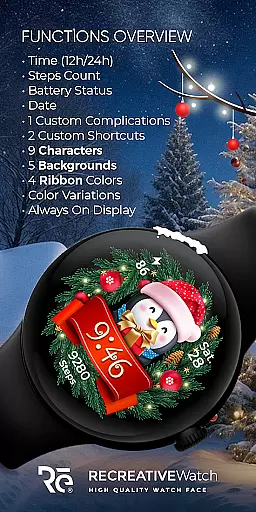
Christmas Frame offers a rich array of features that cater to both aesthetic customization and functional utility. Users can choose from five distinct backgrounds and nine unique characters, allowing for personalized festive displays on their Wear OS device. The app supports both 12-hour and 24-hour digital time formats, ensuring universal usability regardless of regional preferences.
Beyond visual customization, the app includes practical features such as date display, battery indicator, and step counter. One customizable complication and shortcut provide flexibility in data presentation, while four ribbon color options add extra personalization. The inclusion of Always ON Display with changeable colors and modes enhances visibility and power management. These comprehensive features make Christmas Frame a versatile choice for those seeking both style and substance in their smartwatch faces.
Companion app integration is crucial for a seamless wearable experience. Christmas Frame offers a dedicated mobile application that simplifies the installation process and helps users locate the watch face on their Wear OS devices.
The phone app acts as a facilitator, ensuring that users can effortlessly set up and manage their festive watch face. This streamlined process allows for quick access to the holiday-themed customization options available.
While the mobile app contains ads, it enhances user engagement by providing an easy gateway to the Christmas Frame features. Users can enjoy the benefits of a hassle-free setup, making their wearable tech not only functional but also seasonally stylish.
Ensuring compatibility with various devices is essential for any Wear OS application. Christmas Frame supports API level 33+ devices, including popular models like Google Pixel and Galaxy Watch series.
This compatibility range guarantees that a wide array of users can enjoy the festive charm of Christmas Frame. The application's optimization for these devices ensures a smooth and reliable performance.
By supporting leading Wear OS models, Christmas Frame provides users with the flexibility to choose their preferred device without compromising on festive personalization. This broad device support enhances accessibility and user satisfaction.
Festive designs
Customizable features
Always ON Display
Multiple characters
Practical utilities
Limited to Wear OS
Ads in phone app
Character selection finite
Battery concerns
Installation not intuitive

Watch the sharpness of the sky on your wrist..
 3.70
3.70
Christmas and New Year - Themed Watchface
4.0
Wear Os Watch Face - Animated Snow - Sesonal for Christmas & Winter
4.1
Simple Analog-Digital Watchface For Wear OS 3.0 and Up Smartwatches
4.0
Monitor health with the stress test and pulse checker in the heart rate app.
4.60
The #1 source of faces for your smartwatch!
4.00
A modern hybrid informative watch face for Wear OS designed by BALLOZI
4.80
Daily Weather forecast with 15 weather images for Day & Night plus Big Bold time
4.10
Toyota app currently supports 2010 or newer vehicles (2018 or newer for Hawaii).
4.50
Easy Voice Recorder is your everyday companion to record important moments.
4.70
Hybrid watch face for Wear OS with customizable complications by Matteo Dini MD
4.70
Simple, helpful messaging by Google
4.60
Current temperature, weather hourly, weather radar by the weather forecast app
4.40
Bold, Modern Hybrid Watch Face for Wear OS. 10 Colors, Rich Info Display.
4.30
Let's celebrate Thanksgiving - Wear Os watch face
4.20
Hyper-Realistic Airplane Dashboard Watch Face With 10 Skins and Custom AOD
4.00
Want to take charge of your health? Let Google Fit help you reach your goals.
3.50
an Analog Watch Face for winter season with freeze winter background for Wear OS
4.5
Precision analog watch face with 7 complications and style options
4.5


User Reviews