
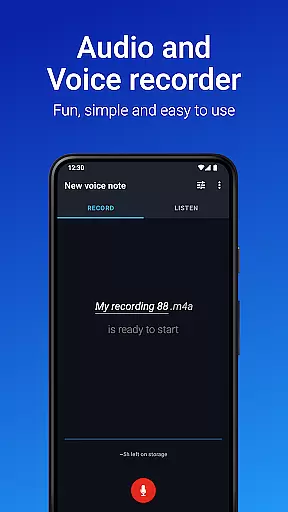
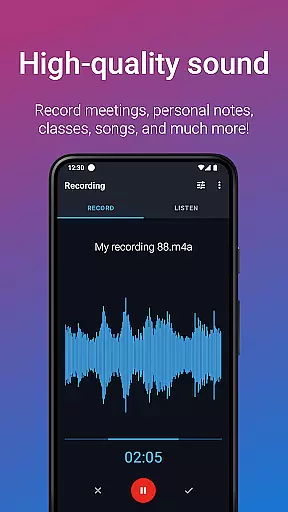
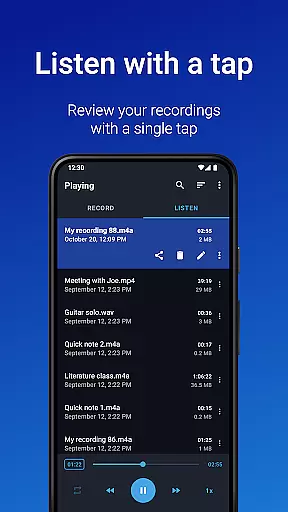
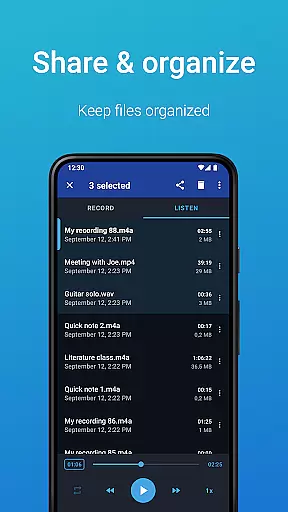
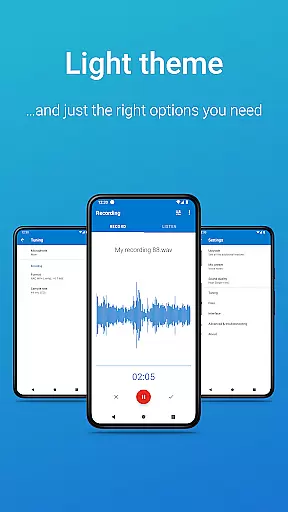
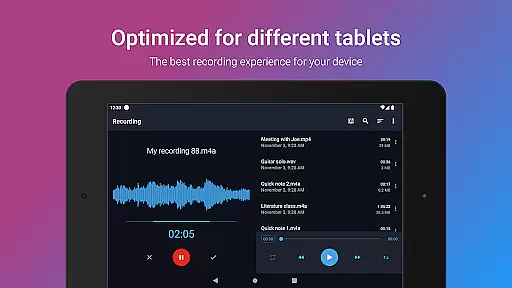
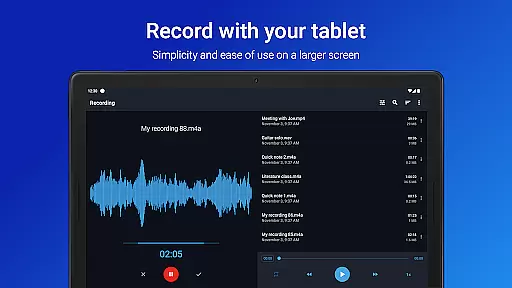
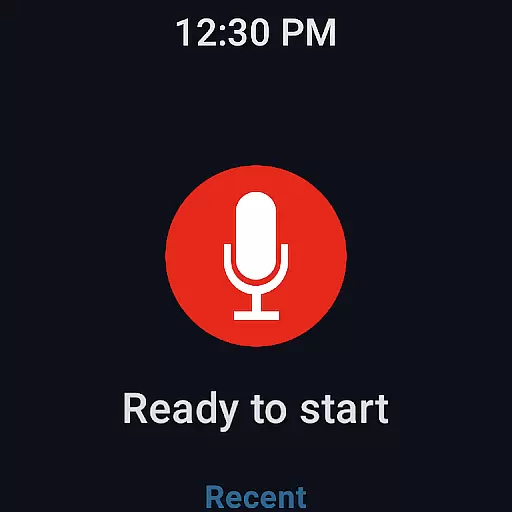
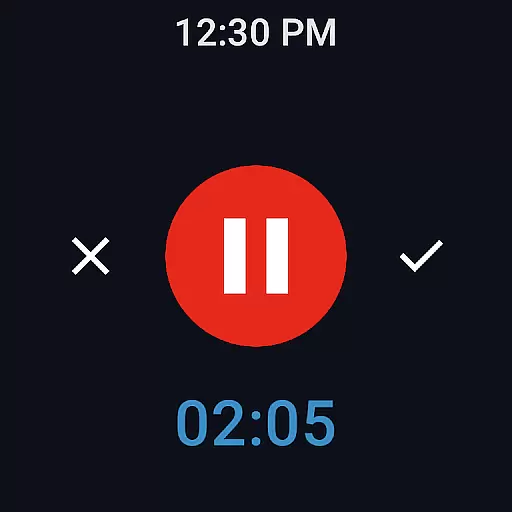
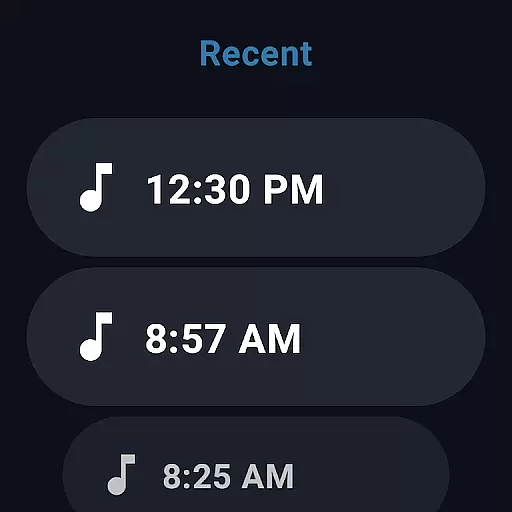
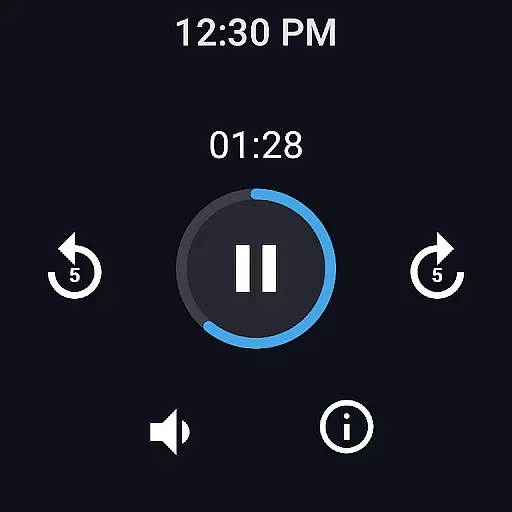
Easy Voice Recorder is a versatile audio recording application designed for Android devices, including smartwatches. It allows users to capture high-quality recordings of meetings, lectures, personal notes, and even music without any time restrictions. The app offers multiple recording formats such as PCM, MP4, and AMR, providing flexibility in managing storage space while maintaining excellent sound quality.
Beyond basic recording capabilities, Easy Voice Recorder includes advanced features tailored for different user groups. Students can benefit from variable playback speeds to study effectively, while business professionals can utilize powerful widgets and shortcuts to start recordings directly from their home screen. Musicians will appreciate the fine-tuning options available for capturing melodies and experimenting with new ideas quickly. With Wear OS support, users can conveniently record directly from their smartwatches.
The Pro version expands functionality further by enabling automatic uploads to cloud services like Google Drive or Dropbox, recording in additional formats like MP3 and FLAC, and offering editing tools to trim unwanted sections. This makes it an ideal companion for anyone looking to manage and organize their audio content efficiently across various platforms.
Easy Voice Recorder stands out with its comprehensive feature set that caters to diverse recording needs. One of its key strengths is the ability to switch between different recording modes—voice notes, meetings & lectures, and music & raw sound—using intuitive settings and presets. This ensures optimal audio capture regardless of the scenario, whether you're attending a lecture, conducting an interview, or brainstorming musical ideas.
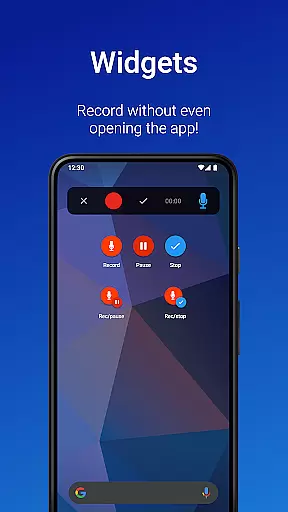
The app also excels in accessibility and convenience. Users can initiate recordings swiftly through widgets and shortcuts, allowing them to capture important moments without delay. Background recording capability means you won't miss a beat even if you navigate away from the app. Sharing options are equally robust, supporting email and popular messaging apps, making collaboration seamless. Additionally, setting recordings as ringtones adds a personalized touch to your device.
For those seeking enhanced functionality, the Pro version offers advanced features like Bluetooth microphone support, stereo recording, and volume boosting. These additions make it possible to achieve professional-grade results. Integration with cloud services ensures your recordings are always backed up and accessible from anywhere. Overall, Easy Voice Recorder combines ease of use with powerful tools to deliver a superior recording experience tailored to both casual users and professionals alike.
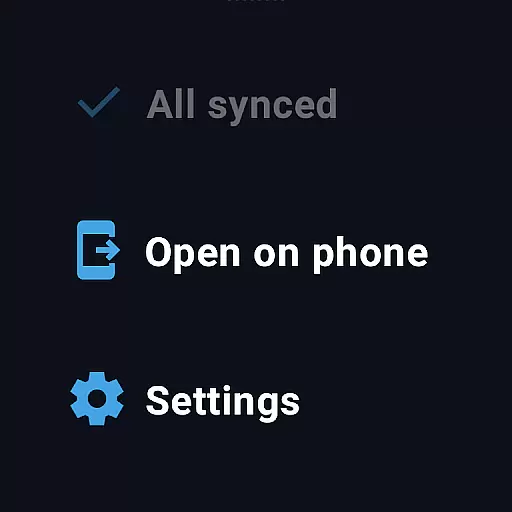
Companion app integration is essential for a seamless experience across multiple devices. Easy Voice Recorder excels in this area by offering robust synchronization between your smartphone, tablet, and Wear OS smartwatch. This ensures that recordings started on one device can be managed and accessed from another without any hassle.
The app provides intuitive widgets and shortcuts that allow users to initiate recordings directly from their home screen or smartwatch. This feature is particularly beneficial for professionals who need to capture meetings or interviews on the go. The ability to control recording functions from a Wear OS device adds an extra layer of convenience and accessibility.
Sharing options are also optimized for cross-device use. Recordings can be easily shared via email or messaging apps, regardless of the device you're using. This makes collaboration effortless, as team members can receive important audio files promptly. With its comprehensive companion app integration, Easy Voice Recorder ensures that your recording experience is both flexible and efficient.
Wear OS and device compatibility is a crucial aspect of modern applications, especially for users who rely on smartwatches for productivity. Easy Voice Recorder offers excellent support for Wear OS devices, allowing users to start and manage recordings directly from their smartwatches. This compatibility enhances the app's versatility, making it a reliable tool for various recording needs.
The app includes a dedicated watch tile that enables quick access to recording functions. Users can start, pause, and stop recordings with just a few taps on their smartwatch interface. This feature is particularly useful for capturing voice notes or memos when your phone isn't readily accessible. The responsive design ensures smooth performance across different Wear OS devices.
In addition to basic recording functions, Easy Voice Recorder supports advanced features like background recording and file sharing from Wear OS devices. These capabilities ensure that users can rely on their smartwatches for more than just notifications. With its strong focus on Wear OS and device compatibility, Easy Voice Recorder delivers a comprehensive and user-friendly recording solution.
User-friendly interface
High-quality recording formats
Background recording capability
Wear OS compatibility
Variety of sharing options
Limited free features
No automatic backup in free version
Pro version requires purchase
Bluetooth mic support costs extra
Editing tools only in Pro version

Gym Log & Workout Tracker | Fitness Journal, Training & Weight Lifting Planner
 4.90
4.90
Christmas - Festive - Christmas Village - Winter - Christmas lights
5.00
Snowflake Rose Gold Watch Face - Digital, modern, & sleek with GYRO effect.
4.10
Embrace the festive spirit with our Christmas Countdown watchface for Wear OS
4.10
Watch face for Wear OS.
4.20
Digital watch face. For Wear OS devices.
4.40
Your music, your playlists, and more—offline and unlimited.
4.20
Want to take charge of your health? Let Google Fit help you reach your goals.
3.50
Back up your contacts & access them anywhere
4.30
Beautiful, colorful and practical watch face. For Wear OS devices.
5.00
Hybrid watch face for Wear OS with customizable complications by Matteo Dini MD
4.70
Highly customizable hybrid watch face for Wear OS, perfect for everyday use.
4.60
Nutrition, Macro tracker: Food, fitness & healthy diet tracking for weight loss
4.60
A realistic hybrid watch face with many customization options.
4.60
Simple, helpful messaging by Google
4.60
Daily Weather forecast with 15 weather images for Day & Night plus Big Bold time
4.10
Viewer for Wyze/Yi/Eufy/Arlo/ONVIF/RTSP/P2P IP cams w/ adv. features & DIY DVR
4.00
Stay in touch with your friends and family using LINE!
3.40
A heartwarming Christmas scene featuring a cute image of Santa and Rudolf
4.4


User Reviews