
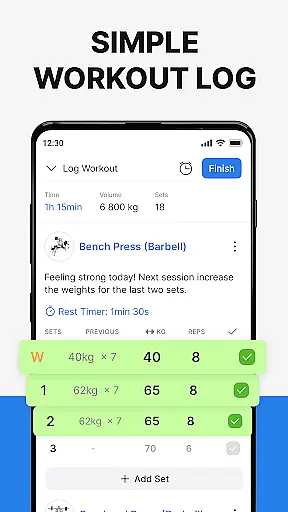
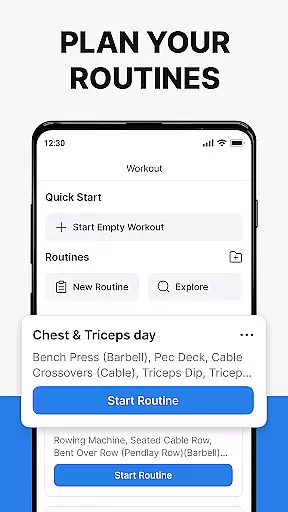
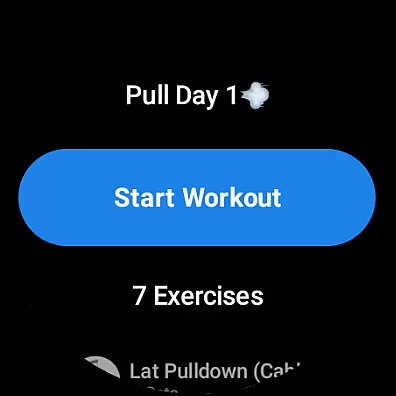
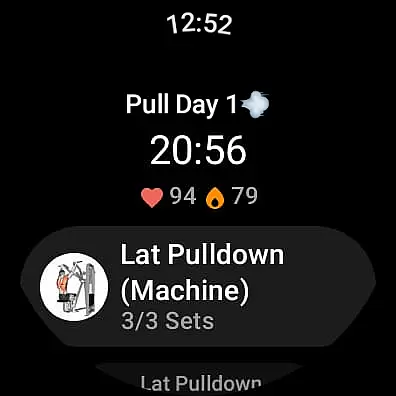
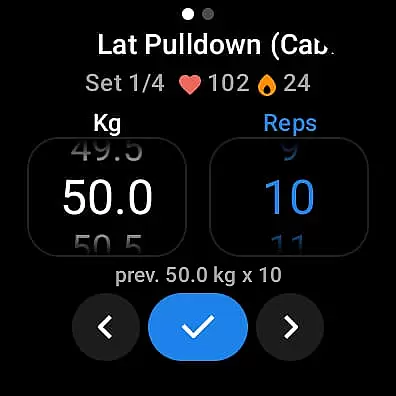
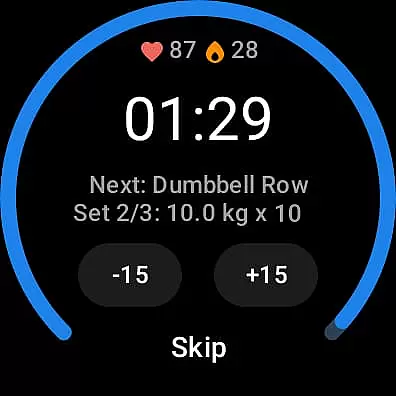
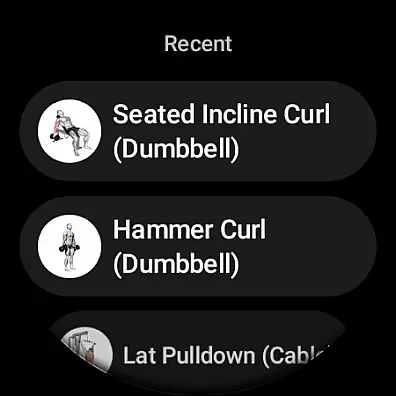
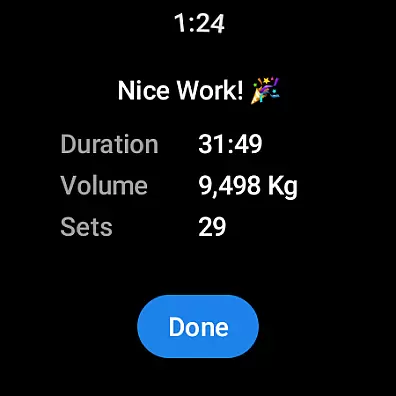
Hevy - Gym Log Workout Tracker is a comprehensive fitness application designed for Android Wear users. This app allows you to log your workouts with an intuitive interface, offering extensive statistics to track your progress over time. With features like an advanced routine planner, calendar integration, and hundreds of exercises with instructional videos, Hevy ensures you maintain proper form and stay on top of your training schedule.
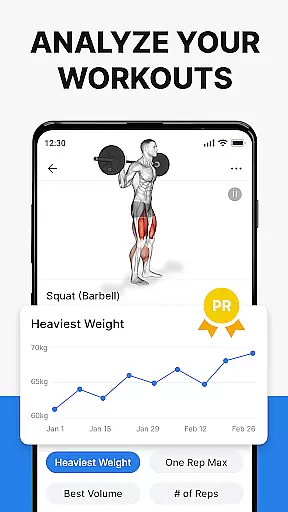
The app also supports creating custom exercises, marking different types of sets, and analyzing gym sessions with detailed muscle group graphs. It calculates One Rep Max and provides full-screen graphs for volume, best weight, and total reps, helping you understand your performance better. Additionally, the Wear OS Watch compatibility enables live syncing of workouts, heart rate tracking, and easy access through the Hevy Wear OS Tile.
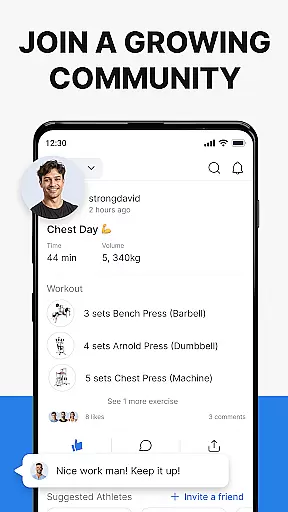
Whether you're focusing on weightlifting, powerlifting, or bodyweight workouts, Hevy adapts to various training types and routines. Its community aspect lets you follow friends' progress, copy their routines, and stay motivated. Suitable for both gym and home workouts, Hevy helps you achieve your fitness goals efficiently.
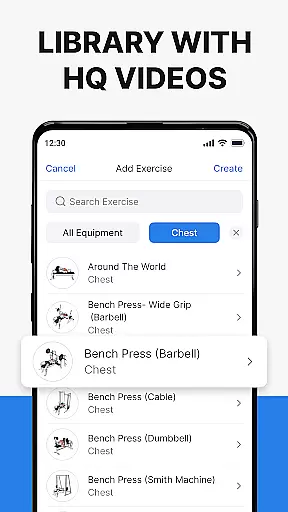
Hevy offers a rich set of features tailored for fitness enthusiasts using Android Wear. The app's primary feature is its intuitive workout logging system, which includes an advanced routine planner and calendar to keep track of your training schedule. You can choose from hundreds of exercises, each accompanied by high-quality videos to ensure correct form and technique.
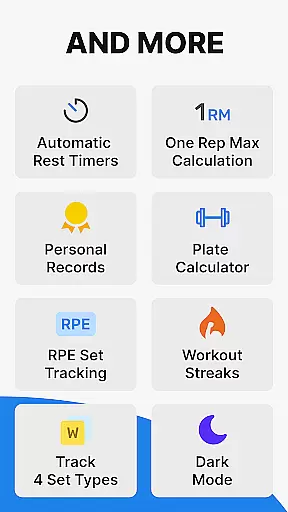
One standout feature is the ability to create custom exercises and mark sets as Warmup, Normal, Drop sets, Failure, or Supersets. The app also provides automatic rest timers and detailed analytics through muscle group graphs and calculations of One Rep Max. Users can analyze their progression with beautiful full-screen graphs displaying volume, best weight, and total reps.
For Wear OS Watch users, Hevy offers seamless integration. You can track workouts directly on your watch, use Hevy routines, and sync data live with your phone. Additional features include heart rate tracking during workouts, helpful timers for duration exercises, and automatic saving of watch workouts when reconnected to your phone. These features collectively enhance the user experience and provide a robust platform for tracking and planning your fitness journey.
Companion app integration is essential for users who want a seamless experience between their mobile devices and wearable technology. Hevy - Gym Log Workout Tracker offers robust companion app features specifically designed for Android Wear devices.
The application allows you to easily track your workouts on your Wear OS Watch, ensuring that all your fitness data is synchronized in real-time with your phone. This means you can start a workout on your watch and have the confidence that it will automatically save and update on your phone once reconnected.
Hevy also supports using your pre-planned routines directly on your Wear OS Watch, providing continuity and convenience. The live sync feature ensures that any changes made during your workout are immediately reflected across devices, giving you up-to-date information wherever you are.
Additionally, the Hevy Wear OS Tile provides quick access to the app, streamlining your ability to log and monitor workouts without needing to navigate through multiple screens. This level of integration enhances the overall user experience by making fitness tracking more accessible and efficient.
Device compatibility is crucial when selecting a fitness tracking app, especially for those who use wearable technology like Wear OS devices. Hevy - Gym Log Workout Tracker excels in this area by offering extensive compatibility with a range of Wear OS watches.
Hevy ensures that its comprehensive suite of features is fully functional on Wear OS. You can utilize helpful timers for duration exercises, mark sets as Warmup, Normal, Drop sets, or Failure, and keep track of your heart rate during workouts, all from your wrist.
This compatibility extends beyond just basic functionality; Hevy allows for detailed workout planning and execution directly from your Wear OS device. With the ability to use custom exercises and routines, users can enjoy the same depth of tracking and planning on their watch as they do on their phone.
Furthermore, Hevy's commitment to compatibility means regular updates and improvements to ensure smooth performance across different devices. This dedication ensures that whether you're using a newer or older model of Wear OS watch, you'll experience reliable and accurate fitness tracking with Hevy.
User-friendly interface
Extensive exercise library
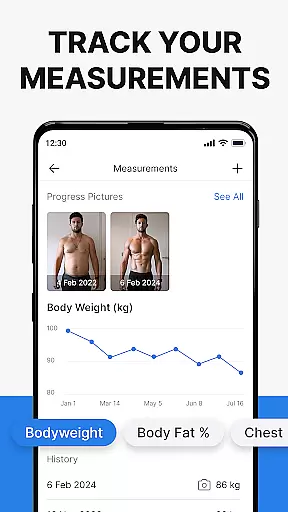
Detailed progress tracking
Community engagement features
Wear OS Watch compatibility
Limited wearable device support
No integrated music player
Occasional syncing issues
Advanced features require learning
Interface may feel cluttered

The most customizable minimal watch face. For Wear OS 5.0, API 34+ and later
 4.70
4.70
Period, ovulation & pregnancy tracker. Fertility insights & menstrual calendar.
4.90
The most customizable hybrid watch face. For Wear OS 5.0, API 34+ and later
4.70
A modern hybrid informative watch face for Wear OS designed by BALLOZI
4.80
A realistic hybrid watch face with many customization options.
4.60
Your local weather forecast, storm tracker, radar maps & live weather news
3.40
Start and succeed with PAP
4.10
Back up your contacts & access them anywhere
4.30
Toyota app currently supports 2010 or newer vehicles (2018 or newer for Hawaii).
4.50
Be an elegant and classy secret agent, with this carefully detailed watch face
4.70
Kia Access makes getting your vehicle information easier than ever
4.60
MyNISSAN® lets you remotely control your car from your phone.*
4.50
Beautiful artistic animated digital watch face, with a customizable layout!
4.40
A white realistic classic analog watch face with many customization options.
4.40
Find EV charging stations
4.30
Structured watch face with seven complications and modular UI elements
3.90
Christmas and New Year - Themed Watchface
4.2
Analog watch face with 8 complications and expedition styling
4.5
Fitness interactive virtual pet super fighter boy watch face
4.0


User Reviews