
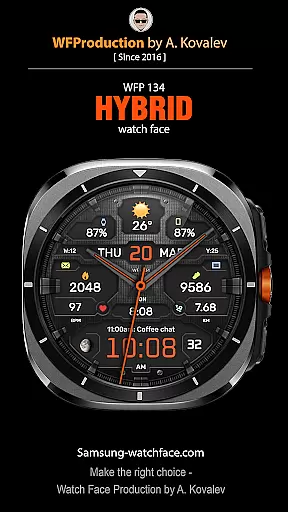
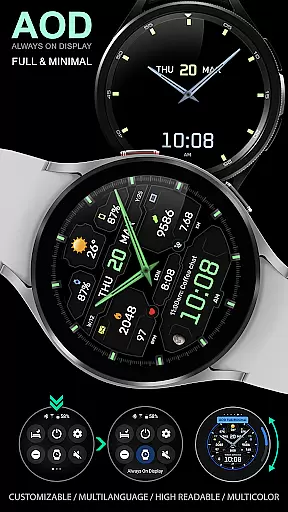
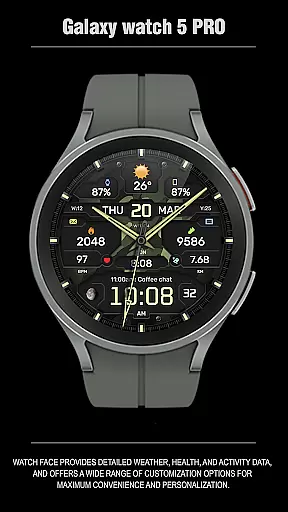
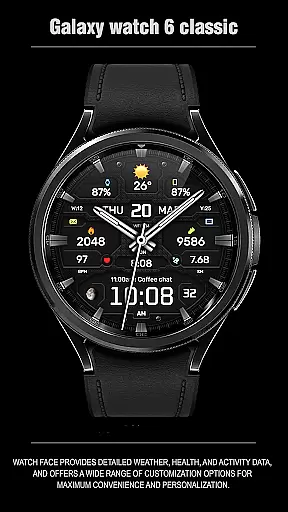
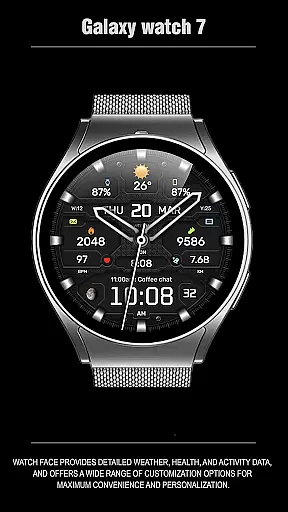
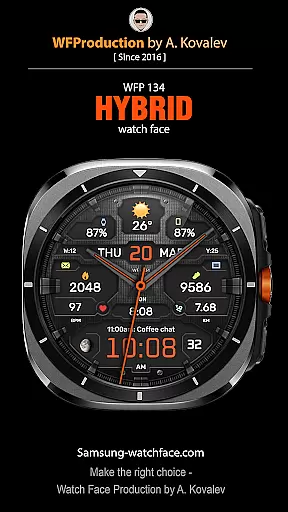
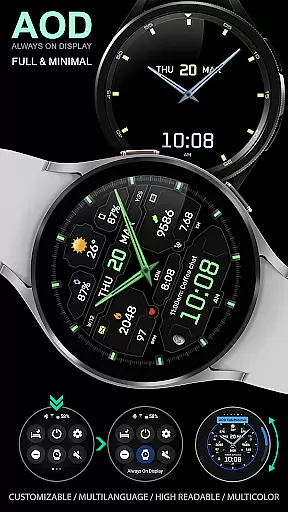
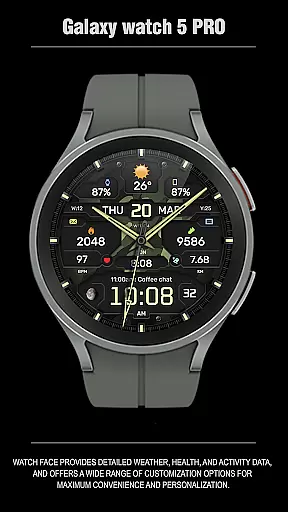
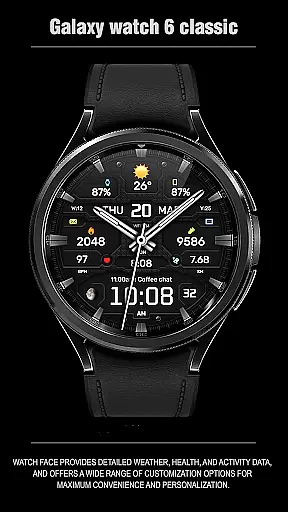
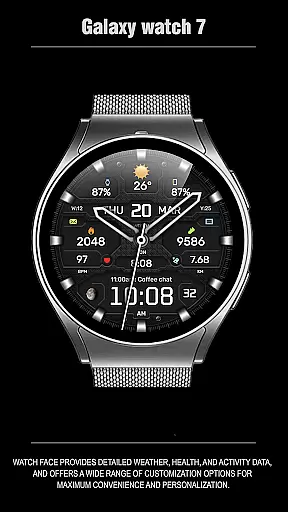
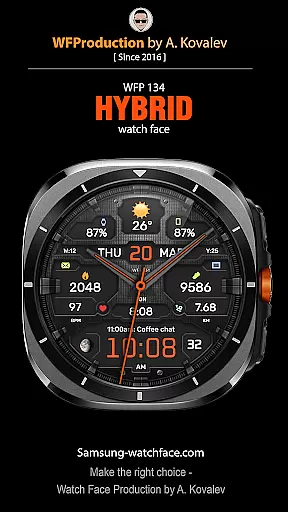
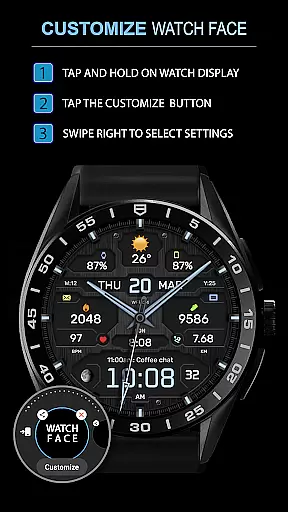
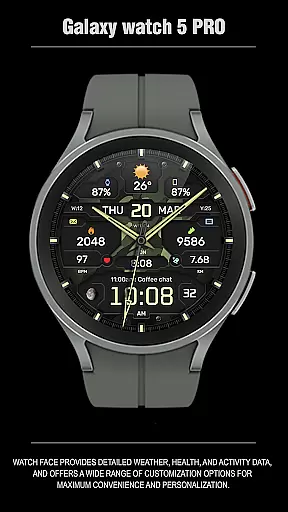
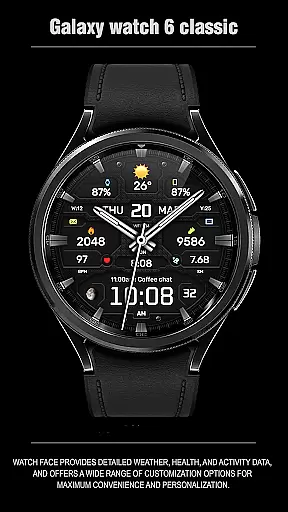
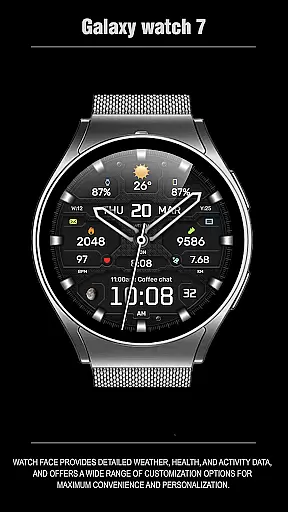
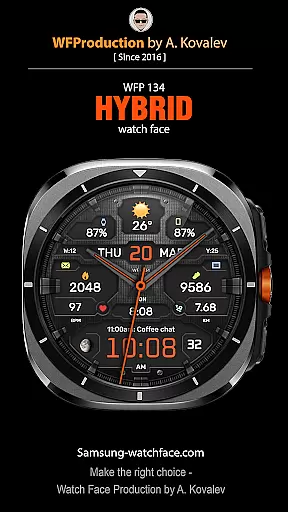
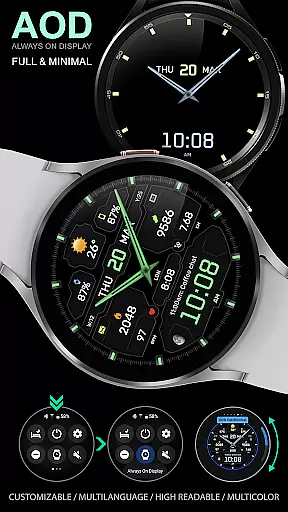
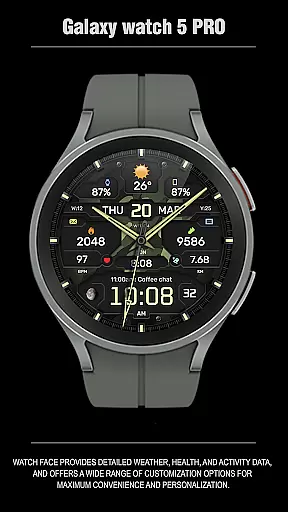
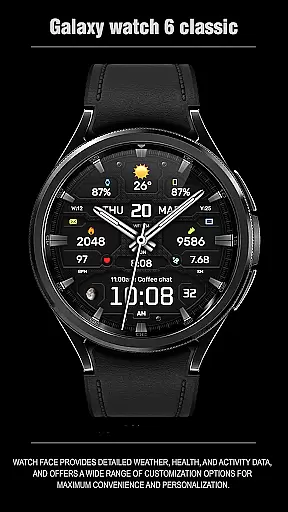
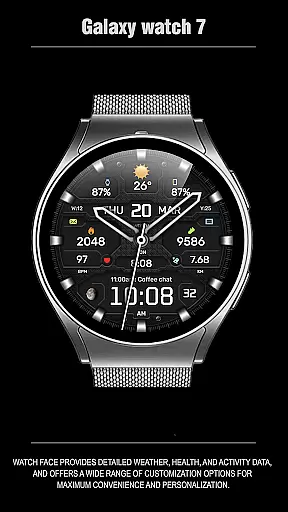
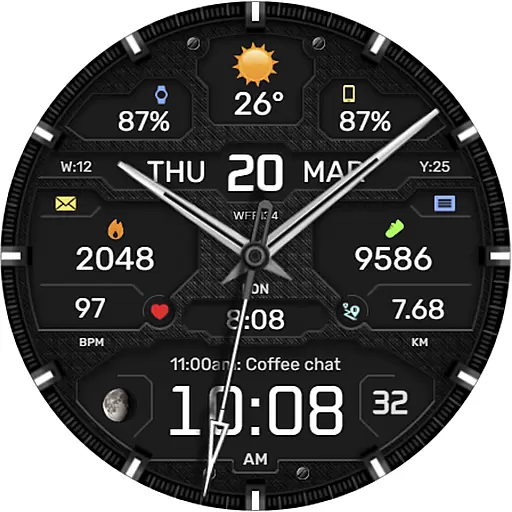
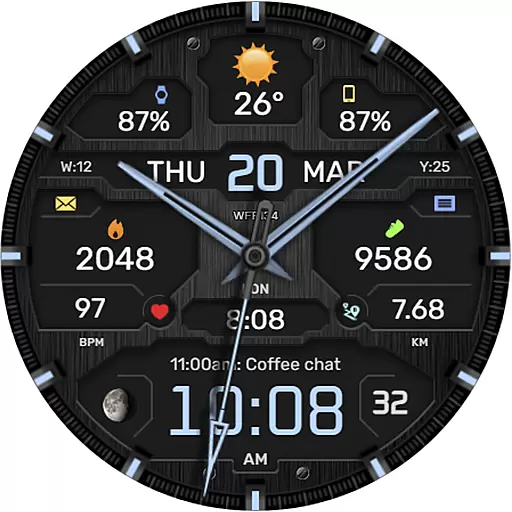
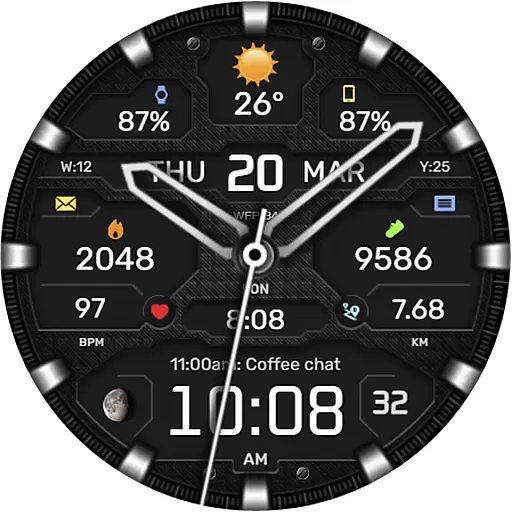
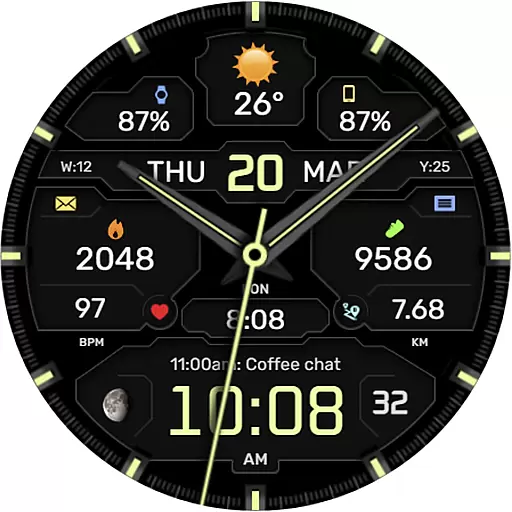
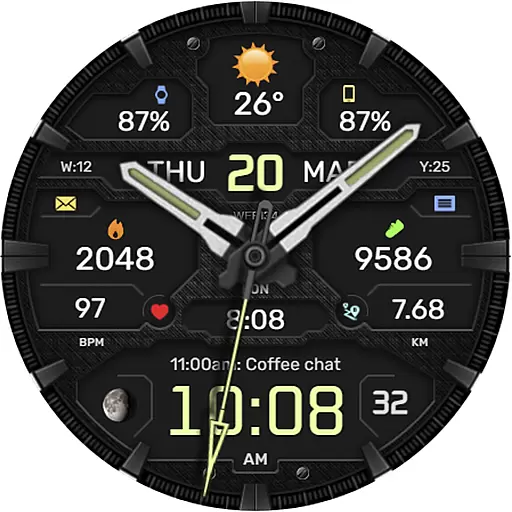
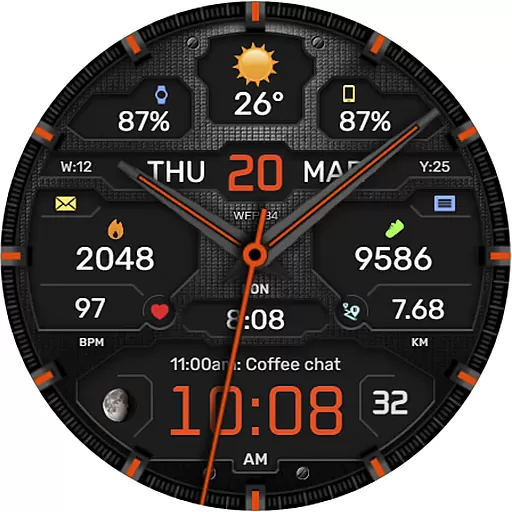
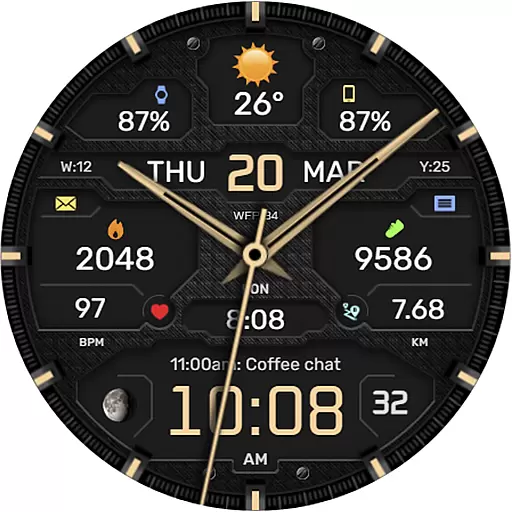
The WFP 134 Hybrid watch face is a stylish and functional accessory for your smartwatch, offering users an impressive array of features. It provides detailed weather forecasts, health statistics, and activity tracking while allowing extensive customization to suit individual preferences. With compatibility across devices running API 34+ and later, this watch face ensures broad usability.
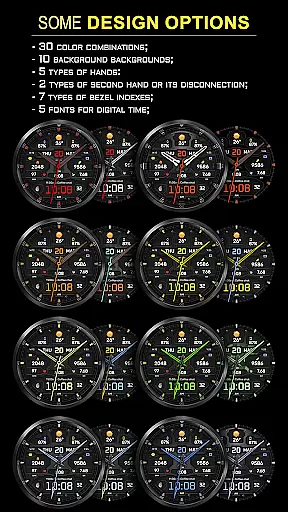
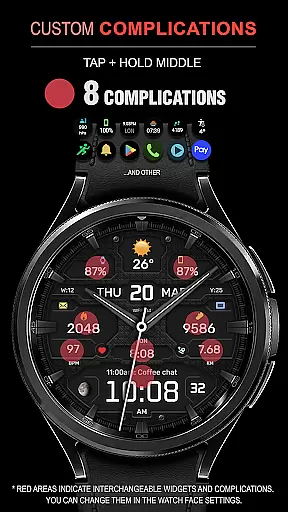
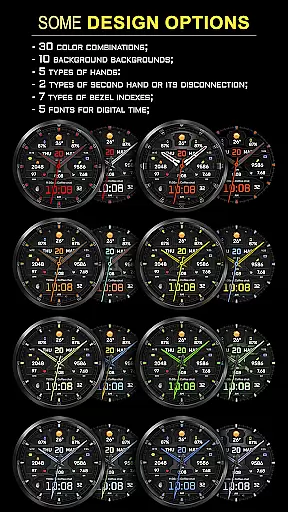
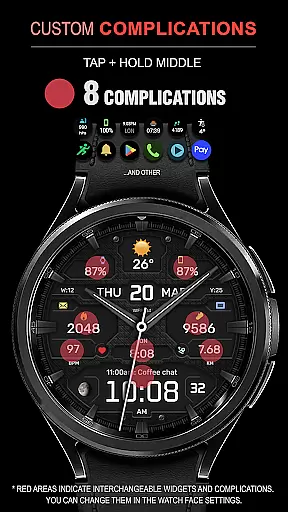
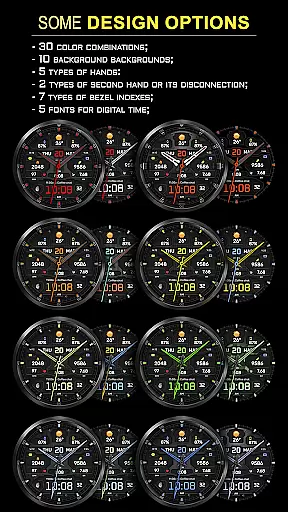
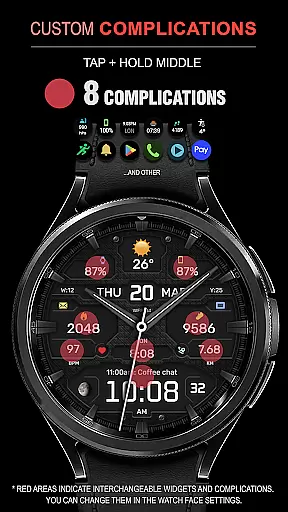
Key functionalities include eight complications, thirty color combinations, ten unique backgrounds, and various types of hands and bezel indexes. Users can also choose between Fahrenheit or Celsius temperature displays and enjoy high-resolution graphics optimized for minimal battery consumption. Whether you're monitoring your fitness goals or personalizing your watch's appearance, the WFP 134 Hybrid watch face delivers both utility and style.
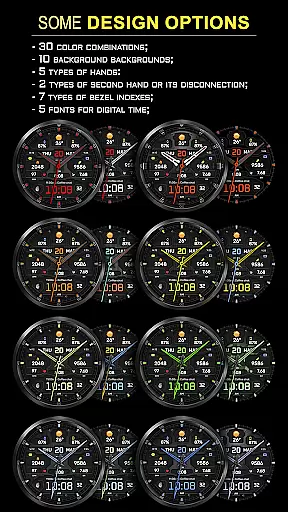
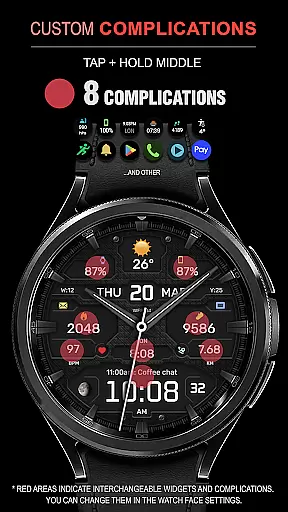
The WFP 134 Hybrid watch face stands out with its rich feature set designed to enhance user experience. It includes eight different complications that allow users to display various data points such as weather, moon phases, and health metrics directly on their watch face. The availability of thirty color combinations and ten distinct backgrounds offers unparalleled personalization options.
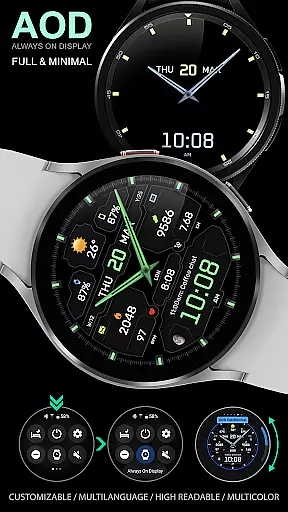
Further enhancing its appeal are five types of hands, two second-hand styles (or the option to disable it), seven bezel index designs, and five fonts for digital time display. Additionally, the Black Edition mode caters to those who prefer a sleek aesthetic. High optimization ensures smooth performance with low battery usage, making it practical for everyday use. Multilingual support and customizable Always-On Display (AOD) modes further add to its versatility.
Companion app integration is essential for a seamless experience between wearable devices and smartphones. The WFP 134 Hybrid watch face excels in this area by offering users the ability to sync data effortlessly.
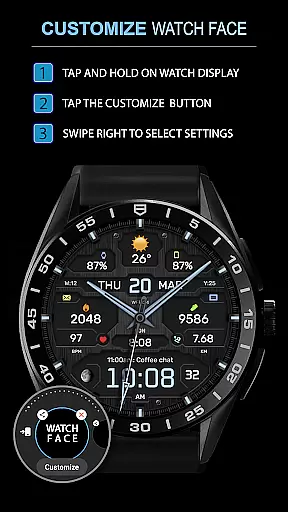
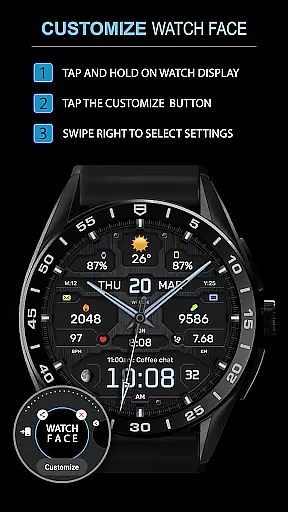
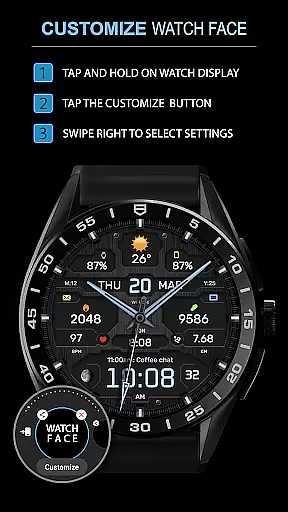
This application supports detailed customization options directly from your smartphone, allowing you to adjust settings such as weather display in Fahrenheit or Celsius, AOD modes, and much more. This ensures that your watch face remains in sync with your personal preferences at all times.
By providing compatibility with devices running API 34+ and later, it guarantees that most users with modern smartwatches can take advantage of its features. Users can also access phone charge widgets and health data through clear instructions provided on their website.
The synchronization extends beyond mere aesthetics; it includes functional aspects like weather forecasts, moon phases, and multilingual support, enhancing both utility and accessibility for an optimal user experience.
Ensuring broad device compatibility is crucial for reaching a wider audience. The WFP 134 Hybrid watch face is designed to work seamlessly with Wear OS devices, supporting API levels 34 and above.
This wide compatibility range means that whether you have a newer model or one released a few years ago, you can enjoy the extensive customization options available. With over 30 color combinations, various backgrounds, and multiple types of hands, there's something for everyone.
In addition to visual customizations, practical features such as high-resolution displays, low battery consumption, and optimized performance make it suitable for everyday use. These technical specifications ensure that the watch face runs smoothly without draining your device's resources.
Furthermore, multilingual support adds another layer of accessibility, making it easier for international users to engage with the product fully. Overall, this focus on compatibility enhances user satisfaction by catering to diverse needs across different devices.
Highly customizable
Low battery consumption
Stylish design
Comprehensive weather data
Multilingual support
Requires API 34+
No built-in GPS
Limited widget options
Premium features cost extra
Complex setup process

Christmas is near, let's count together the days left until Santa comes
 4.2
4.2
A Wintery Snow Globe on Your Wrist; now celebrating Christmas!
4.0
Contemporary digital watch face with five complications
4.0
Ideal for surviving in the wasteland left after nuclear fallout
4.50
Structured watch face with seven complications and modular UI elements
3.90
Get helpful reminders, take progress photos and find answers to your questions.
3.90
Premium hybrid watch face with many customizations for Wear OS devices.
4.40
Connect, create, and collaborate with Gmail, part of Google Workspace.
4.10
Want to take charge of your health? Let Google Fit help you reach your goals.
3.50
Hybrid watch face for Wear OS with customizable complications by Matteo Dini MD
4.70
Rose gold watch face with festive lights & customizable features.
4.60
Kia Access makes getting your vehicle information easier than ever
4.60
To-Do List: daily schedule planner, task organizer, to do reminder app, calendar
4.60
Retro digital watch face with customizable colors and a unique lighting effect
4.60
A customizable Christmas watch face for Wear OS with a countdown.
4.20
Stay in touch with your friends and family using LINE!
3.40
an Analog Watch Face for winter season with freeze winter background for Wear OS
4.0
Simple Analog-Digital Watchface For Wear OS 3.0 and Up Smartwatches
4.0
Funny animated watch face for Thanksgiving
4.4


User Reviews