
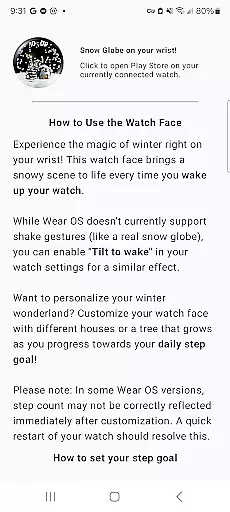
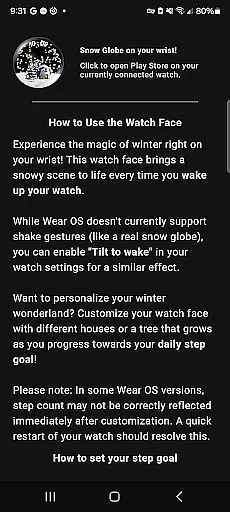
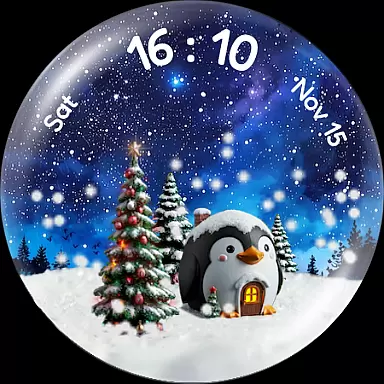
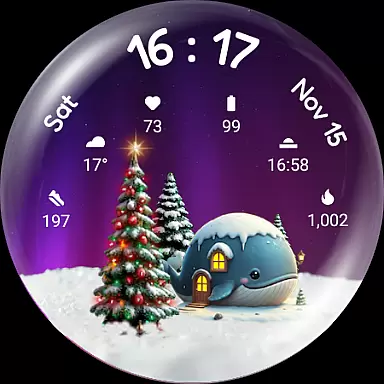
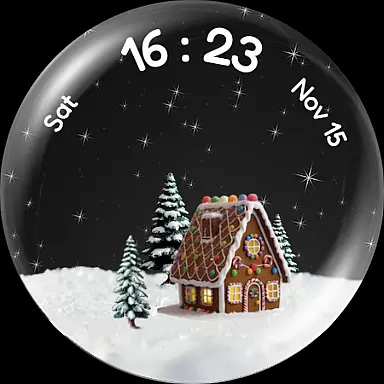
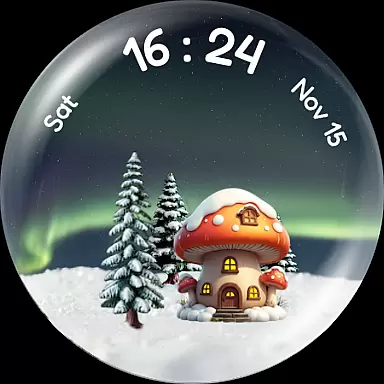
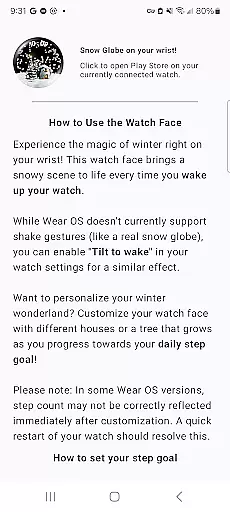
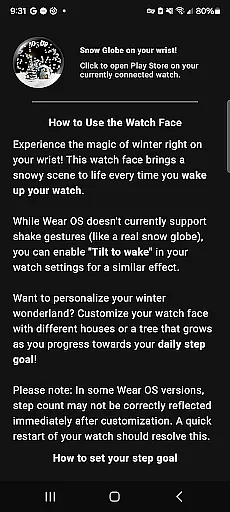
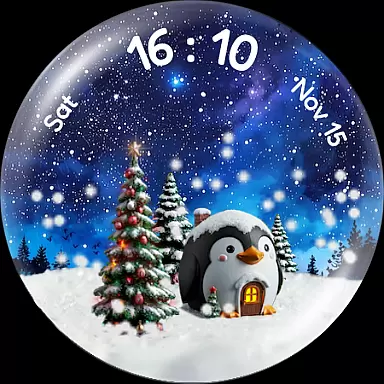
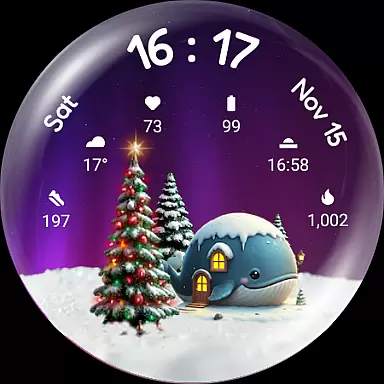
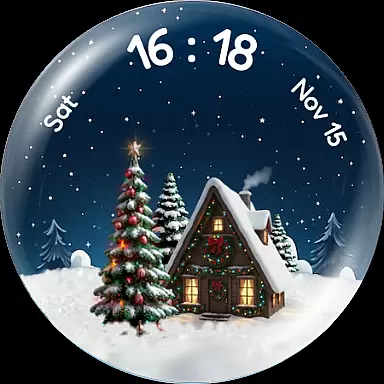
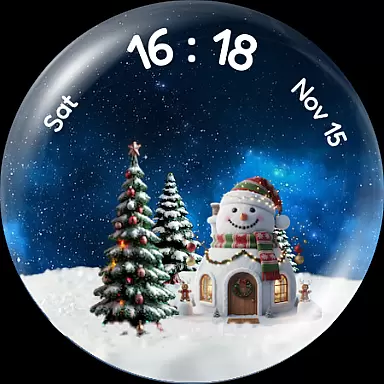
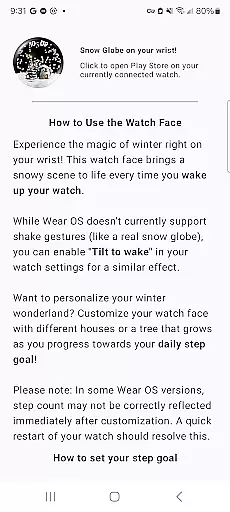
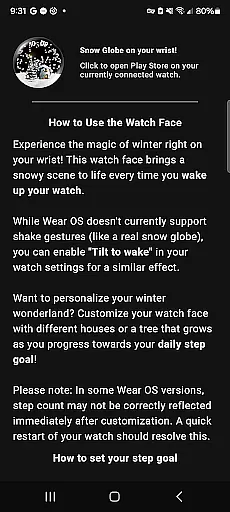
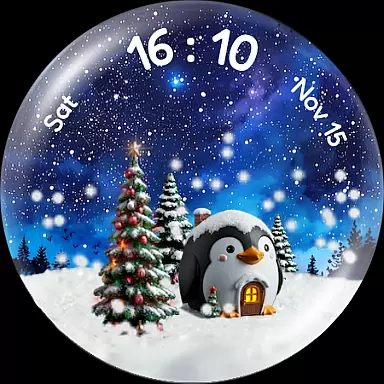
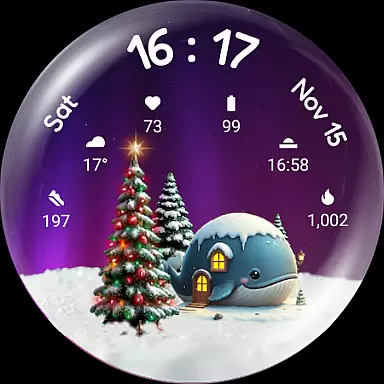
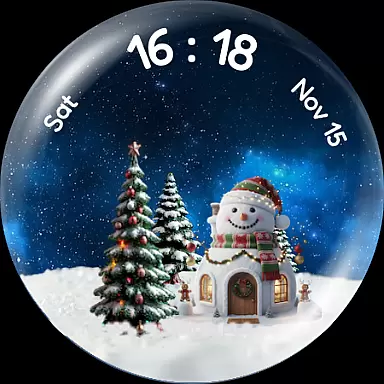
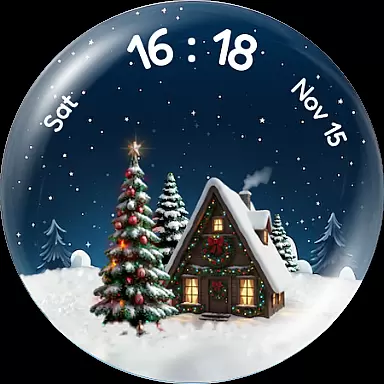
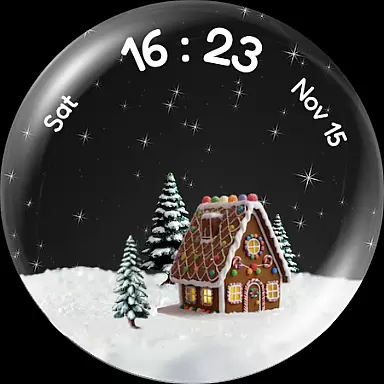
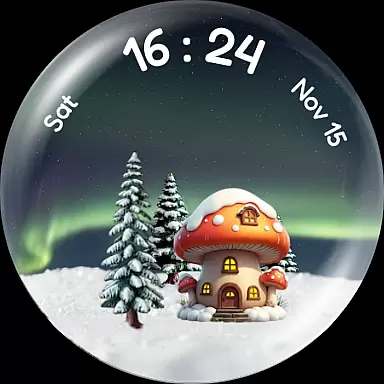
Snow Globe Watch Face brings the enchanting charm of winter festivities to your smartwatch. This Wear OS application features a captivating snow globe animation that activates with every wake-up, creating an immersive holiday experience on your wrist.
With customizable backgrounds like Aurora and starry skies, charming animal-themed houses, and a motivational step-tracking Christmas tree, this watch face combines aesthetics with functionality. The built-in complications provide quick access to essential information, making it both delightful and practical for daily use.
The Snow Globe Watch Face stands out with its mesmerizing snowfall animation that users can activate by tilting their watch. The stunning night sky backgrounds range from northern lights to star-filled vistas, offering diverse visual experiences.
Personalization is key with options to choose from various adorable houses and track daily steps through a growing Christmas tree feature. As users achieve step goals, the tree flourishes and lights up, adding gamification to fitness tracking.
Functionally, it includes six complication slots compatible with Wear OS 4+, allowing integration of heart rate monitors, weather updates, and more, ensuring both beauty and utility are at your fingertips.
Companion app integration is essential for a seamless wearable experience. The Christmas Snow Globe Watch Face excels in this area by providing a dedicated mobile application.
This companion app serves as the control center for your watch face, allowing you to easily configure settings and personalize your snow globe. You can choose from various charming houses and adjust the mesmerizing snow animation to match your preferences.
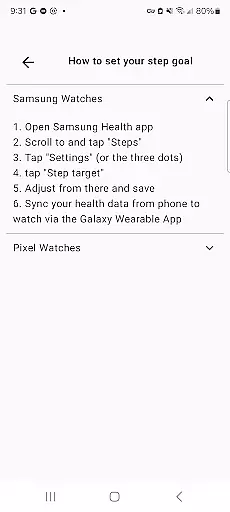
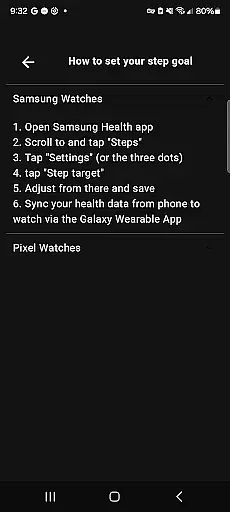
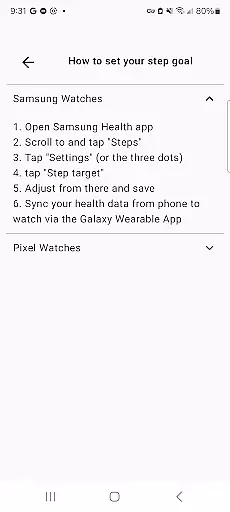
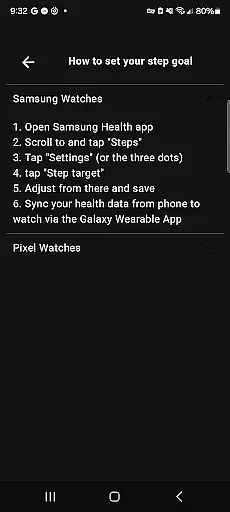
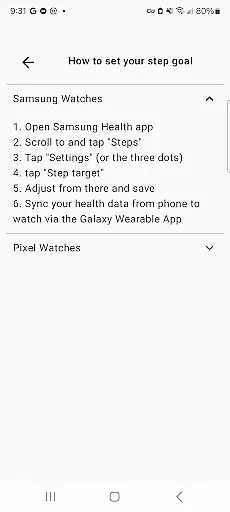
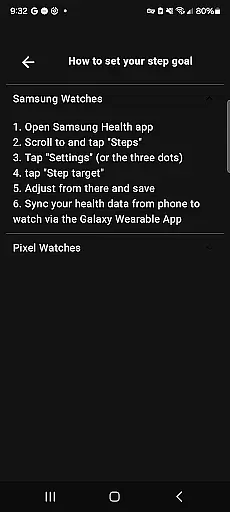
One of the standout features enabled by the companion app is the step-tracking functionality. By setting a personal daily step goal, you can watch your Christmas tree grow and illuminate as you achieve your fitness targets.
The integration ensures that all customizations made on your phone are instantly synced with your wearable device, providing a consistent and optimized user experience across both platforms.
Device compatibility is crucial for ensuring that your smartwatch face works flawlessly with your specific hardware. The Christmas Snow Globe Watch Face is designed specifically for Wear OS 4 and above.
This ensures access to the latest features and optimizations available on newer devices. Users can enjoy stunning night sky backgrounds, including northern lights and starry skies, without worrying about performance issues.
In addition to visual enhancements, the watch face supports six custom complication slots. These slots provide quick access to vital information such as heart rate, weather updates, and step counts directly from the watch face.
By focusing on Wear OS 4+, the developers have ensured that users benefit from improved battery life and processing power, resulting in a smoother overall experience while enjoying the delightful animations and functionalities of the Snow Globe Watch Face.
Beautiful animations
Customizable backgrounds
Motivational step tracker
Complication-ready design
Holiday-themed charm
Limited to Wear OS
Requires companion app
Premium feel but paid
Battery consumption
Complex setup

Calming & relaxing sounds for sleeping and stress relief. Stay focused all day!
 4.20
4.20
Analog watch face with 8 complications and expedition styling
4.2
Wear Os Watch Face - Animated Snow Effect & Magic Spark - 6 Scenes
4.10
Authentic military-tactical design with ZULU time! Realistic and functional!
3.80
Find EV charging stations
4.30
A white realistic classic analog watch face with many customization options.
4.40
Your music, your playlists, and more—offline and unlimited.
4.20
Fast and smart typing with Emojis, GIFs, and more
4.50
Toyota app currently supports 2010 or newer vehicles (2018 or newer for Hawaii).
4.50
Your second brain for organizing your life: to-do, calendar, reminder.
4.70
Nutrition, Macro tracker: Food, fitness & healthy diet tracking for weight loss
4.60
Embrace the holiday spirit with this magical animated watch face!
4.40
Bold weather Digital watchface with forecast & optional animated background
4.40
Snowflake Rose Gold Watch Face - Digital, modern, & sleek with GYRO effect.
4.10
Daily Weather forecast with 15 weather images for Day & Night plus Big Bold time
4.10
Your local weather forecast, storm tracker, radar maps & live weather news
3.40
Watch face designed for Thanksgiving Day. 7 Background Styles included.
3.20
Contemporary digital watch face with five complications
4.4
Simple Analog-Digital Watchface For Wear OS 3.0 and Up Smartwatches
4.3


User Reviews