
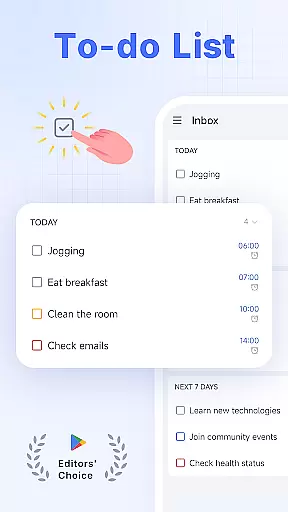
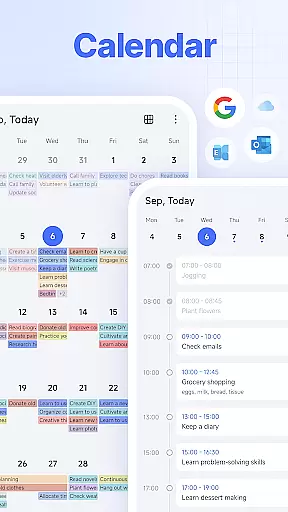
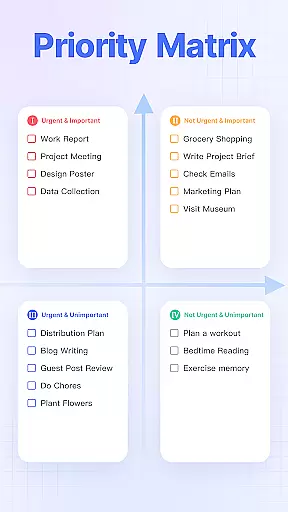
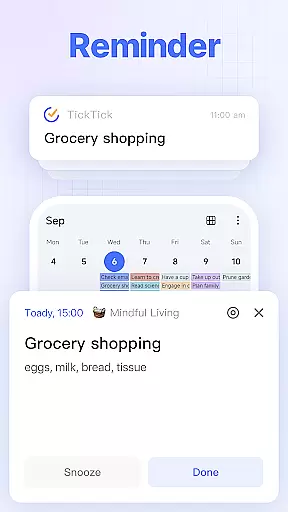
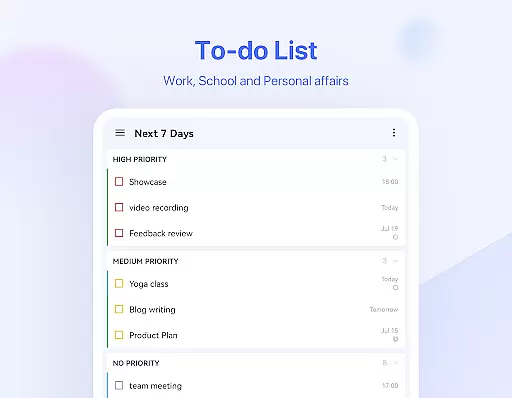
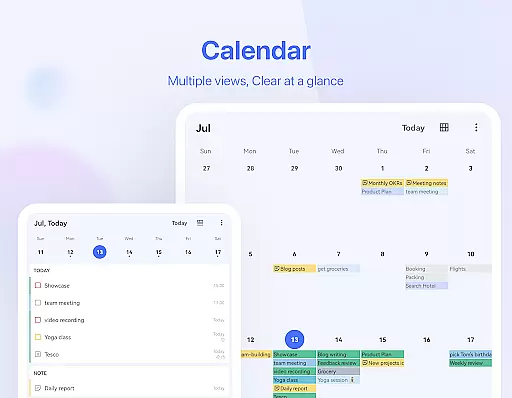
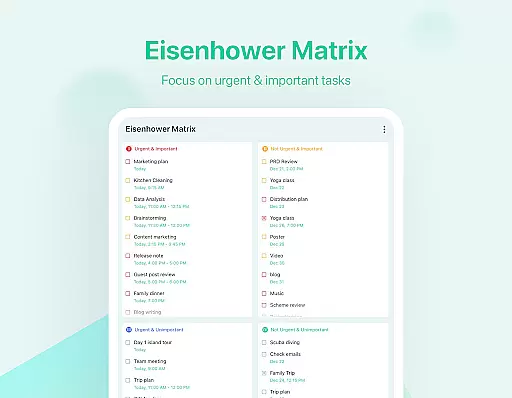
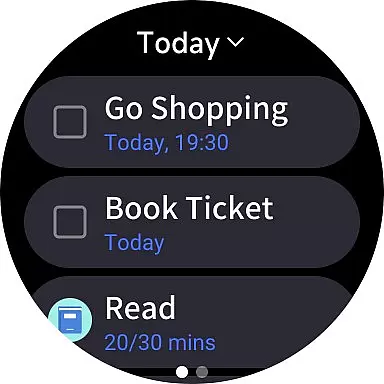
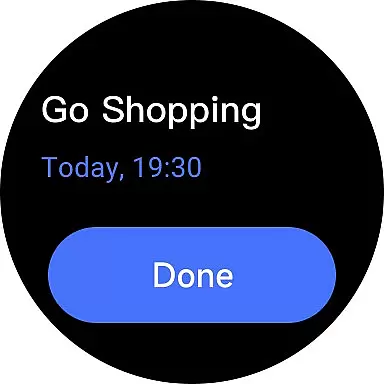
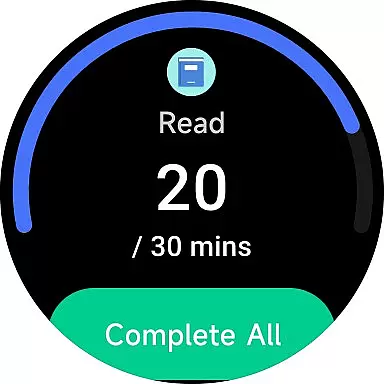
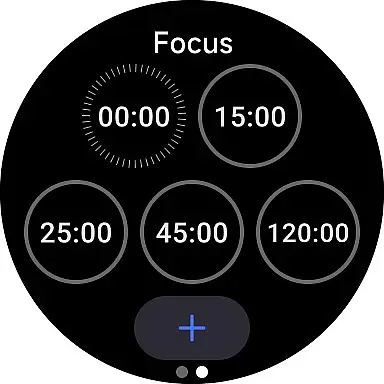
TickTick is a comprehensive productivity app designed to help users manage their tasks, schedules, and habits efficiently. As a multi-dimensional task manager, it consolidates to-do lists, reminders, and calendars into one intuitive platform, making it easier for users to organize their personal and professional lives. Whether you're at home or on the go, TickTick ensures you stay on top of your responsibilities while offering advanced features like Pomodoro timers and habit trackers.
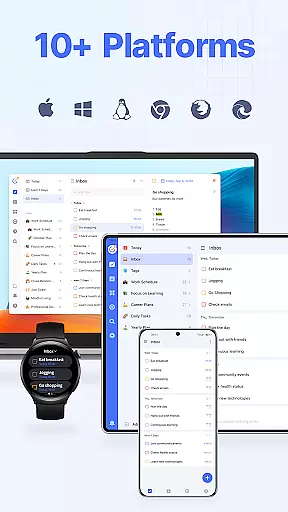
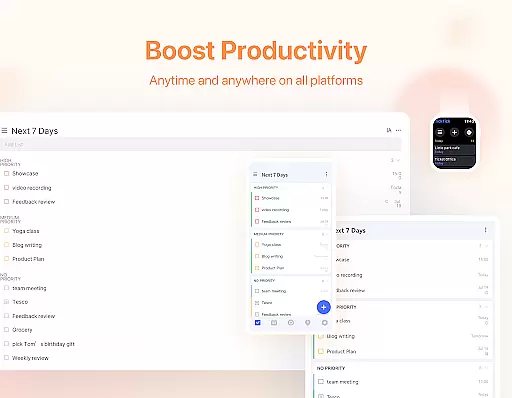
The app stands out with its seamless cross-platform synchronization, supporting Web, Android, Wear OS, iOS, Mac, and PC. This allows users to access their tasks and notes from any device, ensuring continuity and flexibility in managing daily activities. With personalized features such as quick task creation, smart date parsing, and instant reminders, TickTick empowers users to capture ideas, track goals, and collaborate with others effortlessly.
For those seeking enhanced productivity, TickTick Premium offers additional benefits including beautiful themes, advanced calendar views, and increased control over tasks and collaborations. Its sleek design and powerful functionality make it an ideal tool for anyone looking to streamline their workflow and achieve more in less time.
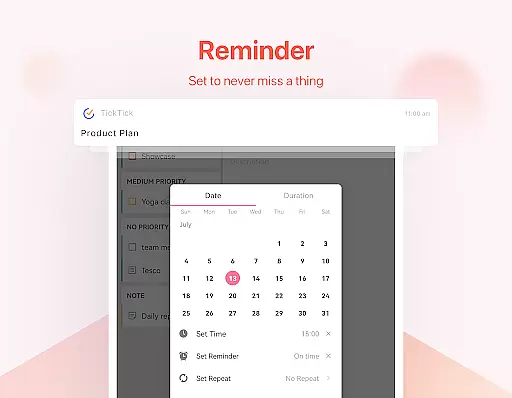
TickTick boasts an array of features that cater to various productivity needs. One of its core strengths is the ability to create tasks and notes quickly using either typing or voice commands. The Smart Date Parsing function automatically sets due dates and alarms based on user input, significantly boosting efficiency. Additionally, the app provides instant reminders for all tasks, ensuring users never miss a deadline.
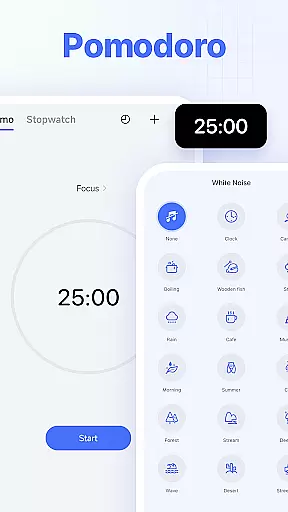
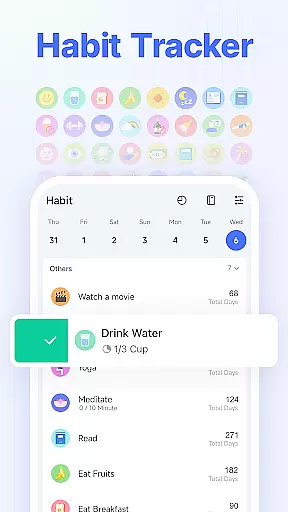
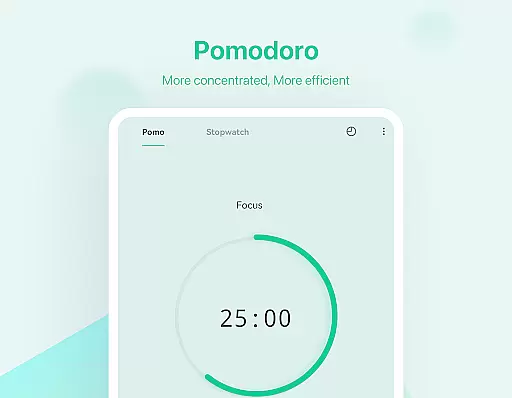
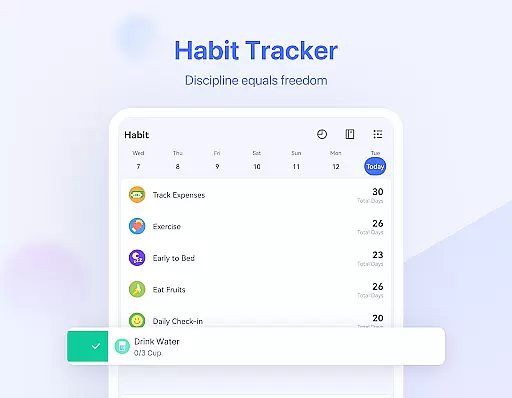
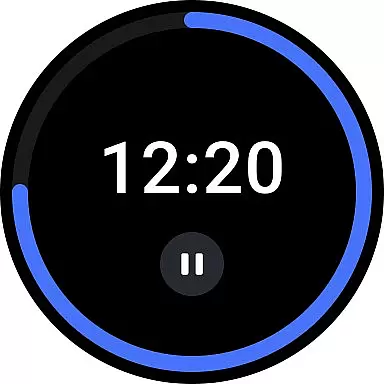
Another standout feature is the Pomodoro Timer, which helps users maintain focus by breaking work into intervals separated by short breaks. For those looking to build positive habits, TickTick includes a Habit Tracker that allows setting precise goals for activities like meditation, exercise, or reading. Users can also enjoy a sleek calendar view that integrates with third-party services like Google Calendar and Outlook, providing a comprehensive overview of their schedule.
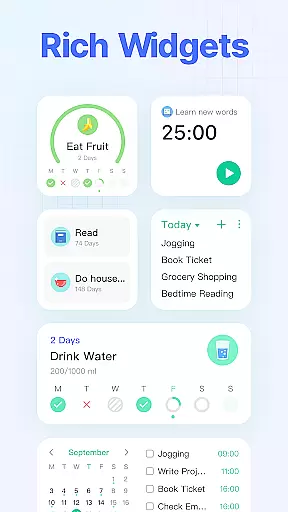
Collaboration is made easy with shared task lists and assigned responsibilities among team members, family, or friends. Recurring tasks can be scheduled effortlessly with customizable repetition patterns. Moreover, handy widgets provide quick access to essential features directly from the home screen. These robust capabilities ensure TickTick remains a versatile and indispensable tool for managing everyday tasks and long-term projects alike.
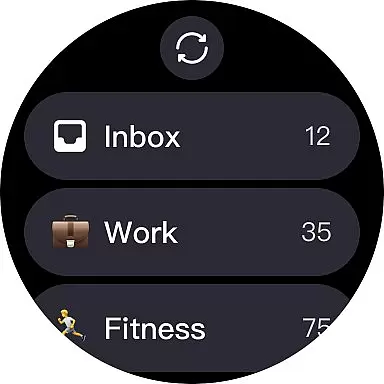
For users of Android Wear devices, TickTick offers seamless companion app integration that ensures your tasks and schedules are always synchronized across all platforms. This means whether you're checking your phone or glancing at your smartwatch, the information is consistent and up-to-date.
The integration allows for real-time updates, so any changes made on one device are immediately reflected on another. This feature is crucial for those who rely on their wearable technology to keep them informed throughout the day without needing to reach for their phone.
TickTick's design emphasizes ease of use, ensuring that even on smaller screens like those of Android Wear devices, users can easily navigate and manage their tasks. The intuitive interface provides quick access to essential features, making it simple to add new tasks or check off completed ones directly from your wrist.
By leveraging the capabilities of Android Wear, TickTick enhances productivity by keeping you connected to your to-do list no matter where you are or what device you're using. This constant connectivity empowers users to stay organized and efficient, ensuring they never miss an important deadline or appointment.
TickTick stands out in its comprehensive support for Wear OS and a wide range of devices, making it an ideal choice for users invested in the Android ecosystem. Its compatibility extends beyond just smartphones to include tablets, smartwatches, and even PCs, providing a unified experience across all your devices.
This broad compatibility ensures that regardless of the device you're using, you'll have access to the full suite of TickTick's features. Whether you're at home managing tasks on your tablet, at work organizing your schedule on your PC, or on the go checking your to-dos on your smartwatch, TickTick delivers a consistent and reliable performance.
Moreover, TickTick's dedication to maintaining high standards of functionality across different platforms highlights its commitment to user convenience and accessibility. This approach not only maximizes the utility of each device but also encourages a more flexible and mobile lifestyle.
With TickTick, users can rest assured that their productivity tool will work harmoniously with their existing tech setup, eliminating the need for multiple apps or services. This cohesive integration across Wear OS and various devices underscores TickTick's position as a versatile and indispensable asset for personal and professional task management.
User-friendly interface
Cross-platform sync
Advanced reminders
Habit tracking
Collaboration tools
Premium subscription required
Limited free features
Occasional sync issues
Complex settings
Learning curve

Embrace the holiday spirit with this magical animated watch face!
 4.40
4.40
Digital, flexibly customizable watch face. For Wear OS 5.0, API 34+ and later.
5.00
3 Complications. All shadow on/off. 30 Themes color palette...
4.4
The most customizable minimal watch face. For Wear OS 5.0, API 34+ and later
4.70
Bold, Modern Hybrid Watch Face for Wear OS. 10 Colors, Rich Info Display.
4.30
Kia Access makes getting your vehicle information easier than ever
4.60
The #1 source of faces for your smartwatch!
4.00
Real-time results, stats, schedules and player profiles for all leagues
4.60
Track your active life in one place and share the journey with friends.
4.40
Real-time weather radar with temperatures, warnings, hurricanes, and widgets
4.80
Connect to your Bluelink equipped Hyundai vehicle from your smartphone.
4.50
Reliable phone calls with spam protection, caller ID and more helpful features
4.40
A white realistic classic analog watch face with many customization options.
4.40
Snowflake Rose Gold Watch Face - Digital, modern, & sleek with GYRO effect.
4.10
Daily Weather forecast with 15 weather images for Day & Night plus Big Bold time
4.10
A digital watch face that celebrates Christmas.
4.00
Sleek, highly customizable watch face inspired by Galaxy Watch Circle Dashboard.
4.4
Stylish digital watch face for Wear OS devices with customizable features
4.1
Minimalistic design modern digital watch face.
4.0


User Reviews