

Gym Log & Workout Tracker | Fitness Journal, Training & Weight Lifting Planner
 4.90
4.90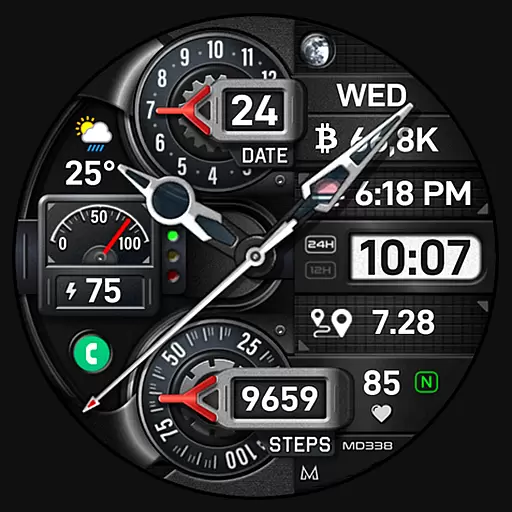
Highly customizable hybrid watch face for Wear OS, perfect for everyday use.
4.60
Christmas Theme Watch Face for Wear Os
5.00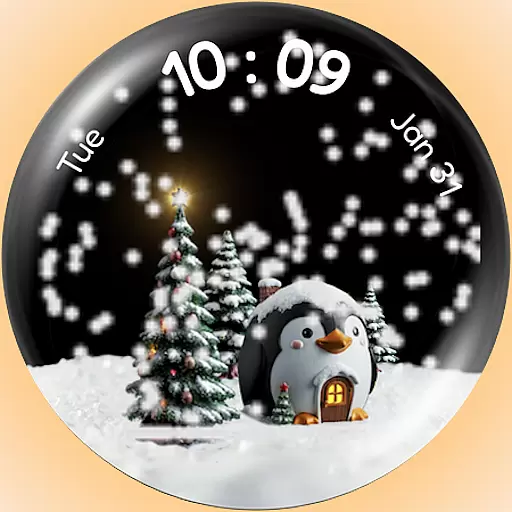
A Wintery Snow Globe on Your Wrist; now celebrating Christmas!
4.2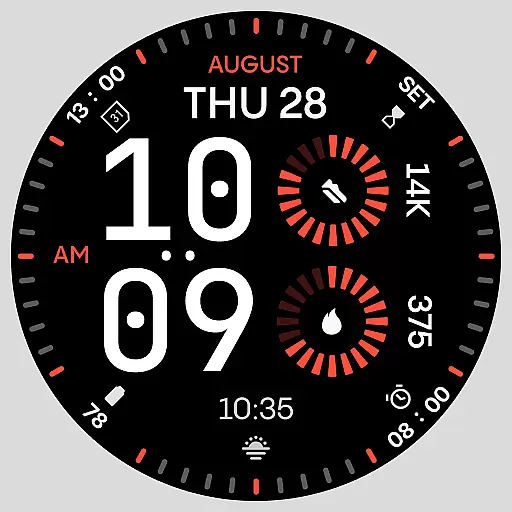
Stunning modern digital watch face with 7 complications and strong contrast
4.2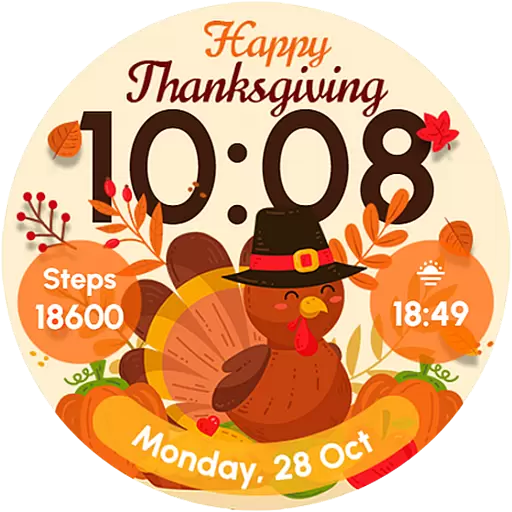
Let's celebrate Thanksgiving - Wear Os watch face
4.20
sleep, alarm, snoring, stress, healing, focus, sound therapy, circadian rhythm
4.10
Monitor health with the stress test and pulse checker in the heart rate app.
4.60
Want to take charge of your health? Let Google Fit help you reach your goals.
3.50
Find EV charging stations
4.30
Locate your family members by GPS phone location tracker everywhere and anytime
4.30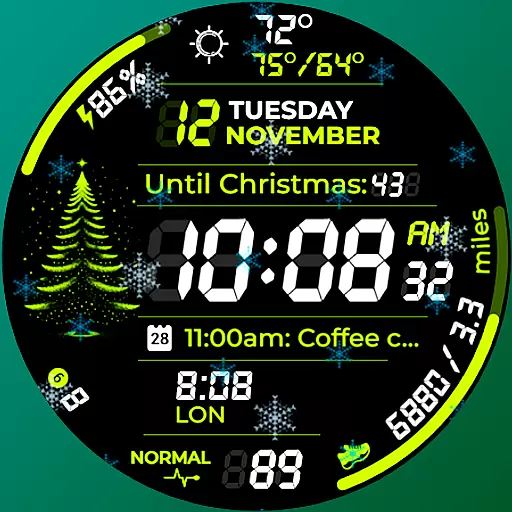
A customizable Christmas watch face for Wear OS with a countdown.
4.20
Your music, your playlists, and more—offline and unlimited.
4.20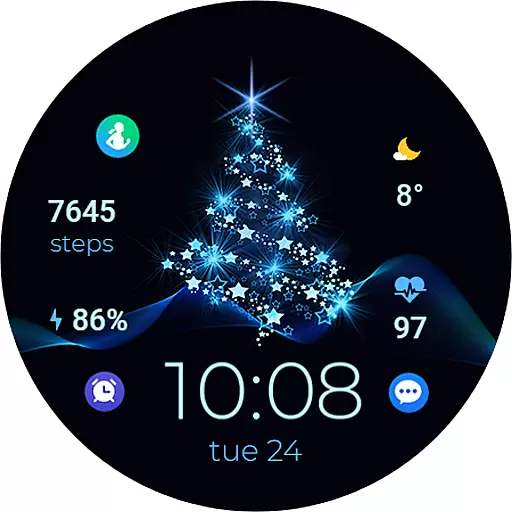
A digital watch face that celebrates Christmas.
4.00
Viewer for Wyze/Yi/Eufy/Arlo/ONVIF/RTSP/P2P IP cams w/ adv. features & DIY DVR
4.00
Get helpful reminders, take progress photos and find answers to your questions.
3.90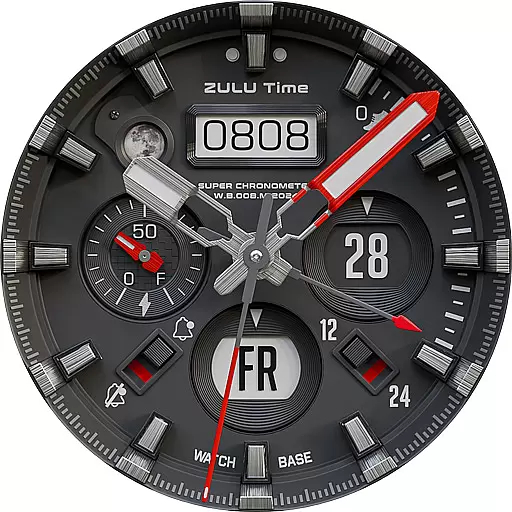
Authentic military-tactical design with ZULU time! Realistic and functional!
3.80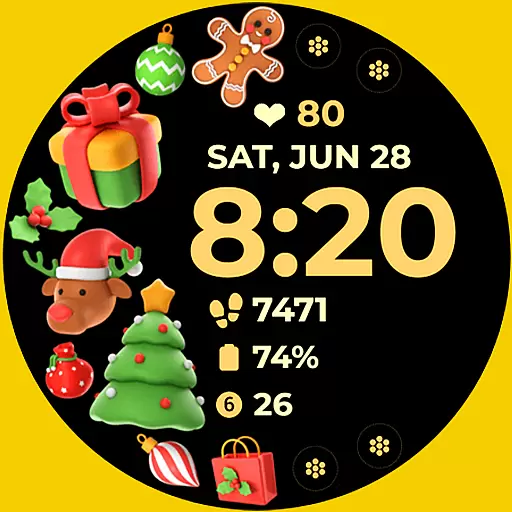
Christmas and New Year - Themed Watchface
4.1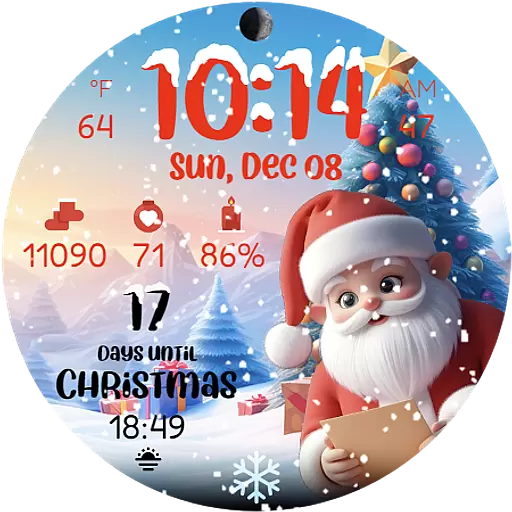
Christmas is near, let's count together the days left until Santa comes
4.1


