
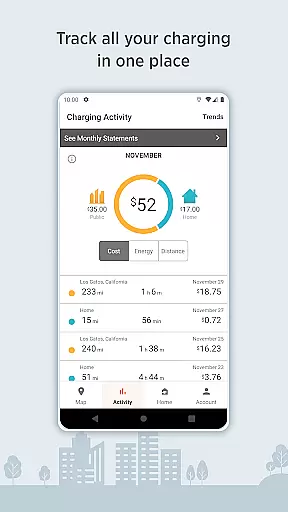
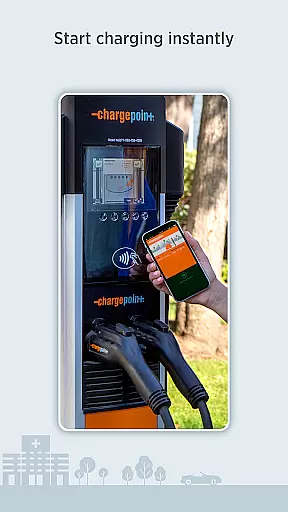
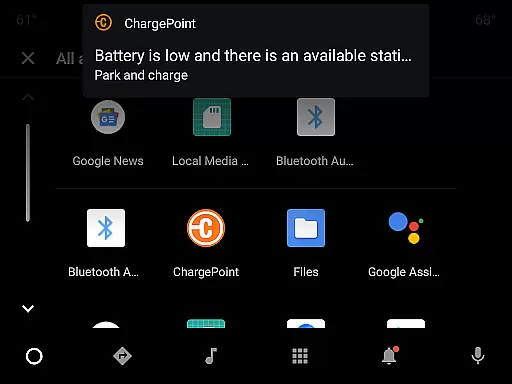
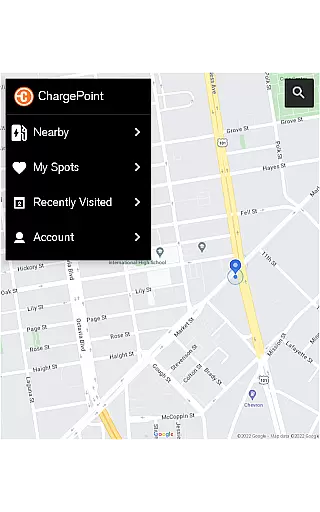
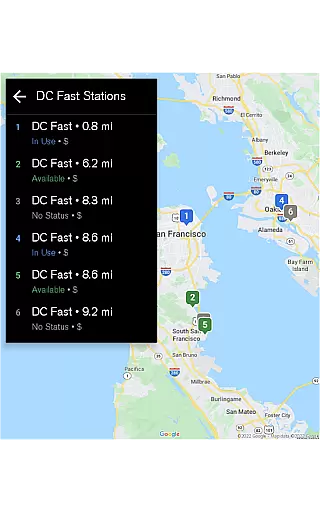
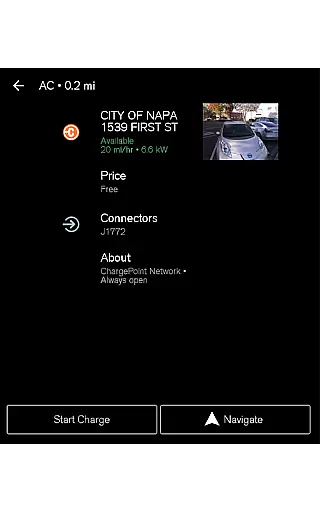
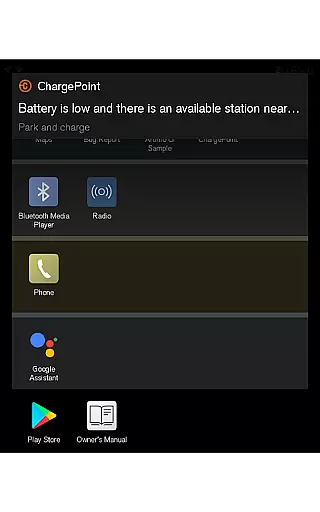
ChargePoint is the ultimate app for electric vehicle (EV) drivers, providing seamless access to the world's largest EV charging network. With hundreds of thousands of stations and roaming partners like FLO, EVgo, and Greenlot, it offers real-time station availability, customizable filters, and essential details such as pricing and driver tips. The app allows users to start charging instantly via Tap to charge or RFID card, while also tracking complete charging activity including costs and miles added.
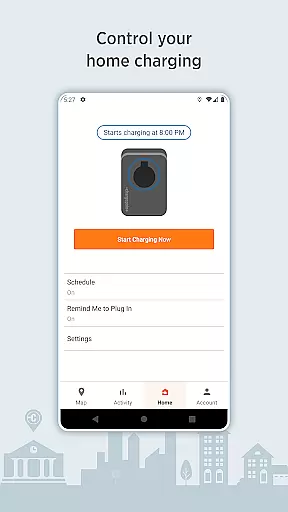
Beyond public charging, ChargePoint supports home charging solutions with features like scheduling, reminders, and usage tracking through ChargePoint Home Flex. Additional conveniences include live updates, Android Auto integration, and Wear OS compatibility, making it a comprehensive solution for all EV charging needs. Whether you're on the road or at home, ChargePoint ensures a smooth, tech-integrated experience that maximizes convenience and efficiency.
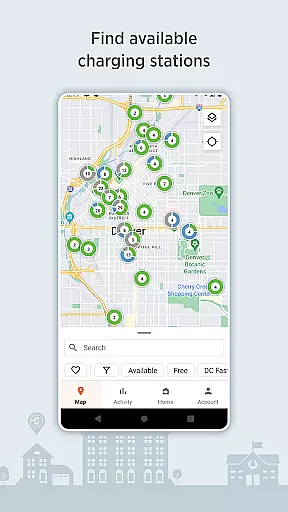
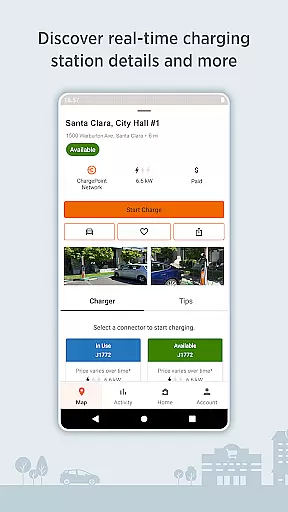
ChargePoint stands out with its robust feature set tailored for EV drivers. The app provides an intuitive map interface showing real-time station availability, allowing users to filter by AC or DC fast chargers based on their vehicle compatibility. It integrates seamlessly with roaming partners, enabling users to charge at various networks without needing multiple accounts. Premium features include detailed station information such as pricing, popular charging times, and driver tips, ensuring users have all necessary data before starting a session.
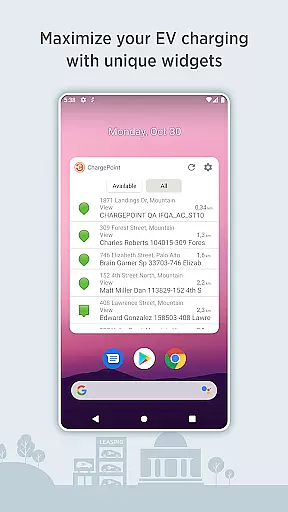
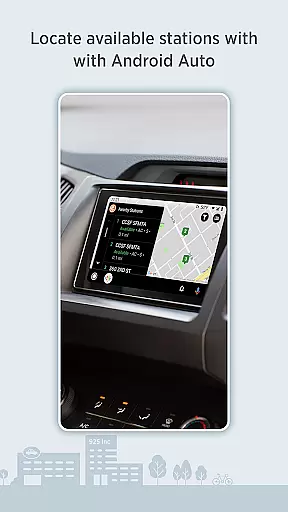
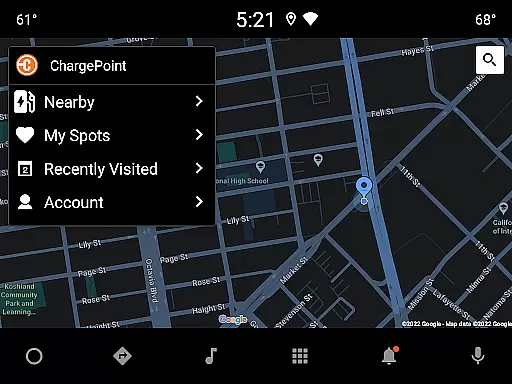
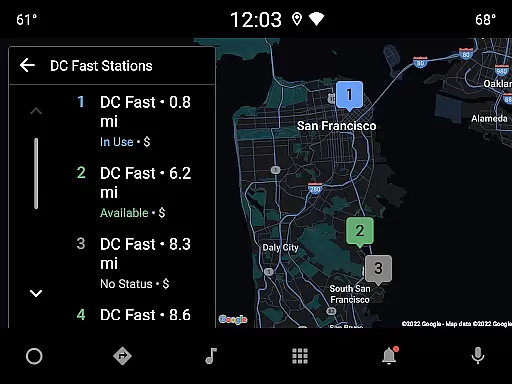
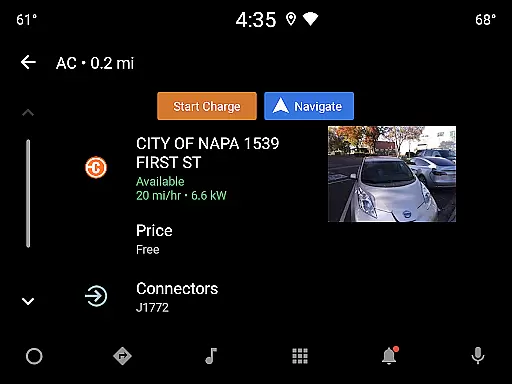
Advanced functionalities enhance user experience further; instant charging can be initiated via Tap to charge or directly within the app. Users benefit from widgets that display nearby stations and manage home charging without opening the app. Integration with Wear OS and Android Auto extends accessibility, while virtual Waitlist allows reserving spots remotely. These innovations collectively deliver a superior, all-in-one EV charging solution.
Companion app integration is essential for a seamless experience between mobile devices and wearable technology. The ChargePoint app excels in this area by ensuring that all functionalities available on your smartphone are also accessible on your Wear OS device.
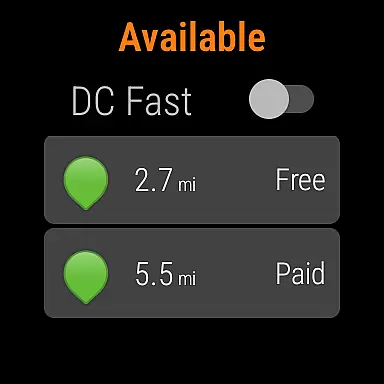
With the ChargePoint app, users can take advantage of Tap to charge functionality directly from their Wear OS by Google, allowing for instant and effortless charging sessions. This feature highlights the app's commitment to integrating with wearable technology to provide users with quick access to charging capabilities without needing to take out their phone.
The benefit to users is significant; they enjoy the convenience of starting a charge with a simple tap on their wrist, which not only saves time but also enhances the overall user experience. This kind of smartwatch compatibility ensures that EV drivers can manage their charging activities as efficiently as possible.
By prioritizing companion app integration, ChargePoint demonstrates its dedication to creating a cohesive ecosystem where users can manage their electric vehicle charging needs across different devices effortlessly, thus promoting an uninterrupted and modern lifestyle.
Device compatibility is a critical aspect when it comes to applications that support wearable technology. For the ChargePoint app, compatibility with Wear OS by Google means that users can enjoy a wide range of features tailored for smartwatches, enhancing the accessibility and ease of managing EV charging.
The ChargePoint app has been optimized to work smoothly with Wear OS, allowing users to locate charging stations, start a charging session, and receive important notifications right from their wrists. This level of integration provides an intuitive interface that complements the on-the-go nature of using a smartwatch.
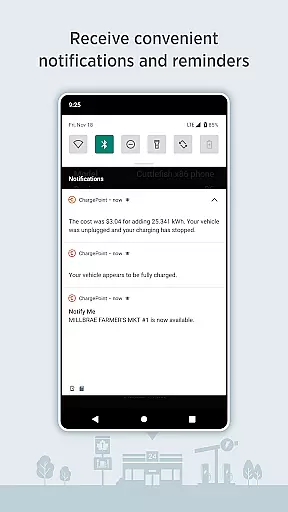
Users benefit greatly from this compatibility as it allows them to stay informed about their charging status without having to check their phones constantly. They can receive live updates and alerts, such as when their car finishes charging or when a charging station becomes available, directly on their Wear OS device.
This strategic focus on Wear OS/device compatibility underscores ChargePoint's vision of delivering a comprehensive and user-centric solution for electric vehicle drivers, making the process of finding and using charging stations more streamlined and convenient than ever before.
User-friendly interface
Extensive charging network
Real-time station updates
Seamless payment integration
Comprehensive home charging options
Limited offline functionality
Occasional connectivity issues
Premium features require subscription
Some regions lack coverage
Initial setup complexity

Rose gold watch face with festive lights & customizable features.
 4.60
4.60
Contemporary digital watch face with five complications
4.0
Artistic Digital Watchface
4.1
Kia Access makes getting your vehicle information easier than ever
4.60
Hyperlocal rain alerts by MyRadar using patent-pending technology, radar & more
4.80
Nutrition, Macro tracker: Food, fitness & healthy diet tracking for weight loss
4.60
A digital watch face that celebrates Christmas.
4.00
Control your Samsung Smart TVs, appliances, and SmartThings-compatible devices
4.60
Spam call blocker and caller ID for automatic call protection!
4.40
Christmas Theme Watch Face for Wear Os
5.00
Digital, flexibly customizable watch face. For Wear OS 5.0, API 34+ and later.
5.00
Real-time weather radar with temperatures, warnings, hurricanes, and widgets
4.80
A modern hybrid informative watch face for Wear OS designed by BALLOZI
4.80
Stylish, Energizing and Modern Watch Face crafted by Dominus Mathias.
4.50
Reliable phone calls with spam protection, caller ID and more helpful features
4.40
The ultimate destination for kids ages 3-8 to explore the Marvel Universe!
4.30
Wear Os Watch Face - Animated Snow Effect & Magic Spark - 6 Scenes
4.10
Watch face designed for Thanksgiving Day. 7 Background Styles included.
3.20
Hybrid Vibrant Health Watch Face for Wear OS
4.5


User Reviews