
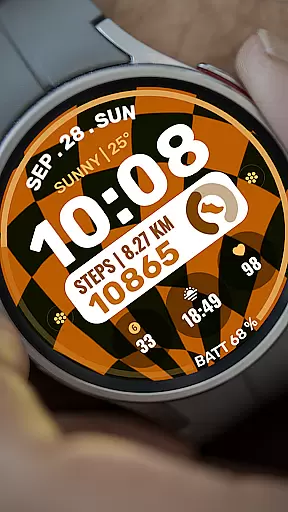
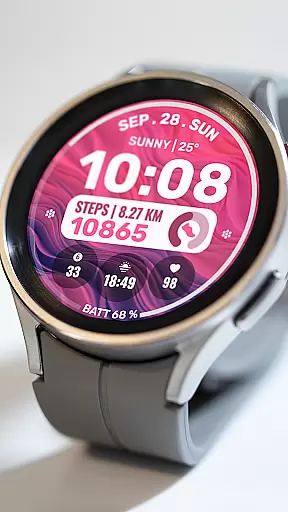
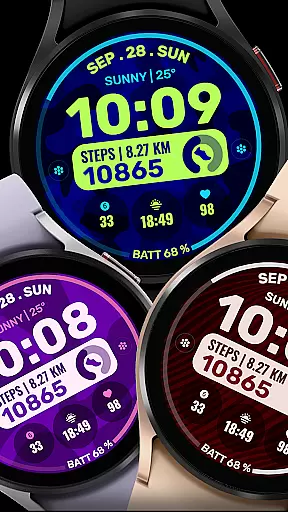
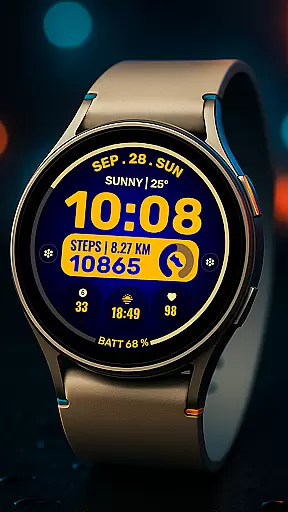
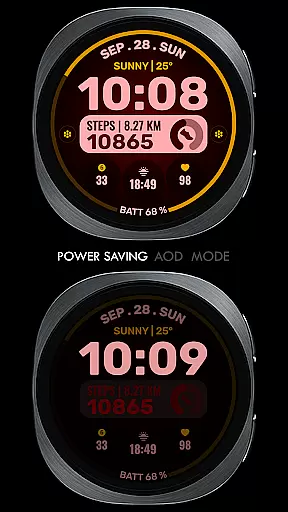
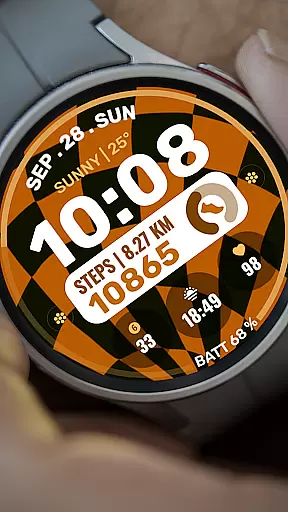
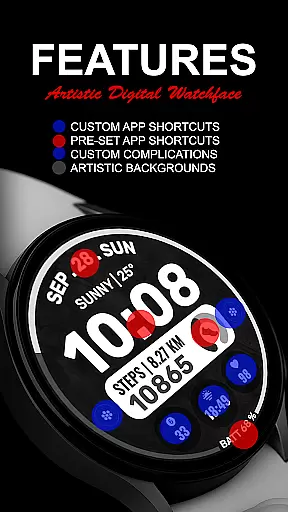
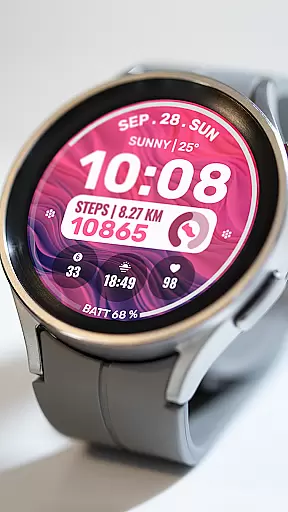
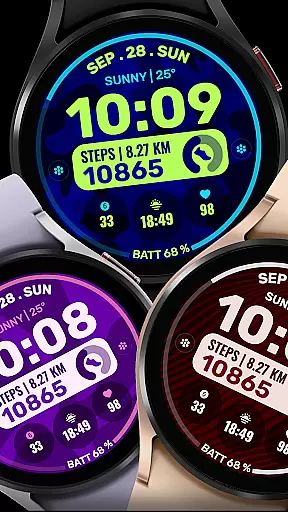
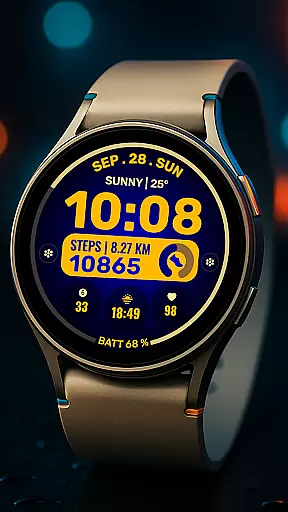
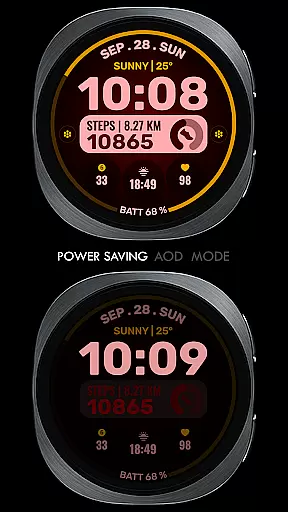
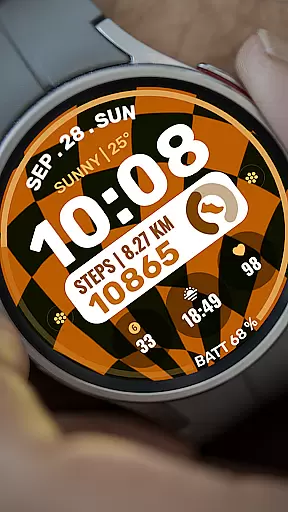
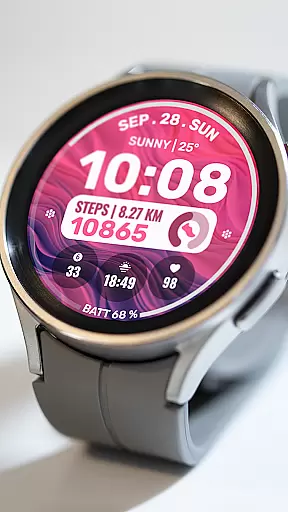
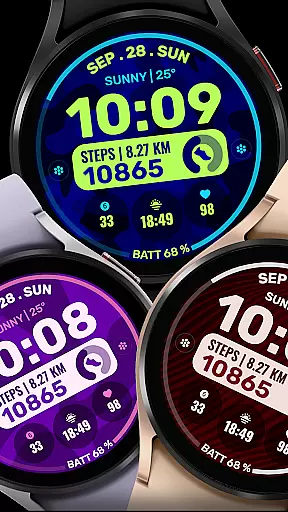
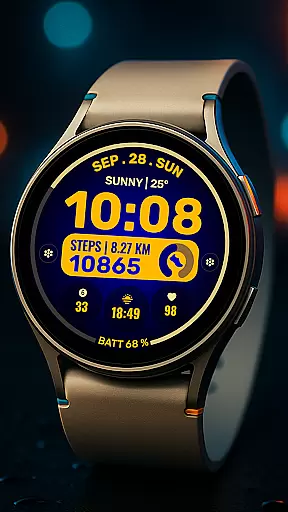
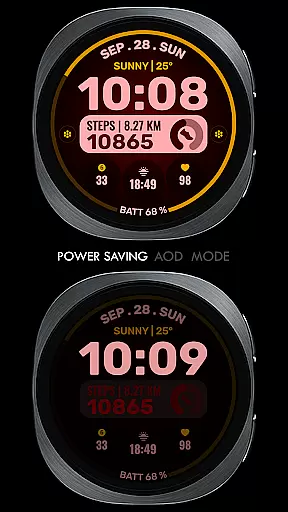
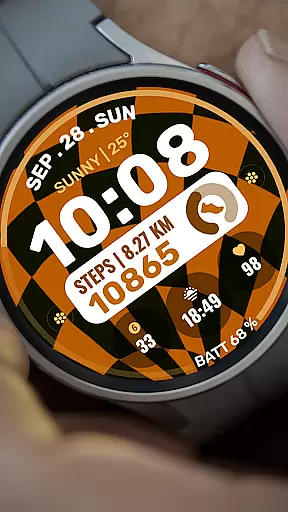
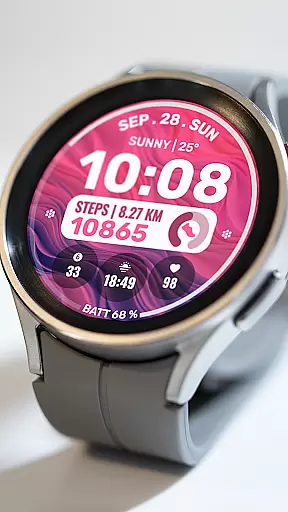
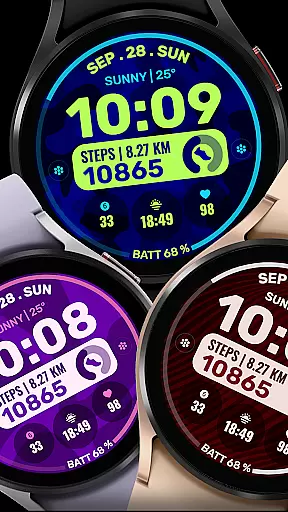
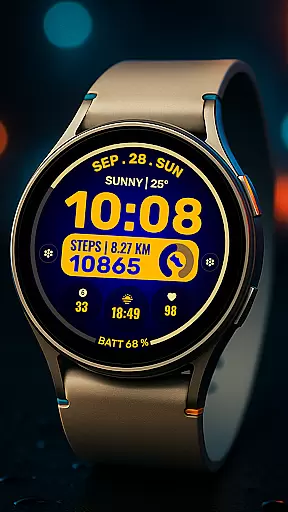
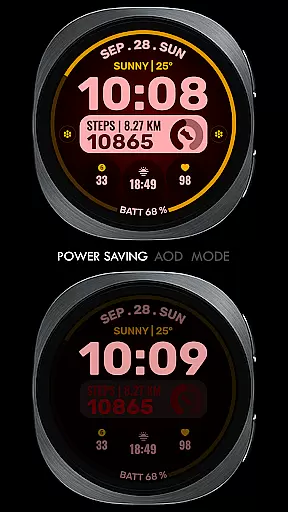
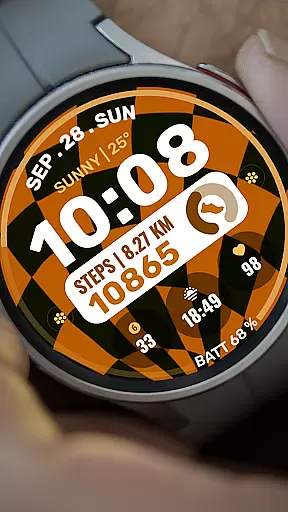
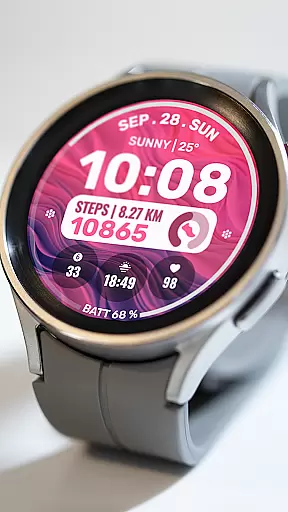
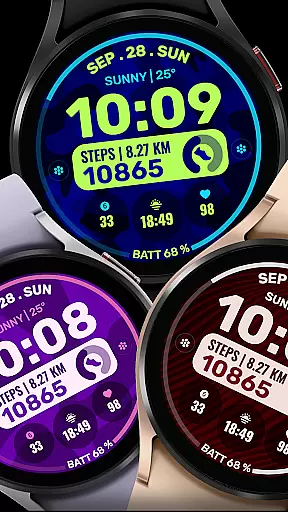
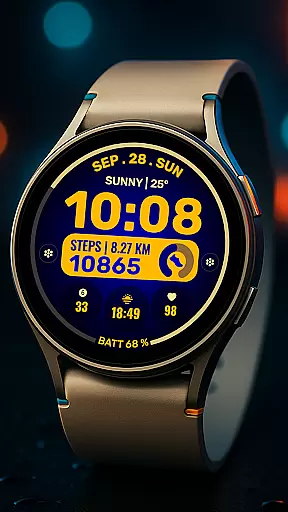
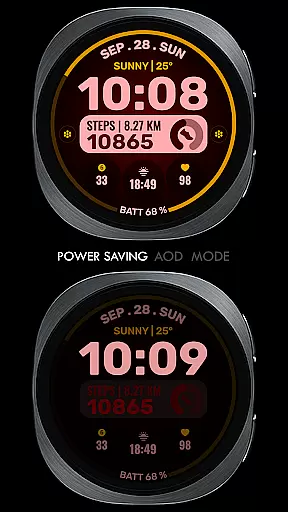
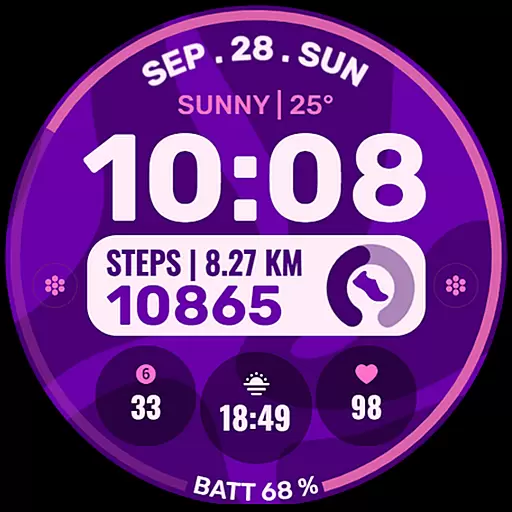
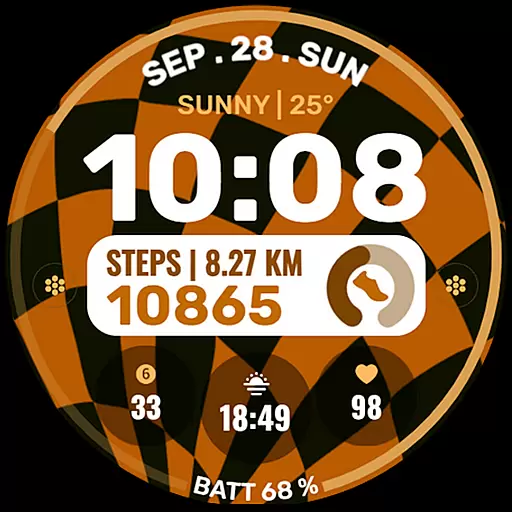
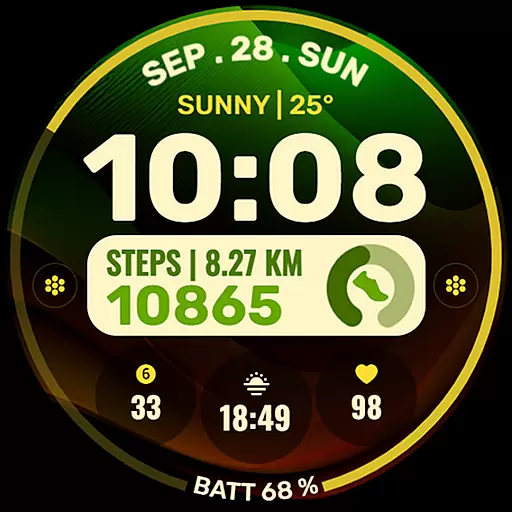
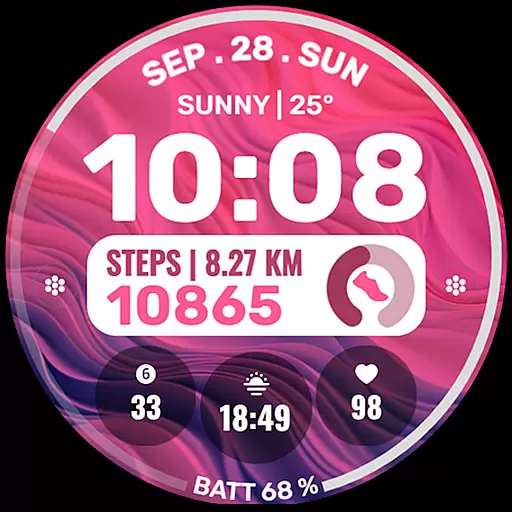
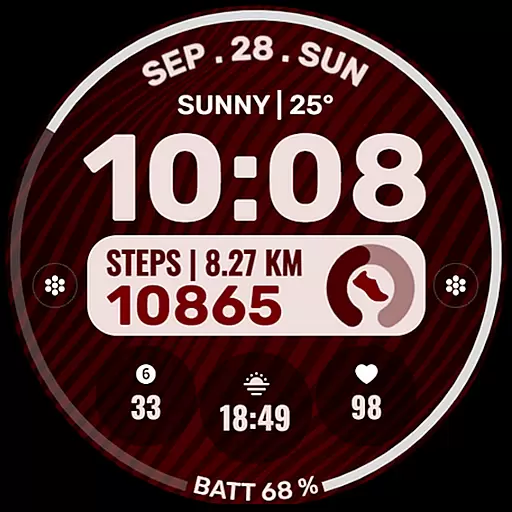
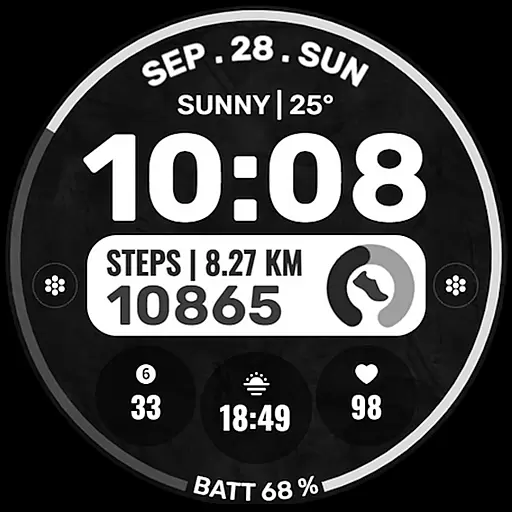
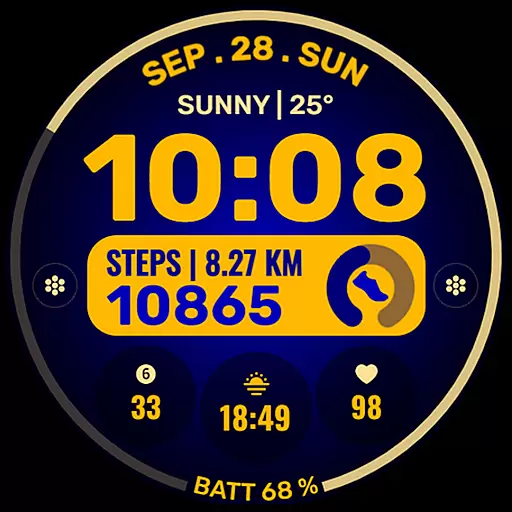
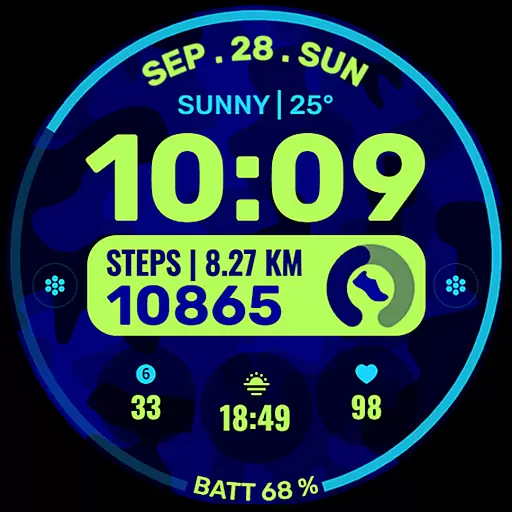
Data Dash is a feature-rich watch face designed for Wear OS devices, offering users an artistic digital clock display along with customizable shortcuts and complications. The app supports all Wear OS devices running API Level 34+ and later versions, ensuring compatibility with the latest technology.
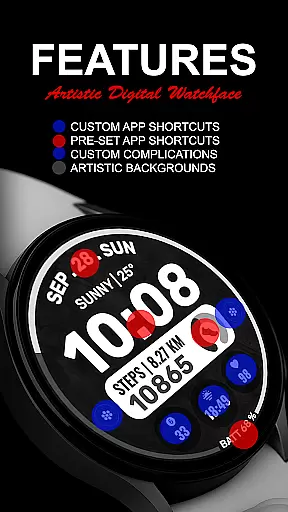
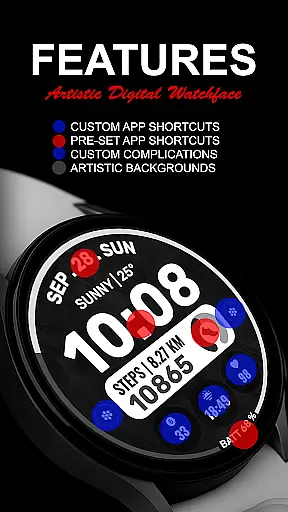
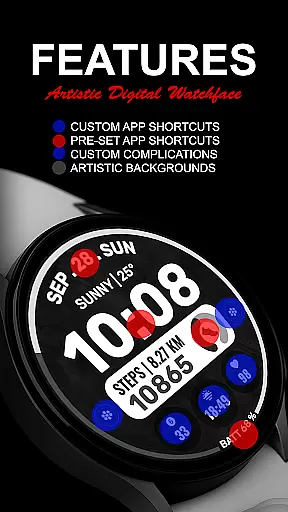
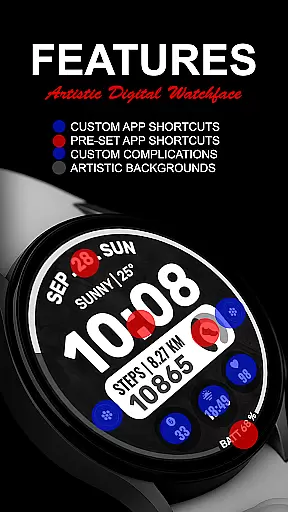
Key features include pre-set app shortcuts for essential functions like Alarm, Calendar, Battery, and Steps, as well as two custom app shortcuts and three customizable complications. Users can personalize their watch face with different data types such as Date, Weather, Steps, World Clock, and more, making it a versatile tool for daily use.
This application is particularly useful for individuals who want to maximize the utility of their smartwatches by customizing the display to show relevant information at a glance, enhancing productivity and convenience throughout the day.
Data Dash stands out with its comprehensive customization options. The artistic digital clock serves as the centerpiece, providing a visually appealing way to check the time. Users can choose from a variety of pre-set app shortcuts, including Alarm, Calendar, Battery, and Steps, which are fixed for quick access.
In addition to the pre-set shortcuts, Data Dash offers two custom app shortcuts and three custom complications. These allow users to tailor their watch face to display specific data such as Date, Weather, Steps, World Clock, Sunrise/Sunset times, Next Appointment, Distance Walked, and more. This level of personalization ensures that users have the most relevant information readily available.
The ability to install additional third-party complications further extends the functionality of the watch face. With seamless installation on Wear OS watches and automatic syncing when using the same email address on both phone and watch, Data Dash provides a smooth user experience while maintaining high standards of performance and reliability.
Companion app integration is essential for a seamless wearable experience. Data Dash ensures that your watch face data syncs perfectly with the companion app on your smartphone.
This synchronization allows users to customize their watch faces directly from their phone, providing a user-friendly interface for setting up app shortcuts and complications. The Samsung Wearable app supports this feature, although Galaxy Watch users might face occasional syncing issues.
By using the same email address on both devices, users can enjoy uninterrupted functionality. This includes transferring customized settings and preferences effortlessly between devices.
The ability to install additional third-party complications enhances the personalization options available through the companion app. Users can explore various data sources like weather, steps, and calendar events, making their wearable device more versatile and tailored to individual needs.
Ensuring broad device compatibility is crucial for any Wear OS application. Data Dash supports all Wear OS devices running API Level 34+ or Wear OS 4 and later versions, ensuring that most users can enjoy its features.
While some advanced functionalities may not be available on every device, the core experience remains consistent across supported platforms. This includes artistic digital clock displays, pre-set app shortcuts, and customizable complications.
Installation is straightforward, with watch faces automatically installing on compatible Wear OS watches. Users should ensure their devices are synced using the same email address to facilitate smooth installation processes.
For those encountering issues, the Play Store on the watch itself provides an alternative route to locate and install Data Dash. By searching directly on the watch, users can bypass potential syncing problems and access the full range of customization options offered by the app.
Highly customizable
Visually appealing design
Wide range of data options
Easy installation process
Compatible with latest Wear OS
Complex setup for some users
Limited initial features
Potential sync issues
Third-party complications needed
Refund only within 24 hours

Animated Watch Face and Customizable with 24 Backgrounds. Perfect for Christmas!
 3.90
3.90
Beautiful artistic animated digital watch face, with a customizable layout!
4.40
Sleek, highly customizable watch face inspired by Galaxy Watch Circle Dashboard.
4.5
Let's celebrate Thanksgiving - Wear Os watch face
4.20
Get helpful reminders, take progress photos and find answers to your questions.
3.90
Stay in touch with your friends and family using LINE!
3.40
Funny animated watch face for Thanksgiving
4.3
Hybrid watch face for Wear OS with customizable complications by Matteo Dini MD
4.70
Toyota app currently supports 2010 or newer vehicles (2018 or newer for Hawaii).
4.50
Digital, flexibly customizable watch face. For Wear OS 5.0, API 34+ and later.
5.00
Be an elegant and classy secret agent, with this carefully detailed watch face
4.70
Monitor health with the stress test and pulse checker in the heart rate app.
4.60
Retro digital watch face with customizable colors and a unique lighting effect
4.60
Connect to your Bluelink equipped Hyundai vehicle from your smartphone.
4.50
Fast and smart typing with Emojis, GIFs, and more
4.50
Bold weather Digital watchface with forecast & optional animated background
4.40
Premium hybrid watch face with many customizations for Wear OS devices.
4.40
Locate your family members by GPS phone location tracker everywhere and anytime
4.30
Embrace the festive spirit with our Christmas Countdown watchface for Wear OS
4.10


User Reviews