
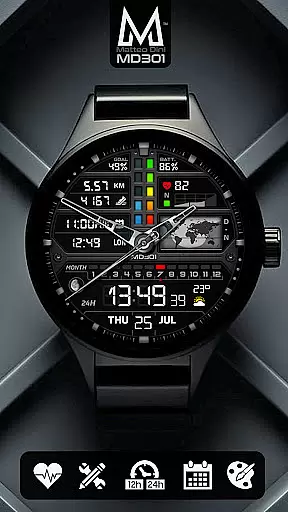
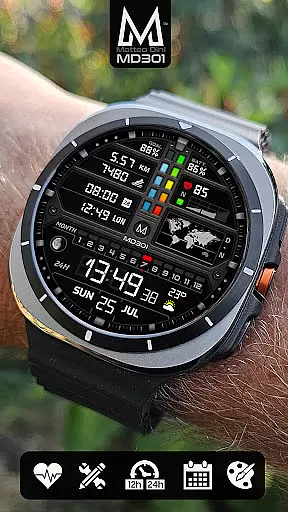
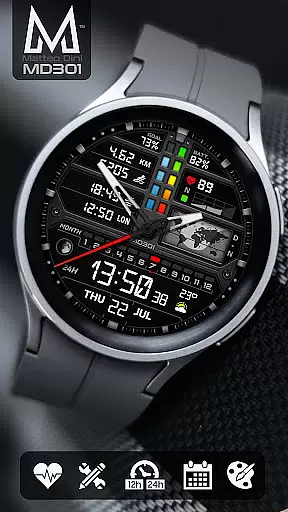
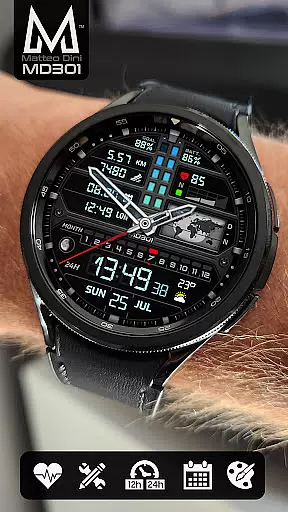
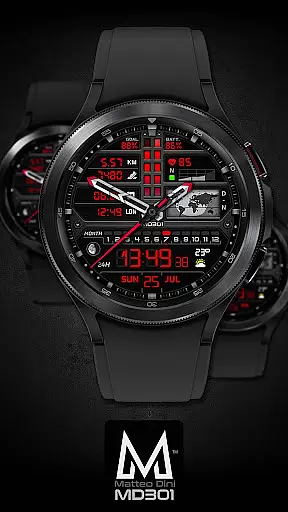
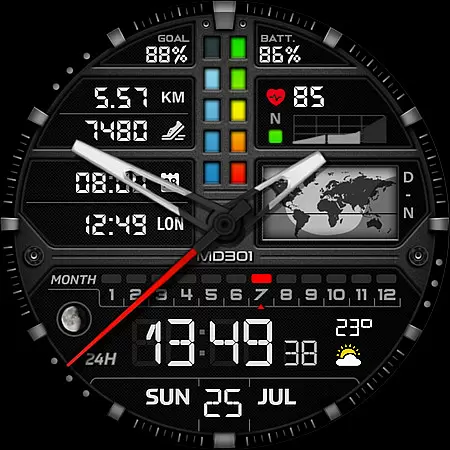
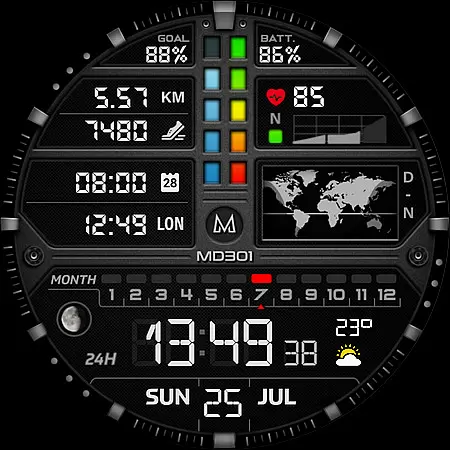
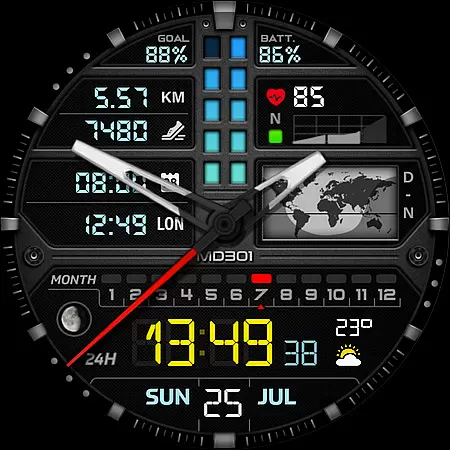
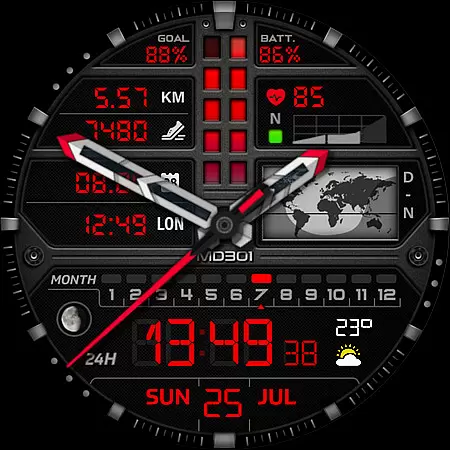
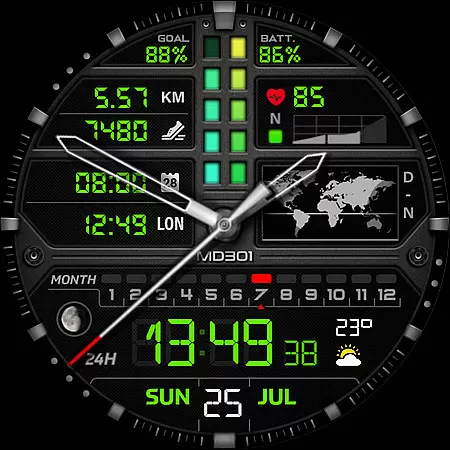
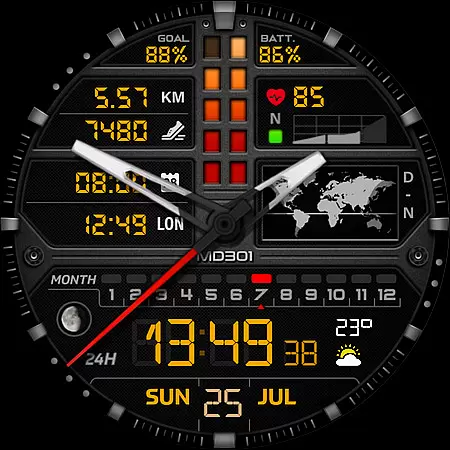
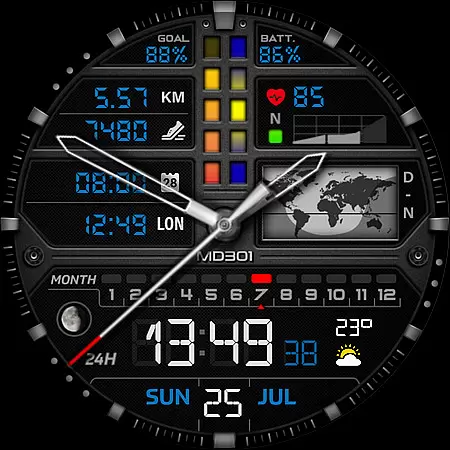
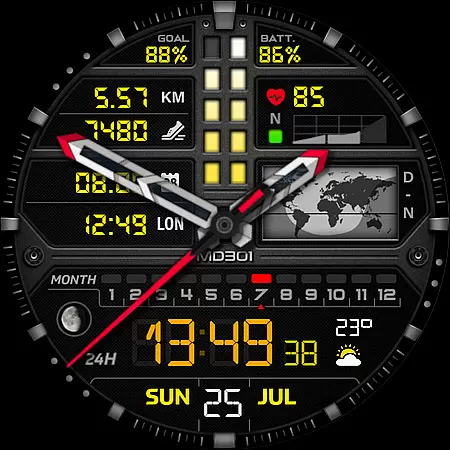
MD301 Hybrid watch face is a feature-rich wearable application designed for smartwatch users. This innovative watch face format offers both digital and analog time display, supporting Wear OS devices with API Level 33+ including Samsung Galaxy Watch series and Pixel Watch. It provides essential features such as date, month, moon phase, day and night world map, battery status, heart rate monitoring, and daily step goals.
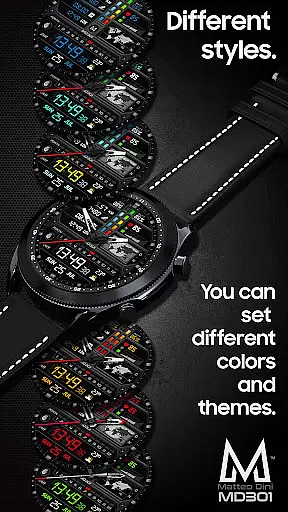
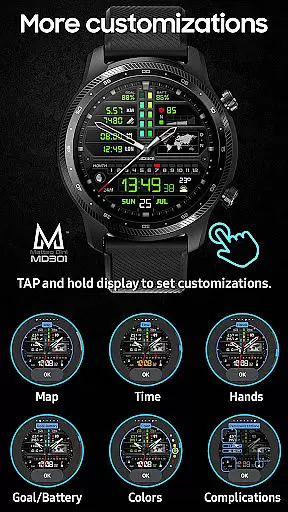
The watch face includes 3 preset app shortcuts (Calendar, Battery, Measure HR), 3 customizable shortcuts, and 4 customizable complications where users can select preferred data like weather or distance. With Always ON Display support and changeable colors, it allows personalization to suit individual preferences. Users can customize the watch face directly on their device by tapping and holding the screen, then selecting the customize option.
This versatile watch face is ideal for users seeking both functionality and customization in their wearable experience. By offering comprehensive health tracking features and various informational displays, MD301 enhances user productivity while providing a personalized touch to their smartwatch interface.
MD301 Hybrid watch face stands out with its extensive feature set tailored for smartwatch enthusiasts. The application supports both 12/24hr digital and analog time displays, catering to different user preferences. It includes practical functionalities such as date, month, moon phase, day and night world map, battery status, heart rate monitoring with intervals, daily step goals, and steps tracking.
One of the key highlights is the ability to customize the watch face extensively. Users can choose from 3 preset app shortcuts (Calendar, Battery, Measure HR) and 3 customizable shortcuts. Additionally, there are 4 customizable complications that allow users to display preferred data such as weather, time zone, sunset/sunrise, or barometer information. The Always ON Display feature is supported with changeable colors, hands, digital time, general colors, and map elements.
To customize the watch face, users simply need to touch and hold the display, then tap on the customize option. This intuitive customization process empowers users to personalize their watch face according to their needs and preferences. The application's versatility makes it suitable for various Wear OS devices, ensuring broad compatibility and enhanced user experience.
Companion app integration is essential for a seamless experience between wearable devices and smartphones. The MD301 Hybrid watch face offers robust companion app support, ensuring that users can easily synchronize and manage their watch face settings directly from their mobile device.
This integration allows for efficient data transfer, enabling features such as real-time health tracking, notification syncing, and customizable watch face elements. Users can effortlessly switch between different display options, adjust complications, and set up shortcuts via the companion app.
The benefit of this comprehensive integration is a streamlined user experience. With the ability to customize and control the watch face from their phone, users save time and enjoy a personalized wearable experience tailored to their preferences.
By prioritizing strong companion app integration, MD301 ensures that users have access to all the tools they need to maximize the potential of their hybrid smartwatch, making daily interactions more intuitive and engaging.
Device compatibility is a critical factor when selecting a smartwatch face, and the MD301 Hybrid watch face excels in this area by supporting all Wear OS devices with API Level 33+ (Wear OS 4 and later versions). This includes popular models like Samsung Galaxy Watch 4-8, Ultra, and Pixel Watch, offering users flexibility in their device choice.
The watch face's compatibility extends beyond just basic functionality; it maintains high performance across supported devices. Features such as Always ON Display, customizable complications, and heart rate monitoring are optimized for consistent operation regardless of the specific Wear OS device.
For users, this broad compatibility means freedom to choose from a variety of devices without sacrificing features or performance. Whether upgrading an existing smartwatch or purchasing a new one, the MD301 Hybrid remains a reliable option.
Ultimately, the emphasis on wide-ranging Wear OS/device compatibility demonstrates the developer's commitment to accessibility and user satisfaction, ensuring that as many users as possible can enjoy the advanced features of this sophisticated watch face.
Highly customizable
Always ON Display
Comprehensive health tracking
Wide device compatibility
User-friendly interface
Complex setup process
Limited free features
Occasional loading issues
Requires additional complications
Advanced features may overwhelm beginners

Diet tracker for weight loss - track calories, food and macros. Simple and easy!
 4.70
4.70
Watch the sharpness of the sky on your wrist..
3.70
Stunning modern digital watch face with 7 complications and strong contrast
4.0
Authentic military-tactical design with ZULU time! Realistic and functional!
3.80
Gym & home workout plans with strength training, exercise tracking, HIIT & more.
4.60
Period, ovulation & pregnancy tracker. Fertility insights & menstrual calendar.
4.90
Bold weather Digital watchface with forecast & optional animated background
4.40
Viewer for Wyze/Yi/Eufy/Arlo/ONVIF/RTSP/P2P IP cams w/ adv. features & DIY DVR
4.00
Daily Weather forecast with 15 weather images for Day & Night plus Big Bold time
4.10
Beautiful, colorful and practical watch face. For Wear OS devices.
5.00
Real-time weather radar with temperatures, warnings, hurricanes, and widgets
4.80
Be an elegant and classy secret agent, with this carefully detailed watch face
4.70
To-Do List: daily schedule planner, task organizer, to do reminder app, calendar
4.60
Premium hybrid watch face with many customizations for Wear OS devices.
4.40
Bold, Modern Hybrid Watch Face for Wear OS. 10 Colors, Rich Info Display.
4.30
The ultimate destination for kids ages 3-8 to explore the Marvel Universe!
4.30
Your music, your playlists, and more—offline and unlimited.
4.20
A digital watch face that celebrates Christmas.
4.00
Animated Watch Face and Customizable with 24 Backgrounds. Perfect for Christmas!
3.90


User Reviews