
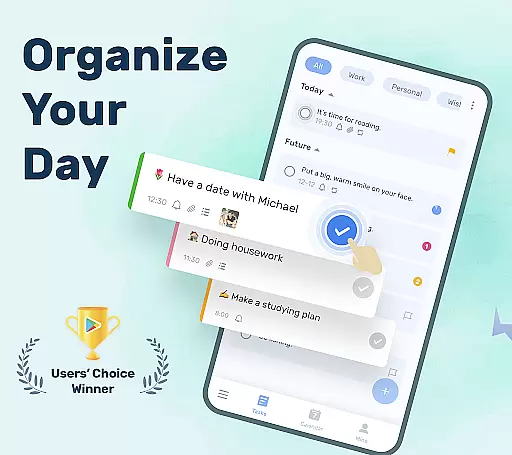
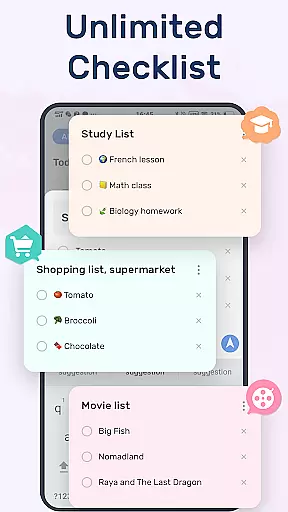
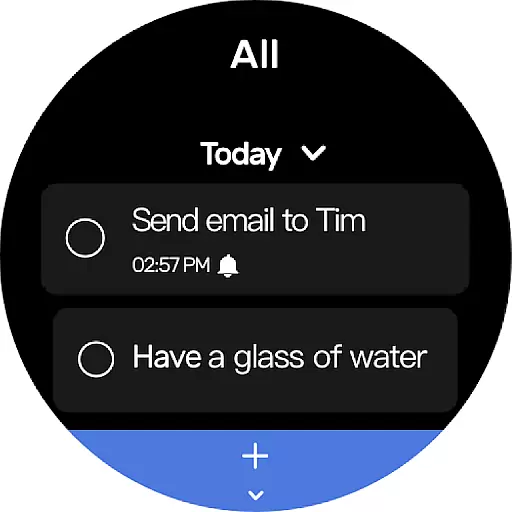
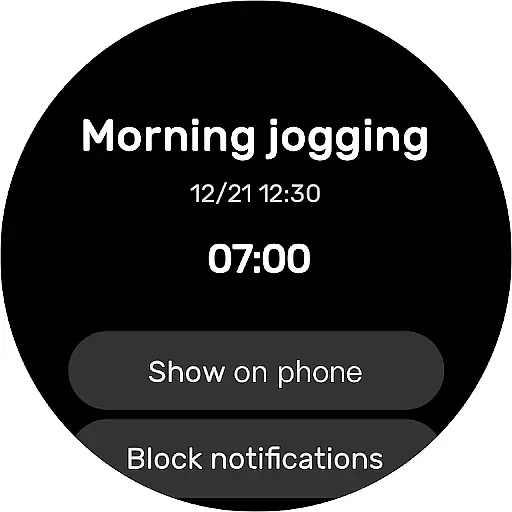
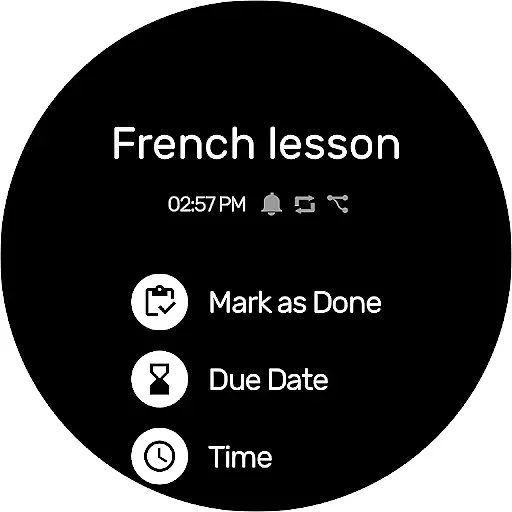
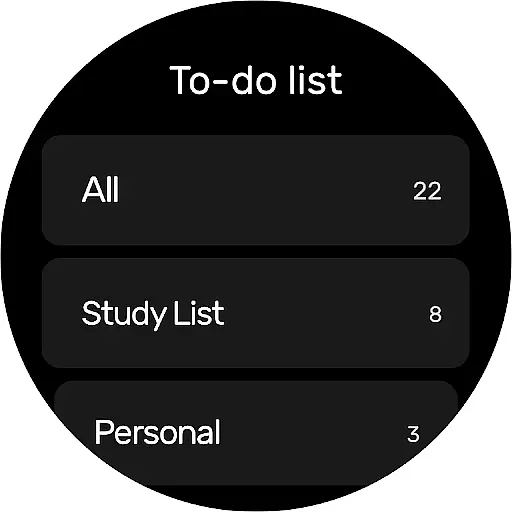
To-Do List is a comprehensive task management app designed specifically for Android Wear users. This free and intuitive to-do list manager allows you to efficiently organize your personal and professional life. With its user-friendly interface, you can easily create multiple task lists in just two steps.
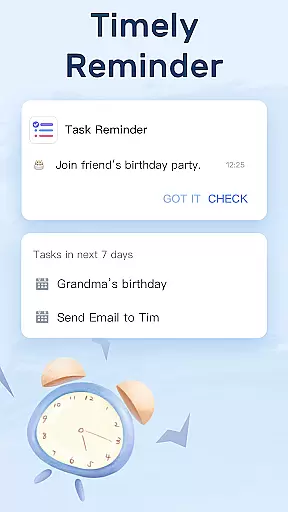
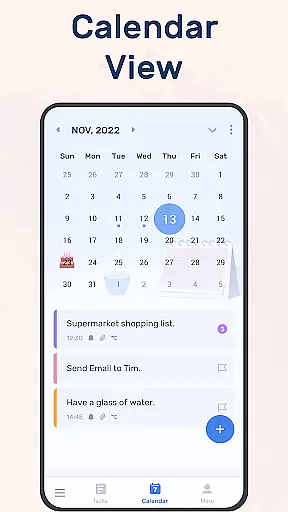
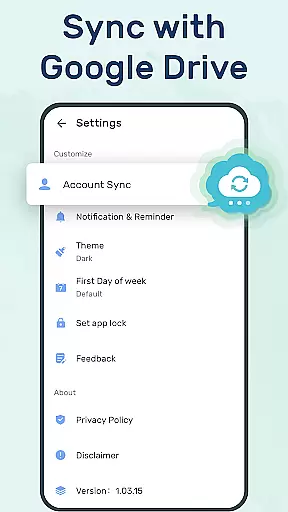
The app features a robust reminder system with alarms, ensuring you never miss important deadlines. Its calendar view provides a clear overview of daily, weekly, and monthly tasks. The synchronization and backup functionality via Google Drive guarantees that your data is always safe and accessible across devices.
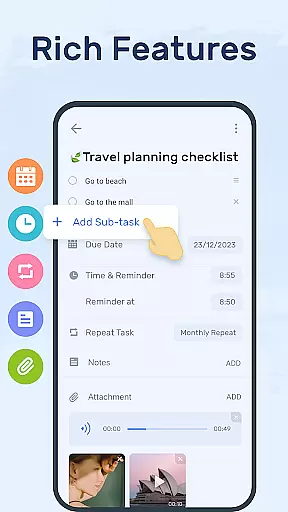
To-Do List stands out with its beautiful and customizable themes, allowing users to personalize their experience. The app supports various task categories, priorities, and sub-tasks, making it an ideal productivity planner for both work and personal use.
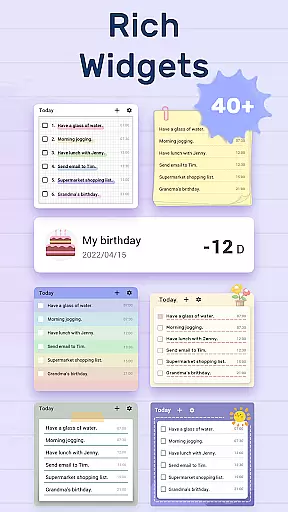
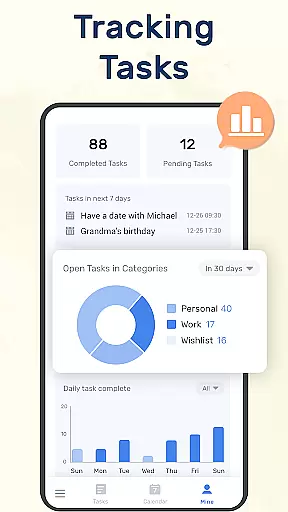
One of the key features is its seamless integration with Android Wear, enabling quick access to your to-do lists directly from your smartwatch. The app also offers a convenient widget for your phone's home screen, providing instant access to your tasks. Additionally, the ability to track task completion helps users monitor their productivity and improve over time.
For those who value privacy and security, To-Do List requires minimal permissions while still delivering full functionality. These include calendar access and external storage permissions, which are necessary for certain features like reminders and backups.
Companion app integration is essential for users who want seamless synchronization between their mobile devices and Wear OS watches. To-Do List - Schedule Planner & To Do List Task Manager ensures that your tasks, reminders, and daily planners are always up-to-date across all your devices.
This application allows you to sync your to-do lists or daily schedule planners to the cloud via Google Drive. This means whether you're at home, in the office, or on the go with your Wear OS watch, you can easily check things to do, track your daily planner, or receive task reminders without missing a beat.
The benefit of this feature is the convenience it offers. You don't have to worry about manually updating each device, as changes made on one platform will automatically reflect on others. This ensures that you never miss an important task or reminder, regardless of the device you're using at any given moment.
By providing cross-device functionality, To-Do List enhances productivity and keeps you organized, making sure that your life and work remain well-coordinated no matter where you are or which device you choose to use.
For users invested in the Wear OS ecosystem, ensuring device compatibility is crucial for a harmonious experience. The To-Do List - Schedule Planner & To Do List Task Manager rises to the occasion by offering full support for Wear OS watches, allowing you to manage your tasks directly from your wrist.
This compatibility means that you can access your daily planners and to-do lists anytime, anywhere, right from your Wear OS device. Whether you need to quickly glance at your schedule or mark a task as complete during a meeting, this app makes it effortlessly accessible.
With the added convenience of a to-do list widget designed for Wear OS, you can instantly view and interact with your tasks without needing to take out your phone. This boosts efficiency and helps maintain focus throughout your day.
Ultimately, the Wear OS/device compatibility of To-Do List ensures that you stay productive and organized, leveraging the power of wearable technology to keep you on top of your commitments while minimizing distractions.
User-friendly interface
Customizable themes
Robust reminder system
Seamless Android Wear integration
Secure cloud sync
Limited advanced features
No built-in analytics
Basic widget functionality
Occasional sync delays
Ads in free version

Contemporary digital watch face with five complications
 4.0
4.0
Authentic military-tactical design with ZULU time! Realistic and functional!
3.80
Stylish digital watch face for Wear OS devices with customizable features
4.0
Real-time weather radar with temperatures, warnings, hurricanes, and widgets
4.80
Connect, create, and collaborate with Gmail, part of Google Workspace.
4.10
Fast and smart typing with Emojis, GIFs, and more
4.50
Fitbit is dedicated to helping people lead healthier, more active lives.
4.10
Track airplanes and follow flights with our real-time flight tracker
4.50
Spam call blocker and caller ID for automatic call protection!
4.40
Hybrid watch face for Wear OS with customizable complications by Matteo Dini MD
4.70
Monitor health with the stress test and pulse checker in the heart rate app.
4.60
Current temperature, weather hourly, weather radar by the weather forecast app
4.40
Your music, your playlists, and more—offline and unlimited.
4.20
The #1 source of faces for your smartwatch!
4.00
Wear Os Watch Face - Animated Snow - Sesonal for Christmas & Winter
4.2
Precision analog watch face with 7 complications and style options
4.3
Stunning modern digital watch face with 7 complications and strong contrast
4.1
Artistic Digital Watchface
4.2
Fitness interactive virtual pet super fighter boy watch face
4.1


User Reviews