
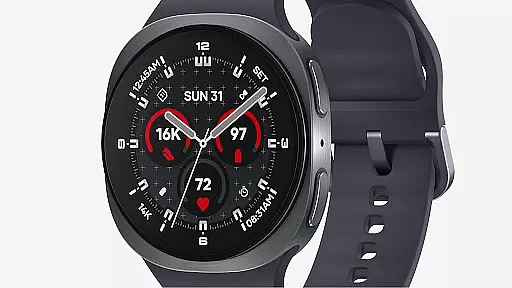
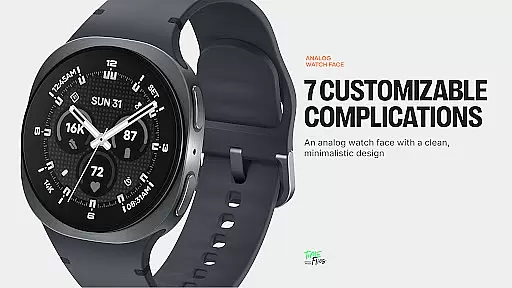
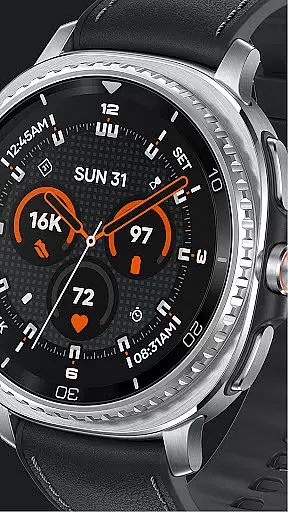
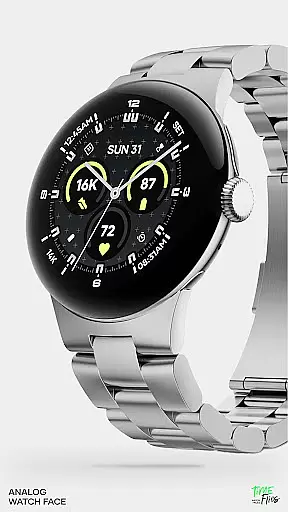
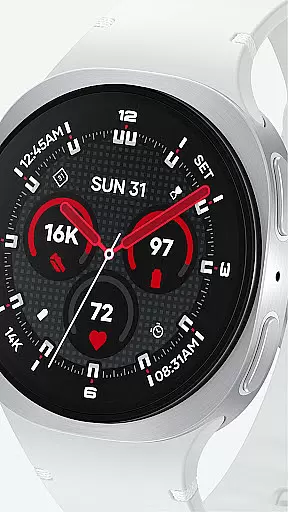
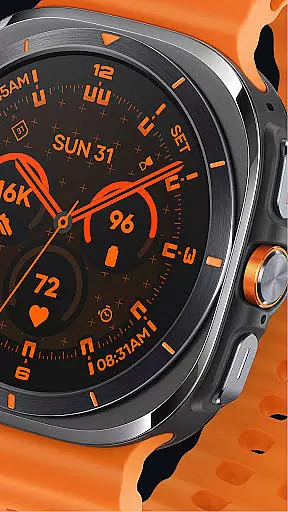
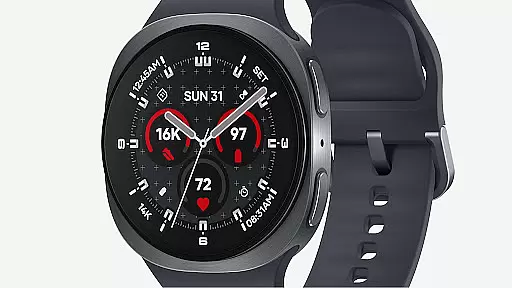
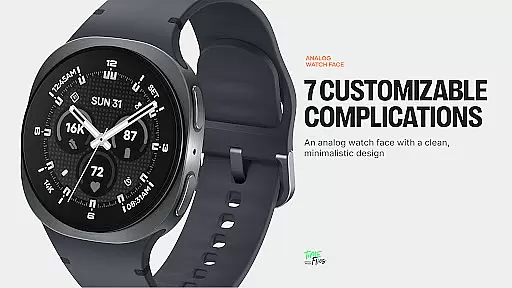
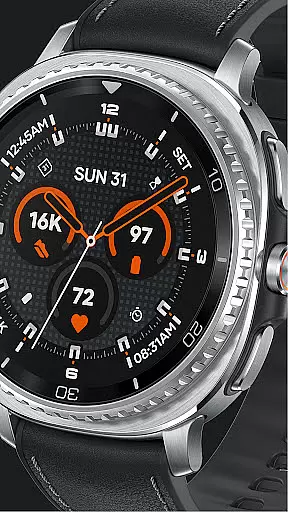
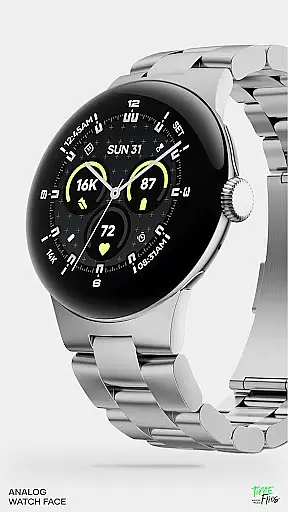
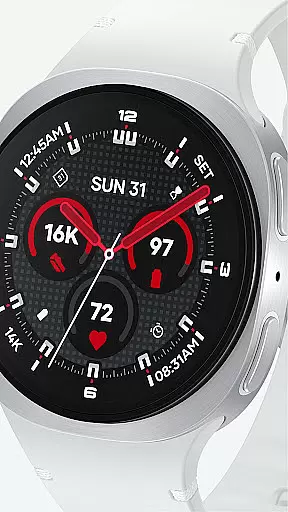
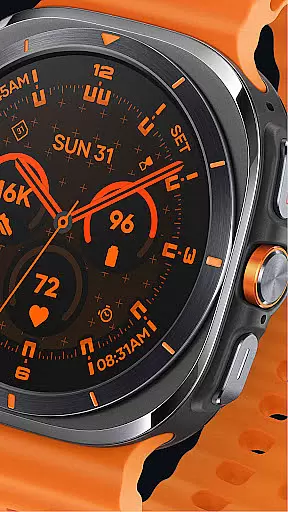
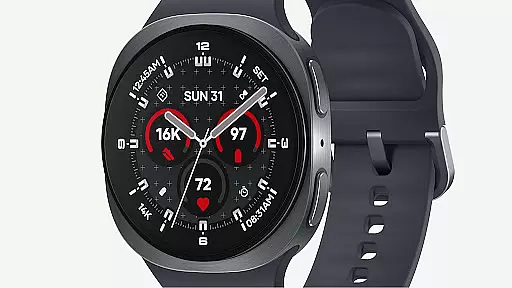
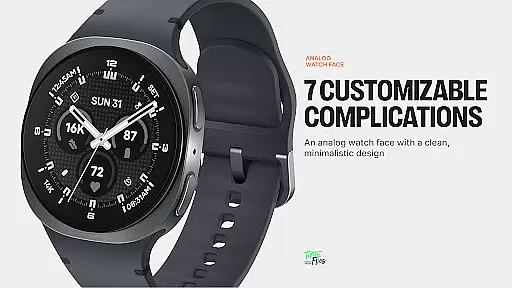
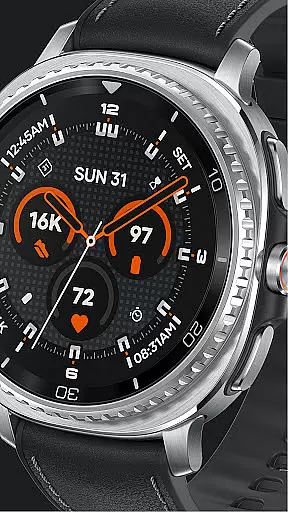
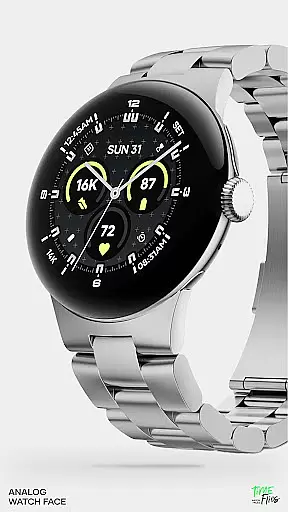
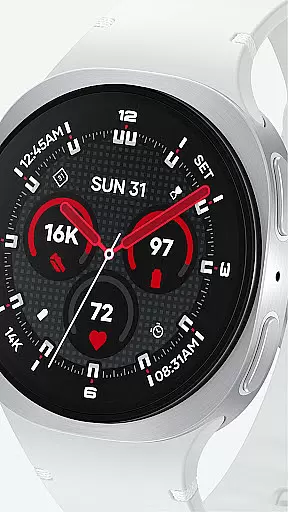
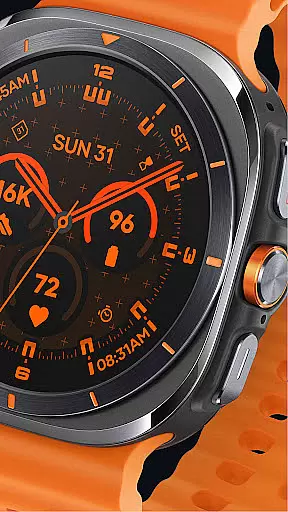
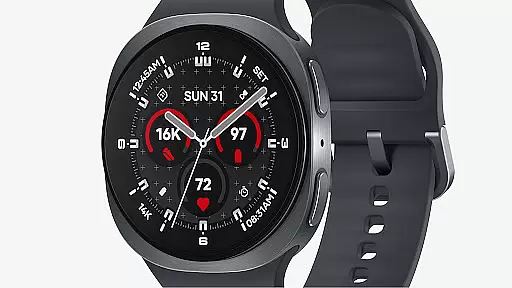
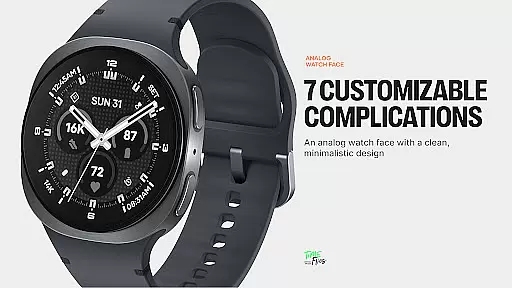
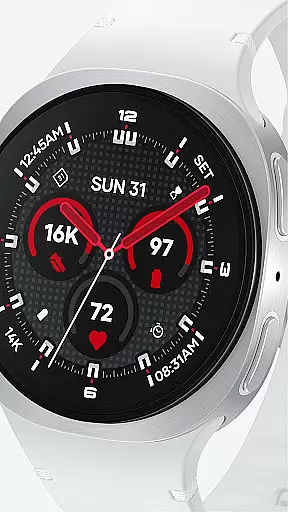
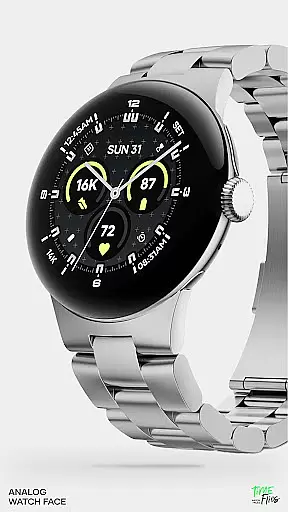
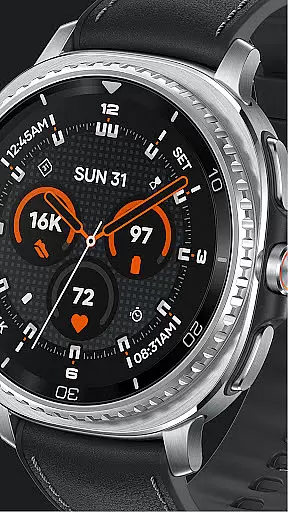
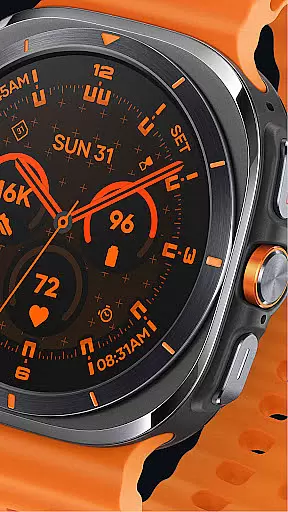
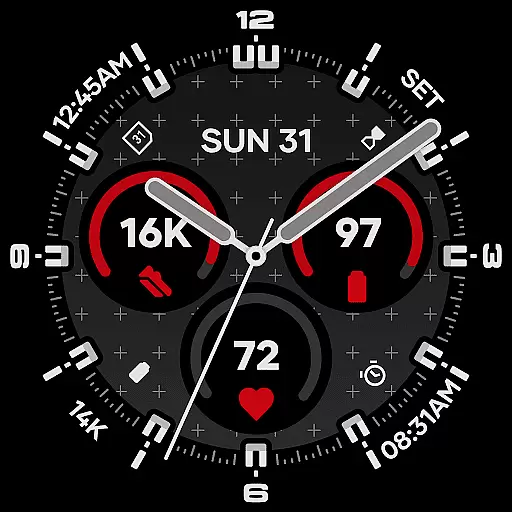
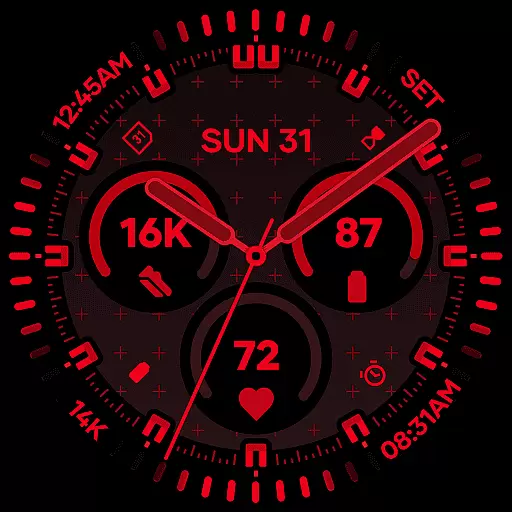
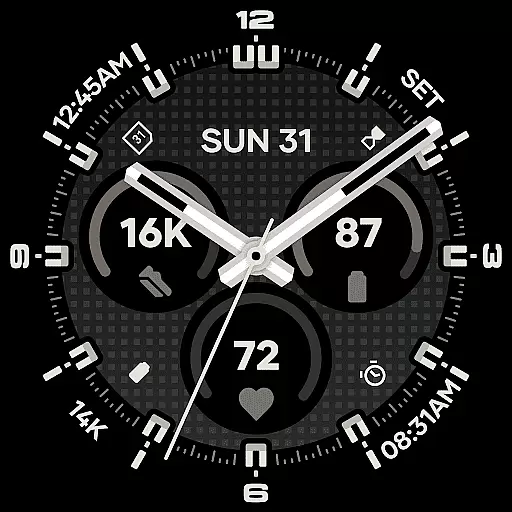
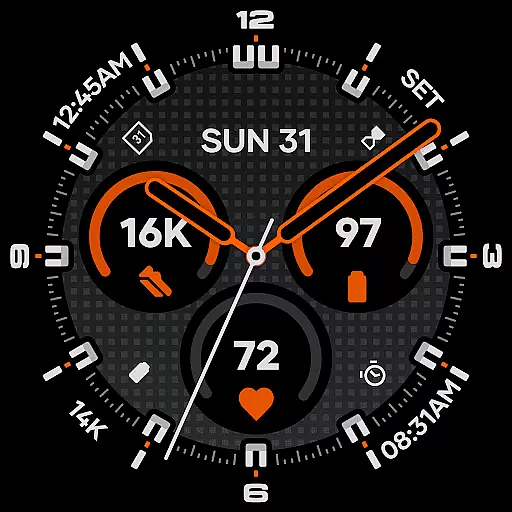
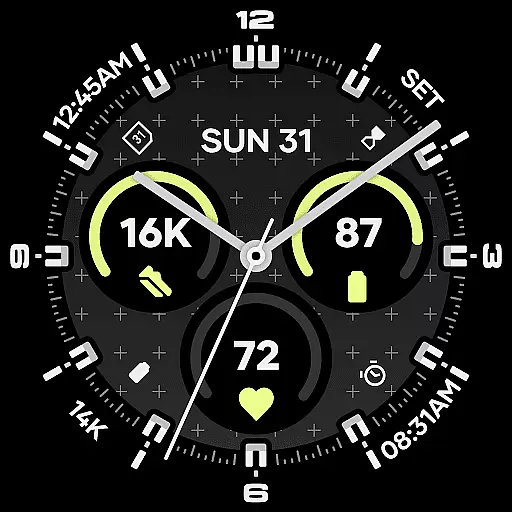
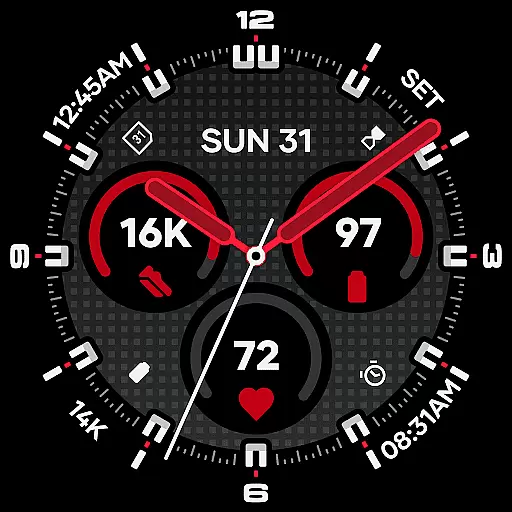
Starlyn Analog Watch Face delivers a sophisticated analog design tailored for Wear OS devices. Its layout emphasizes symmetry and clarity, ensuring optimal readability in any setting. The watch face features a rational arrangement of complications, with three central slots and four peripheral zones, creating a balanced visual structure that supports both functionality and aesthetics.
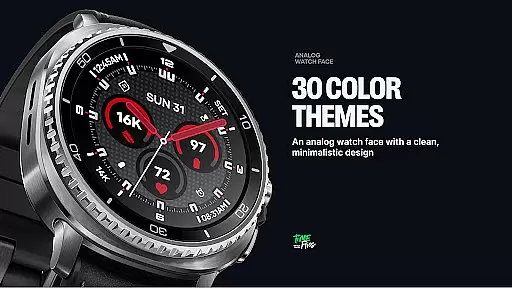
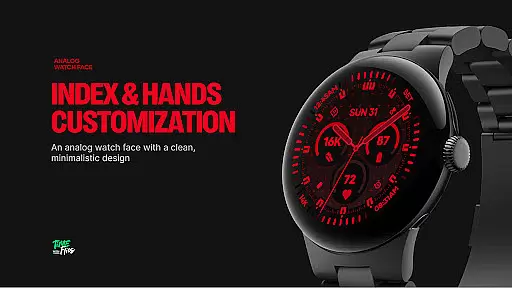
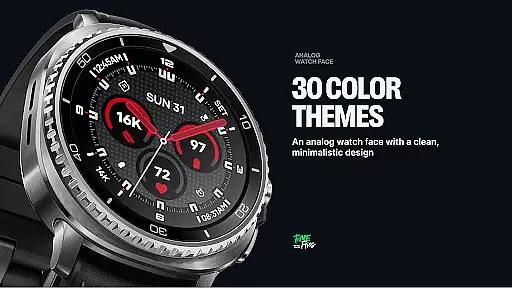
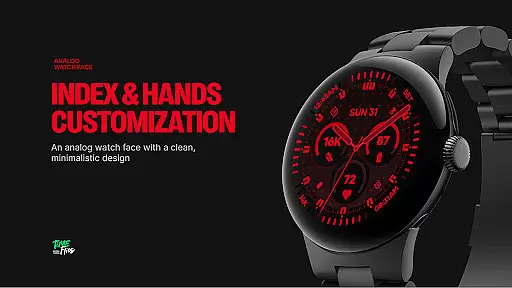
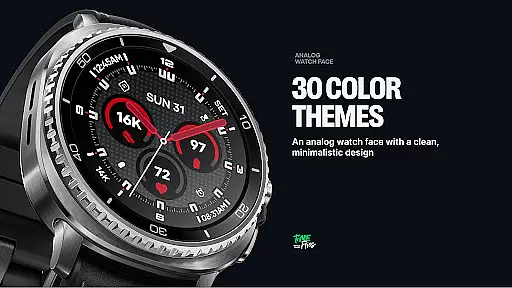
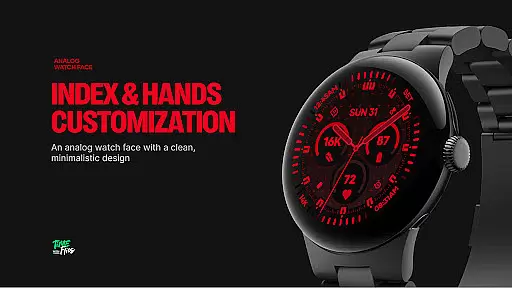
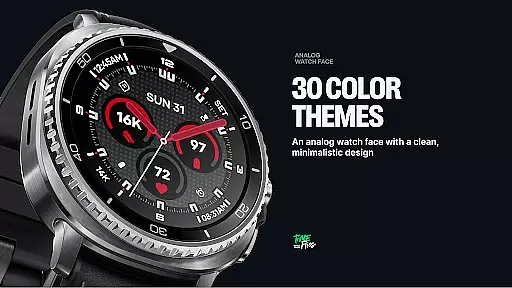
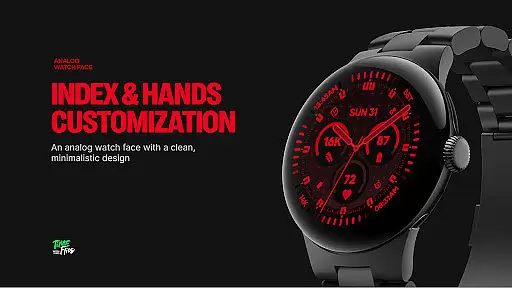
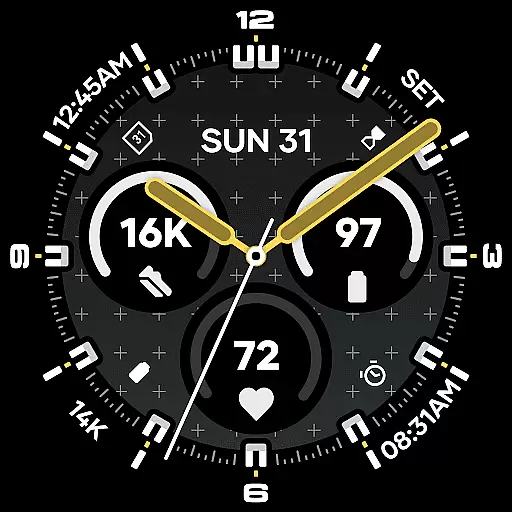
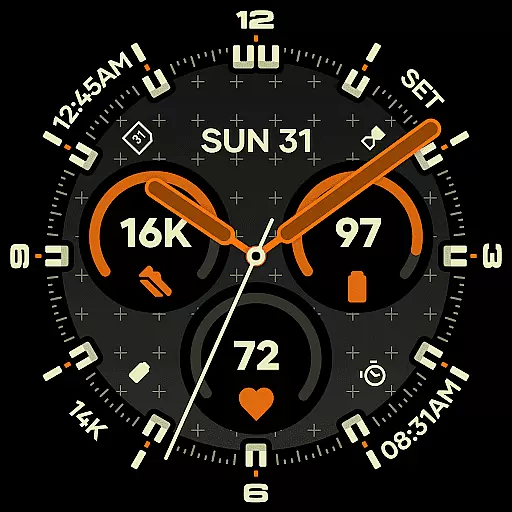
Designed with contemporary users in mind, Starlyn integrates practical elements like a built-in day and date display seamlessly into the dial architecture. With 30 customizable color schemes, multiple bezel and hand styles, and two optional geometric background patterns, users can personalize their experience while maintaining a sleek, professional appearance suitable for various environments.
This watch face is optimized for performance and battery efficiency, offering three distinct Always-on Display modes to suit different preferences and usage scenarios. Whether for daily activities or professional settings, Starlyn ensures both style and utility are at your fingertips.
Starlyn Analog Watch Face stands out through its meticulous attention to detail and user-centric design. The watch face incorporates seven fully customizable complications, allowing users to tailor their timepiece to specific needs. These include three core slots within the central dial and four additional zones around the bezel, each carefully positioned for maximum legibility and aesthetic harmony.
Achieving a perfect balance between form and function, Starlyn includes a built-in day and date display that aligns seamlessly with the overall layout. Users can choose from 30 curated color schemes, ensuring both expressive contrast and functional readability. The inclusion of multiple bezel and hand styles further enhances personalization options, while two subtle geometric background patterns add depth without overwhelming the design.
Engineered using the latest Watch Face File format, Starlyn guarantees efficient performance and smooth system integration. Three Always-on Display modes—full, dimmed, or minimal hands-only—provide flexibility for conserving battery life without sacrificing accessibility. This combination of innovative features makes Starlyn a versatile choice for modern smartwatch users.
For Starlyn Analog Watch Face, companion app integration plays a crucial role in enhancing the overall user experience. The dedicated Android app serves as a bridge between the analog watch face and the user's smartphone, enabling seamless updates and notifications.
This integration allows users to stay informed about future releases from Time Flies directly through their smartphones. By downloading the companion app, users can access additional features that complement the watch face, such as customizable settings and advanced functionalities.
The companion app is designed to sync effortlessly with the Starlyn Analog Watch Face, ensuring that all data is up-to-date and consistent across devices. This synchronization not only simplifies the management of the watch face but also enhances its functionality by providing users with more control over their preferences.
Ultimately, the companion app adds significant value by extending the capabilities of the Starlyn Analog Watch Face, making it more than just a timekeeping tool but a comprehensive wearable solution.
Compatibility with Wear OS and various devices is a cornerstone of the Starlyn Analog Watch Face's design philosophy. Engineered using the latest Watch Face File format, this watch face ensures optimal performance and battery efficiency across a wide range of Wear OS devices.
The watch face supports multiple bezel and hand styles, allowing users to tailor the appearance to their specific device and personal taste. Whether you have a classic bezel or a minimalist case, the Starlyn Analog Watch Face adapts seamlessly to maintain clarity and aesthetic appeal.
Moreover, the inclusion of three distinct Always-on Display modesu2014full, dimmed, or minimal hands-only configurationsu2014ensures that users can choose the best option for their device's screen technology and battery constraints. This flexibility enhances usability without compromising on style or functionality.
By prioritizing compatibility and adaptability, the Starlyn Analog Watch Face delivers a consistent and high-quality experience, regardless of the specific Wear OS device you own.
Highly customizable
Modern aesthetic design
Battery-efficient performance
Clear readability
Versatile usage scenarios
Limited to Wear OS
No iOS compatibility
Premium features may require payment
Companion app needed for updates
Complexity may overwhelm beginners

A watch face that fuses motorsport precision with contemporary smartwatch design
 4.2
4.2
The most customizable minimal watch face. For Wear OS 5.0, API 34+ and later
4.70
Stylish digital watch face for Wear OS devices with customizable features
4.5
Digital watch face. For Wear OS devices.
4.40
Ideal for surviving in the wasteland left after nuclear fallout
4.50
Monitor health with the stress test and pulse checker in the heart rate app.
4.60
To-Do List: daily schedule planner, task organizer, to do reminder app, calendar
4.60
Period, ovulation & pregnancy tracker. Fertility insights & menstrual calendar.
4.90
The Chevron App allows you to pay for fuel from the comfort of your car!
4.80
Christmas Theme Watch Face for Wear Os
5.00
Walking app for weight loss: walk & step tracker, pedometer, indoor treadmill
4.60
Rose gold watch face with festive lights & customizable features.
4.60
Embrace the holiday spirit with this magical animated watch face!
4.40
Wear Os Watch Face - Animated Snow Effect & Magic Spark - 6 Scenes
4.10
Connect, create, and collaborate with Gmail, part of Google Workspace.
4.10
Hyper-Realistic Airplane Dashboard Watch Face With 10 Skins and Custom AOD
4.00
Get helpful reminders, take progress photos and find answers to your questions.
3.90
Your local weather forecast, storm tracker, radar maps & live weather news
3.40
Funny animated watch face for Thanksgiving
4.0


User Reviews