

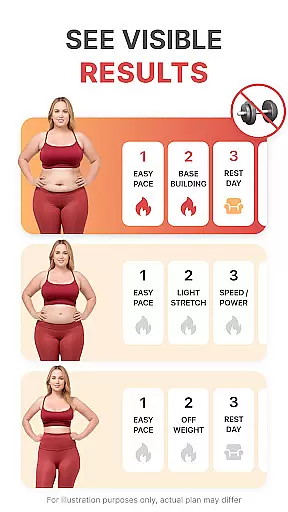
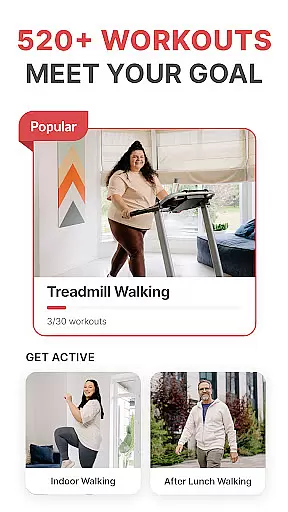
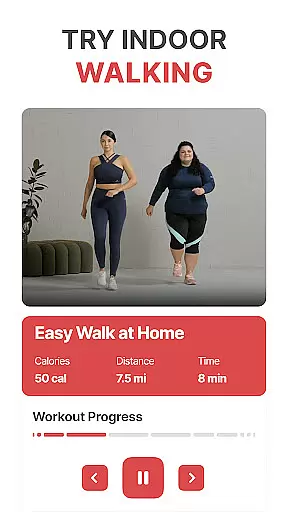
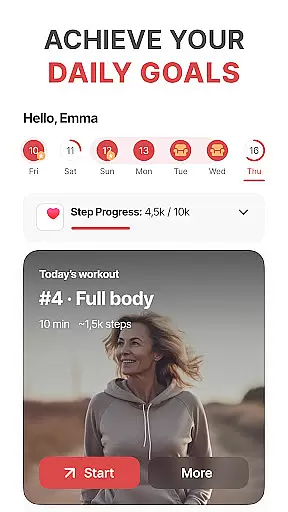
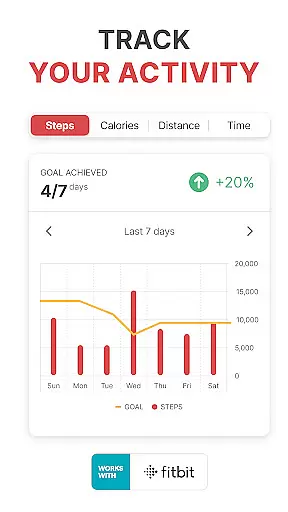
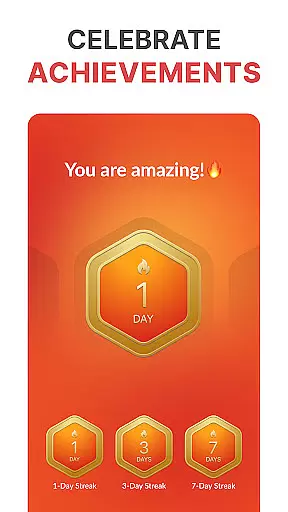
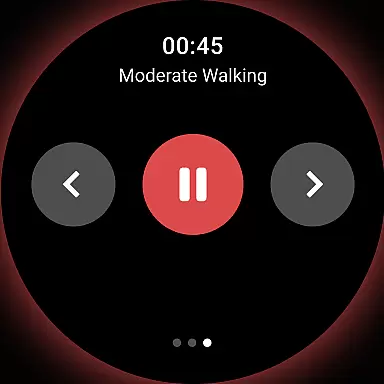
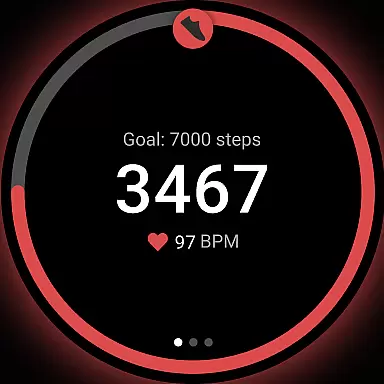
WalkFit is a comprehensive walking app designed specifically for weight loss, combining essential features like a step counter, pedometer, and personal walking tracker. The app offers tailored daily walking plans and indoor treadmill workouts to help users burn calories and achieve their fitness goals. By tracking steps, distance, and calories burned, WalkFit ensures users stay motivated and committed to their weight loss journey.
The app also includes engaging walking challenges, expert-guided indoor walking workouts, and seamless integration with Wear OS devices and fitness platforms like Fitbit and Google Fit. These features make WalkFit an ideal choice for those looking to build healthy habits while enjoying the flexibility of personalized plans and real-time progress tracking.
Whether you're walking outdoors or using a treadmill at home, WalkFit provides all the tools necessary to support your transformation. With its user-friendly interface and innovative functionality, this app proves that walking can be both enjoyable and effective for weight loss.
WalkFit stands out with its diverse range of features designed to enhance every aspect of a user's walking routine. One key feature is the built-in step counter and pedometer, which tracks steps, distance traveled, and calories burned in real time. This allows users to monitor their activity levels continuously and adjust their efforts accordingly.
Another notable feature is the app’s selection of guided indoor walking workouts, complete with video support. Users can choose from cardio walks, low-impact options, or structured programs like the "28-Day Indoor Walking Challenge." Additionally, the treadmill workout mode offers expert-recommended routines that alternate between steady walking and high-intensity bursts, maximizing fat-burning potential.
WalkFit also integrates seamlessly with popular fitness platforms such as Fitbit, Google Fit, Health Connect, and Wear OS devices. This synchronization enables accurate passive and active tracking, ensuring users have access to detailed metrics like step count, calories burned, and distance covered—all in one place.
WalkFit offers seamless companion app integration, making it an ideal choice for users who want to track their fitness activities across multiple devices. The app syncs effortlessly with popular platforms like Fitbit, Google Fit, Health Connect, and Wear OS devices. This ensures that all your essential fitness metrics, such as step count, calories burned, and walking distance, are centralized in one location.
The synchronization feature allows for both passive and active tracking modes. In passive mode, WalkFit utilizes your device's sensors to monitor activity throughout the day without requiring any input from you. Active mode provides real-time stats during walks and workouts, giving you immediate feedback on your performance. This dual functionality enhances the user experience by offering flexibility and convenience.
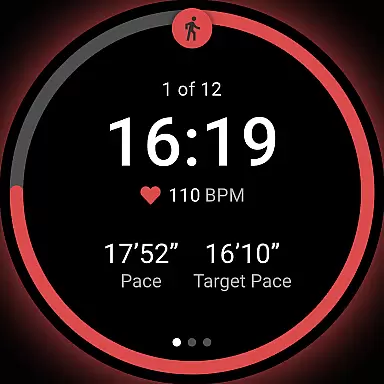
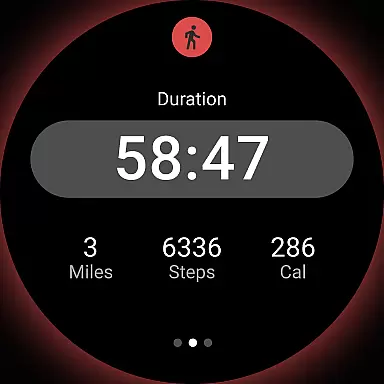
By integrating with Wear OS watches, WalkFit ensures accurate tracking whether you're using a smartphone or a smartwatch. This compatibility is particularly beneficial for those who prefer wearing a watch while exercising, as it allows them to leave their phone behind without missing out on important data collection. Overall, this robust companion app integration makes WalkFit a versatile tool for managing your fitness journey.
WalkFit excels in Wear OS and device compatibility, ensuring that users can enjoy a consistent experience regardless of their chosen hardware. The app supports a wide range of devices, including Wear OS watches, which means you can track your steps, distance, and calories burned directly from your wrist. This level of compatibility enhances convenience and accessibility, allowing users to stay connected to their fitness goals at all times.
In addition to supporting Wear OS, WalkFit also integrates with other major platforms such as Fitbit and Google Fit. This broad compatibility ensures that no matter what device ecosystem you are part of, WalkFit can seamlessly fit into your routine. Whether you're using a smartphone, tablet, or wearable device, the app provides reliable tracking and monitoring capabilities.
The ability to switch between different devices without losing data or functionality is a significant advantage of WalkFit. Users can start a workout on their smartwatch and continue tracking on their phone if needed. This flexibility not only improves user engagement but also encourages more consistent use of the app. With its comprehensive device compatibility, WalkFit stands out as a top choice for anyone looking to maintain an active lifestyle.
User-friendly interface
Customizable walking plans
Real-time progress tracking
Engaging walking challenges
Seamless device integration
Premium subscription required
Limited free features
Occasional syncing issues
Indoor workouts need equipment
No advanced analytics for free users

Wear Os Watch Face - Animated Snow Effect & Christmas Lights
 4.5
4.5
Highly customizable hybrid watch face for Wear OS, perfect for everyday use.
4.60
A Wintery Snow Globe on Your Wrist; now celebrating Christmas!
4.4
Your second brain for organizing your life: to-do, calendar, reminder.
4.70
The ultimate destination for kids ages 3-8 to explore the Marvel Universe!
4.30
Get helpful reminders, take progress photos and find answers to your questions.
3.90
Real-time results, stats, schedules and player profiles for all leagues
4.60
Real-time weather radar with temperatures, warnings, hurricanes, and widgets
4.80
Spam call blocker and caller ID for automatic call protection!
4.40
The Chevron App allows you to pay for fuel from the comfort of your car!
4.80
The most customizable hybrid watch face. For Wear OS 5.0, API 34+ and later
4.70
Fast and smart typing with Emojis, GIFs, and more
4.50
A white realistic classic analog watch face with many customization options.
4.40
Bold, Modern Hybrid Watch Face for Wear OS. 10 Colors, Rich Info Display.
4.30
A digital watch face that celebrates Christmas.
4.00
Precision analog watch face with 7 complications and style options
4.3
A heartwarming Christmas scene featuring a cute image of Santa and Rudolf
4.3
3 Complications. All shadow on/off. 30 Themes color palette...
4.1
Fitness interactive virtual pet super fighter boy watch face
4.4


User Reviews