
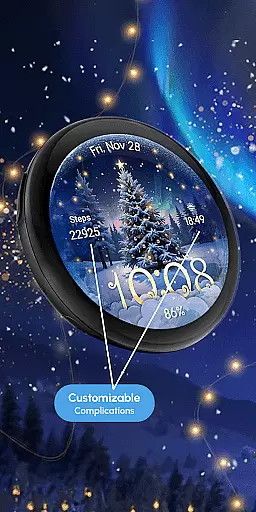
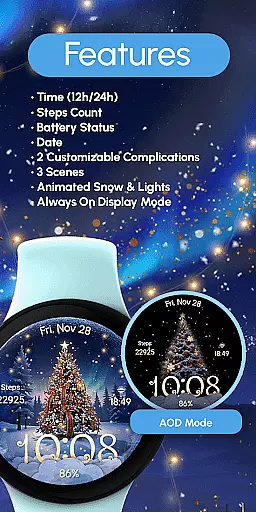
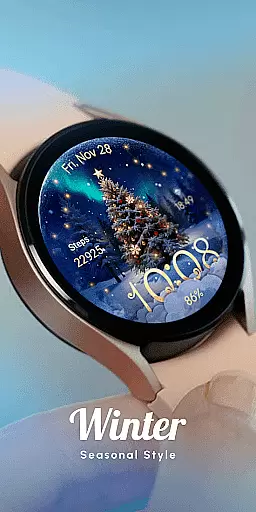
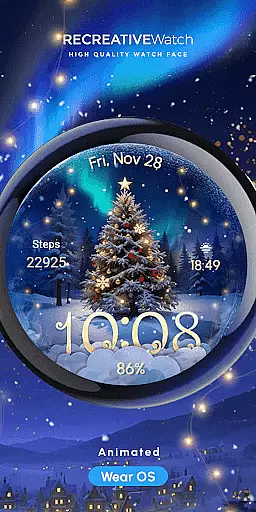
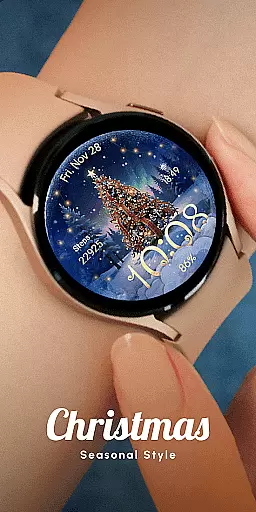
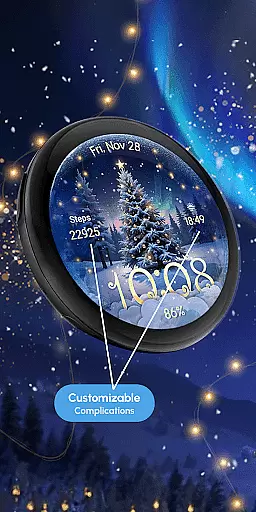
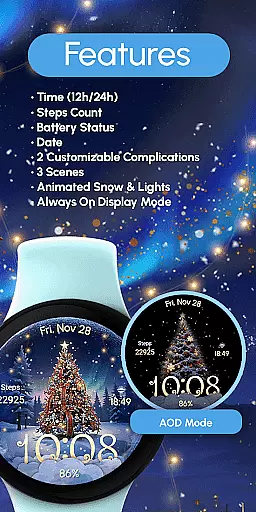
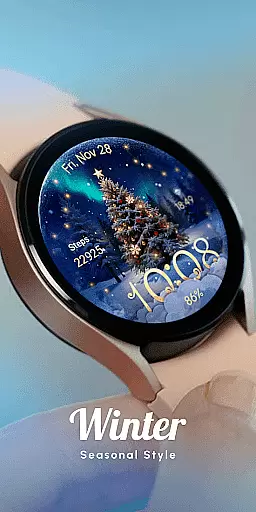
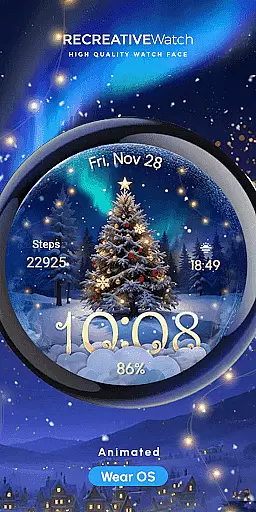
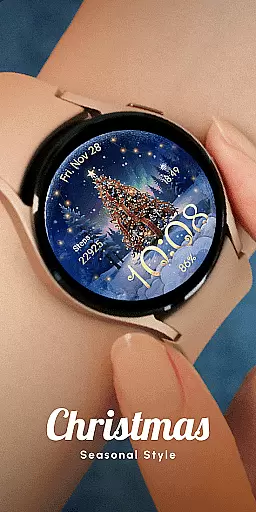
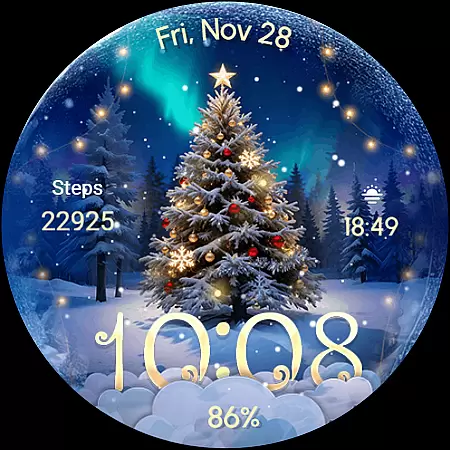
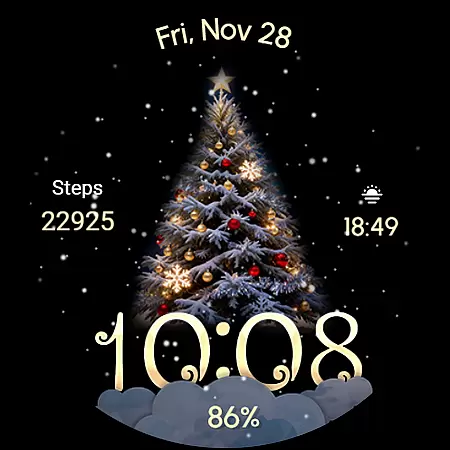
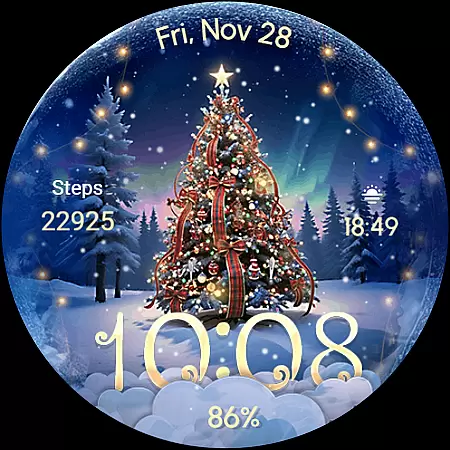
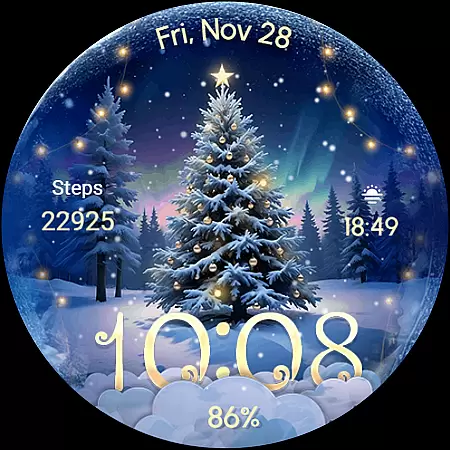
ReS71 - Northern Christmas is a captivating Wear OS watch face that brings the magic of the holiday season to your smartwatch. Featuring an enchanting Christmas tree at the North Pole, this app creates a festive atmosphere with animated holiday lights and a serene snow effect. The watch face not only serves as a stylish accessory but also provides essential functionalities such as displaying the time in 12/24hr digital format, showing the date, and monitoring battery levels.
Designed for users who appreciate both aesthetics and utility, ReS71 offers customizable complications, allowing personalization of data fields. With three distinct scenes to choose from and an Always ON Display feature, it caters to those who desire a blend of festivity and practicality on their wrists. Compatible with API level 33+ devices including Google Pixel and Galaxy Watch series, this app ensures that you stay connected while embracing the spirit of Christmas.
The hallmark of ReS71 - Northern Christmas lies in its rich feature set tailored for the holiday season. This Wear OS watch face boasts animated elements like twinkling lights and falling snow, creating an immersive North Pole experience right on your wrist. Users can enjoy not just the visual delight but also practical features such as 12/24hr digital time display, current date visibility, and real-time battery status tracking.
Customization is at the heart of this application's design. It includes two customizable complications which allow users to tailor information displayed on their watch face according to their preferences. Additionally, with three unique scenes and an Always ON Display option, wearers have control over how they wish to express their festive cheer while maintaining functionality throughout the day.
Companion app integration is essential for Wear OS watch faces like ReS71 - Northern Christmas. This feature ensures seamless synchronization between the watch face and its companion app on your smartphone.
The ReS71 watch face connects with its companion app to provide users with enhanced customization options. Through this integration, users can easily adjust settings such as time format, date display, and choose from multiple scenes directly from their phone.
This connectivity not only simplifies personalization but also allows for real-time updates and notifications. Users benefit from a cohesive experience where changes made in the companion app instantly reflect on the wearable device.
By leveraging companion app integration, ReS71 offers a dynamic and user-friendly interface that enhances the overall utility and enjoyment of the festive-themed watch face.
Ensuring broad Wear OS and device compatibility is crucial for any smartwatch application. ReS71 - Northern Christmas supports API level 33+ devices including Google Pixel, Galaxy Watch series, and other Wear OS models.
This extensive compatibility means that whether you own a newer Google Pixel watch or one of Samsung's Galaxy Watches, you can enjoy the enchanting visuals of a North Pole Christmas tree right on your wrist.
Moreover, the watch face takes full advantage of Wear OS features such as Always-On Display while offering tips to optimize battery life by adjusting these settings according to user preference.
With clear installation guidance available via an online help link, users are well-supported in setting up their new holiday-themed watch face across various compatible devices without hassle.
Holiday-themed design
Animated effects
Customizable complications
Always ON Display
Multiple scene options
Battery consumption
Limited compatibility
No automatic application
Few customization options
Requires manual setup

Gym Log & Workout Tracker | Fitness Journal, Training & Weight Lifting Planner
 4.90
4.90
Diet tracker for weight loss - track calories, food and macros. Simple and easy!
4.70
Christmas Theme Watch Face for Wear Os
5.00
Current temperature, weather hourly, weather radar by the weather forecast app
4.40
Elegant animated Christmas tree with multiple customization options
4.20
The ultimate destination for kids ages 3-8 to explore the Marvel Universe!
4.30
Funny animated watch face for Thanksgiving
4.5
Professional weather radar and more
3.90
Start and succeed with PAP
4.10
Your second brain for organizing your life: to-do, calendar, reminder.
4.70
Deck out your Wear OS Watch face with a beautifully decorated pine wreath!
4.50
Stylish, Energizing and Modern Watch Face crafted by Dominus Mathias.
4.50
Locate your family members by GPS phone location tracker everywhere and anytime
4.30
Let's celebrate Thanksgiving - Wear Os watch face
4.20
Animated video-game inspired “secret agent” simulation, right on your wrist!
4.20
Hyper-Realistic Airplane Dashboard Watch Face With 10 Skins and Custom AOD
4.00
Watch the sharpness of the sky on your wrist..
3.70
Stunning modern digital watch face with 7 complications and strong contrast
4.3
Fitness interactive virtual pet super fighter boy watch face
4.1


User Reviews