
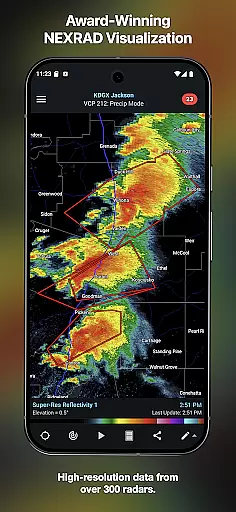
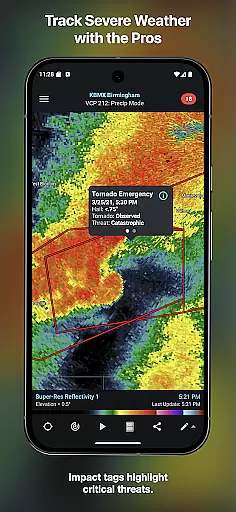
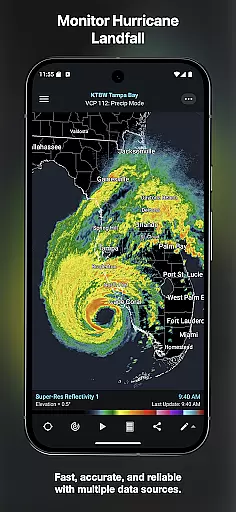
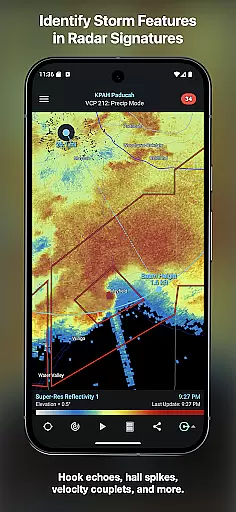
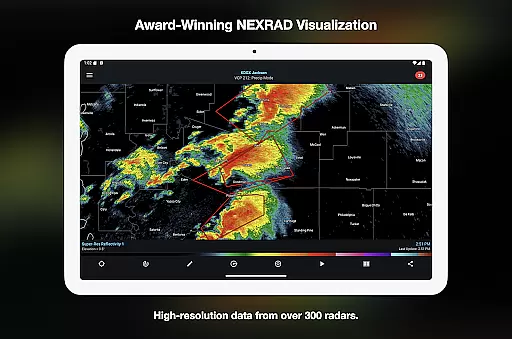
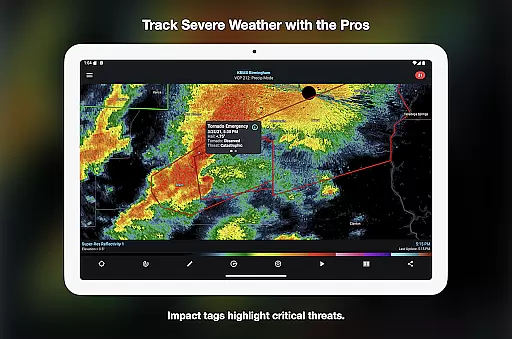
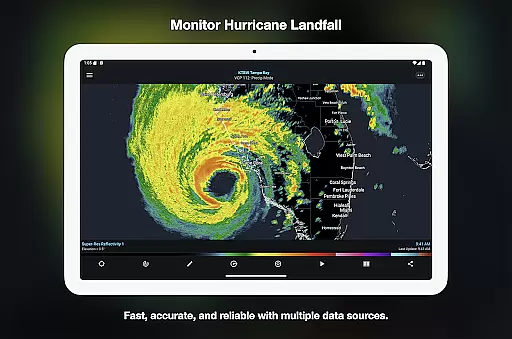
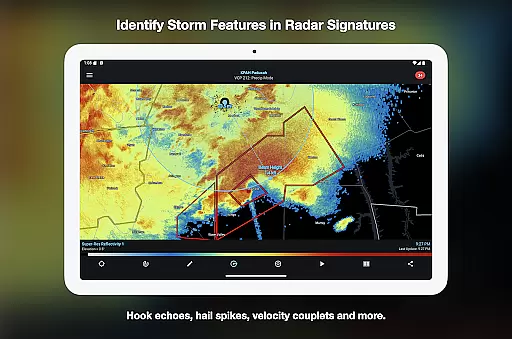

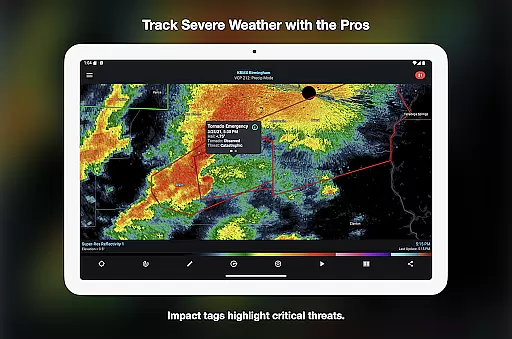
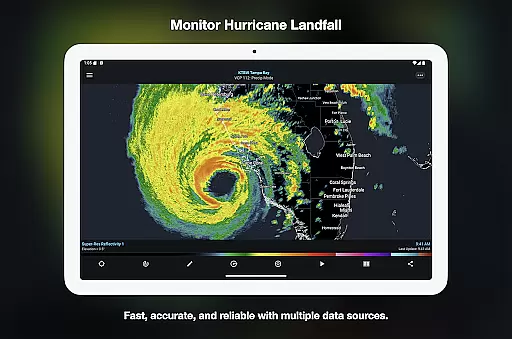
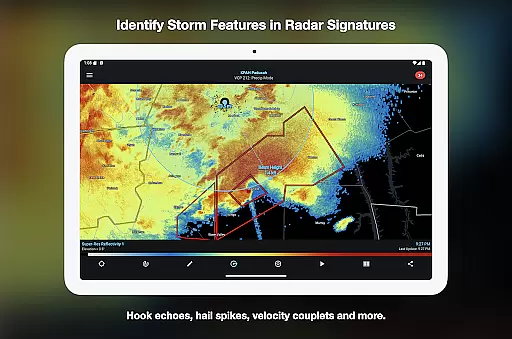
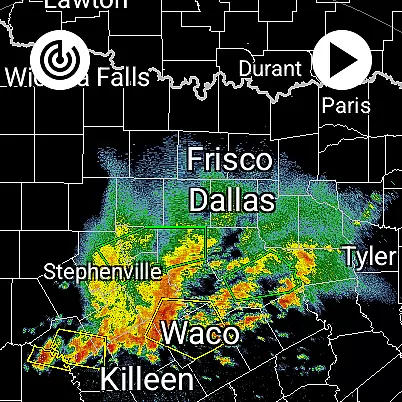
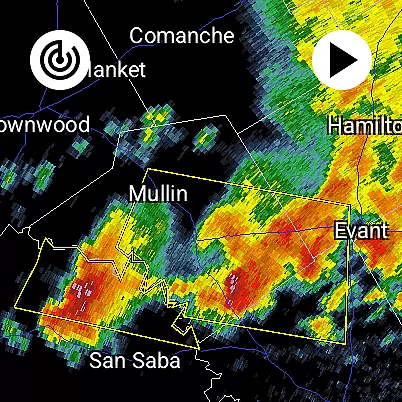
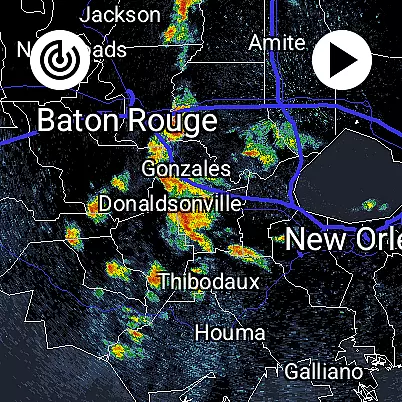
RadarScope is a professional weather visualization application designed for meteorologists and weather enthusiasts. It provides an extensive suite of single-site radar data and severe weather products, empowering users to analyze critical weather patterns in real-time. The app supports radar data from multiple countries including the US, Canada, and Germany, making it a versatile tool for tracking storms, hurricanes, and other significant weather events.
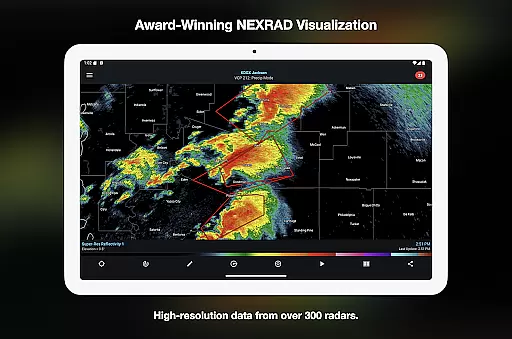
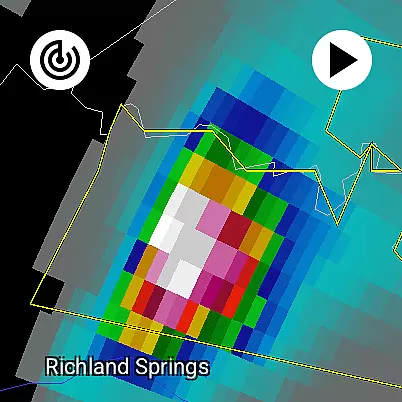
One of RadarScope's standout features is its ability to display native radar data in its original radial format, ensuring accuracy and timeliness. With automatic updates every two to ten minutes, users can monitor rapidly changing weather conditions as they happen. Whether identifying mesocyclones, hail spikes, or tornado warnings, this app delivers precise information that helps both professionals and hobbyists make informed decisions.
The app also offers optional subscription tiers, RadarScope Pro Tier One and Tier Two, which unlock advanced capabilities such as longer radar loops, lightning strike data, and historical archives. These features are particularly valuable for users who require detailed analysis tools for storm tracking and research purposes. Available on Android and Wear OS, RadarScope combines powerful functionality with cross-platform accessibility.
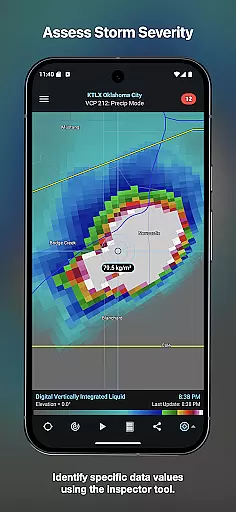
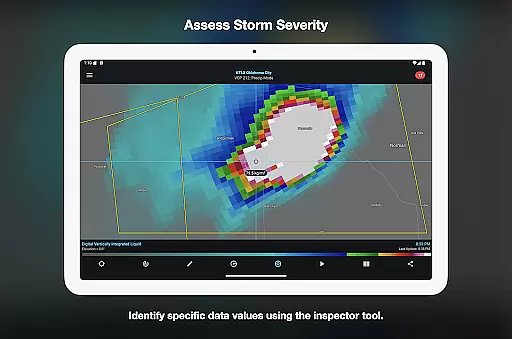
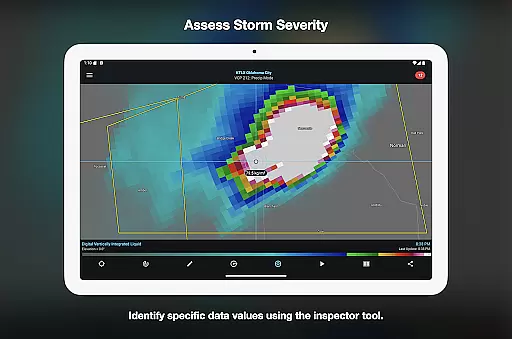
RadarScope stands out due to its comprehensive feature set tailored for weather analysis. At its core, the app provides a full suite of single-site radar products, including 6-frame radar loops and built-in data providers, ensuring users have access to timely and accurate weather information. Its support for NWS-generated storm tracks, hail and mesocyclone attributes, and Inspector tools allows for detailed examination of storm dynamics.
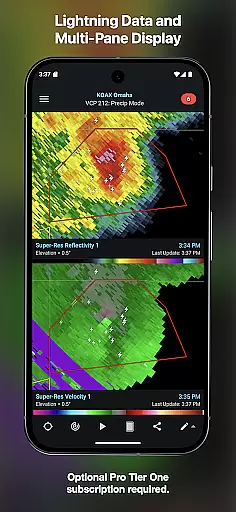
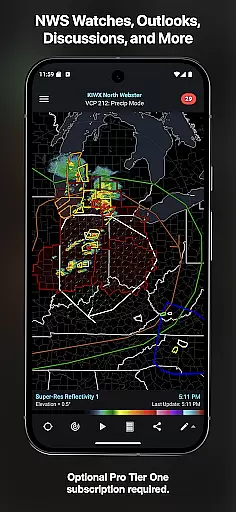
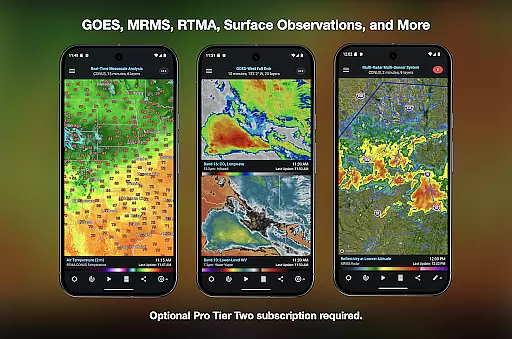
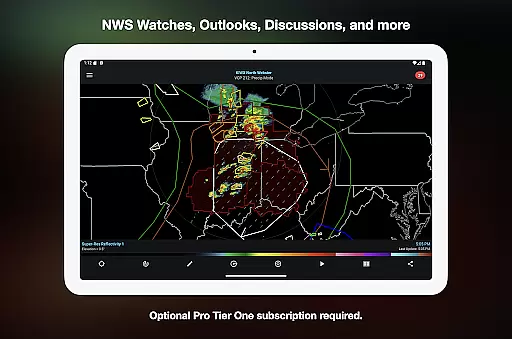
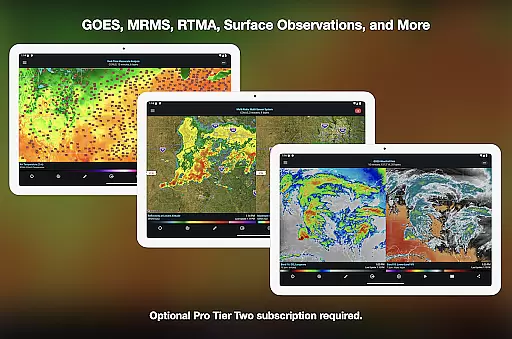
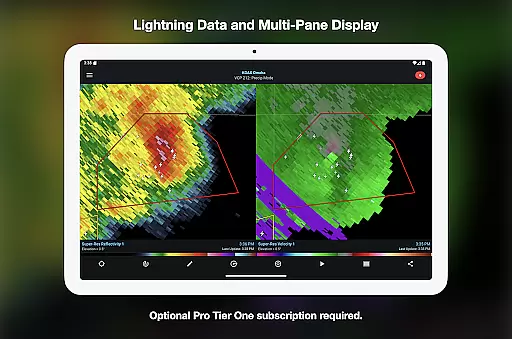
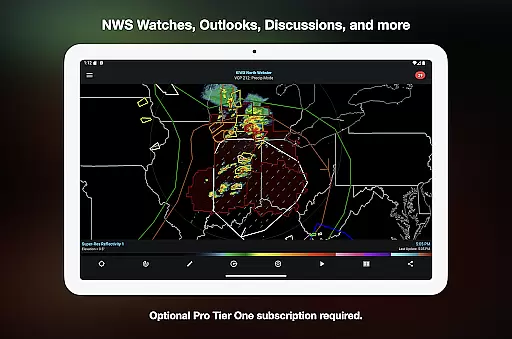
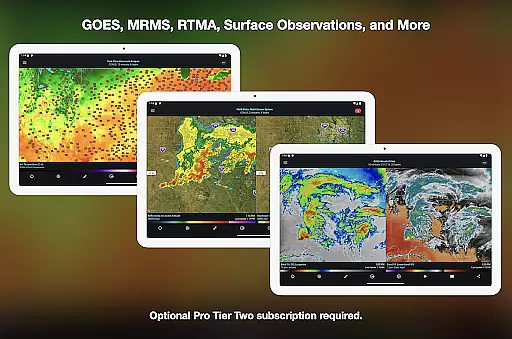
For users seeking more advanced capabilities, RadarScope Pro Tier One and Tier Two subscriptions offer expanded functionalities. Tier One includes 30-frame radar loops, cloud-to-ground lightning data, and convective outlooks, while Tier Two adds even more robust features like NEXRAD Level II radar data, GOES satellite products, and MRMS analytics. These tiers transform the app into a complete weather visualization tool suitable for both casual observers and professional meteorologists.
Additional highlights include integration with services like Spotter Network and mPING for submitting weather reports, bundled maps optimized for low-bandwidth use, and multi-pane displays on larger devices. With support for custom color palettes and server-sent event updates, RadarScope ensures a highly customizable and responsive user experience across Android and Wear OS platforms.
Companion app integration is essential for Android Wear applications as it ensures seamless data sharing and functionality between the wearable device and its primary mobile counterpart. RadarScope excels in this area by offering a unified experience across both Android and Wear OS platforms.
The app's architecture allows users to access critical weather data directly on their smartwatches without compromising on speed or accuracy. This means meteorologists and weather enthusiasts can receive real-time updates on radar imagery, storm tracks, and severe weather warnings right on their wrists.
Furthermore, RadarScope supports cross-platform subscription sharing on up to five devices, ensuring that all your devices are always in sync. Whether you're using the app on your phone or checking data on your watch, the transition is smooth and intuitive.
This level of integration provides significant value to professionals who need immediate access to weather information while on the move. By having consistent data availability across devices, users can make timely decisions based on the most current weather conditions.
Device compatibility is a crucial aspect of any Android Wear application, determining how well the software performs across various Wear OS devices. RadarScope stands out by delivering a fully native app experience optimized for both Android and Wear OS platforms.
The application is designed to run efficiently on different smartwatch models, ensuring that users have access to professional-grade radar visualization regardless of their device choice. This includes support for widgets, which enhances usability by providing quick access to frequently used features.
RadarScope also offers specialized functionalities such as Inspector and distance tools, color palette options, and bundled maps with political boundaries and major highwaysu2014all optimized for low-bandwidth use on wearable devices.
By focusing on universal compatibility and performance optimization, RadarScope ensures that meteorologists, public safety officials, and weather enthusiasts can rely on their smartwatches for accurate and timely weather data, enhancing their ability to respond effectively to severe weather events.
Real-time radar updates
Historical weather data
Cross-platform compatibility
Advanced storm tracking
Customizable color palettes
Paid subscription required
Complex for beginners
Limited free features
High data usage
No offline mode

Be an elegant and classy secret agent, with this carefully detailed watch face
 4.70
4.70
Watch face for Wear OS.
4.20
Digital, flexibly customizable watch face. For Wear OS 5.0, API 34+ and later.
5.00
Digital watch face with big numbers and many customization for Wear OS devices
4.40
Fast and smart typing with Emojis, GIFs, and more
4.50
Track your active life in one place and share the journey with friends.
4.40
Start and succeed with PAP
4.10
Control your Samsung Smart TVs, appliances, and SmartThings-compatible devices
4.60
Toyota app currently supports 2010 or newer vehicles (2018 or newer for Hawaii).
4.50
Your second brain for organizing your life: to-do, calendar, reminder.
4.70
The most customizable hybrid watch face. For Wear OS 5.0, API 34+ and later
4.70
Gym & home workout plans with strength training, exercise tracking, HIIT & more.
4.60
Reliable phone calls with spam protection, caller ID and more helpful features
4.40
Christmas watch face. For Wear OS devices.
4.30
A customizable Christmas watch face for Wear OS with a countdown.
4.20
Wear Os Watch Face - Animated Snow Effect & Magic Spark - 6 Scenes
4.10
Daily Weather forecast with 15 weather images for Day & Night plus Big Bold time
4.10
Your local weather forecast, storm tracker, radar maps & live weather news
3.40
A Wintery Snow Globe on Your Wrist; now celebrating Christmas!
4.2


User Reviews