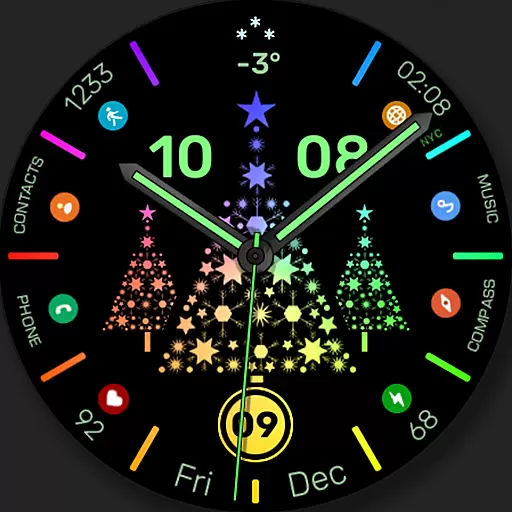
Christmas watch face. For Wear OS devices.
 4.30
4.30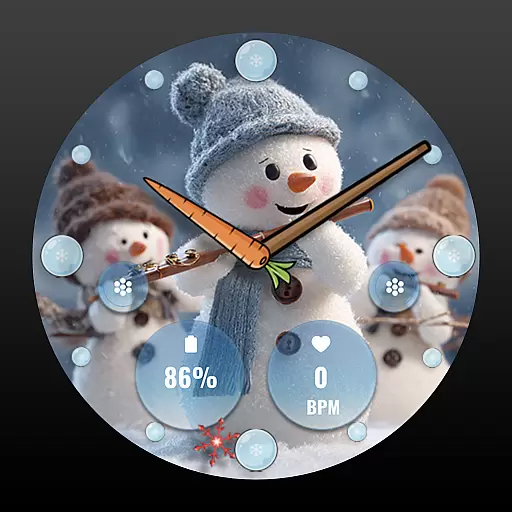
an Analog Watch Face for winter season with freeze winter background for Wear OS
4.2
MyNISSAN® lets you remotely control your car from your phone.*
4.50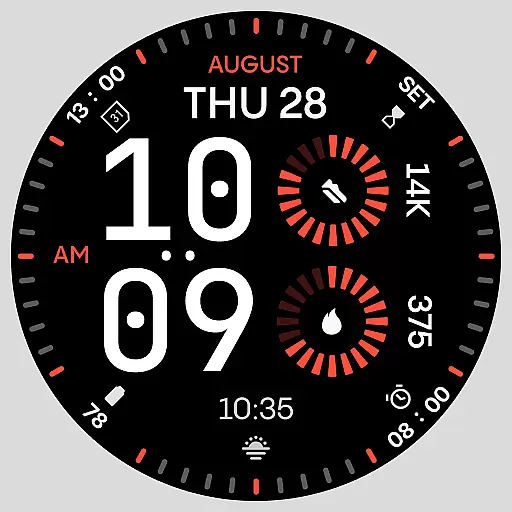
Stunning modern digital watch face with 7 complications and strong contrast
4.2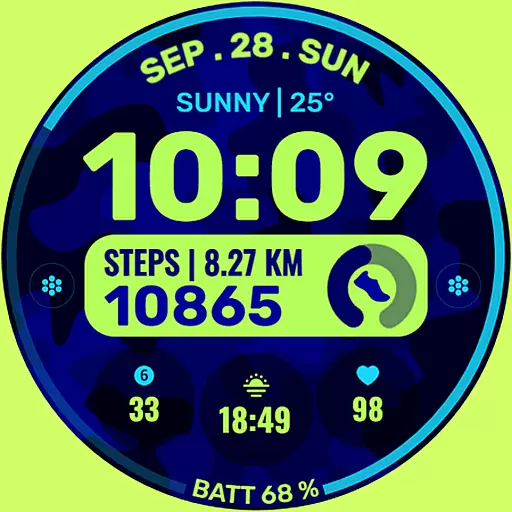
Artistic Digital Watchface
4.1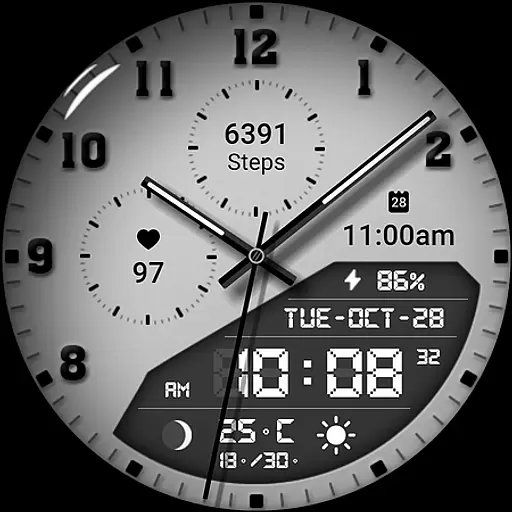
3 Complications. All shadow on/off. 30 Themes color palette...
4.2
Locate your family members by GPS phone location tracker everywhere and anytime
4.30
The ultimate destination for kids ages 3-8 to explore the Marvel Universe!
4.30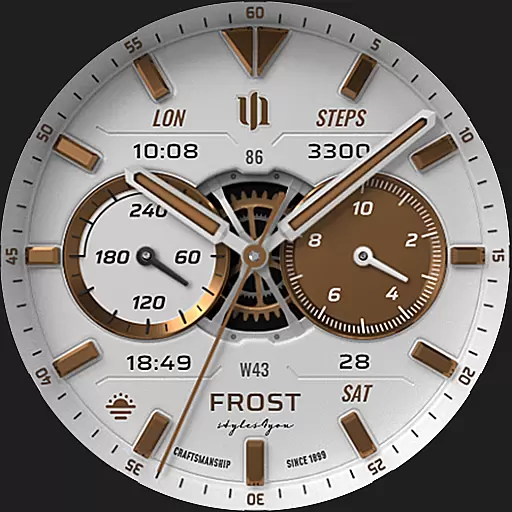
A white realistic classic analog watch face with many customization options.
4.40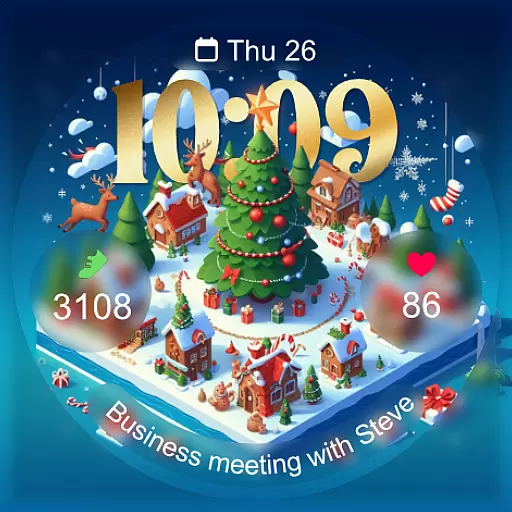
Christmas - Festive - Christmas Village - Winter - Christmas lights
5.00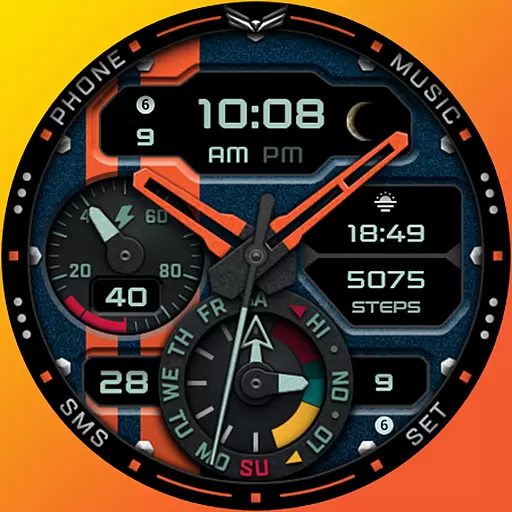
A modern hybrid informative watch face for Wear OS designed by BALLOZI
4.80
Your second brain for organizing your life: to-do, calendar, reminder.
4.70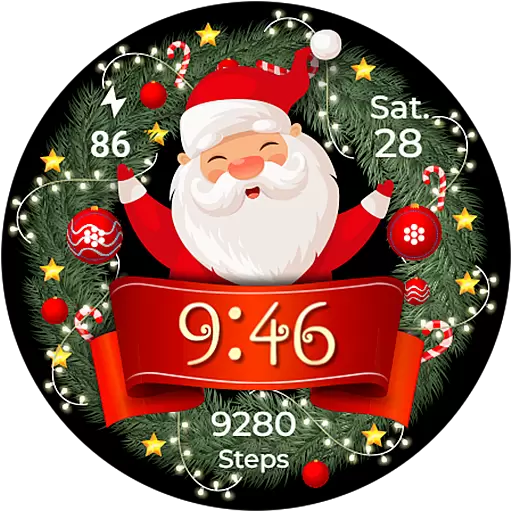
Deck out your Wear OS Watch face with a beautifully decorated pine wreath!
4.50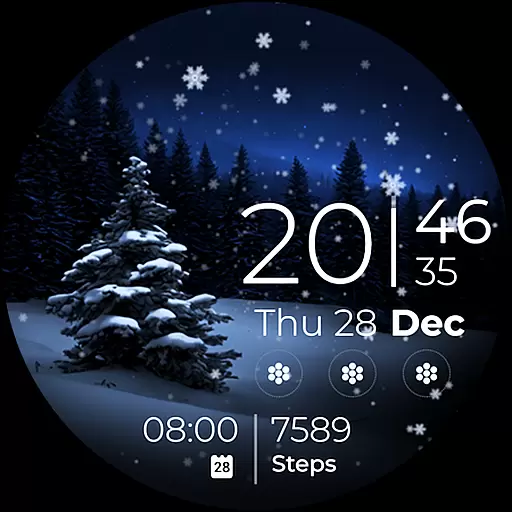
Beautiful artistic animated digital watch face, with a customizable layout!
4.40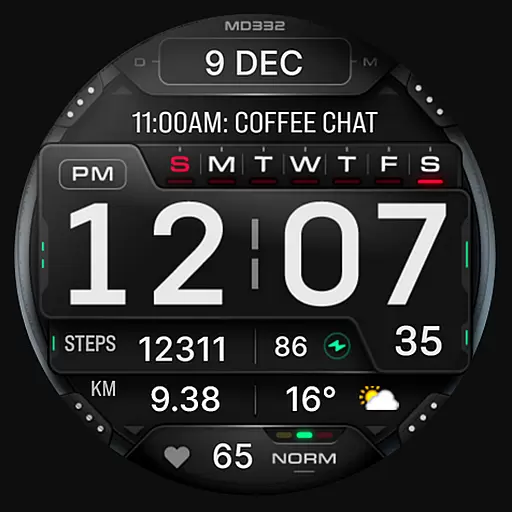
Digital watch face with big numbers and many customization for Wear OS devices
4.40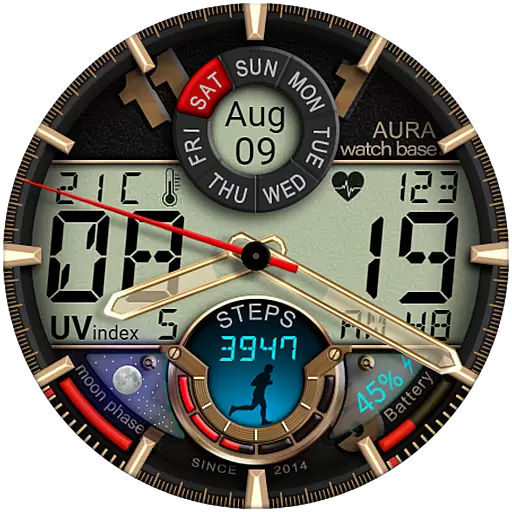
Bold, Modern Hybrid Watch Face for Wear OS. 10 Colors, Rich Info Display.
4.30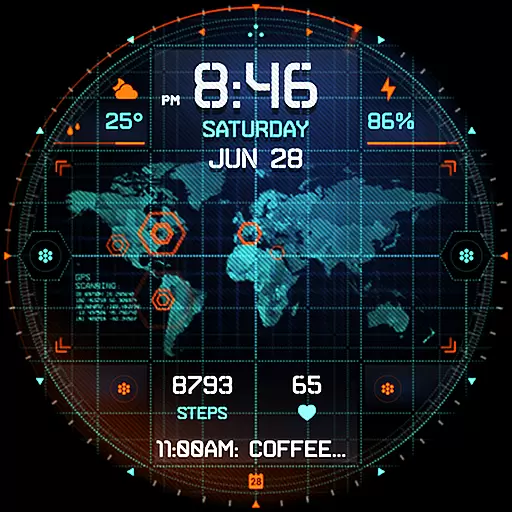
Animated video-game inspired “secret agent” simulation, right on your wrist!
4.20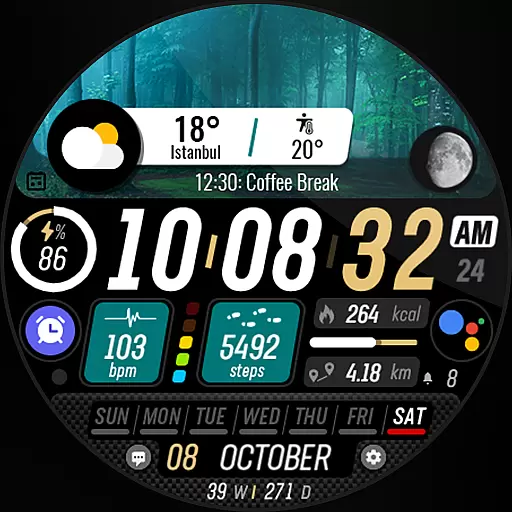
Watch the sharpness of the sky on your wrist..
3.70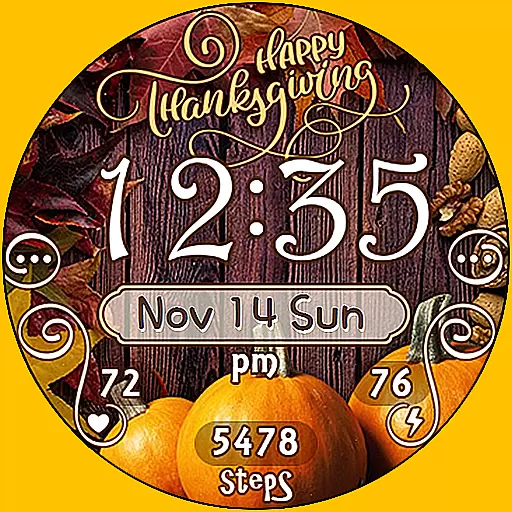
Watch face designed for Thanksgiving Day. 7 Background Styles included.
3.20


