
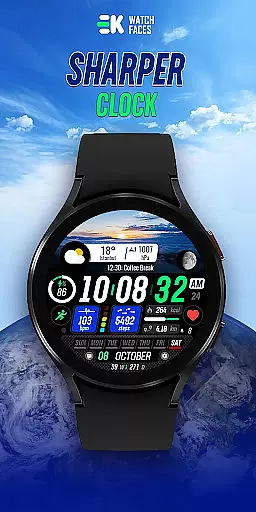
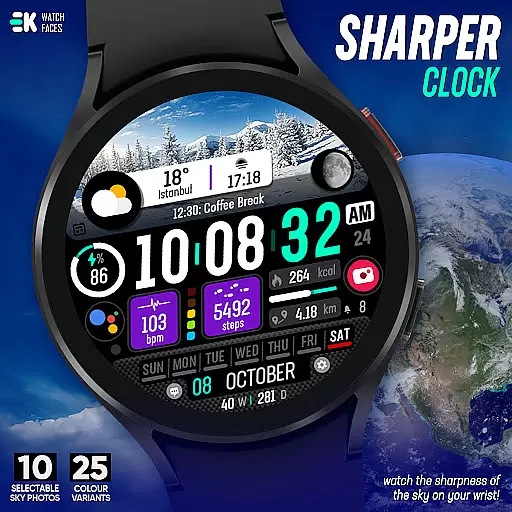
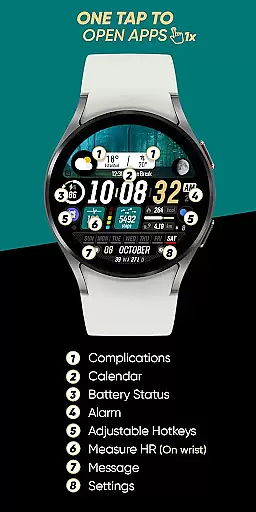
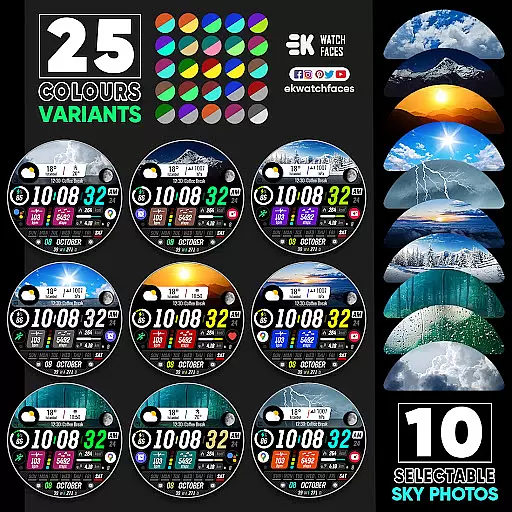
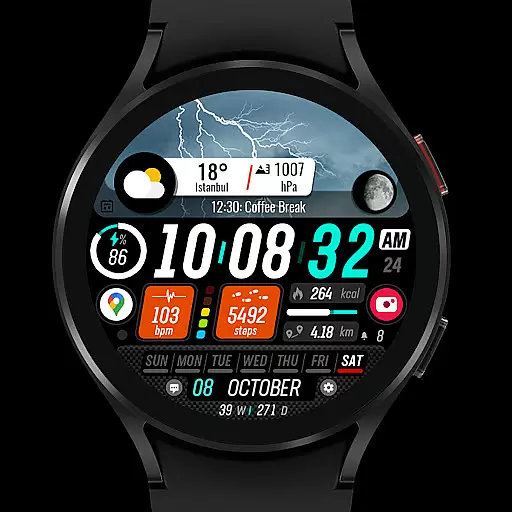
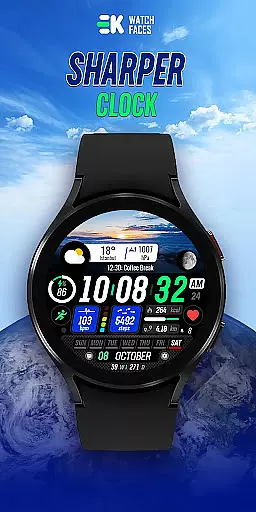
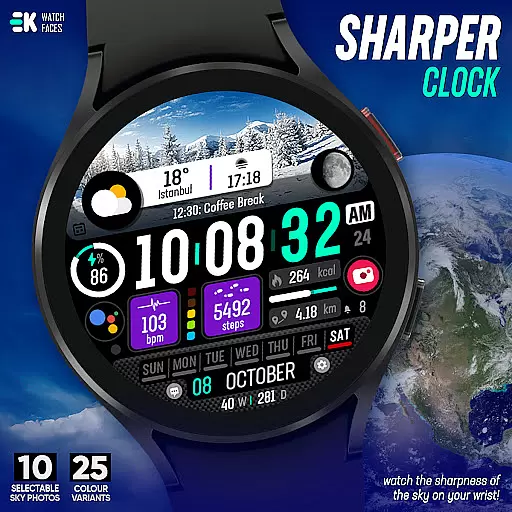
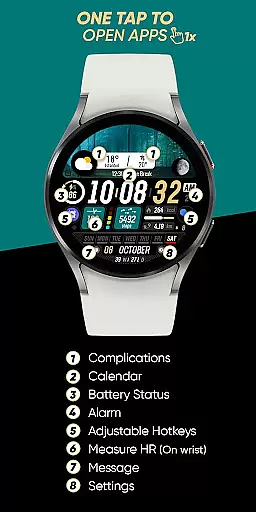
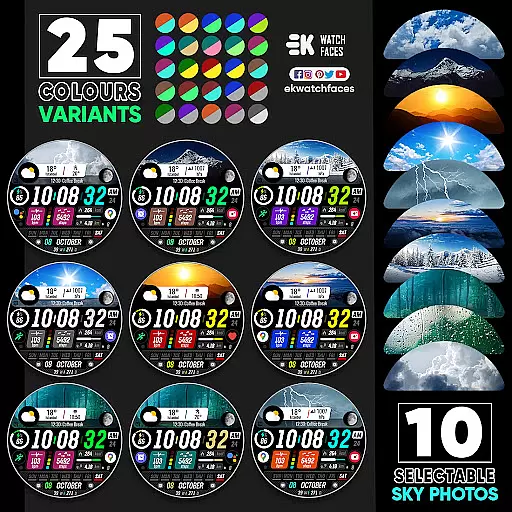
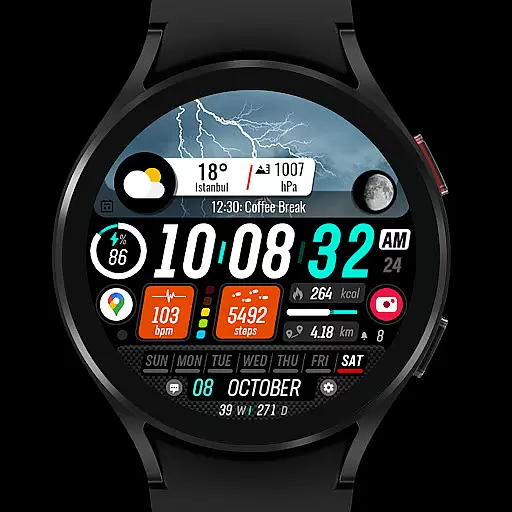
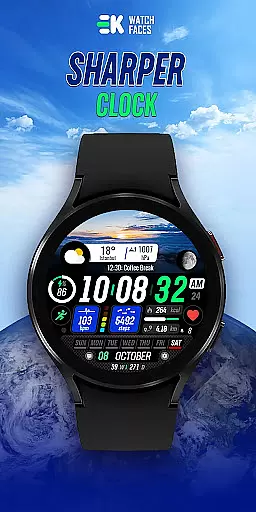
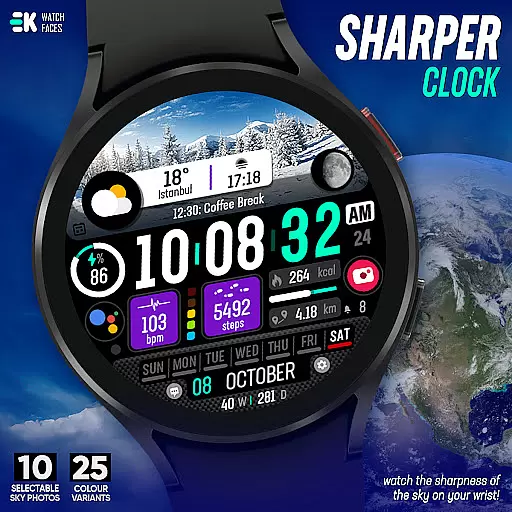
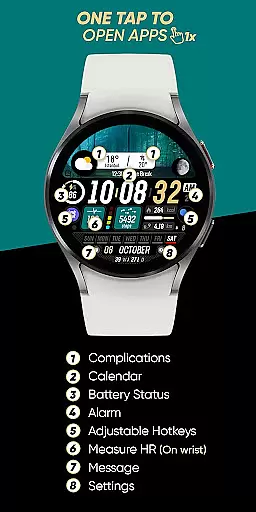
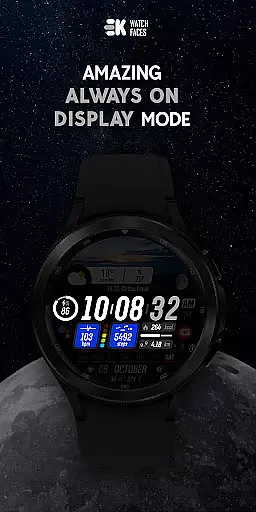
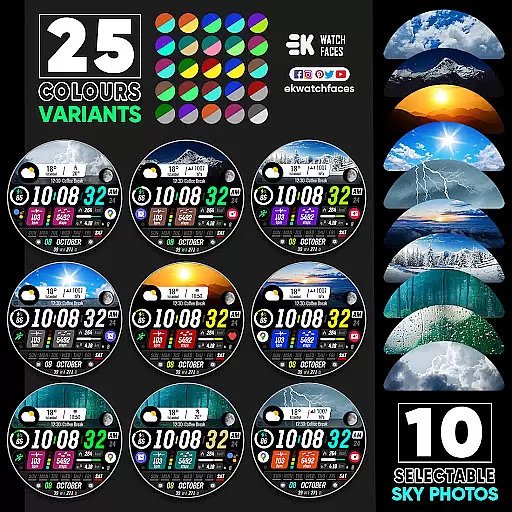
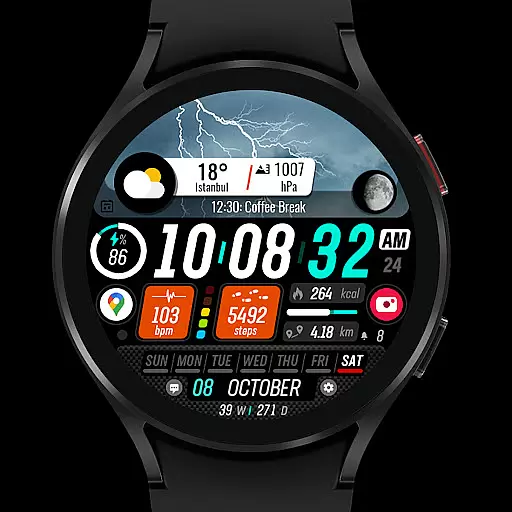
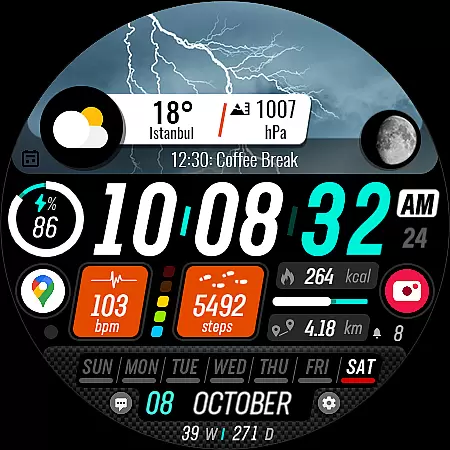
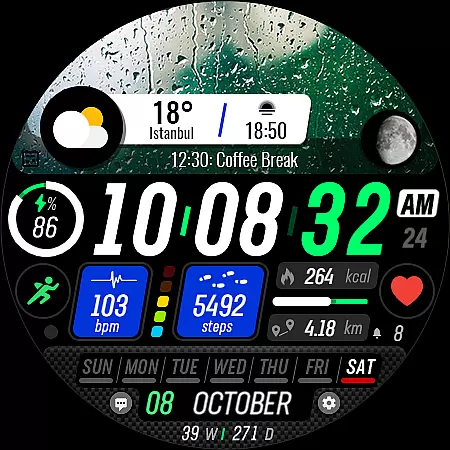
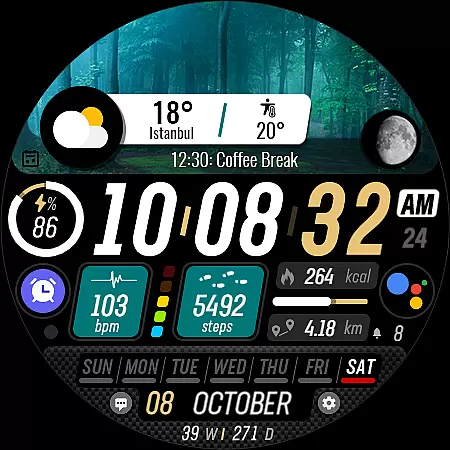
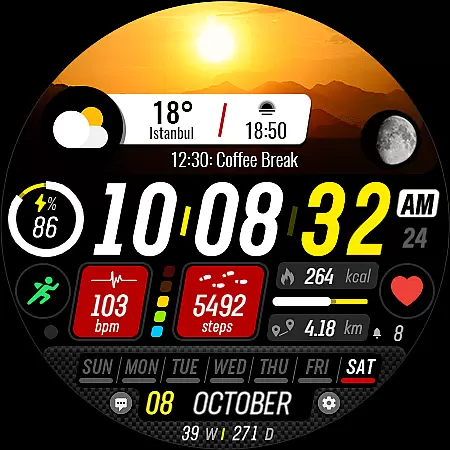
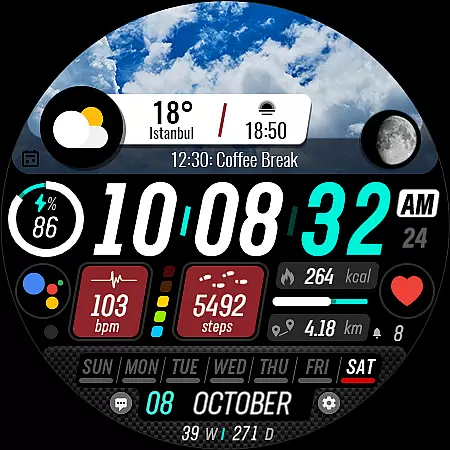
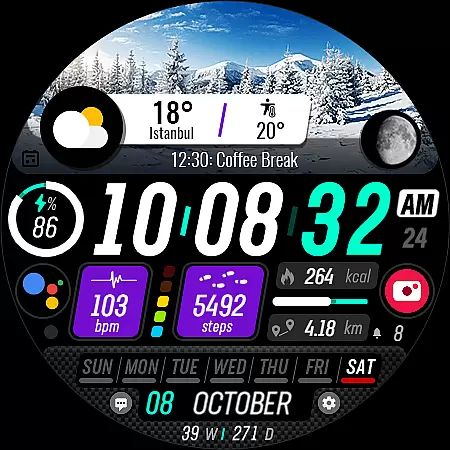
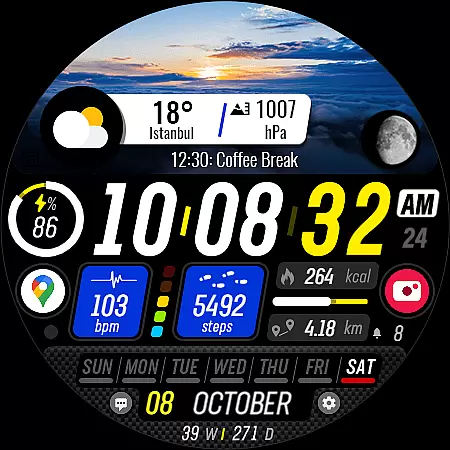
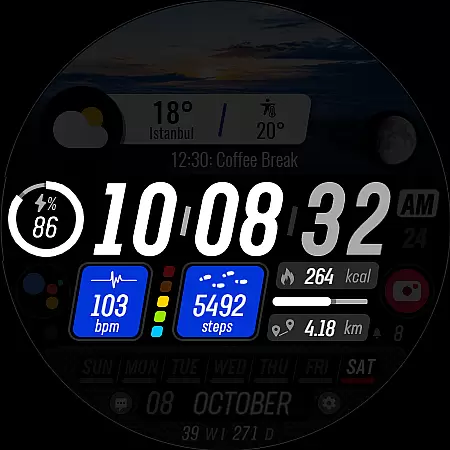
Sharper Clock is a premium watch face designed exclusively for Wear OS devices, offering users a unique sky-themed timekeeping experience. The app provides 10 selectable sky photos with 25 color variants, creating a visually striking appearance on your smartwatch.
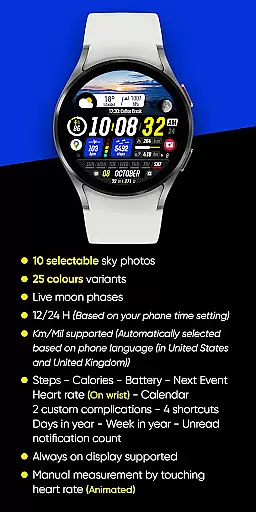
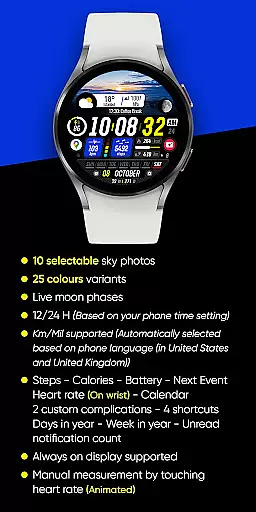
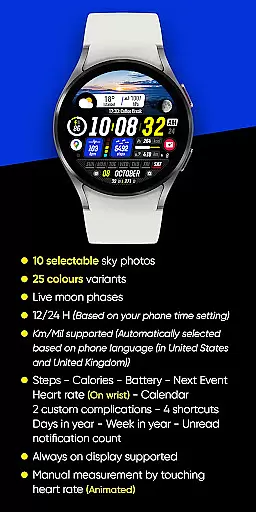
Key features include live moon phases, automatic 12/24-hour format based on phone settings, and distance measurement in Km/Mil depending on your location. The watch face also displays essential health and activity metrics such as steps, calories, heart rate, and battery status.
This application is particularly useful for users who want both functionality and aesthetics in their Wear OS device, providing comprehensive information at a glance while maintaining an elegant design.
Sharper Clock stands out with its comprehensive feature set tailored for Wear OS users. The application offers advanced customization options including 10 different sky photographs and 25 color variations, allowing users to personalize their watch face according to their preferences.
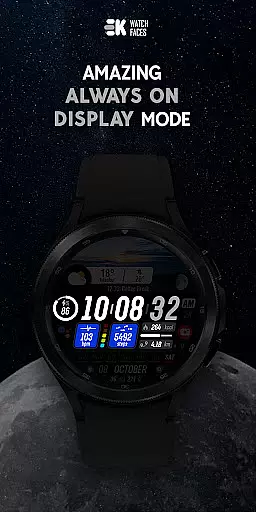
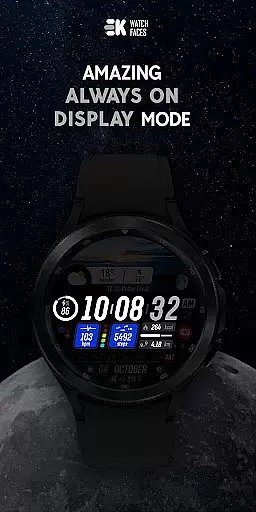
The watch face integrates seamlessly with your phone's settings, automatically adjusting to 12 or 24-hour format and selecting the appropriate distance measurement unit. It also supports always-on display functionality and provides real-time moon phase information.
What sets this application apart is its ability to display multiple complications simultaneously, including next event notification, calendar information, heart rate monitoring, and two custom complications. Users can also access four shortcuts directly from their watch face.
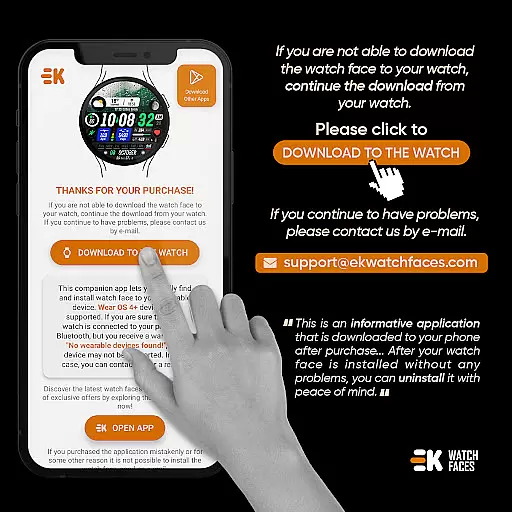
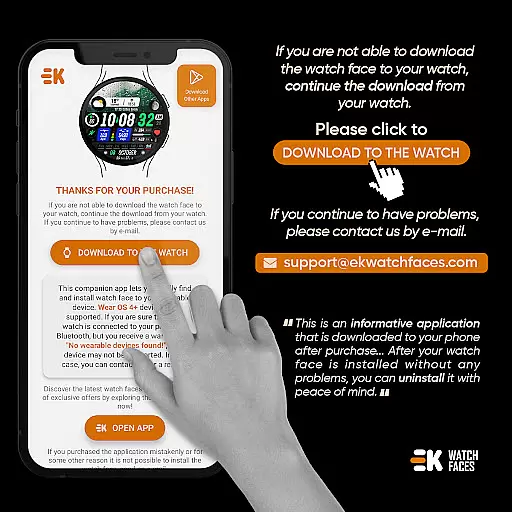
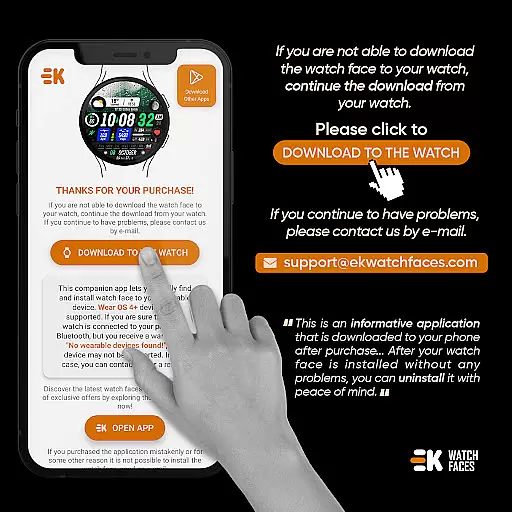
Sharper Clock - Watch Face offers seamless companion app integration, ensuring that your watch and phone work together harmoniously. The phone app acts as a placeholder, simplifying the installation process and making it easier to locate the watch face on your Wear OS device.
By connecting your watch to your phone, you can effortlessly download the watch face directly to your wearable. This streamlined approach ensures that users can select and enjoy their new watch face without unnecessary complications.
The app also provides clear instructions for installation, guiding users through each step. Whether installing via the phone app or a web browser, the process is intuitive and user-friendly, enhancing the overall experience of managing your Wear OS device.
Designed specifically for Wear OS devices running API 33+, Sharper Clock - Watch Face guarantees optimal compatibility and performance. This ensures that users with compatible devices can take full advantage of the app's features without worrying about system incompatibilities.
The watch face boasts an array of functionalities including live moon phases, selectable sky photos, and various color variants. These features are optimized for Wear OS, providing users with visually stunning and highly customizable options right on their wrists.
Additionally, the app supports essential metrics such as steps, calories, battery status, and heart rate monitoring. With comprehensive support for sensors and complications data permissions, users can enjoy a feature-rich experience tailored to their active lifestyles.
Visually stunning design
Extensive customization options
Comprehensive complication support
Automatic localization features
Always-on display compatibility
Limited to Wear OS devices
Requires API 33+
Potential installation complexity
Manual permission setup needed
Premium price point

WTW M17 is a premium and luxurious hybrid watch face
 4.70
4.70
Beautiful artistic animated digital watch face, with a customizable layout!
4.40
The most customizable minimal watch face. For Wear OS 5.0, API 34+ and later
4.70
The #1 source of faces for your smartwatch!
4.00
Minimalistic design modern digital watch face.
4.3
Stylish, Energizing and Modern Watch Face crafted by Dominus Mathias.
4.50
Viewer for Wyze/Yi/Eufy/Arlo/ONVIF/RTSP/P2P IP cams w/ adv. features & DIY DVR
4.00
Spam call blocker and caller ID for automatic call protection!
4.40
Download full tracks, listen to music offline, make unlimited playlists.
4.80
Real-time weather radar with temperatures, warnings, hurricanes, and widgets
4.80
Easy Voice Recorder is your everyday companion to record important moments.
4.70
Rose gold watch face with festive lights & customizable features.
4.60
Gym & home workout plans with strength training, exercise tracking, HIIT & more.
4.60
Current temperature, weather hourly, weather radar by the weather forecast app
4.40
Digital watch face with big numbers and many customization for Wear OS devices
4.40
Professional weather radar and more
3.90
Authentic military-tactical design with ZULU time! Realistic and functional!
3.80
an Analog Watch Face for winter season with freeze winter background for Wear OS
4.5
Stunning modern digital watch face with 7 complications and strong contrast
4.3


User Reviews