
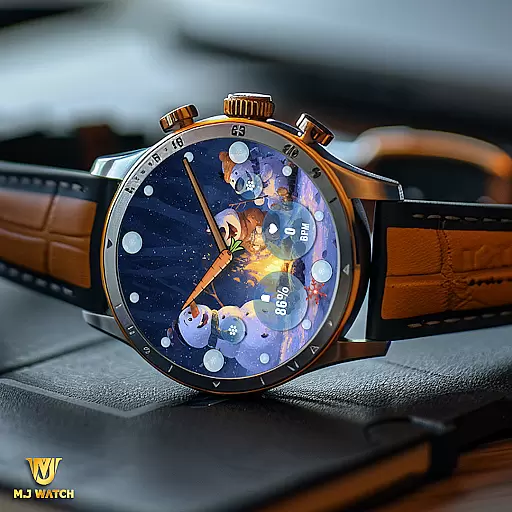
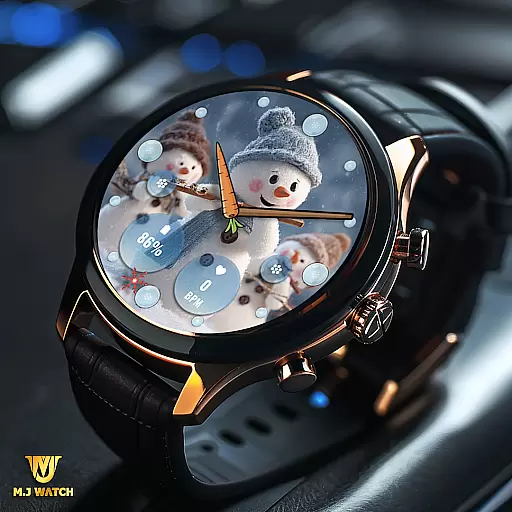
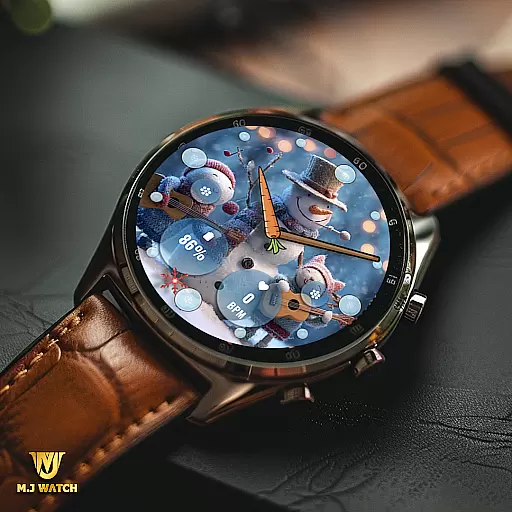
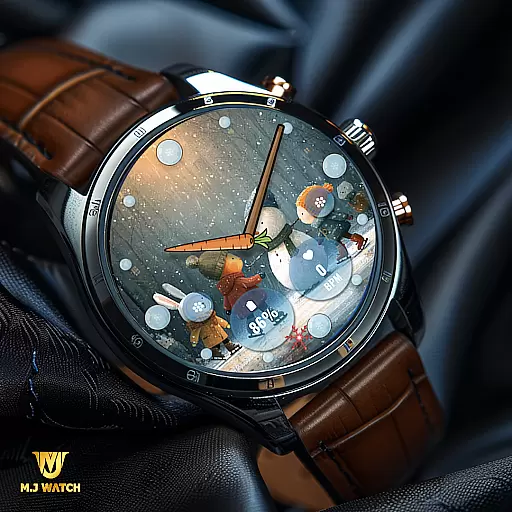
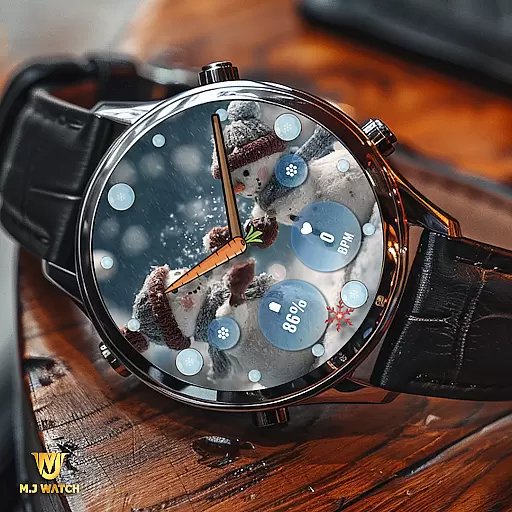
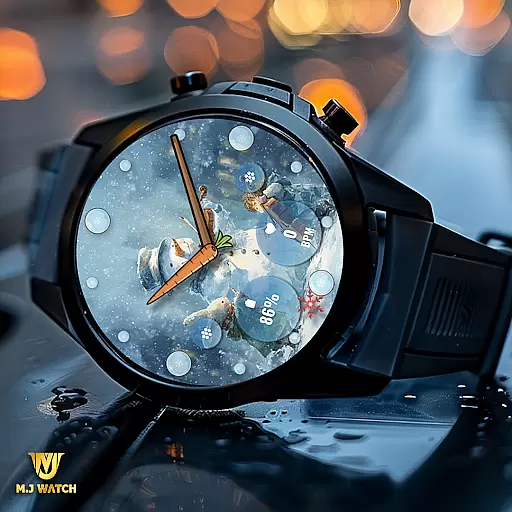
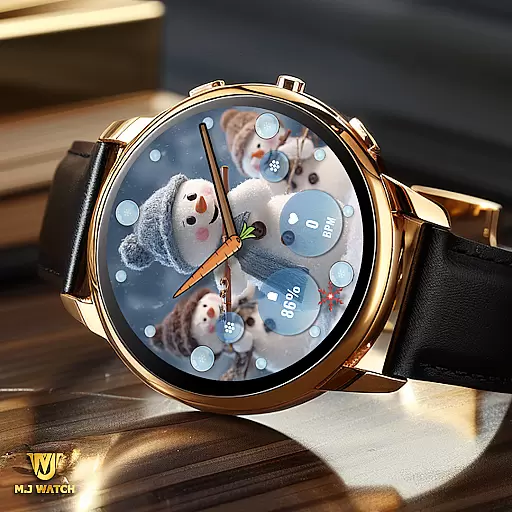
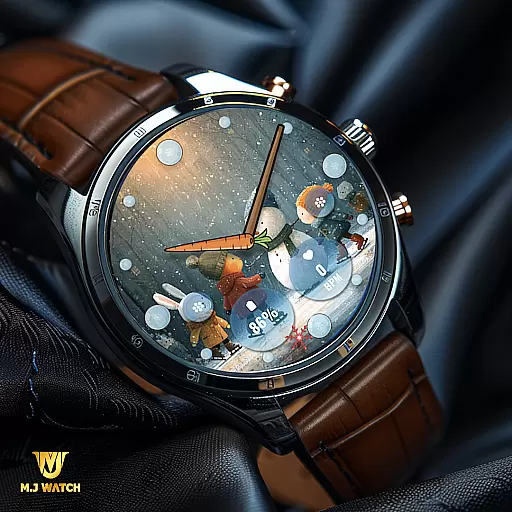
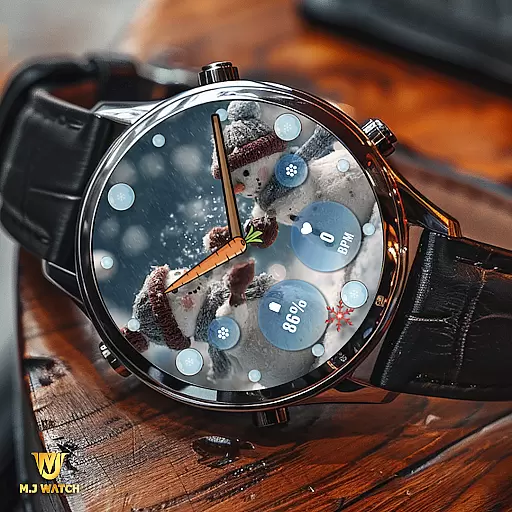
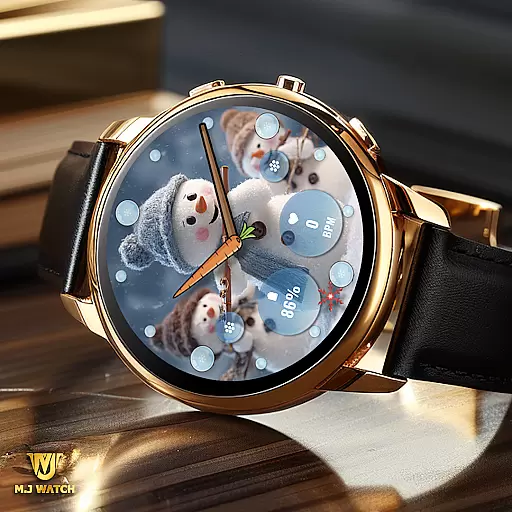
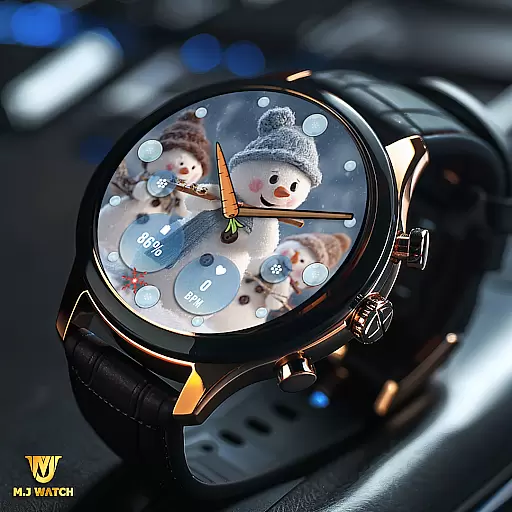
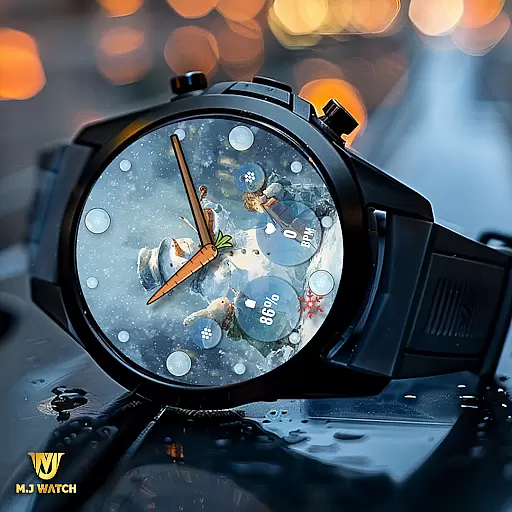
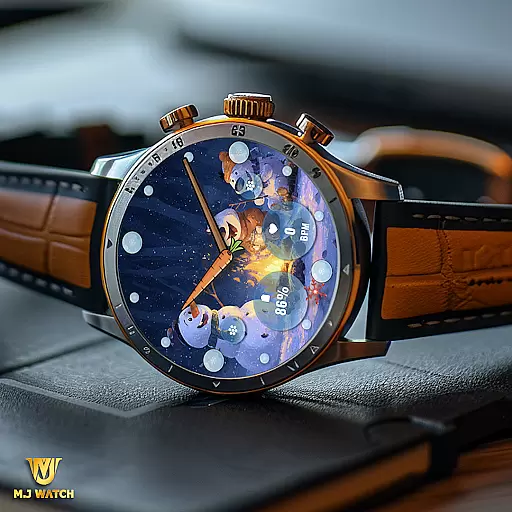
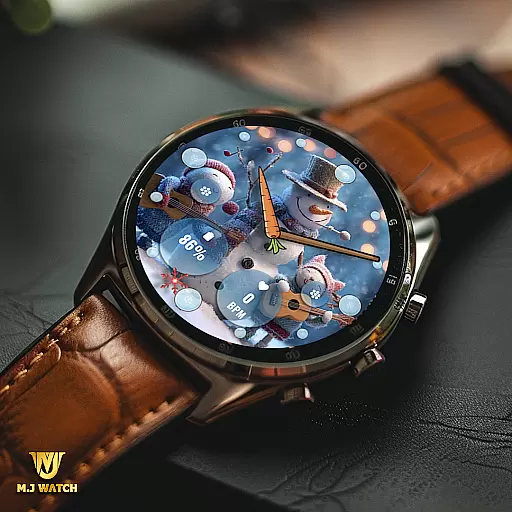
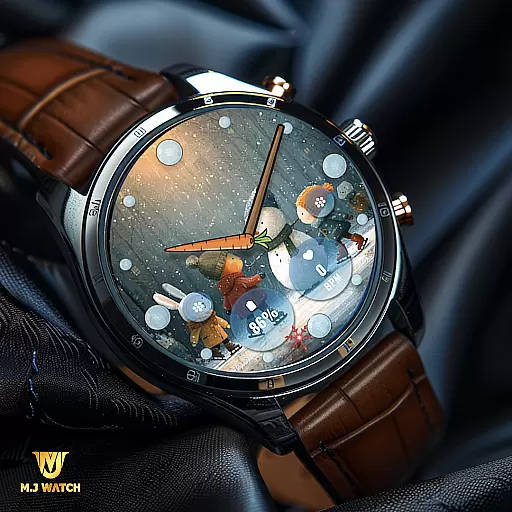
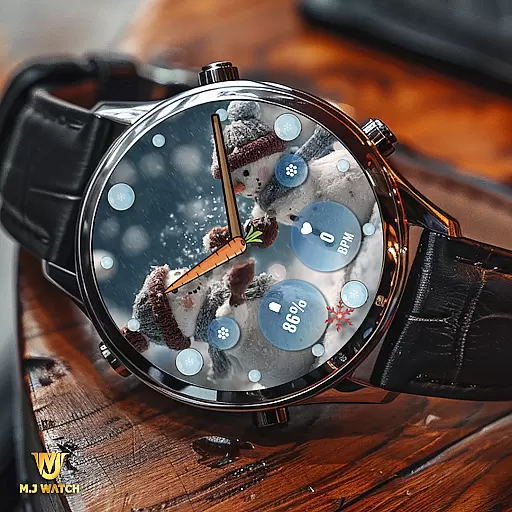
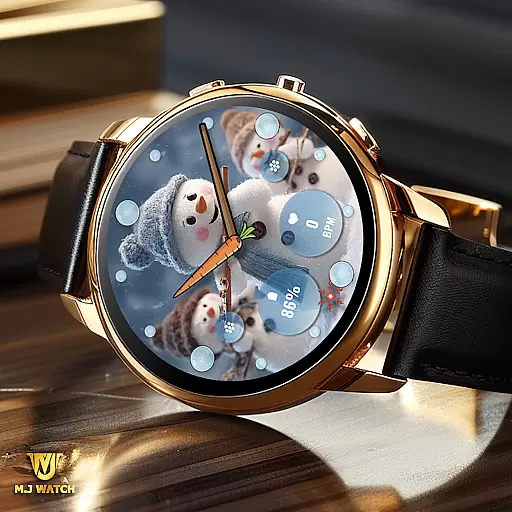
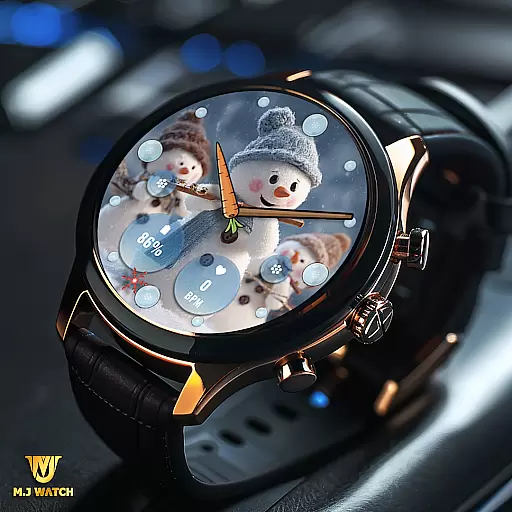
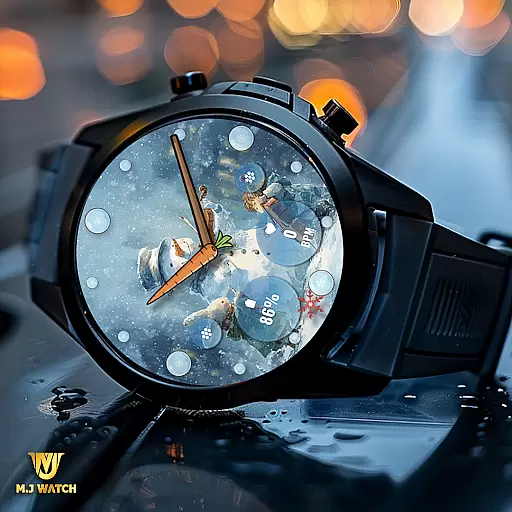
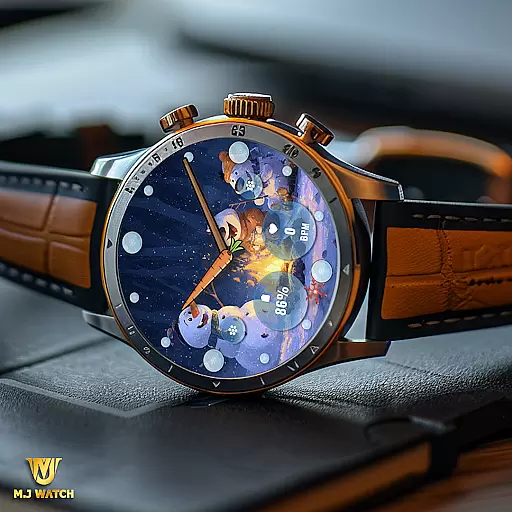
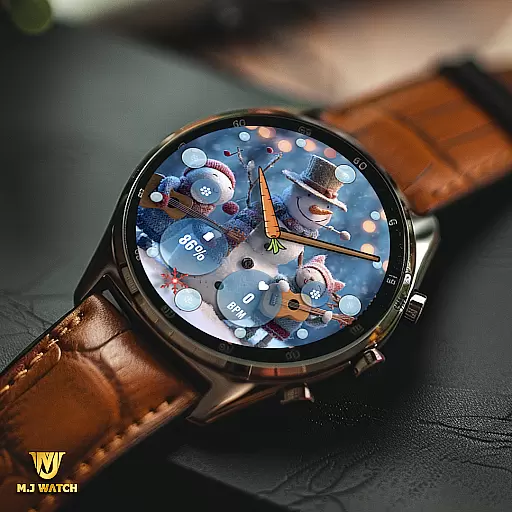
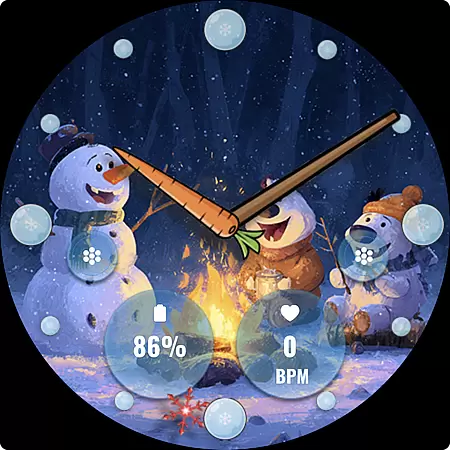
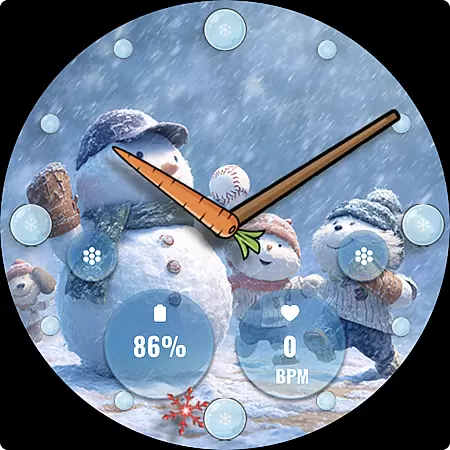
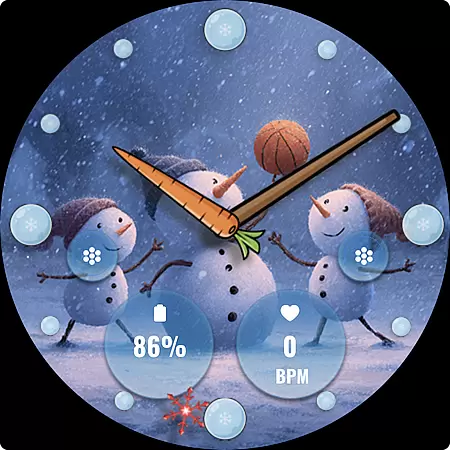
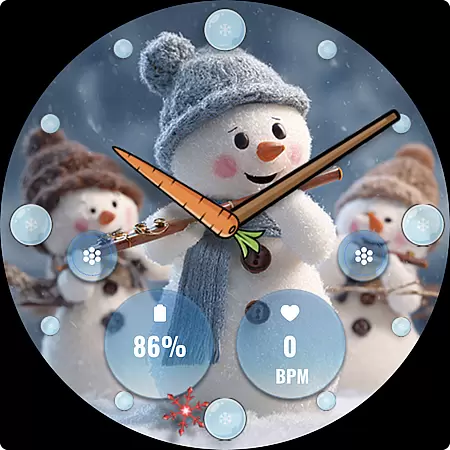
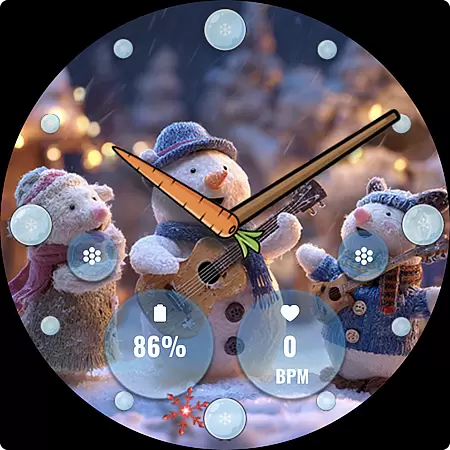
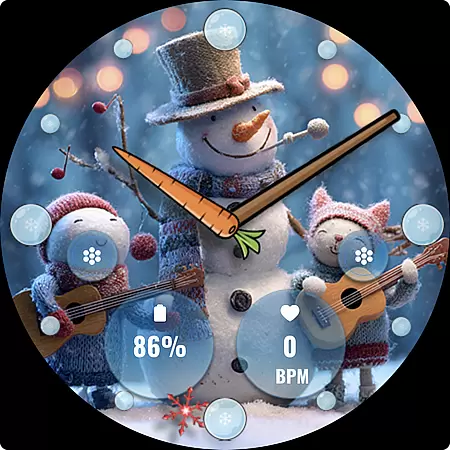
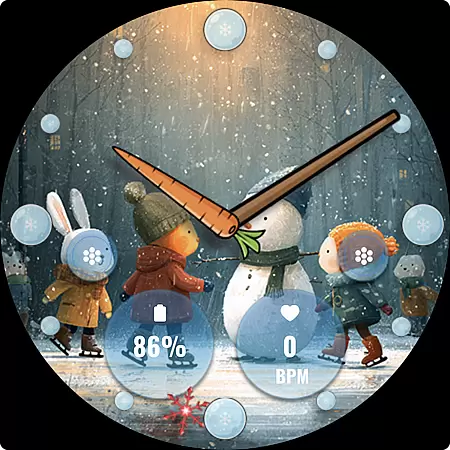
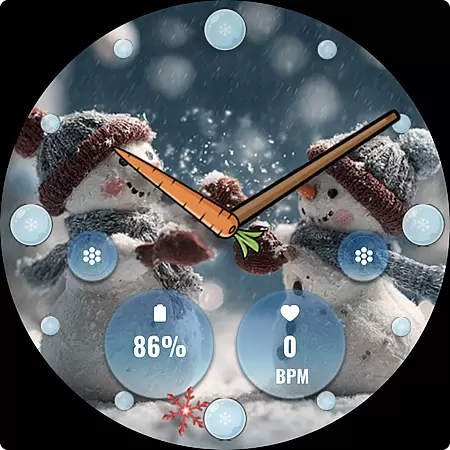
FLW105 Snowman Freeze Winter is a specially designed watch face for Wear OS devices, offering users an immersive winter-themed experience. The interface features a stunning freeze ice background with 10 unique winter scenes, each showcasing charming snowman illustrations that bring festive cheer to your smartwatch.
This analog watch face provides traditional hour, minute, and second hands while incorporating modern functionality through customizable complications and shortcuts. Users can personalize the displayed information and access their preferred features directly from the watch face, making it both visually appealing and highly practical for daily use.
Ideal for those who appreciate seasonal themes, FLW105 enhances the wearable experience by combining aesthetic design with functional utility, ensuring your smartwatch not only looks great but also serves as a useful tool during the winter season.
FLW105 Snowman Freeze Winter stands out with its rich feature set tailored for Wear OS users. One of its key highlights is the inclusion of two custom complications, allowing users to display personalized information such as weather updates, fitness stats, or calendar events right on their watch face.
In addition to complications, the watch face offers two customizable shortcuts, enabling quick access to frequently used apps or functions like starting a workout, setting reminders, or controlling music playback. This level of personalization ensures that users can adapt the watch face to suit their individual needs and preferences.
The design itself includes 10 beautifully crafted winter-themed images featuring delightful snowman illustrations. To modify settings, users simply need to press and hold the watch face, then select 'Customize.' This intuitive interaction makes it easy to switch between designs or adjust complications, providing both flexibility and convenience in managing the watch's appearance and functionality.
For FLW105 Snowman Freeze Winter, seamless companion app integration is crucial for an optimal wearable experience. This watch face connects effortlessly with your main mobile device, ensuring that all features are easily accessible and customizable.
The synchronization between the Wear OS device and the companion app allows users to personalize their watch face extensively. With just a few taps, you can modify complications or change winter-themed images without hassle.
This level of integration ensures that your wearable remains up-to-date with your personal preferences and information from your phone. The ability to customize shortcuts further enhances user convenience, making daily tasks more efficient.
FLW105 Snowman Freeze Winter boasts extensive compatibility with various Wear OS devices, ensuring a broad range of users can enjoy its unique features. Whether you have a smartwatch from a popular brand or a lesser-known model, this watch face supports them all.
The design takes full advantage of Wear OS capabilities, offering features like analog watch hands, custom complications, and shortcuts. These elements work harmoniously across different devices, maintaining consistent performance and visual appeal.
With ten distinctive freeze winter images featuring charming snowmen, users can expect a delightful and cohesive experience regardless of their specific device. This compatibility ensures that everyone can embrace the festive spirit of winter on their smartwatches.
Visually appealing winter theme
Fully customizable complications
Quick-access shortcuts
Easy-to-use customization
Compatible with Wear OS
Limited to Wear OS devices
No digital time option
Seasonal appeal may be niche
Customization requires steps
Battery usage may increase

Animated Watch Face and Customizable with 24 Backgrounds. Perfect for Christmas!
 3.90
3.90
Snowflake Rose Gold Watch Face - Digital, modern, & sleek with GYRO effect.
4.10
A watch face that fuses motorsport precision with contemporary smartwatch design
4.1
Kia Access makes getting your vehicle information easier than ever
4.60
Connect to your Bluelink equipped Hyundai vehicle from your smartphone.
4.50
Locate your family members by GPS phone location tracker everywhere and anytime
4.30
Real-time weather radar with temperatures, warnings, hurricanes, and widgets
4.80
A digital watch face that celebrates Christmas.
4.00
Simple, helpful messaging by Google
4.60
Christmas - Festive - Christmas Village - Winter - Christmas lights
5.00
The Chevron App allows you to pay for fuel from the comfort of your car!
4.80
The most customizable minimal watch face. For Wear OS 5.0, API 34+ and later
4.70
Rose gold watch face with festive lights & customizable features.
4.60
Bold weather Digital watchface with forecast & optional animated background
4.40
Premium hybrid watch face with many customizations for Wear OS devices.
4.40
Wear Os Watch Face - Animated Snow Effect & Magic Spark - 6 Scenes
4.10
Analog watch face with 8 complications and expedition styling
4.2
Artistic Digital Watchface
4.0
3 Complications. All shadow on/off. 30 Themes color palette...
4.2


User Reviews