
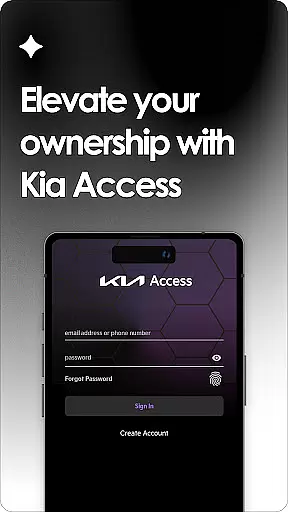
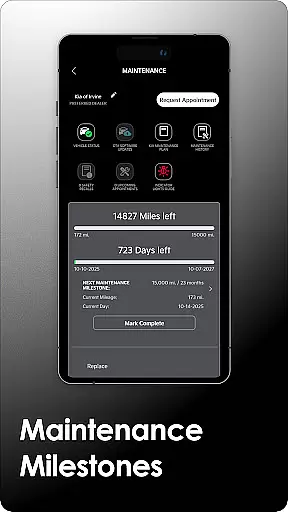
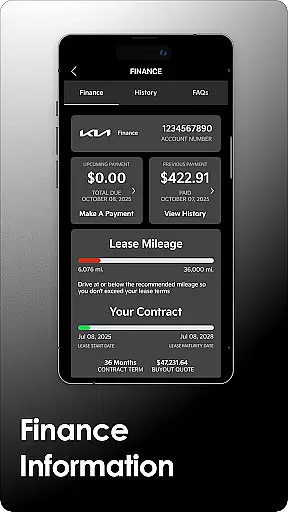
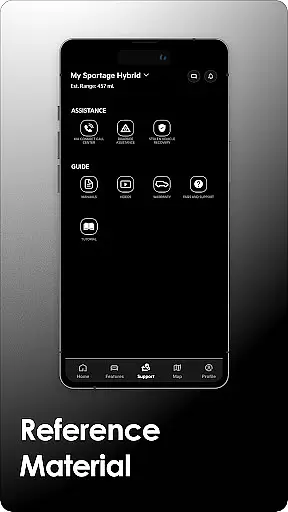
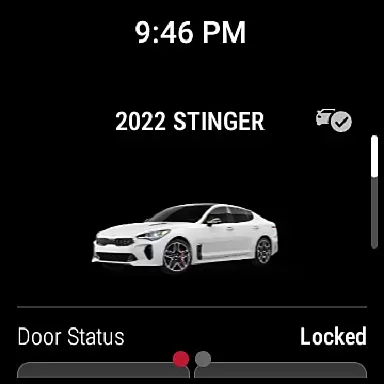
Companion app integration is a crucial feature for users who want seamless connectivity between their smart devices. Kia Access excels in this area by providing a unified experience across multiple platforms.
The app ensures that all essential vehicle information and controls are accessible not only on smartphones but also on Wear OS devices. This means users can receive important notifications, such as vehicle health reports, directly on their smartwatches.
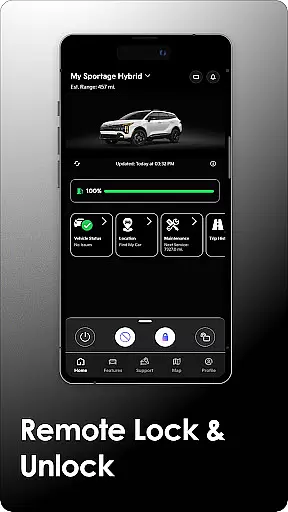
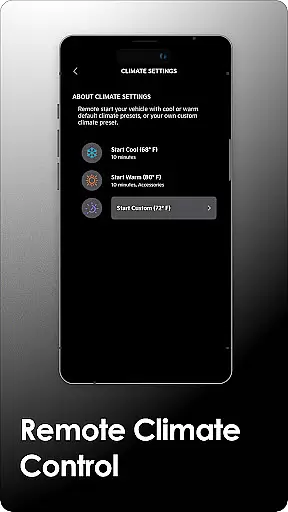
Furthermore, the integration allows for remote commands to be sent from either device type, ensuring maximum flexibility. Whether it's locking the doors or setting the cabin temperature, users can perform these actions effortlessly from their preferred device.
This level of integration enhances user convenience and ensures that critical vehicle functions are always within reach, no matter which device they have at hand.
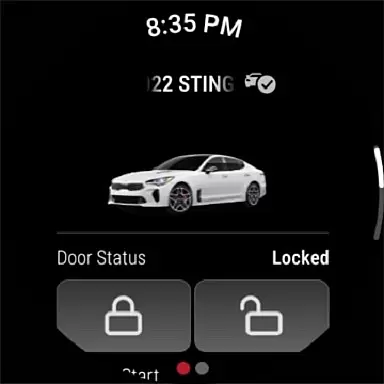
Wear OS compatibility is vital for users who rely on smartwatches for their daily tasks. Kia Access offers robust support for Wear OS, ensuring that key functionalities are available right from the wrist.
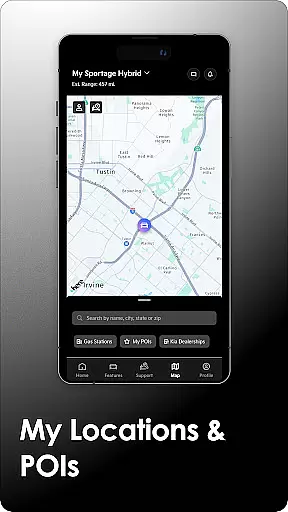
Users with Wear OS devices can access features like sending locations to the vehicleu2019s navigation system and remotely locking/unlocking doors. These capabilities provide an added layer of convenience, especially when the phone isn't immediately accessible.
In addition to basic controls, the app provides real-time updates and alerts, keeping users informed about their vehicle's status without needing to check their phones constantly. This includes battery status for electric vehicles and maintenance reminders.
By prioritizing Wear OS compatibility, Kia Access ensures that users can enjoy a comprehensive and cohesive experience across all their devices, enhancing both functionality and ease of use.

Watch the sharpness of the sky on your wrist..
 3.70
3.70
Snowflake Rose Gold Watch Face - Digital, modern, & sleek with GYRO effect.
4.10
Contemporary digital watch face with five complications
4.2
Fitness interactive virtual pet super fighter boy watch face
4.4
Monitor health with the stress test and pulse checker in the heart rate app.
4.60
Gym & home workout plans with strength training, exercise tracking, HIIT & more.
4.60
Real-time results, stats, schedules and player profiles for all leagues
4.60
Control your Samsung Smart TVs, appliances, and SmartThings-compatible devices
4.60
Toyota app currently supports 2010 or newer vehicles (2018 or newer for Hawaii).
4.50
Nutrition, Macro tracker: Food, fitness & healthy diet tracking for weight loss
4.60
Highly customizable hybrid watch face for Wear OS, perfect for everyday use.
4.60
To-Do List: daily schedule planner, task organizer, to do reminder app, calendar
4.60
Watch face for Wear OS.
4.20
Hyper-Realistic Airplane Dashboard Watch Face With 10 Skins and Custom AOD
4.00
Christmas and New Year - Themed Watchface
4.0
Precision analog watch face with 7 complications and style options
4.4
A heartwarming Christmas scene featuring a cute image of Santa and Rudolf
4.5
A watch face that fuses motorsport precision with contemporary smartwatch design
4.5
Minimalistic design modern digital watch face.
4.1


User Reviews