
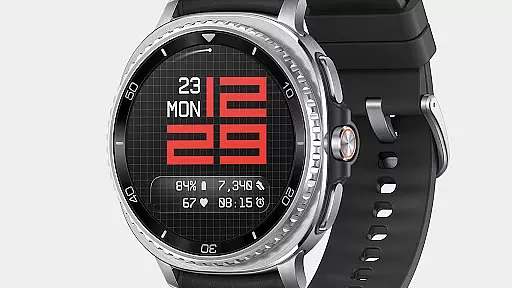
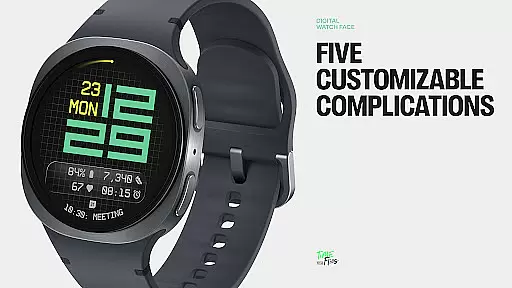
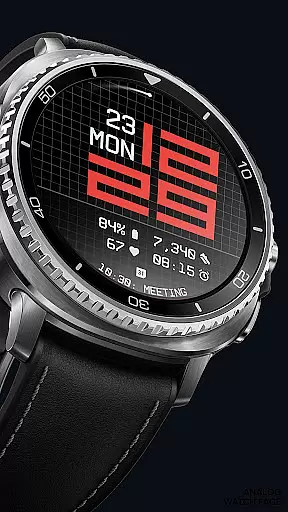
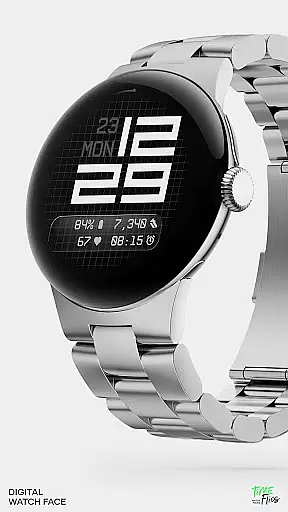
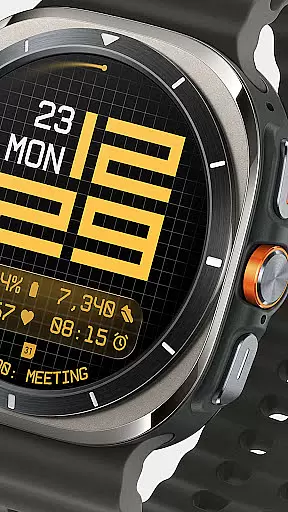
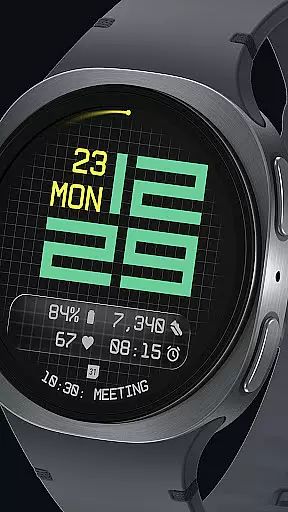
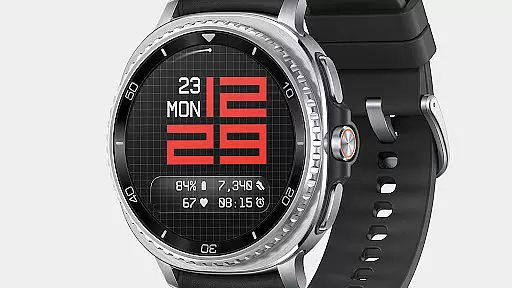
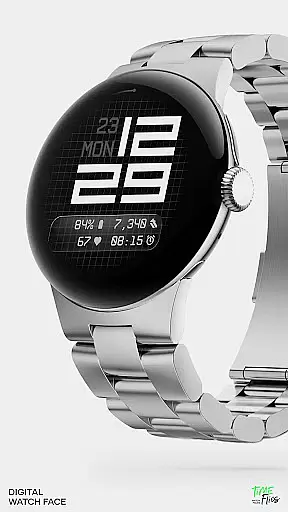
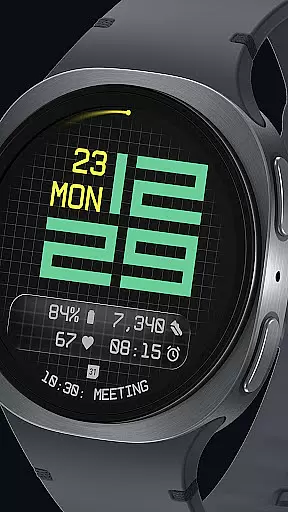
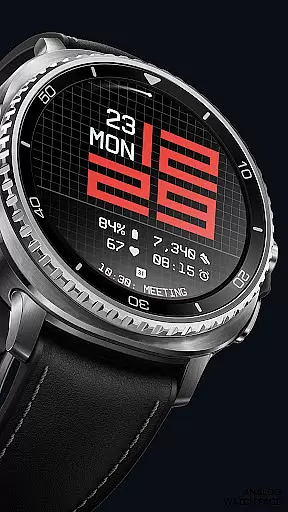
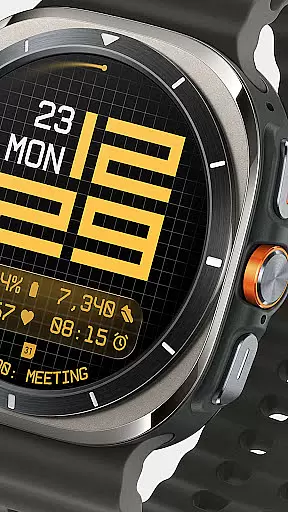
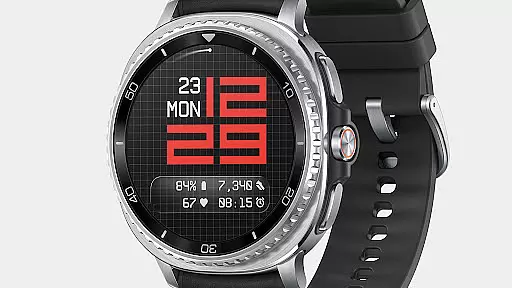
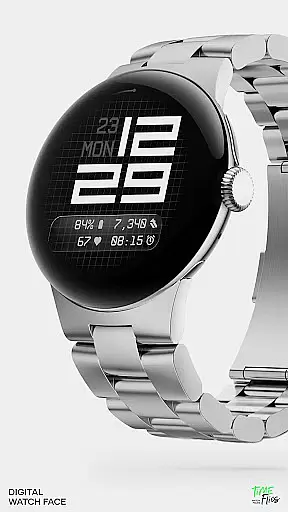
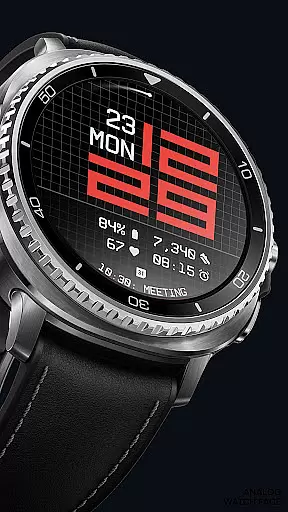
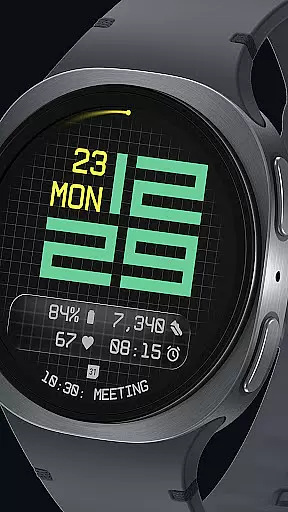

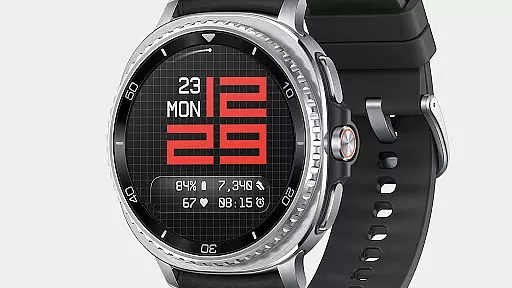
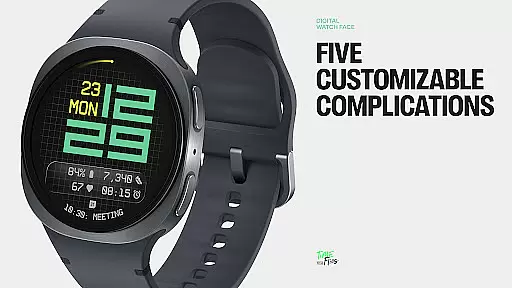
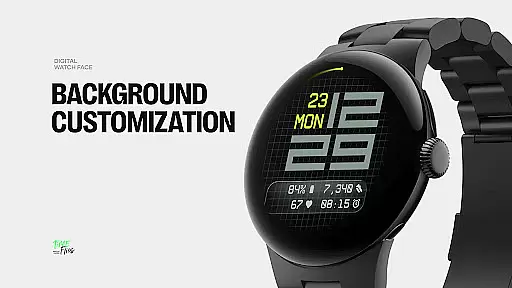
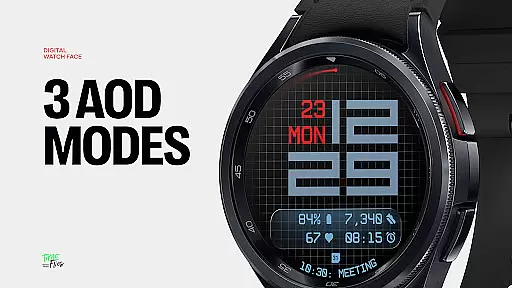
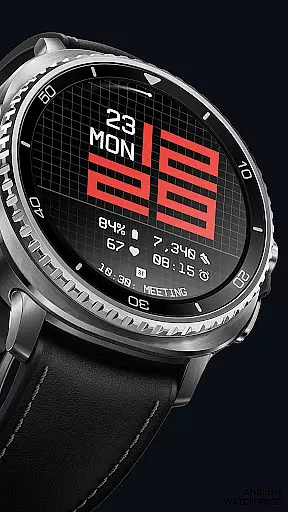
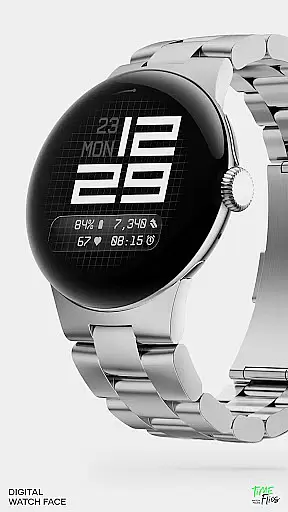
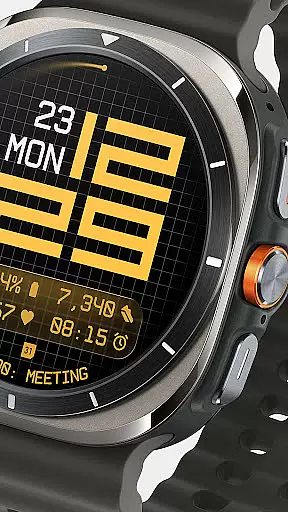
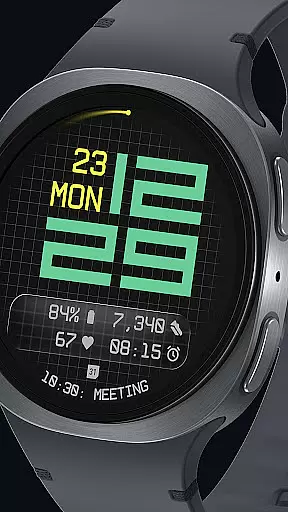
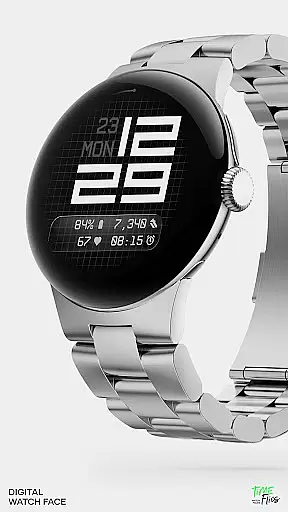
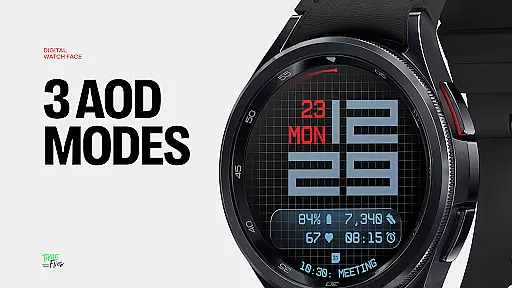
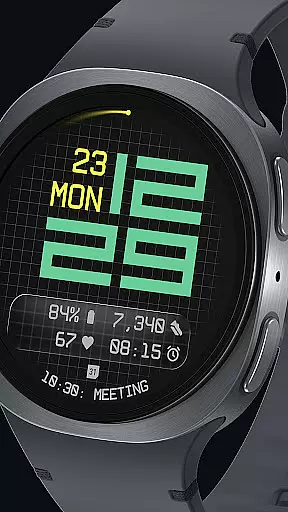
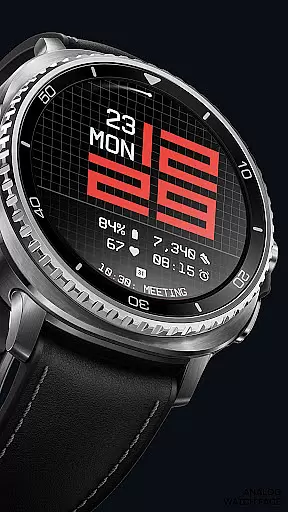
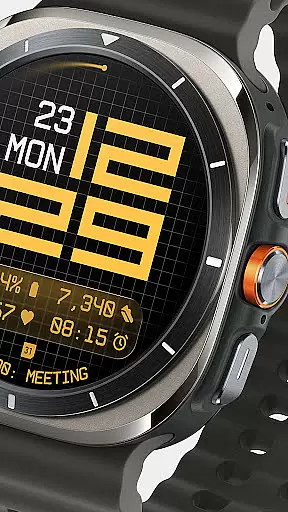
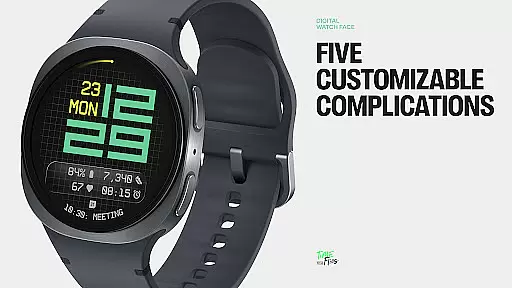
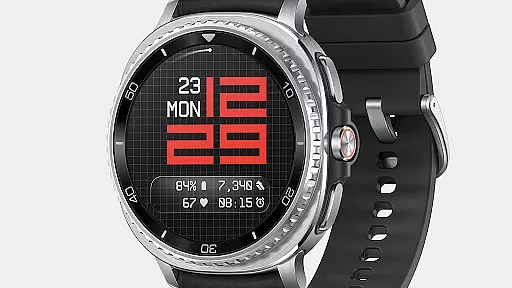
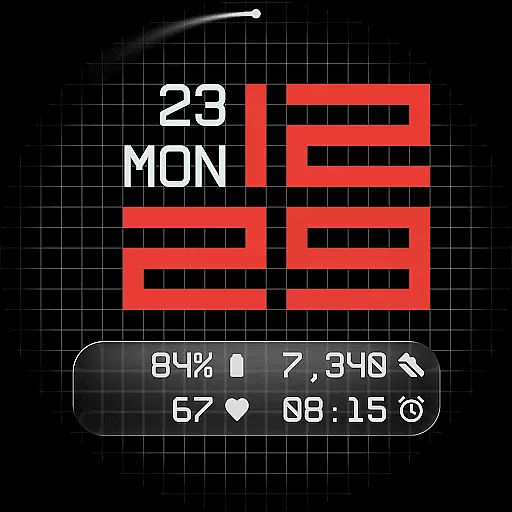
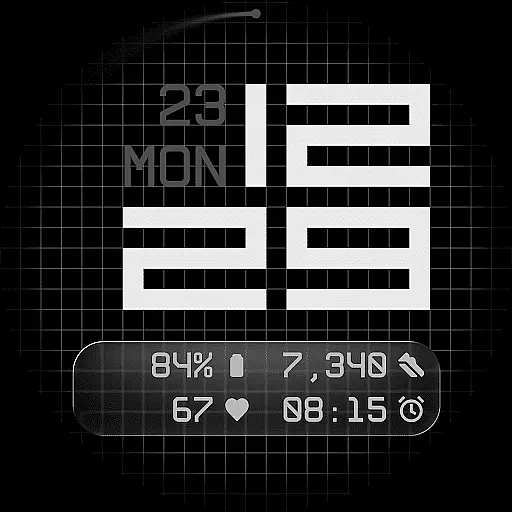
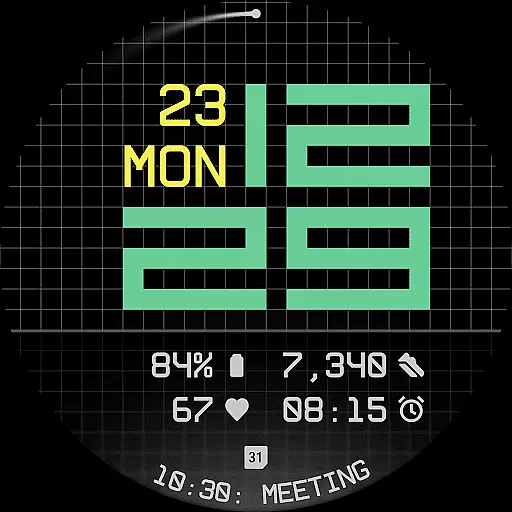
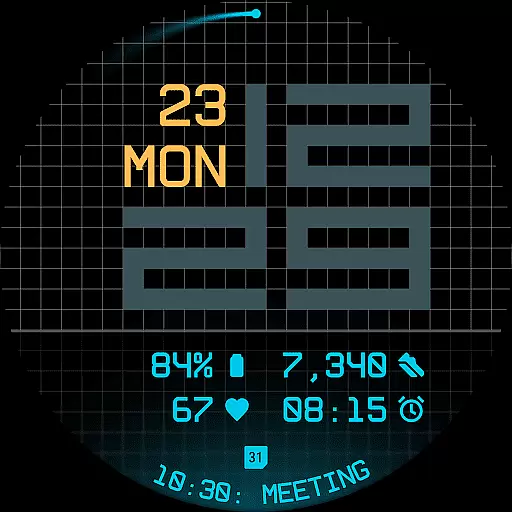
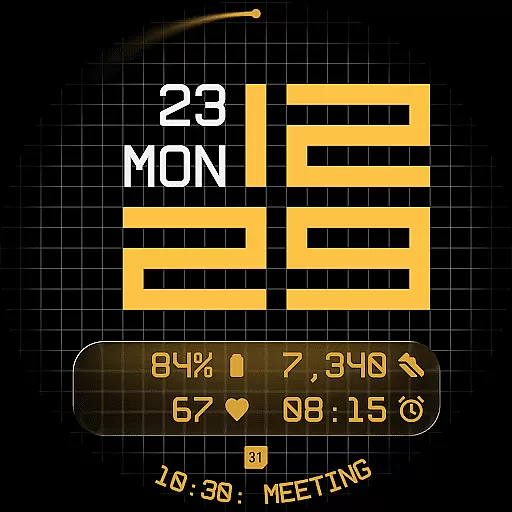
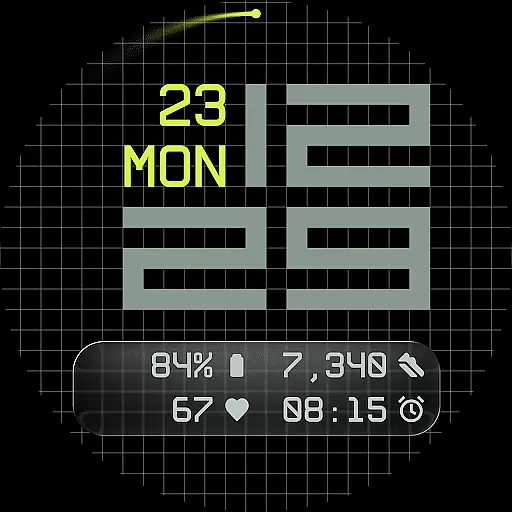
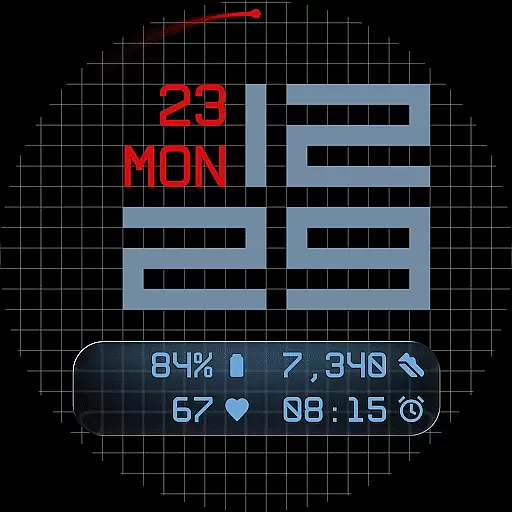
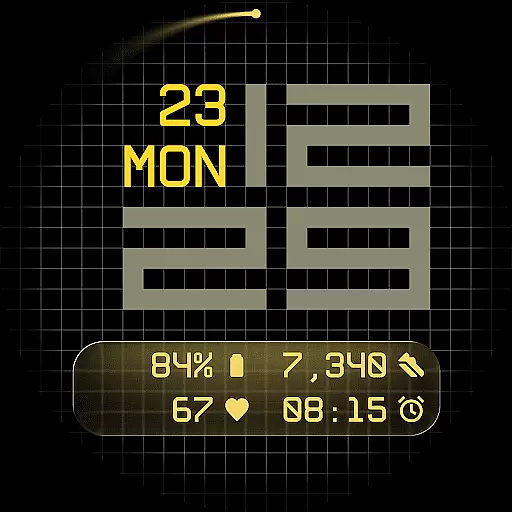
Fast Lane Watch Face is a contemporary digital watch face designed specifically for Wear OS smartwatches. It combines typographic clarity with a structured grid layout, offering users a modern and functional timepiece experience. The design subtly incorporates elements reminiscent of automotive instrument panels while maintaining a distinctively sleek appearance.
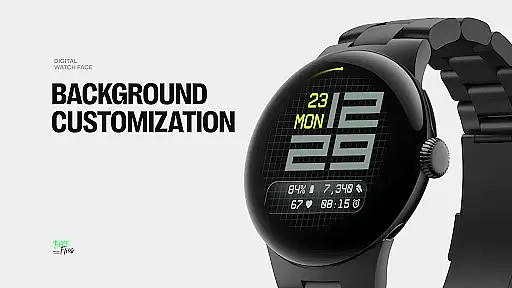
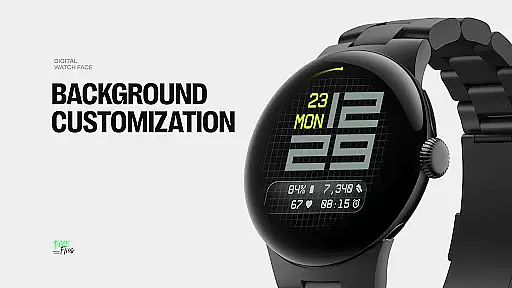
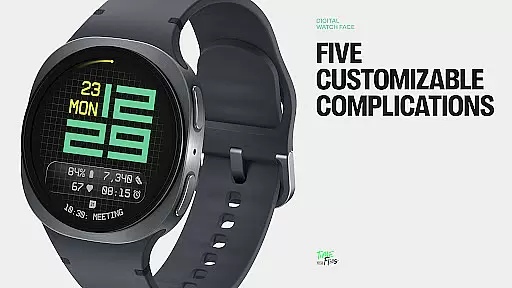
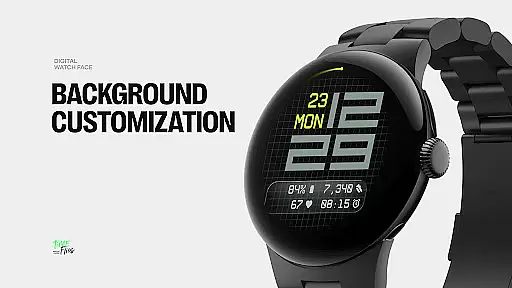
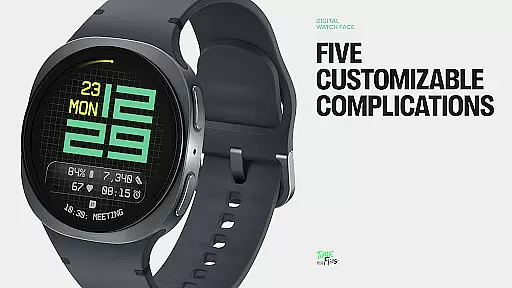
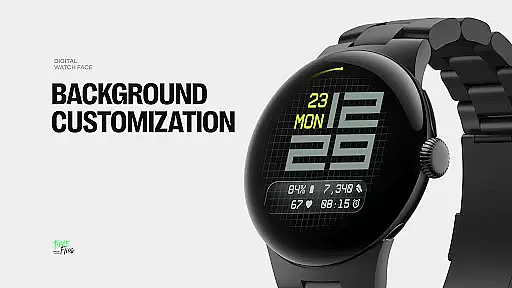
The watch face provides multiple display styles, allowing users to choose from a minimal grid, a softly blurred circular accent, or a translucent UI-inspired glass island that hosts complications. With five available complications, including four short-text slots and one long-text slot, Fast Lane ensures maximum information density without cluttering the interface. Additionally, users can access essential details like day and date seamlessly integrated into the layout.
Ideal for tech-savvy individuals who value both aesthetics and functionality on their smartwatches, Fast Lane Watch Face caters to diverse preferences through its highly configurable options and visual coherence.
Fast Lane Watch Face stands out with its modular UI layers and customizable features. Users can select from various background options such as a stylized grid, blurred segment, or translucent UI plate, each adding unique texture and structure to the display. This flexibility allows personalization while maintaining an elegant and cohesive look.
A key highlight is the contemporary time display, which uses balanced typography inspired by speed and precision. The integration of day and date in the upper part of the design ensures quick access to essential information without compromising visual appeal. Furthermore, with 30 color themes available, users can match the watch face to any device or lighting condition.
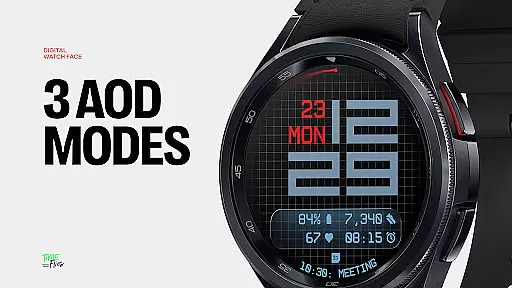
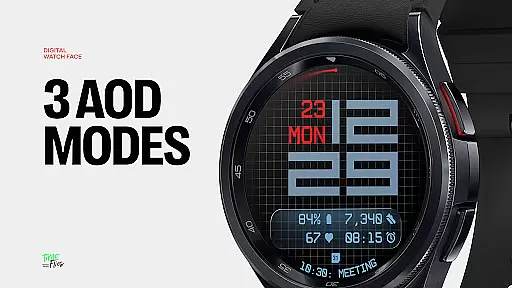
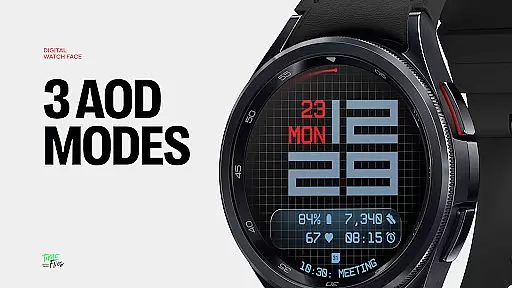
Additional features include optional seconds indicators for those who prefer more granularity in timekeeping, along with three Always-On Display modes (full, dim, minimal) that retain core data even when not actively viewed. Built using the Watch Face File Format, Fast Lane guarantees optimized performance and energy efficiency across all Wear OS devices.
Companion app integration is a crucial feature for Android Wear applications like Fast Lane Watch Face. This functionality allows users to seamlessly manage and customize their smartwatch experience directly from their mobile device.
The Time Flies companion app provides a centralized platform where users can browse the complete collection of watch faces, receive timely updates, and install new styles with ease. This ensures that users always have access to the latest designs and features without needing to go through complicated installation processes.
Through the companion app, users can fine-tune various aspects of the watch face including color themes, UI layers, and complications. This level of customization empowers users to tailor their smartwatch interface to match their personal preferences and needs.
The integration also enables automatic syncing of settings across devices, ensuring a consistent user experience. This synchronization capability enhances both convenience and functionality, making the smartwatch management process more efficient and user-friendly.
Ensuring broad Wear OS and device compatibility is essential for any Android Wear application. Fast Lane Watch Face has been meticulously designed to function optimally across all Wear OS-powered smartwatches.
The watch face utilizes the standardized Watch Face File Format, guaranteeing optimized performance and energy efficiency regardless of the specific device model. This universal compatibility means users can enjoy a smooth and responsive experience on any Wear OS device they choose.
With support for multiple display styles and customizable elements, the application maintains visual consistency and functional reliability across different screen sizes and resolutions. The carefully crafted design adapts seamlessly to various hardware specifications while preserving its aesthetic appeal and usability.
Furthermore, the inclusion of features such as Always-On Display modes and optional seconds indicators demonstrates the application's commitment to providing flexible options that work harmoniously with diverse device capabilities. This comprehensive approach to compatibility ensures maximum accessibility for users throughout the Wear OS ecosystem.
Highly customizable
Modern design
Multiple display styles
Efficient energy usage
Versatile color themes
Limited to Wear OS
Complex setup
Fewer features than analog
Requires companion app
Premium cost

Highly customizable hybrid watch face for Wear OS, perfect for everyday use.
 4.60
4.60
Watch face designed for Thanksgiving Day. 7 Background Styles included.
3.20
Sleek, highly customizable watch face inspired by Galaxy Watch Circle Dashboard.
4.3
The most customizable minimal watch face. For Wear OS 5.0, API 34+ and later
4.70
The #1 source of faces for your smartwatch!
4.00
Minimalistic design modern digital watch face.
4.5
Fast and smart typing with Emojis, GIFs, and more
4.50
From periods to pregnancy & perimenopause, Flo helps you track it all. Try now.
4.70
Toyota app currently supports 2010 or newer vehicles (2018 or newer for Hawaii).
4.50
Christmas Theme Watch Face for Wear Os
5.00
Diet tracker for weight loss - track calories, food and macros. Simple and easy!
4.70
Walking app for weight loss: walk & step tracker, pedometer, indoor treadmill
4.60
Retro digital watch face with customizable colors and a unique lighting effect
4.60
Digital watch face. For Wear OS devices.
4.40
Premium hybrid watch face with many customizations for Wear OS devices.
4.40
Professional weather radar and more
3.90
Wear Os Watch Face - Animated Snow Effect & Christmas Lights
4.0
A heartwarming Christmas scene featuring a cute image of Santa and Rudolf
4.0
Stunning modern digital watch face with 7 complications and strong contrast
4.2


User Reviews