
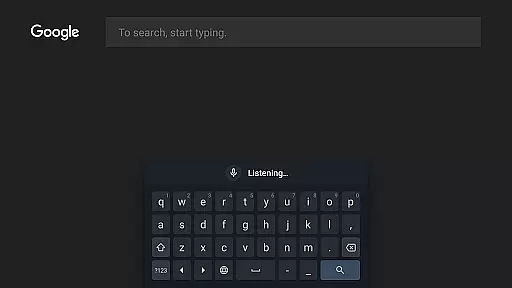
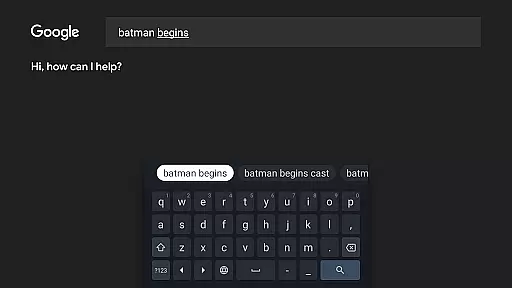
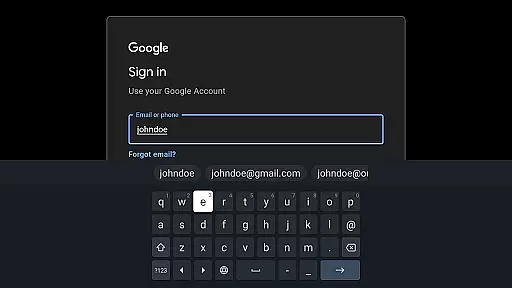
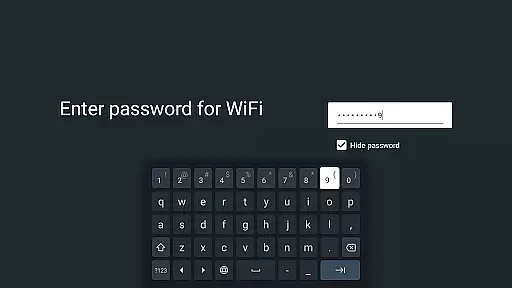
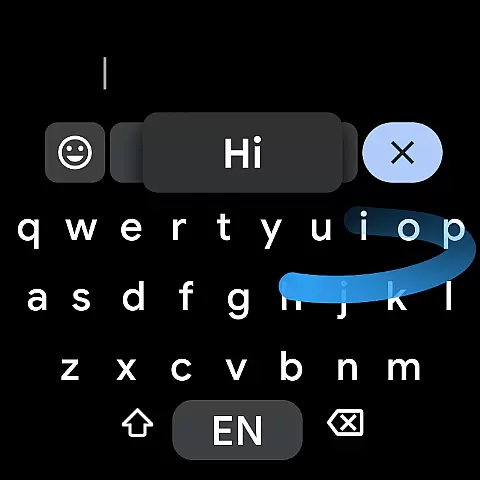
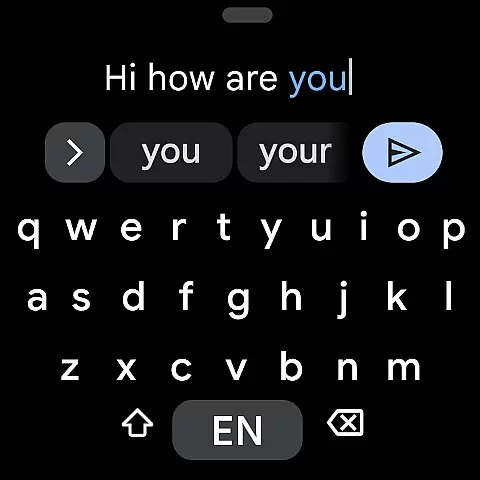
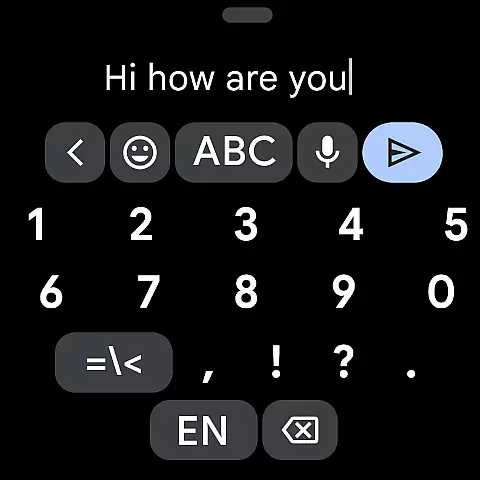
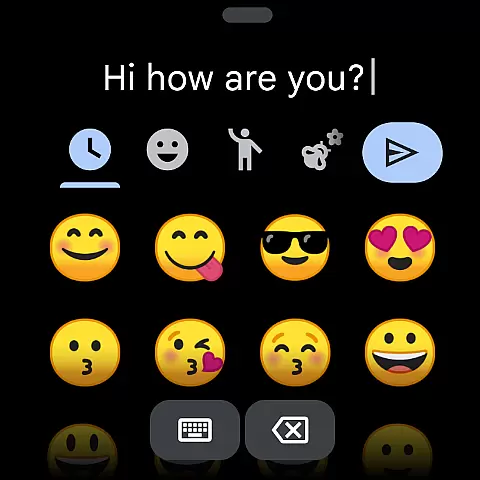
Gboard is a versatile keyboard app designed specifically for Android Wear devices, offering users an efficient and customizable typing experience. The app combines speed and reliability with innovative features like Glide Typing, Voice Typing, and Emoji Search, making it easier than ever to communicate on the go.
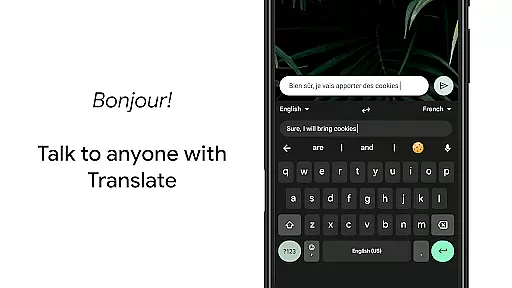
One of Gboard's standout features is its multilingual typing support, which allows users to seamlessly switch between different languages without manual adjustments. Additionally, the inclusion of Google Translate within the keyboard interface enables real-time translation as you type, breaking down language barriers effortlessly.
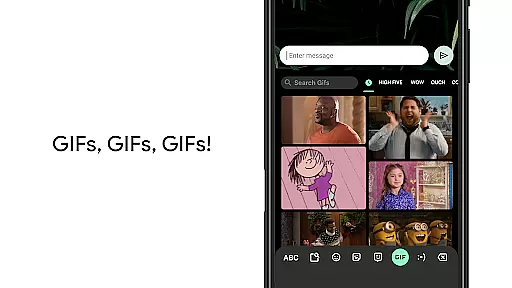
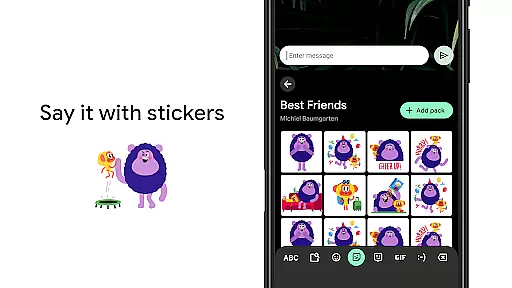
Whether you're replying to messages or searching the web, Gboard enhances productivity by providing quick access to GIFs, emojis, and other content-rich elements directly from your wrist. Its intuitive design and extensive language support make it an essential tool for smartwatch users worldwide.
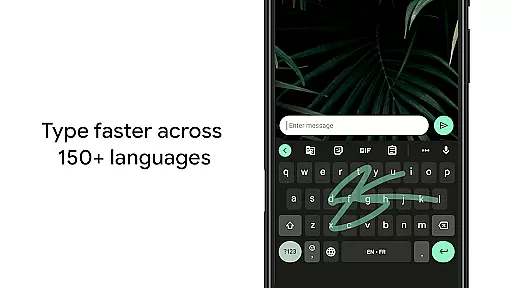
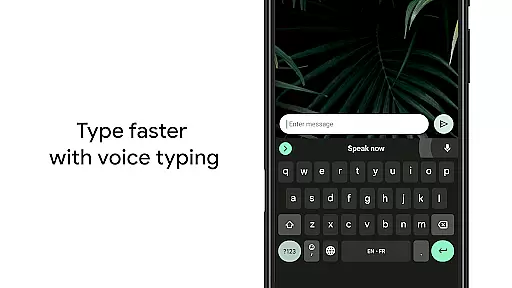
Gboard stands out with its comprehensive set of features tailored for both efficiency and convenience. Glide Typing allows users to input text rapidly by sliding their finger across the keyboard, while Voice Typing offers hands-free dictation capabilities perfect for busy environments.
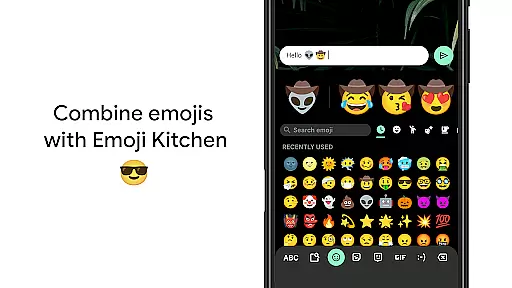
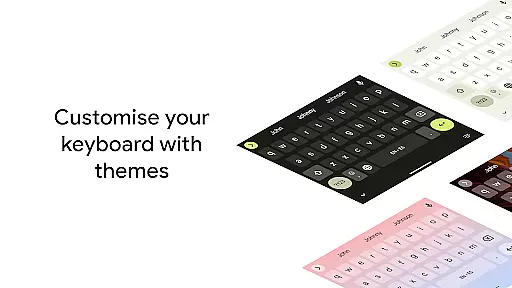
The app also supports handwriting recognition, enabling users to write in cursive or print letters naturally. For those who frequently use emojis and GIFs, Gboard provides powerful search functionalities that help locate the ideal expression quickly. Moreover, advanced customization options such as gesture controls, one-handed mode, and theme personalization ensure that every user can tailor the keyboard to their preferences.
With support for hundreds of languages and dialects, including specialized layouts for complex scripts, Gboard caters to a global audience. This linguistic versatility, combined with practical tools like Google Translate integration, positions Gboard as a top choice for anyone seeking a robust typing solution on their Android Wear device.
Gboard offers seamless companion app integration, ensuring that your typing experience is consistent across all devices. By syncing with the main Google Keyboard application, Gboard provides users with a familiar interface and functionality on their Wear OS devices.
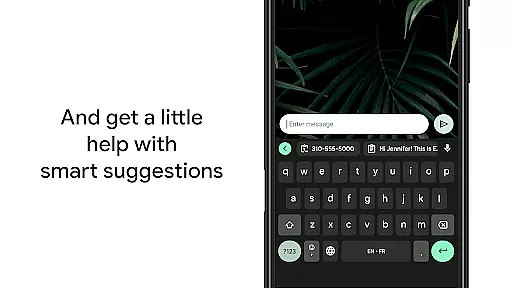
The integration allows for real-time data sharing between your smartphone and wearable, meaning personalized dictionary entries, typing preferences, and even clipboard items are accessible wherever you need them. This synchronization ensures that whether you're typing on your phone or dictating on your watch, your experience remains fluid and uninterrupted.
With features like Glide Typing, Voice Typing, and Emoji Search available right on your wrist, Gboard's companion app integration enhances usability without compromising on functionality. Users can enjoy the same speed and reliability they've come to expect from the Google Keyboard, now tailored for the smaller screen of a smartwatch.
Ensuring broad compatibility with various Wear OS devices, Gboard is designed to deliver an optimal typing experience regardless of the specific hardware being used. The keyboard layout adapts to different screen sizes and resolutions, providing clear visibility and comfortable typing on any compatible device.
Moreover, Gboard supports a wide array of languages within its Wear OS version, accommodating global users who rely on accurate autocorrect and language suggestions while typing. From Chinese to Spanish, users can communicate effectively in their preferred language without manual switching or loss of functionality.
In addition to supporting numerous languages, Gboard also incorporates accessibility features such as gesture cursor control and one-handed mode, making it versatile for diverse user needs. These features ensure that no matter which Wear OS device you use, Gboard remains intuitive and easy to navigate.
Fast and reliable typing experience
Extensive multilingual support
Innovative Glide Typing technology
Integrated Google Translate feature
Customizable themes and settings
Limited functionality on older devices
Some features not available on Android Go
Occasional lag during heavy usage
Advanced options may overwhelm new users
Battery consumption could be optimized further

WTW M17 is a premium and luxurious hybrid watch face
 4.70
4.70
Christmas Theme Watch Face for Wear Os
5.00
Wear Os Watch Face - Animated Snow - Sesonal for Christmas & Winter
4.3
Stylish digital watch face for Wear OS devices with customizable features
4.0
The ultimate destination for kids ages 3-8 to explore the Marvel Universe!
4.30
Reliable phone calls with spam protection, caller ID and more helpful features
4.40
Stylish, Energizing and Modern Watch Face crafted by Dominus Mathias.
4.50
Fitbit is dedicated to helping people lead healthier, more active lives.
4.10
Track airplanes and follow flights with our real-time flight tracker
4.50
The Chevron App allows you to pay for fuel from the comfort of your car!
4.80
Diet tracker for weight loss - track calories, food and macros. Simple and easy!
4.70
Kia Access makes getting your vehicle information easier than ever
4.60
Nutrition, Macro tracker: Food, fitness & healthy diet tracking for weight loss
4.60
A realistic hybrid watch face with many customization options.
4.60
Beautiful artistic animated digital watch face, with a customizable layout!
4.40
Find EV charging stations
4.30
Let's celebrate Thanksgiving - Wear Os watch face
4.20
sleep, alarm, snoring, stress, healing, focus, sound therapy, circadian rhythm
4.10
Stay in touch with your friends and family using LINE!
3.40


User Reviews