
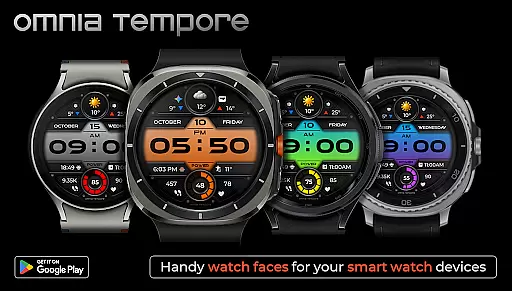
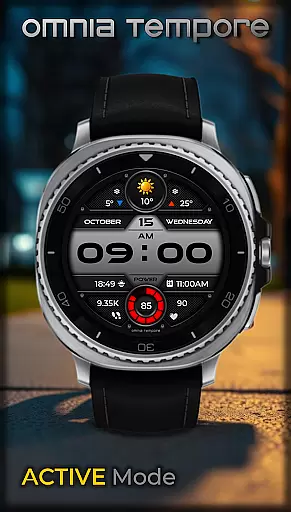
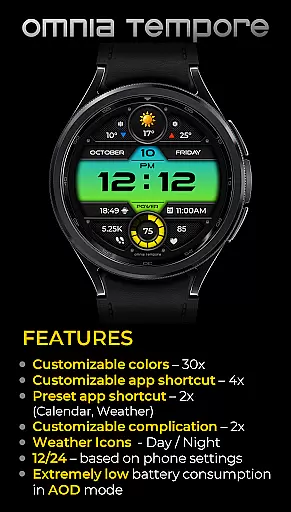
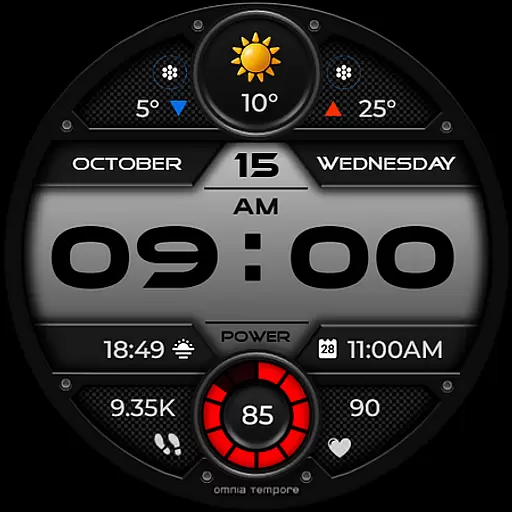
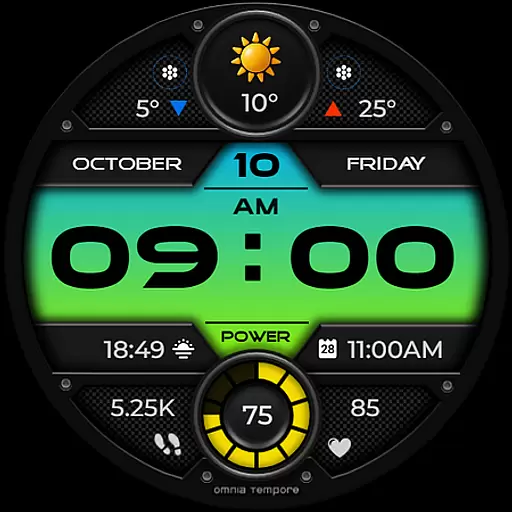
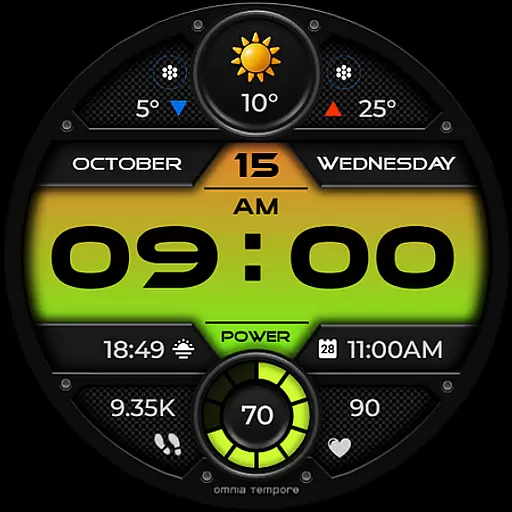
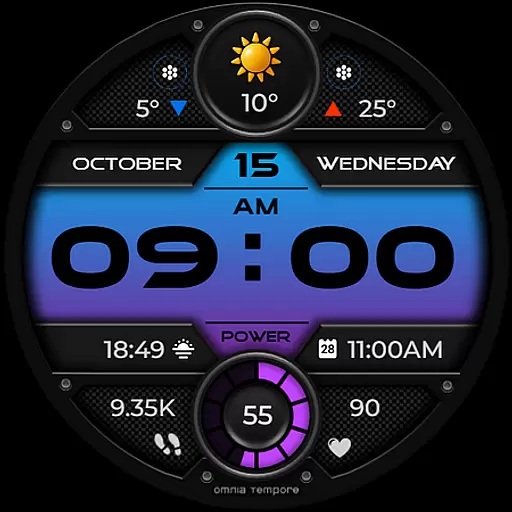
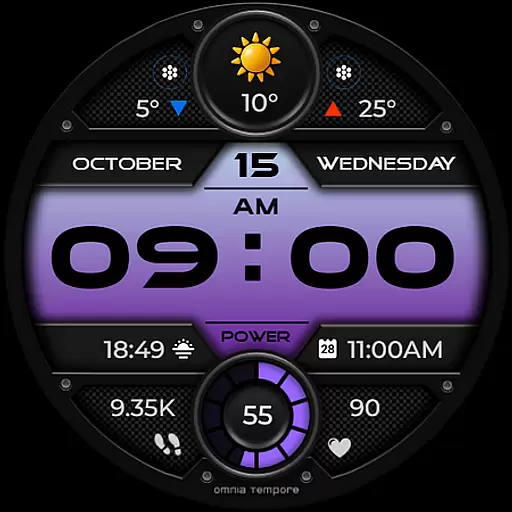
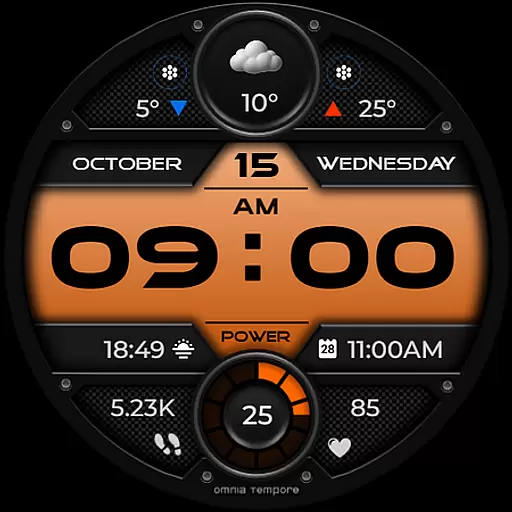
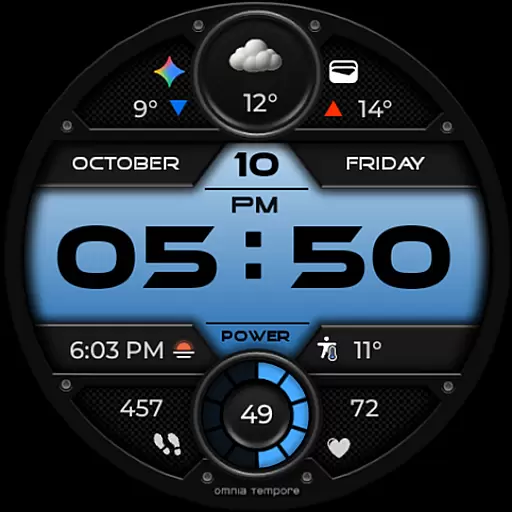
OT is a sophisticated digital watch face designed for Wear OS devices running version 5.0 and above. This application seamlessly blends style with functionality, offering users an elegant timepiece that doesn't compromise on smart features. With real-time weather updates, step counting, and heart rate monitoring, OT ensures you stay informed and health-conscious throughout your day.
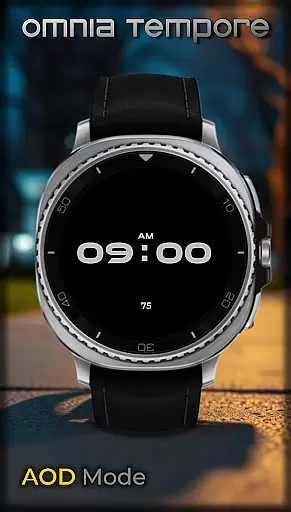
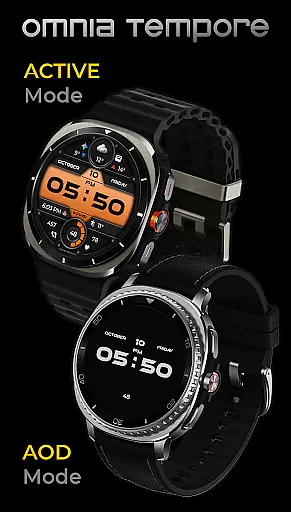
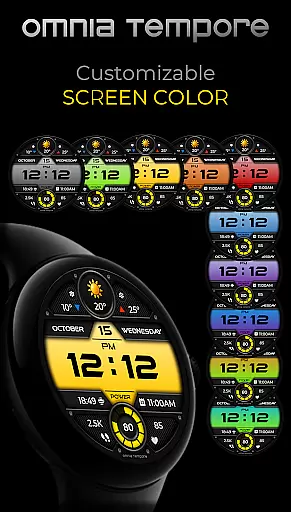
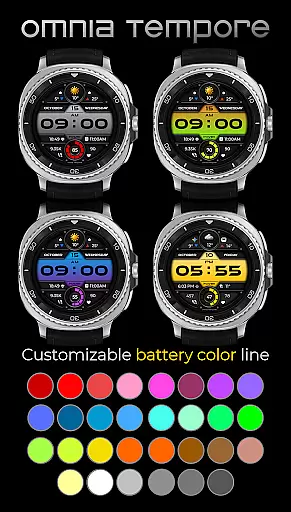
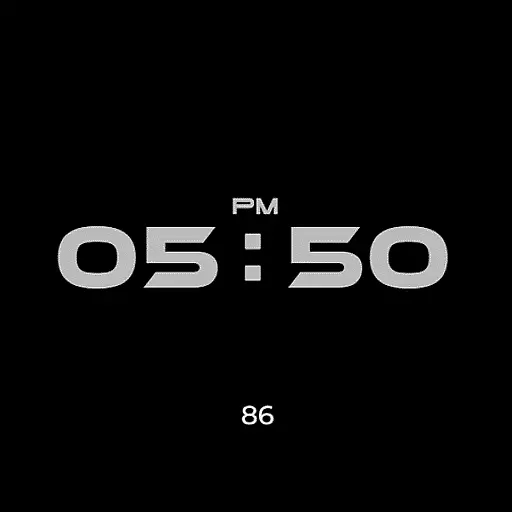
Beyond its primary timekeeping role, OT provides extensive customization options. Users can personalize their watch face with two customizable complications, choose from preset app shortcuts like Calendar and Weather, and access four additional app shortcut slots. With ten display color variations and thirty battery status color choices, personal expression meets practicality. Its low power consumption in Always-On Display (AOD) mode makes it an ideal companion for the modern, active individual.
Whether you're managing a busy work schedule or pursuing fitness goals, OT's sleek design and intuitive interface provide clarity and confidence. The watch face's ability to keep you connected to both your daily life and well-being makes it an essential tool for those who value aesthetics and functionality in perfect harmony.
OT stands out with its comprehensive feature set tailored for Wear OS users. One of its key attributes is the integration of real-time weather updates directly on the watch face, ensuring you're always prepared for the day ahead. Coupled with step counting and heart rate tracking, these features create a holistic approach to personal health and environmental awareness without ever needing to leave the watch face.
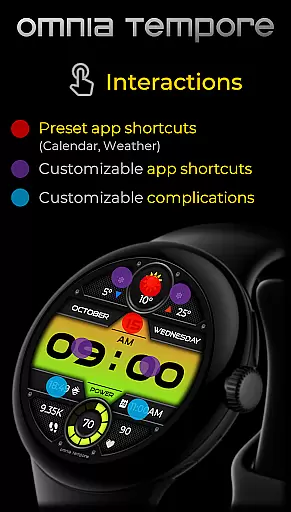
The level of personalization available in OT is impressive. It offers two customizable complication slots, allowing users to prioritize the information most relevant to them. Additionally, the inclusion of two preset app shortcuts for Calendar and Weather streamlines access to frequently used applications. For further convenience, there are four app shortcut slots—two visible and two hidden—enabling quick launches of preferred tools. Aesthetic flexibility is also a priority, with ten distinct color versions for the display and thirty color options for battery status indicators.
Power efficiency is another hallmark of OT's design. Optimized for minimal energy use, especially in Always-On Display (AOD) mode, this watch face ensures extended battery life without sacrificing functionality. Whether you're attending meetings or working out at the gym, OT delivers a seamless blend of style, control, and performance, encapsulated within a contemporary visual aesthetic.
Companion app integration is essential for a seamless wearable experience. The OT watch face excels in this area by offering deep connectivity with Wear OS devices.
This application provides real-time synchronization of important data such as weather updates, fitness tracking, and calendar events. Users can effortlessly access their crucial information directly from their wrist.
The two customizable complications allow users to prioritize the information most relevant to them. Additionally, the preset app shortcuts for Calendar and Weather ensure quick access to frequently used functions.
With its comprehensive companion app features, OT ensures that users remain connected and informed without ever needing to reach for their phone.
Ensuring compatibility across various devices is crucial for any Wear OS application. The OT watch face is designed to work seamlessly with Wear OS 5.0 and above.
This wide device support allows users to enjoy consistent performance regardless of their specific smartwatch model. The application takes full advantage of Wear OS capabilities while maintaining optimal battery efficiency.
Users can choose from 10 display color versions and 30 battery status color options, knowing these features are optimized for their device's screen. The low power consumption in AOD mode further demonstrates its device optimization.
By focusing on broad compatibility and device-specific optimizations, OT delivers a reliable and visually appealing experience across all supported Wear OS devices.
User-friendly interface
Extensive customization
Real-time weather updates
Low power consumption
Health tracking features
Limited to Wear OS
Requires version 5.0+
Premium features may cost extra
Some features need third-party apps
Design might not appeal to all

"PER27 Galaxy Digital" is a digital Wear OS watch face designed by PERSONA
 4.10
4.10
Calming & relaxing sounds for sleeping and stress relief. Stay focused all day!
4.20
Wear Os Watch Face - Animated Snow Effect & Christmas Lights
4.3
an Analog Watch Face for winter season with freeze winter background for Wear OS
4.5
Watch face designed for Thanksgiving Day. 7 Background Styles included.
3.20
Digital, flexibly customizable watch face. For Wear OS 5.0, API 34+ and later.
5.00
Bold weather Digital watchface with forecast & optional animated background
4.40
Minimalistic design modern digital watch face.
4.1
A modern hybrid informative watch face for Wear OS designed by BALLOZI
4.80
Real-time results, stats, schedules and player profiles for all leagues
4.60
Highly customizable hybrid watch face for Wear OS, perfect for everyday use.
4.60
Deck out your Wear OS Watch face with a beautifully decorated pine wreath!
4.50
Embrace the holiday spirit with this magical animated watch face!
4.40
A customizable Christmas watch face for Wear OS with a countdown.
4.20
Elegant animated Christmas tree with multiple customization options
4.20
Wear Os Watch Face - Animated Snow - Sesonal for Christmas & Winter
4.1
Precision analog watch face with 7 complications and style options
4.1
Simple Analog-Digital Watchface For Wear OS 3.0 and Up Smartwatches
4.3
Hybrid Vibrant Health Watch Face for Wear OS
4.3


User Reviews