
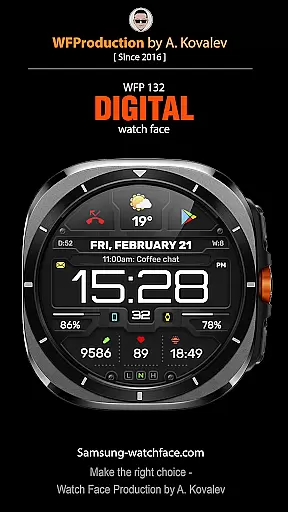
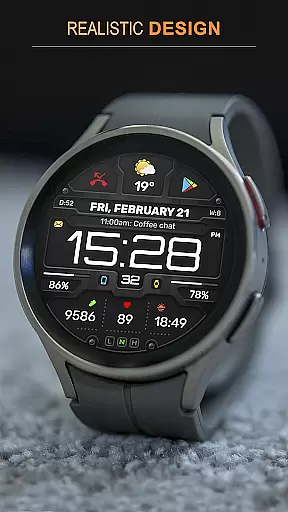
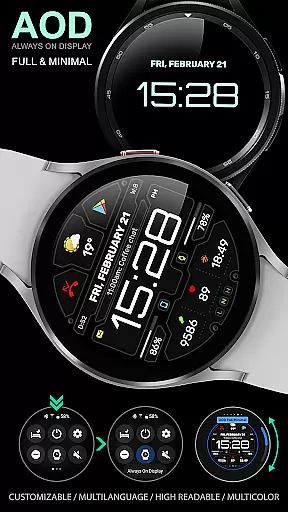
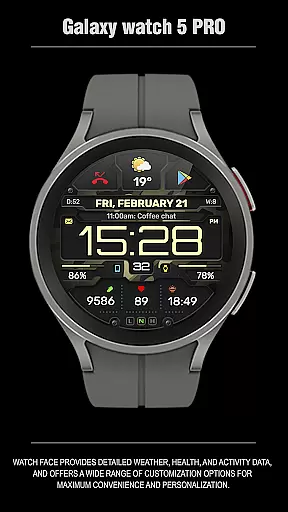
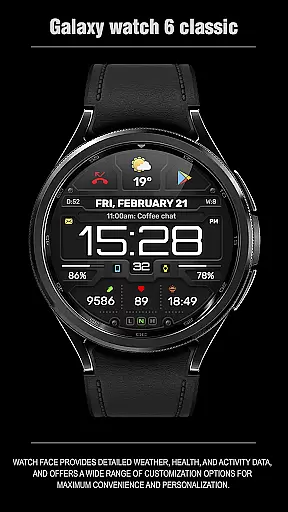
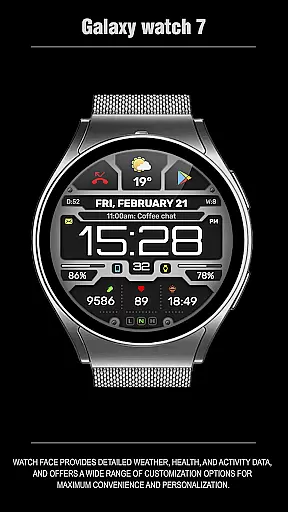
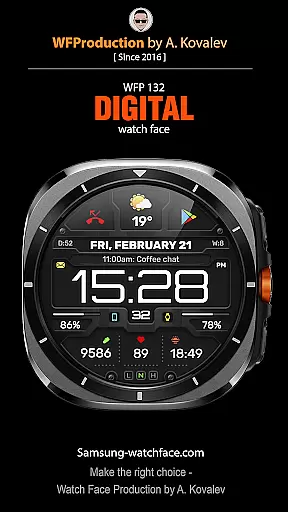
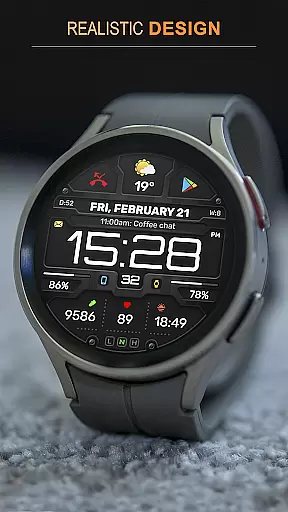
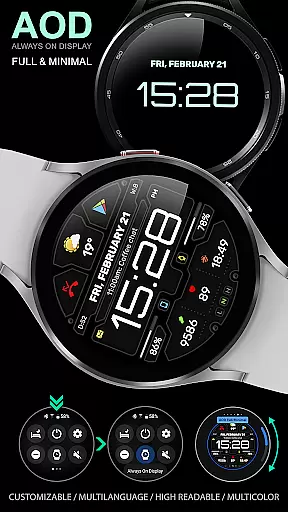
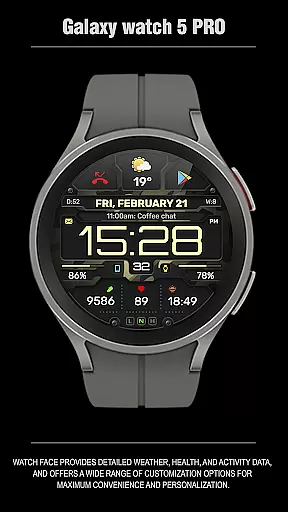
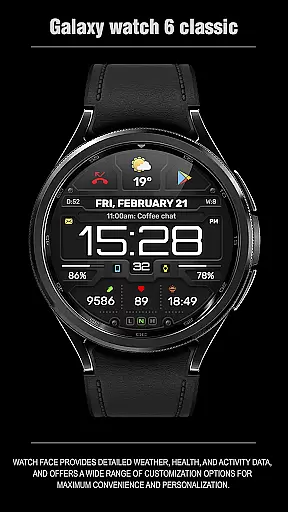
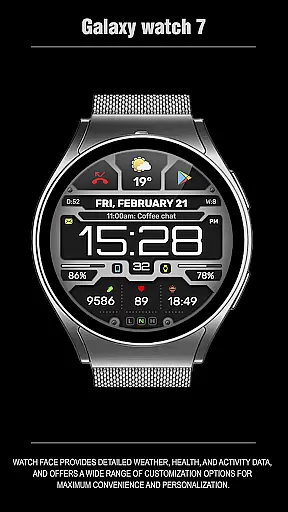
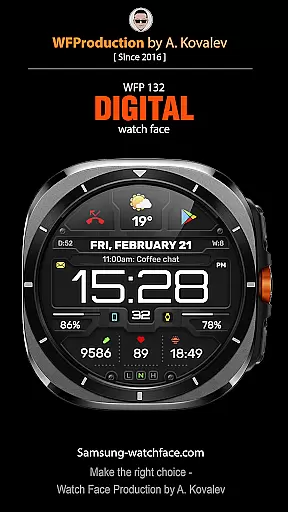
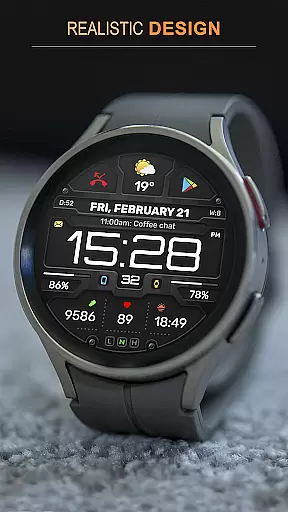
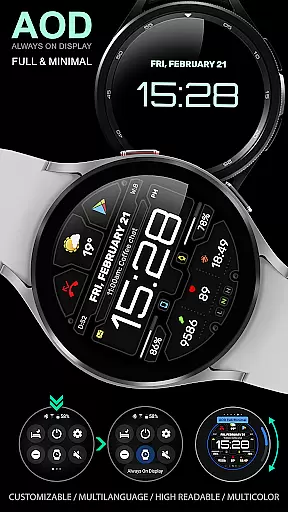
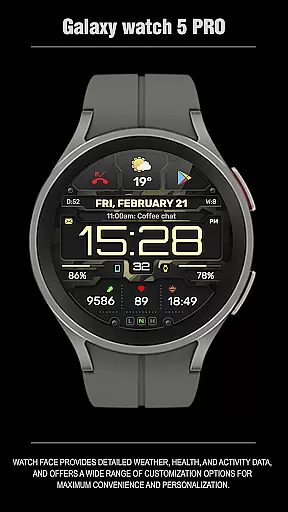
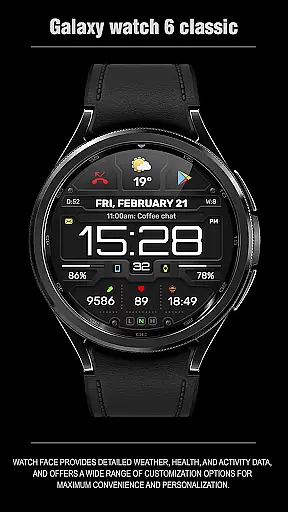
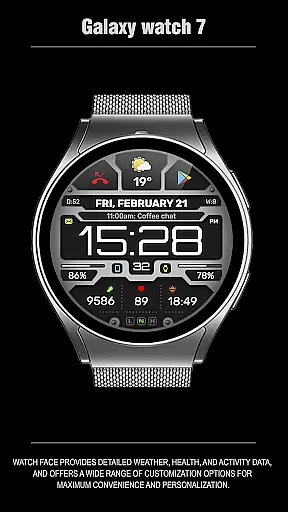
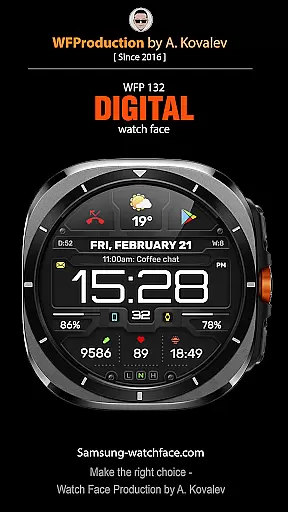
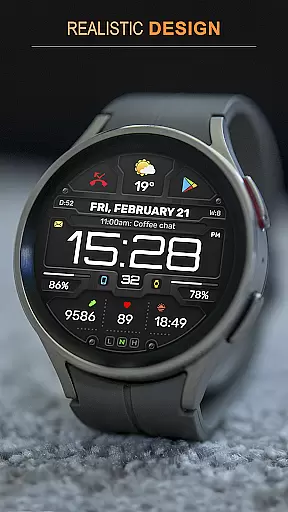
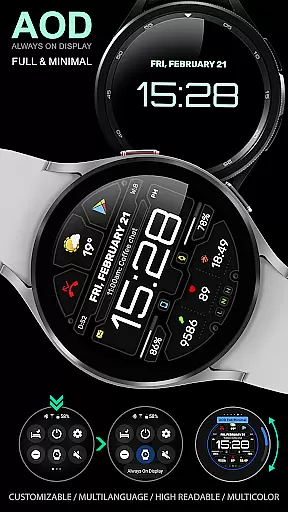
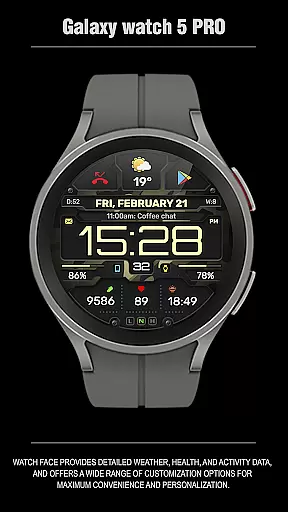
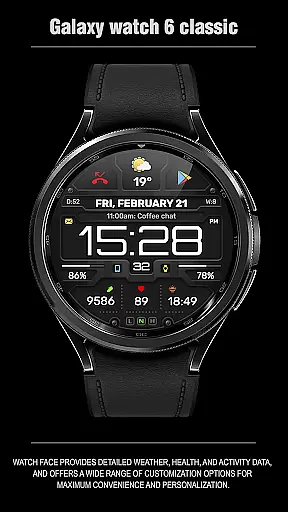
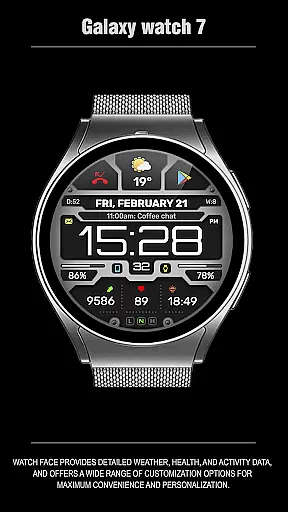
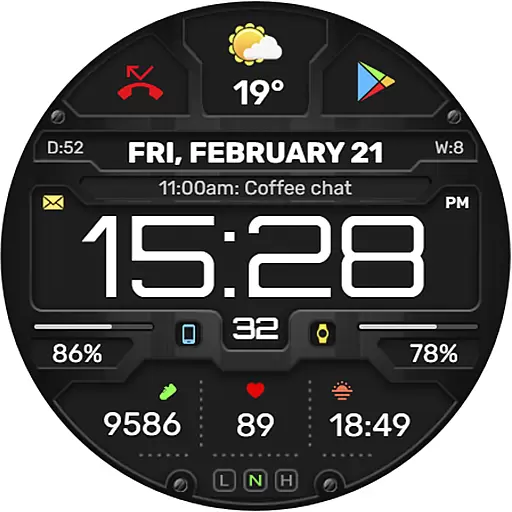
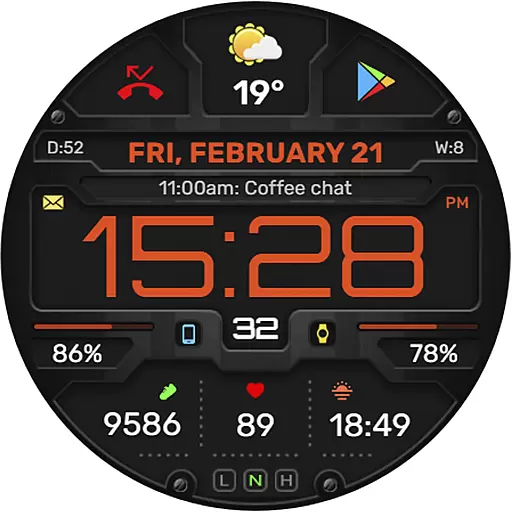
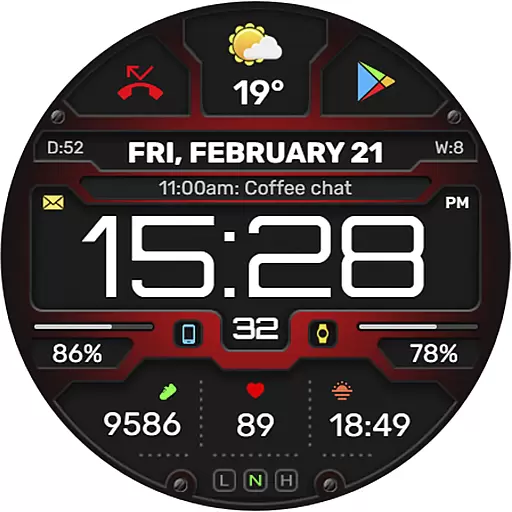
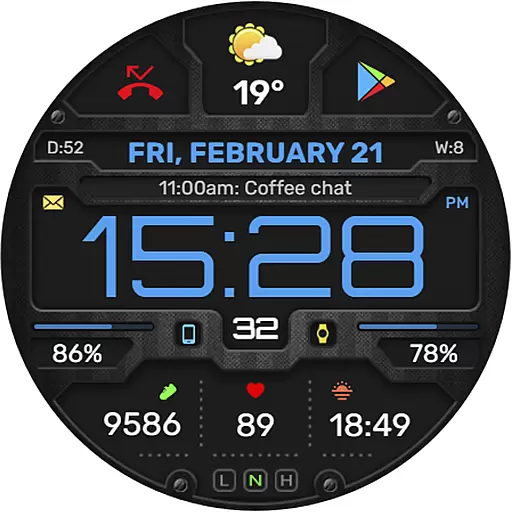
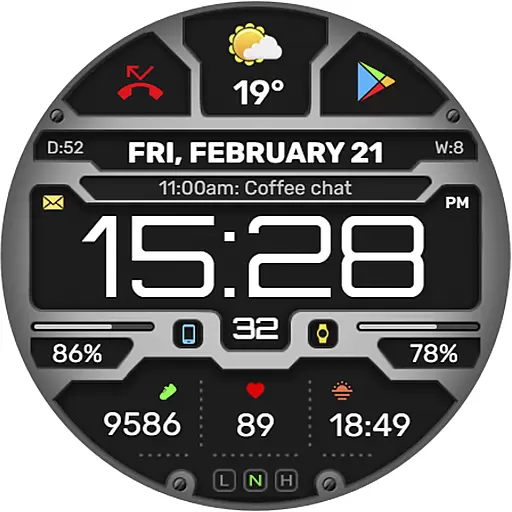
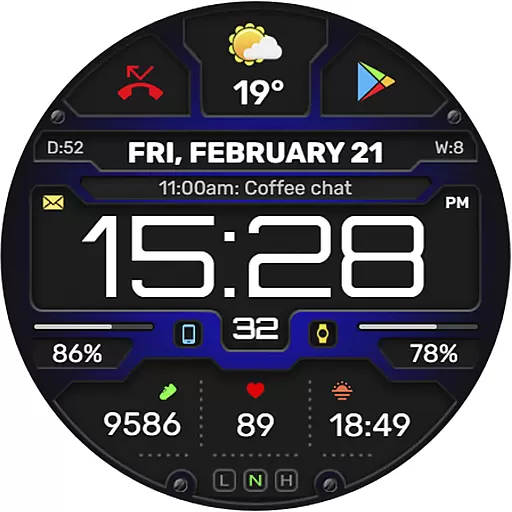
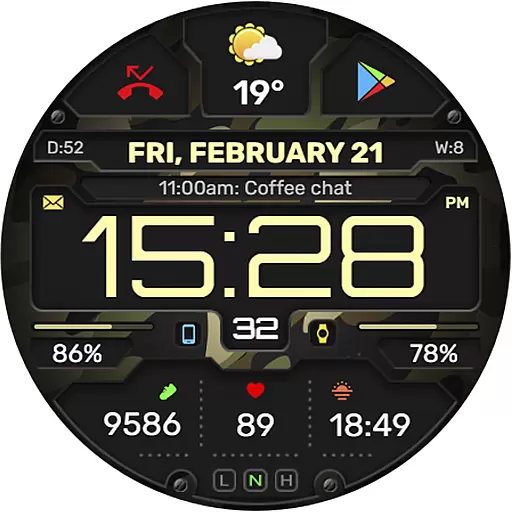
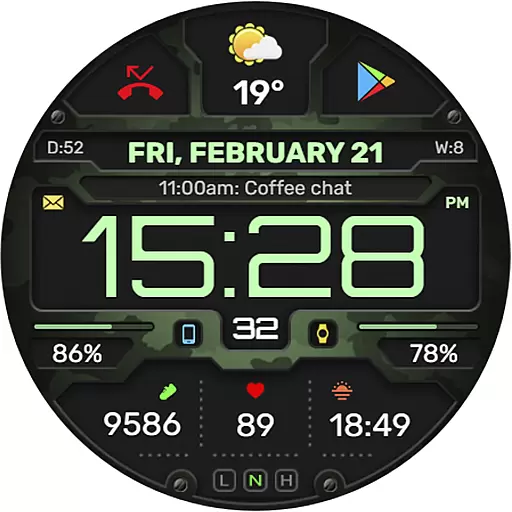
The WFP 132 Digital watch face is a stylish and functional accessory for your smartwatch, offering users an enhanced experience with its detailed weather forecasts, health tracking, and activity monitoring. Compatible with devices running API 34+ (5.0) and later, this digital watch face provides extensive customization options to suit individual preferences.
With features like 8 complications and widgets, changeable backgrounds, and customizable Always-On Display (AOD) modes, the WFP 132 ensures both convenience and personalization. It supports multiple languages, color combinations, and weather in Fahrenheit or Celsius, all optimized for high resolution and low battery consumption.
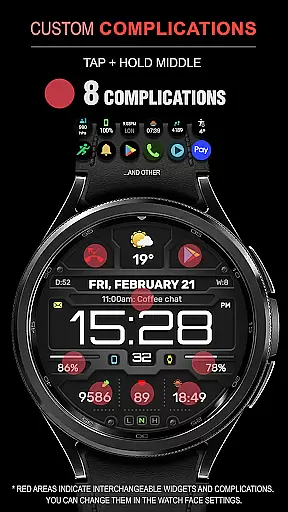
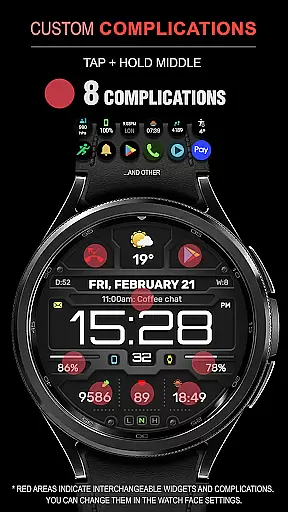
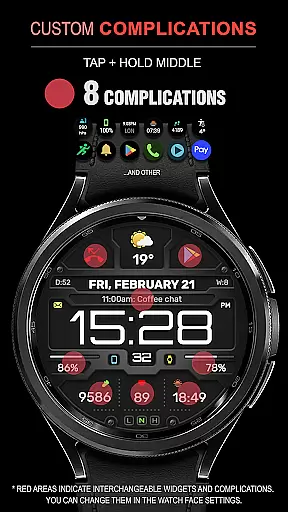
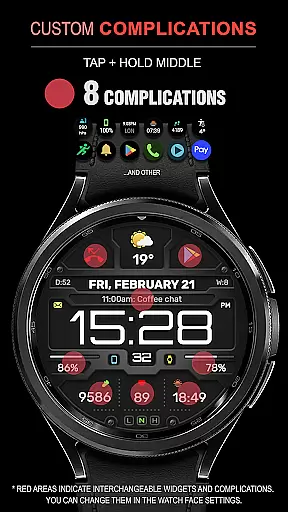
The WFP 132 Digital watch face stands out with its comprehensive feature set designed to provide maximum utility and personalization. Users can choose from eight different complications and widgets that display various data points such as weather forecasts, calories burned, floors climbed, and more.
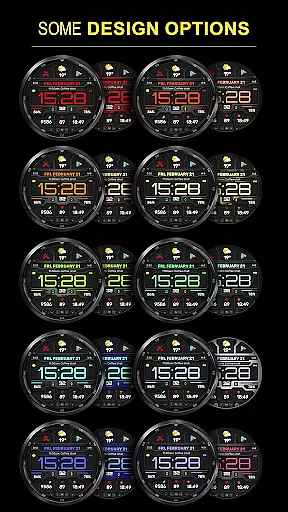
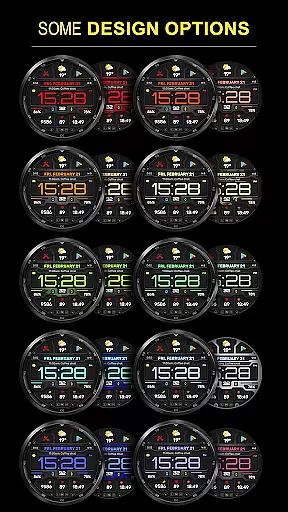
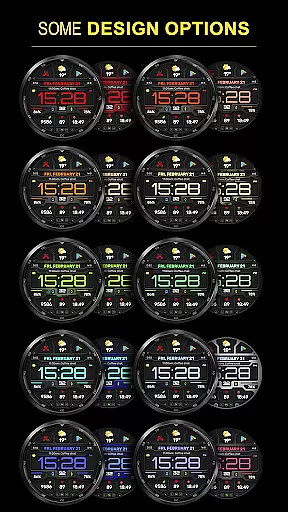
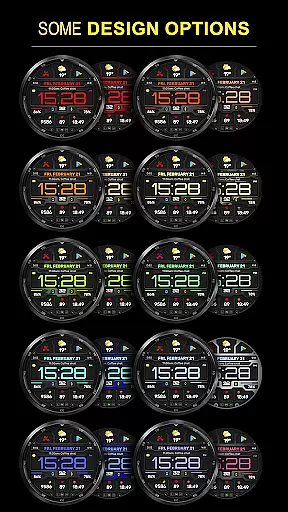
Customization is key with this watch face; it offers many color combinations, changeable backgrounds, and adjustable AOD modes—both full and minimal. The high-resolution display ensures clarity, while its optimization guarantees low battery consumption, making it both visually appealing and efficient.
In addition to these features, the WFP 132 supports multilingual settings and displays weather in either Fahrenheit or Celsius, catering to a global audience. Its compatibility with devices running API 34+ (5.0) and later ensures that users have access to the latest technology and functionality.
Companion app integration is essential for a seamless smartwatch experience. The WFP 132 Digital watch face excels in this area by offering users the ability to sync and interact with their smartphone effortlessly.
This functionality allows for real-time updates of weather, health metrics, and notifications directly on your wrist. Users can customize their watch face via the companion app, ensuring that their preferences for data display and aesthetics are always up-to-date.
By following the provided installation instructions, users can easily set up widgets for phone charging status, calorie tracking, and more, enhancing the utility of their wearable device.
The synchronization between the WFP 132 watch face and its companion app ensures that all personalization choices made by the user are reflected accurately, providing a cohesive and tailored experience across devices.
Device compatibility is crucial for ensuring that a watch face functions optimally across various devices. The WFP 132 Digital watch face is designed to be compatible with Wear OS devices running API 34+ and later, guaranteeing a broad range of support.
This compatibility ensures that users with different models of smartwatches can enjoy the high-resolution visuals and optimized performance without worrying about technical limitations.
With features like customizable Always-On Display (AOD) modes and multilingual support, the WFP 132 adapts to individual needs while maintaining low battery consumption.
Users looking to maximize their wearable technology's potential will appreciate how the WFP 132 supports detailed customization options within a framework that prioritizes both form and function.
Highly customizable
Low battery usage
Multiple language support
High resolution display
Comprehensive weather data
Requires newer device
Complex setup process
Limited widget options
No built-in GPS
Premium cost for full features

"PER27 Galaxy Digital" is a digital Wear OS watch face designed by PERSONA
 4.10
4.10
Calming & relaxing sounds for sleeping and stress relief. Stay focused all day!
4.20
an Analog Watch Face for winter season with freeze winter background for Wear OS
4.5
Animated Watch Face and Customizable with 24 Backgrounds. Perfect for Christmas!
3.90
Stylish digital watch face for Wear OS devices with customizable features
4.3
Structured watch face with seven complications and modular UI elements
3.90
Funny animated watch face for Thanksgiving
4.0
From periods to pregnancy & perimenopause, Flo helps you track it all. Try now.
4.70
Toyota app currently supports 2010 or newer vehicles (2018 or newer for Hawaii).
4.50
Beautiful, colorful and practical watch face. For Wear OS devices.
5.00
Period, ovulation & pregnancy tracker. Fertility insights & menstrual calendar.
4.90
The Chevron App allows you to pay for fuel from the comfort of your car!
4.80
A modern premium sporty hybrid watch face for Wear OS by Ballozi
4.70
Be an elegant and classy secret agent, with this carefully detailed watch face
4.70
Gym & home workout plans with strength training, exercise tracking, HIIT & more.
4.60
Locate your family members by GPS phone location tracker everywhere and anytime
4.30
sleep, alarm, snoring, stress, healing, focus, sound therapy, circadian rhythm
4.10
Wear Os Watch Face - Animated Snow Effect & Christmas Lights
4.1
Fitness interactive virtual pet super fighter boy watch face
4.5


User Reviews