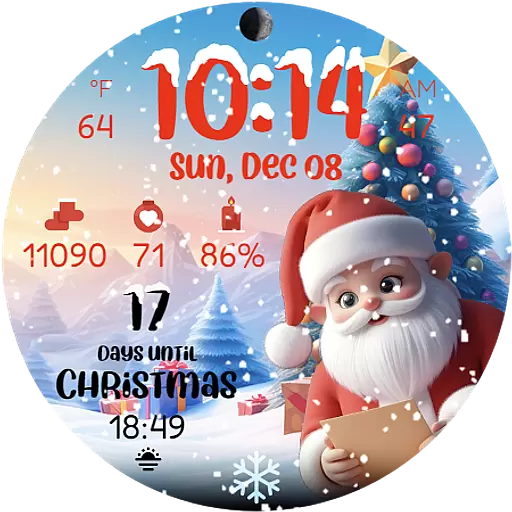
Christmas is near, let's count together the days left until Santa comes
 4.5
4.5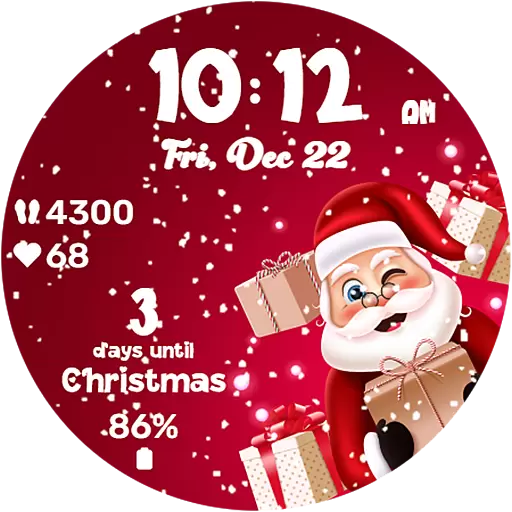
Embrace the festive spirit with our Christmas Countdown watchface for Wear OS
4.10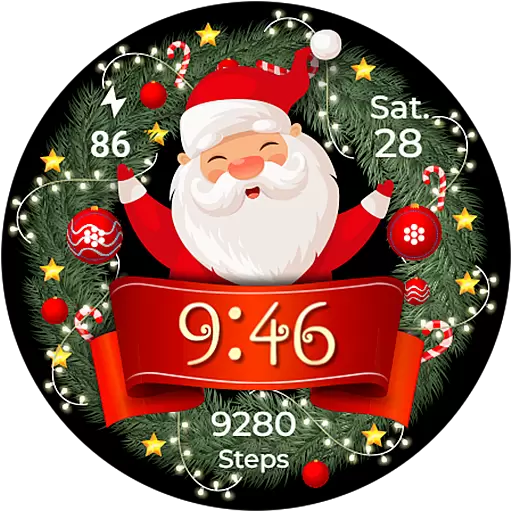
Deck out your Wear OS Watch face with a beautifully decorated pine wreath!
4.50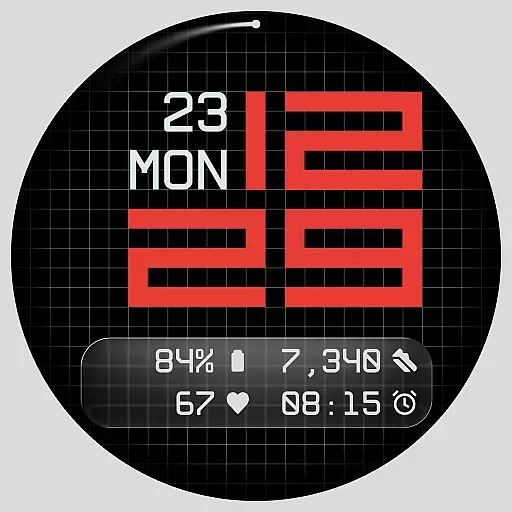
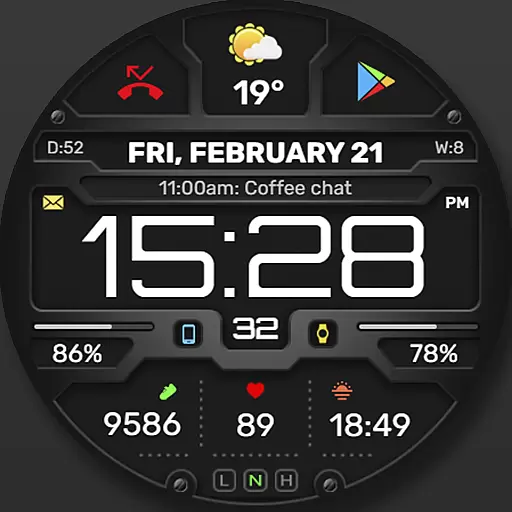
Contemporary digital watch face with five complications
4.0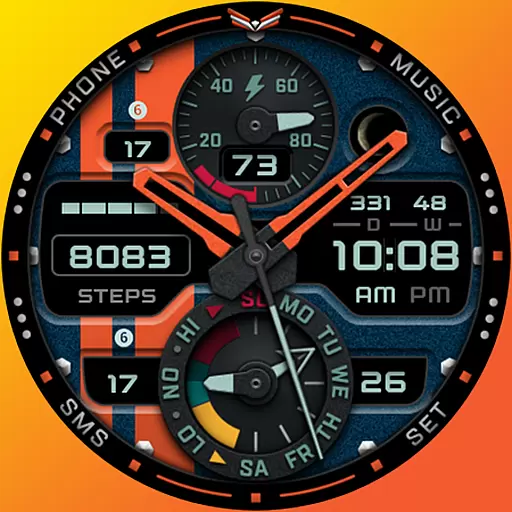
A modern premium sporty hybrid watch face for Wear OS by Ballozi
4.70
To-Do List: daily schedule planner, task organizer, to do reminder app, calendar
4.60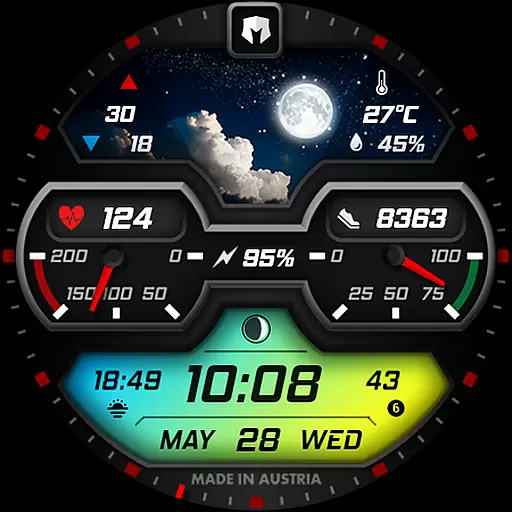
Stylish, Energizing and Modern Watch Face crafted by Dominus Mathias.
4.50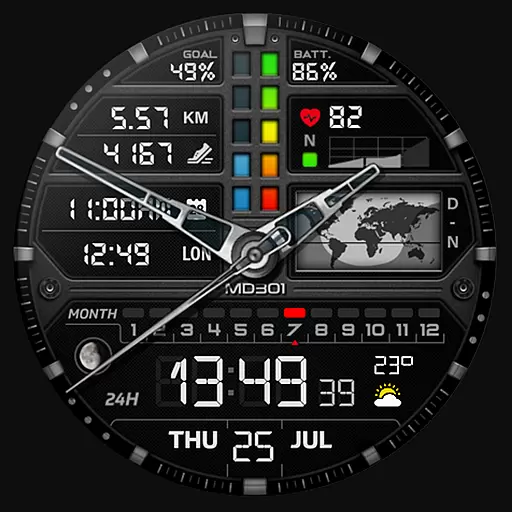
Hybrid watch face for Wear OS with customizable complications by Matteo Dini MD
4.70
Track airplanes and follow flights with our real-time flight tracker
4.50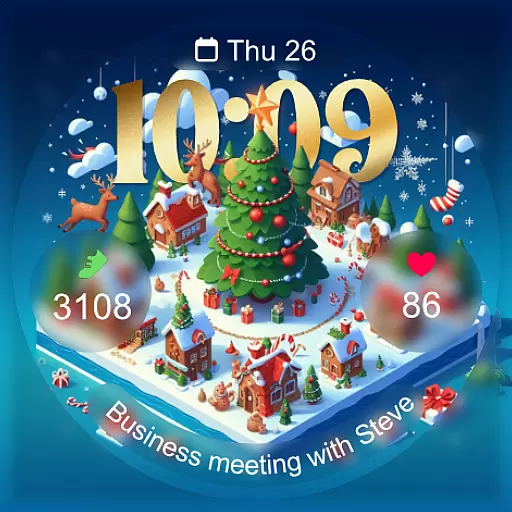
Christmas - Festive - Christmas Village - Winter - Christmas lights
5.00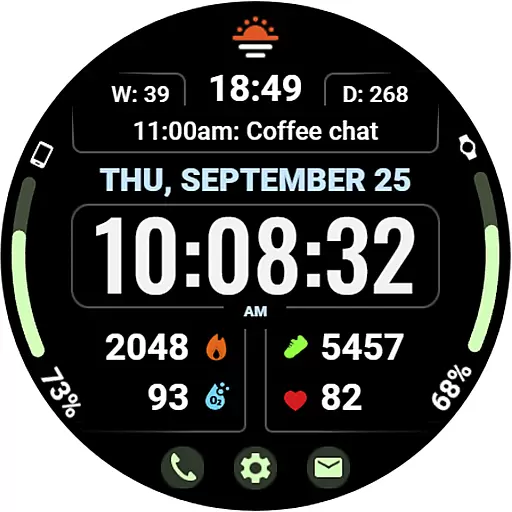
Beautiful, colorful and practical watch face. For Wear OS devices.
5.00
Gym Log & Workout Tracker | Fitness Journal, Training & Weight Lifting Planner
4.90
Diet tracker for weight loss - track calories, food and macros. Simple and easy!
4.70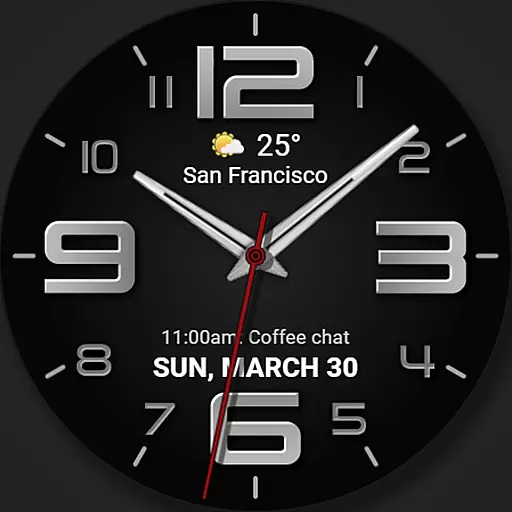
The most customizable minimal watch face. For Wear OS 5.0, API 34+ and later
4.70
Walking app for weight loss: walk & step tracker, pedometer, indoor treadmill
4.60
Simple, helpful messaging by Google
4.60
Connect to your Bluelink equipped Hyundai vehicle from your smartphone.
4.50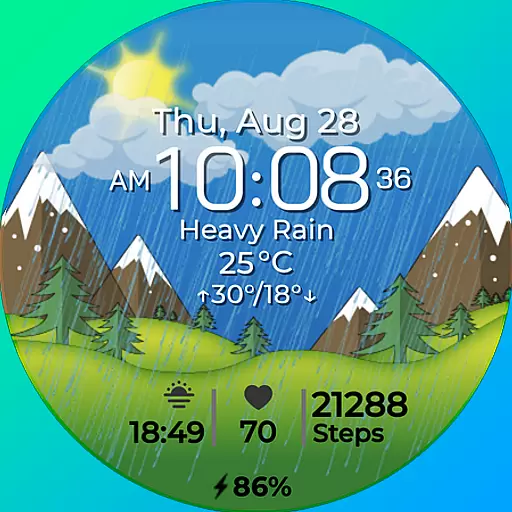
Watch face for Wear OS.
4.20
Connect, create, and collaborate with Gmail, part of Google Workspace.
4.10


