
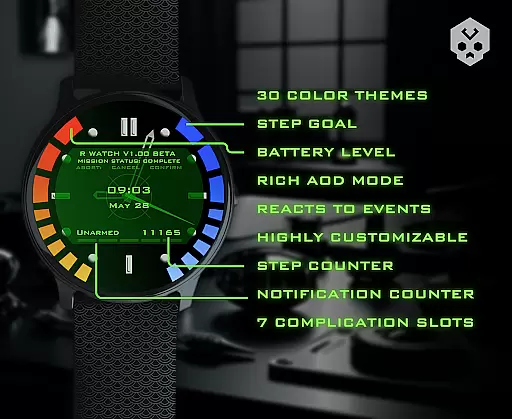
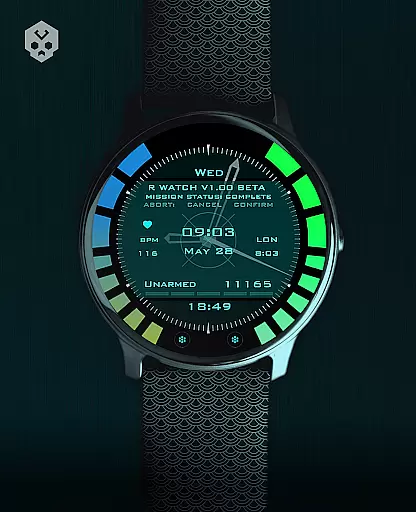
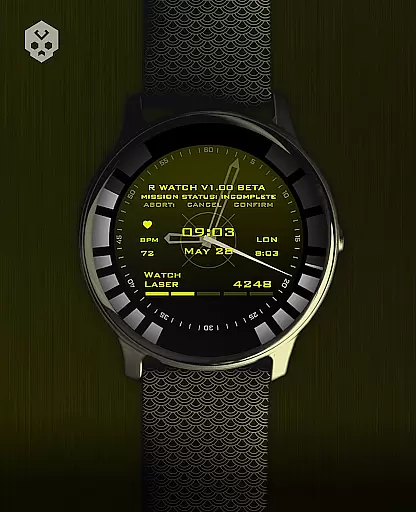
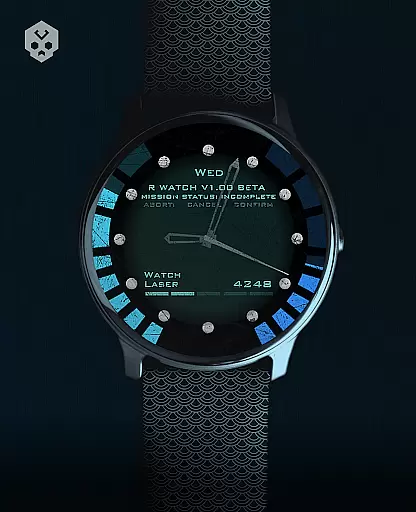
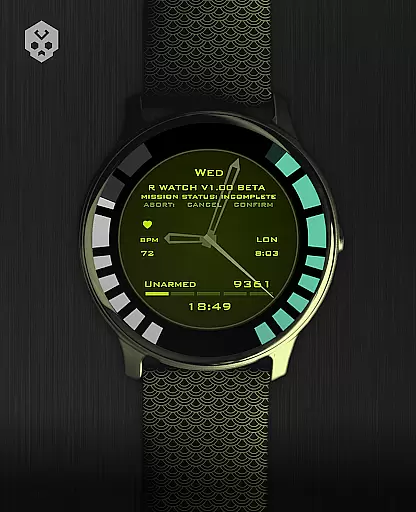
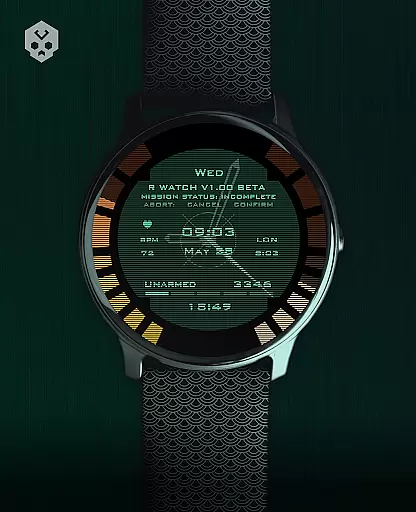
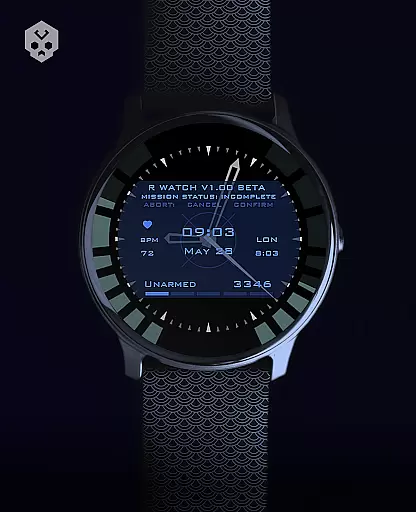
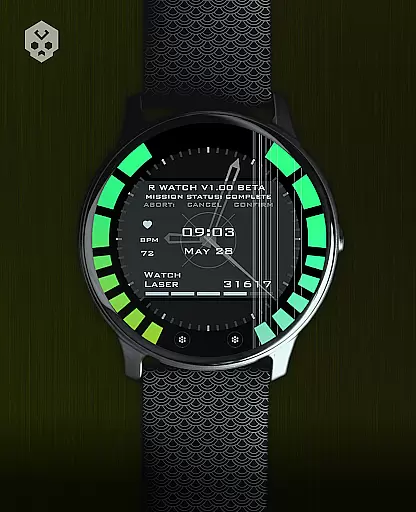
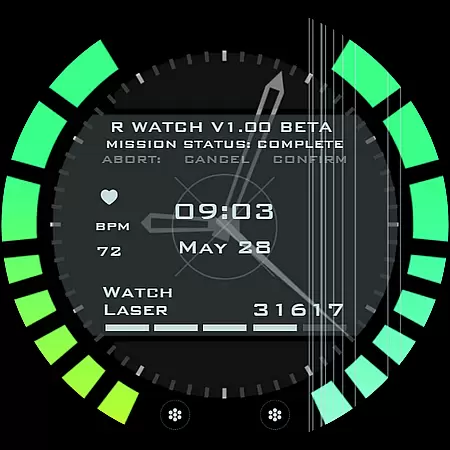
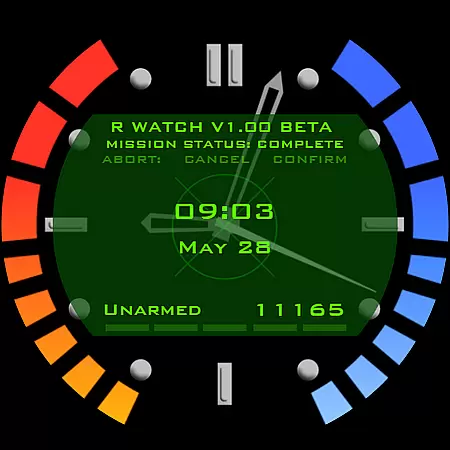
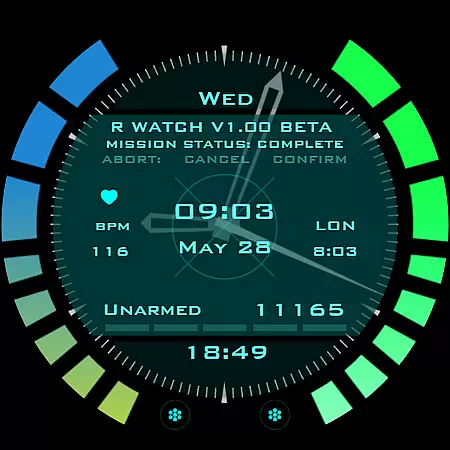
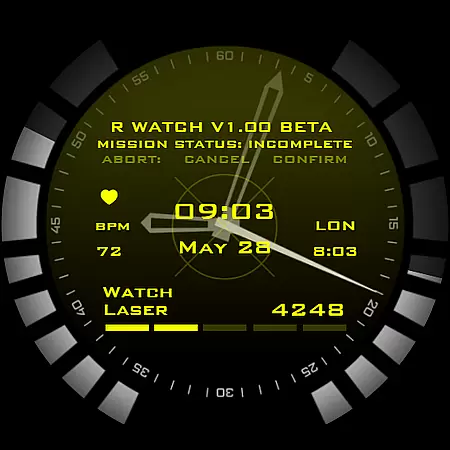
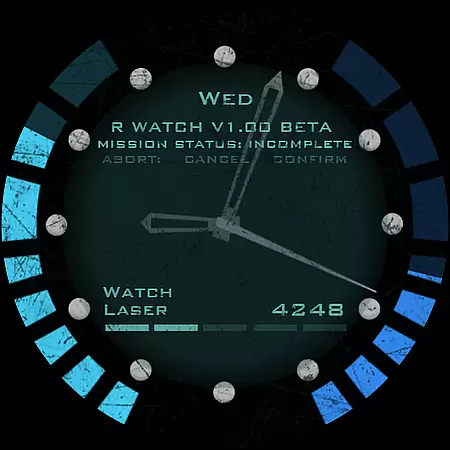
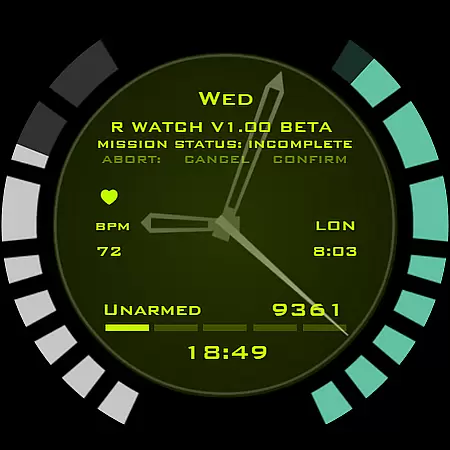
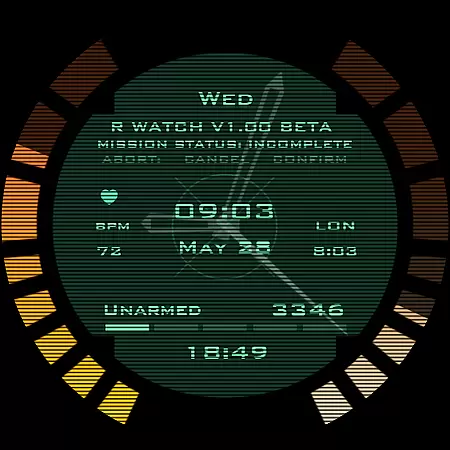
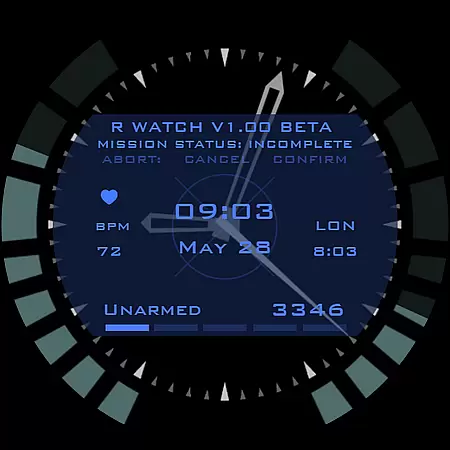
Secret Service Watch Face represents the pinnacle of wearable technology design, offering users an unparalleled level of personalization for their smartwatches. This native Wear OS application boasts over 30 color schemes and extensive customization options, ensuring that your watch face not only tells time but also reflects your unique style.
Beyond its aesthetic appeal, this watch face is engineered with practicality in mind. It reacts intelligently to low battery levels, incoming notifications, and charging states, keeping you informed at a glance. With support for seven customizable complications in various sizes, it delivers essential information without cluttering your view. Compatible with numerous Wear OS devices from brands like Samsung, Fossil, and Ticwatch, it's the perfect accessory for tech-savvy individuals seeking both form and function.
The Secret Service Watch Face distinguishes itself through its comprehensive feature set designed to enhance user experience. At its core, the application provides an intuitive interface for adjusting every visual element, from clock ticks to screen elements, allowing for precise control over appearance.
Functionality extends beyond mere aesthetics, as the watch face integrates seamlessly with your daily routine. The companion app facilitates easy installation and management while remaining completely optional post-setup. Notably, the intelligent system responses to battery status and notifications ensure you're always aware of critical information. Furthermore, the inclusion of multiple complication sizes caters to varying information density preferences, making it suitable for both minimalists and data enthusiasts alike.
Companion app integration is crucial for a seamless smartwatch experience. The Secret Service Watch Face offers an easy-to-use companion app that simplifies the installation process on Wear OS devices. This ensures users can effortlessly manage and install the watch face from their smartphones.
The companion app serves as a bridge between the smartphone and the smartwatch, allowing users to access additional features and customization options. With clear instructions provided, users can easily navigate through the setup process. This includes connecting the smartwatch to the smartphone and ensuring proper account synchronization to avoid issues like being charged twice.
Moreover, the companion app provides essential support functionalities. If any feature does not work as expected, users can utilize the handy email button within the app to seek assistance. This comprehensive support system enhances user satisfaction and ensures a smooth overall experience with the Secret Service Watch Face.
Ensuring compatibility across various devices is vital for any Wear OS application. The Secret Service Watch Face is designed to be compatible with numerous smartwatches running Wear OS, including models from Samsung, Mobvoi Ticwatch, Fossil, Oppo, and the latest Xiaomi devices. This broad compatibility makes it accessible to a wide range of users.
To confirm device compatibility, users are encouraged to reach out via email if they encounter any issues. The installation process is straightforward, requiring users to connect their smartwatch to their smartphone and follow simple steps to install the watch face. However, it's important to ensure that both devices use the same Google account to prevent authentication problems.
In cases where users face difficulties, such as seeing a price instead of an install button, it often indicates an account mismatch or an incompatible device. By addressing these potential issues proactively, the Secret Service Watch Face guarantees a hassle-free experience for all supported Wear OS devices.
Highly customizable
Wide device compatibility
Intelligent status indicators
Multiple complication options
Regular updates and support
Premium price point
Requires Wear OS
Companion app needed
Limited free features
Complex setup process

Diet tracker for weight loss - track calories, food and macros. Simple and easy!
 4.70
4.70
Christmas watch face. For Wear OS devices.
4.30
Christmas is near, let's count together the days left until Santa comes
4.4
Watch face for Wear OS.
4.20
Let's celebrate Thanksgiving - Wear Os watch face
4.20
Stylish digital watch face for Wear OS devices with customizable features
4.2
Find EV charging stations
4.30
Period, ovulation & pregnancy tracker. Fertility insights & menstrual calendar.
4.90
Spam call blocker and caller ID for automatic call protection!
4.40
The most customizable minimal watch face. For Wear OS 5.0, API 34+ and later
4.70
Walking app for weight loss: walk & step tracker, pedometer, indoor treadmill
4.60
To-Do List: daily schedule planner, task organizer, to do reminder app, calendar
4.60
The ultimate destination for kids ages 3-8 to explore the Marvel Universe!
4.30
Wear Os Watch Face - Animated Snow Effect & Magic Spark - 6 Scenes
4.10
Structured watch face with seven complications and modular UI elements
3.90
Authentic military-tactical design with ZULU time! Realistic and functional!
3.80
Want to take charge of your health? Let Google Fit help you reach your goals.
3.50
Wear Os Watch Face - Animated Snow Effect & Christmas Lights
4.1
Fitness interactive virtual pet super fighter boy watch face
4.4


User Reviews