
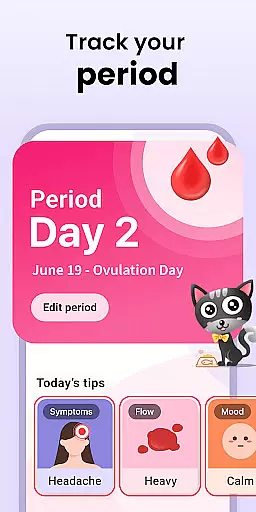
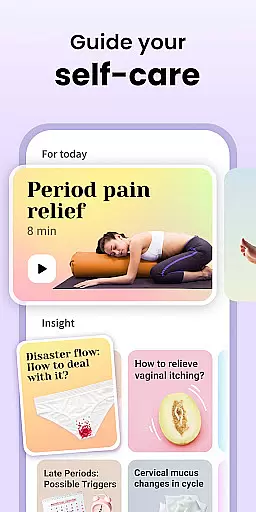
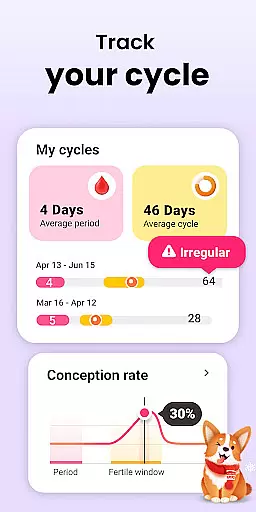
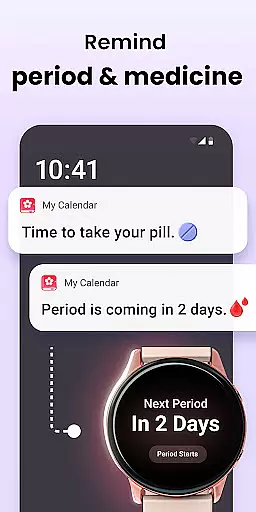
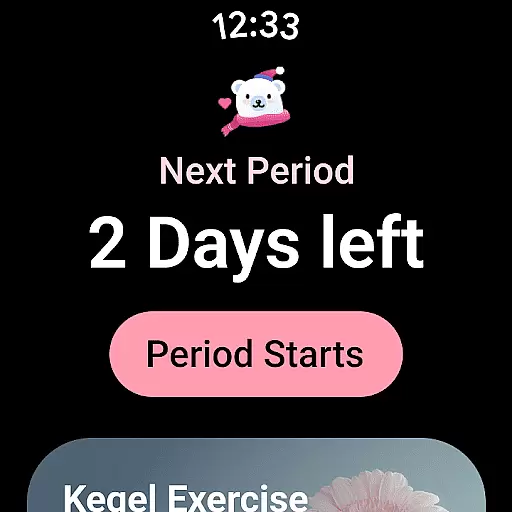
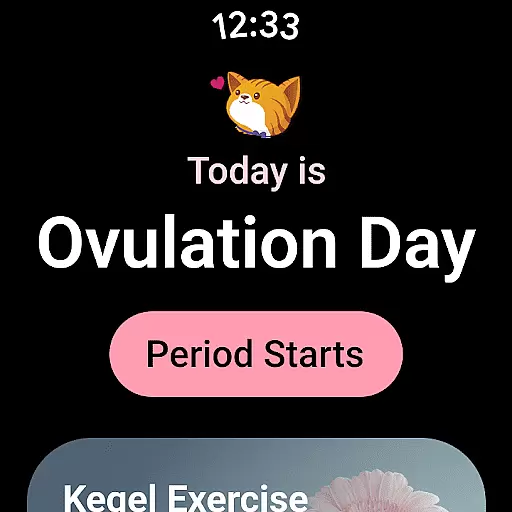
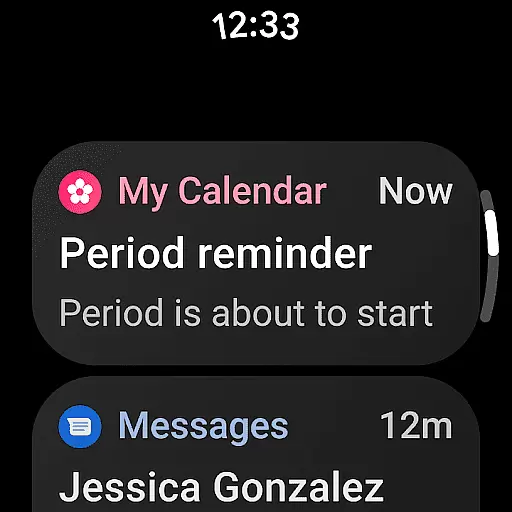
Period Calendar is a comprehensive menstrual cycle tracking application designed for Android Wear devices. This app allows users to monitor their periods, blood flow, cycles, ovulation, and conception chances with precision. It caters to women who are either trying to conceive or looking for birth control methods. With features like pill reminders, period predictions, and fertility trackers, it serves as a personal diary for menstrual health.
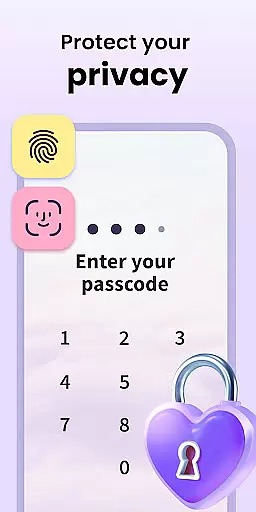
The app stands out by offering discreet notifications, customizable reminder texts, and support for various contraceptives. Its ability to sync data securely using Google account backup ensures that users never lose their important health information. Additionally, the app respects user privacy by allowing anonymous usage and providing full control over data management, including one-click deletion.
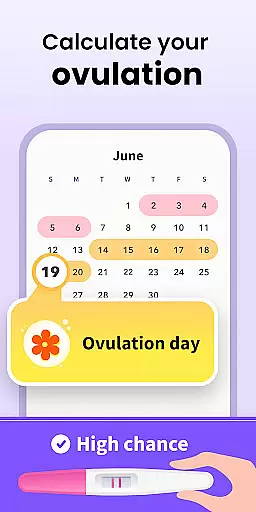
Period Calendar boasts an array of features tailored for menstrual and fertility tracking. The app provides detailed predictions for menstruation, cycles, and ovulation, making it easier for users to plan their daily activities around these events. It includes an ovulation calculator and tracker, which helps in determining the most fertile days for those trying to conceive or avoid pregnancy.
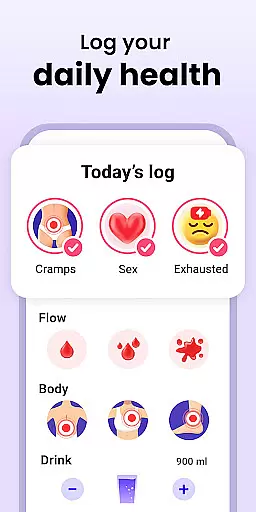
One of the standout features is its support for Wear OS complications and tiles, enabling quick access to period and ovulation predictions directly from smartwatches. Users can also track symptoms, moods, intimacy, and body temperature, which contribute to a holistic understanding of their menstrual health. The app's commitment to security and privacy is evident through its encrypted data syncing and multi-account support, ensuring that personal health data remains confidential and accessible only to the user.
Period Calendar Period Tracker offers seamless companion app integration, ensuring that your data is always synchronized across devices. This feature allows users to effortlessly sync their menstrual cycle data between their mobile devices and Wear OS devices. By maintaining consistent information flow, the app ensures that you never miss an important update or notification.
The synchronization process is automatic and happens in real-time, providing users with up-to-date information regardless of the device they are using. Whether you're at home checking your phone or on the go with your smartwatch, you'll have access to the same reliable data. This level of integration enhances the overall user experience by offering flexibility and convenience.
Furthermore, the app utilizes Google account data backup and restoration, adding an extra layer of security and reliability. Users can back up their period data to their phone or email, ensuring that it is safe and accessible even if they switch devices. This comprehensive approach to data management underscores the app's commitment to user-centric design.
Designed with broad Wear OS and device compatibility in mind, Period Calendar Period Tracker ensures that users can access its features on a variety of devices. The app supports complications and tiles on Wear OS devices, allowing for quick and easy access to essential information like period and ovulation predictions. This compatibility extends the app's functionality beyond smartphones, integrating seamlessly into the wearable tech ecosystem.
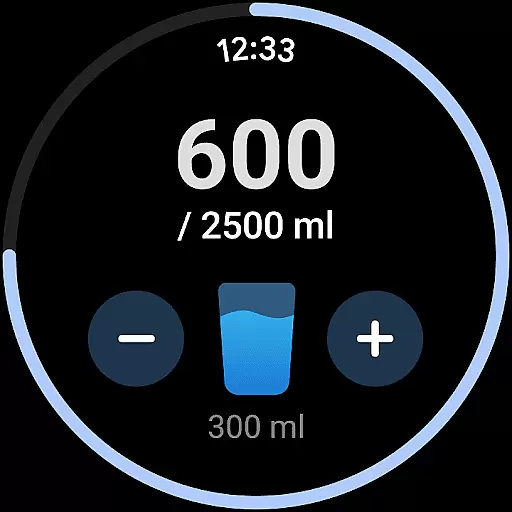
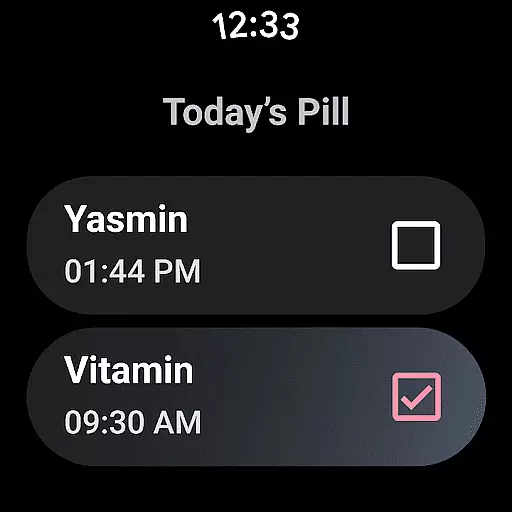
Users can set up water drinking reminders and pill reminders directly on their Wear OS devices, making health management more convenient than ever. These features are particularly beneficial for those who lead busy lifestyles and need constant reminders to stay on track with their health goals. The ability to customize notifications adds another layer of personalization, catering to individual preferences and needs.
Moreover, the app respects user privacy and data security, allowing all features to be used anonymously. With no account creation or real-name registration required, users can enjoy peace of mind knowing their data remains private and secure. This focus on privacy and compatibility makes Period Calendar Period Tracker a versatile and trustworthy choice for managing menstrual health across different devices.
User-friendly interface
Comprehensive tracking options
Secure data encryption
Customizable reminders
Anonymous usage capability
Limited third-party integrations
No web-based version available
Premium features require subscription
Occasional notification delays
Advanced analytics locked behind paywall

Christmas Theme Watch Face for Wear Os
 5.00
5.00
Digital, flexibly customizable watch face. For Wear OS 5.0, API 34+ and later.
5.00
Ideal for surviving in the wasteland left after nuclear fallout
4.50
Kia Access makes getting your vehicle information easier than ever
4.60
sleep, alarm, snoring, stress, healing, focus, sound therapy, circadian rhythm
4.10
Your second brain for organizing your life: to-do, calendar, reminder.
4.70
Connect to your Bluelink equipped Hyundai vehicle from your smartphone.
4.50
The ultimate destination for kids ages 3-8 to explore the Marvel Universe!
4.30
A realistic hybrid watch face with many customization options.
4.60
A modern hybrid informative watch face for Wear OS designed by BALLOZI
4.80
The most customizable hybrid watch face. For Wear OS 5.0, API 34+ and later
4.70
A modern premium sporty hybrid watch face for Wear OS by Ballozi
4.70
Embrace the holiday spirit with this magical animated watch face!
4.40
Bold, Modern Hybrid Watch Face for Wear OS. 10 Colors, Rich Info Display.
4.30
Locate your family members by GPS phone location tracker everywhere and anytime
4.30
Snowflake Rose Gold Watch Face - Digital, modern, & sleek with GYRO effect.
4.10
Embrace the festive spirit with our Christmas Countdown watchface for Wear OS
4.10
A full-featured Amazon Alexa voice assistant that can show you things.
3.70
Analog watch face with 8 complications and expedition styling
4.0


User Reviews