

Christmas Theme Watch Face for Wear Os
 5.00
5.00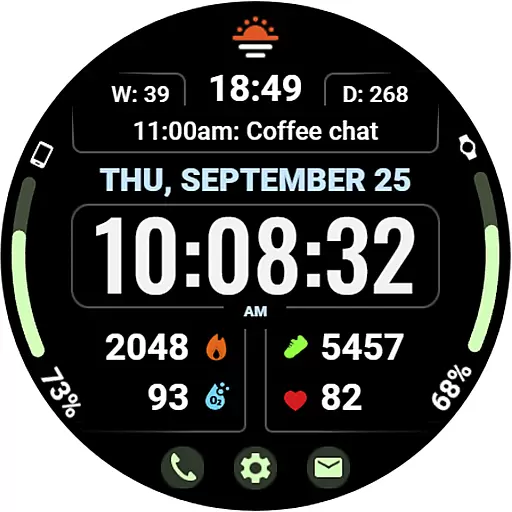
Beautiful, colorful and practical watch face. For Wear OS devices.
5.00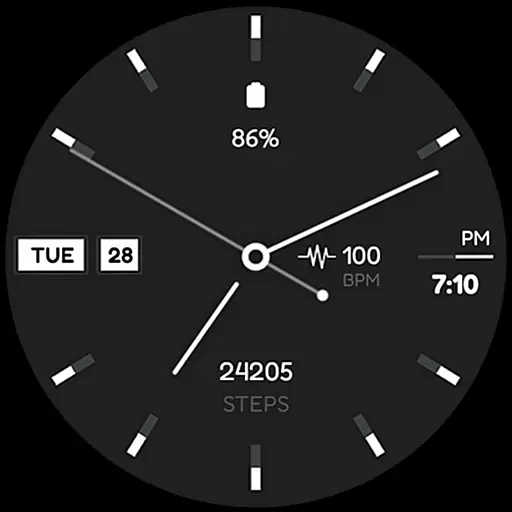
Simple Analog-Digital Watchface For Wear OS 3.0 and Up Smartwatches
4.1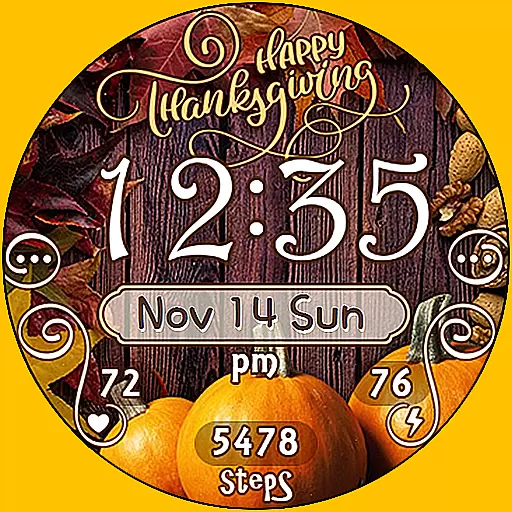
Watch face designed for Thanksgiving Day. 7 Background Styles included.
3.20
Reliable phone calls with spam protection, caller ID and more helpful features
4.40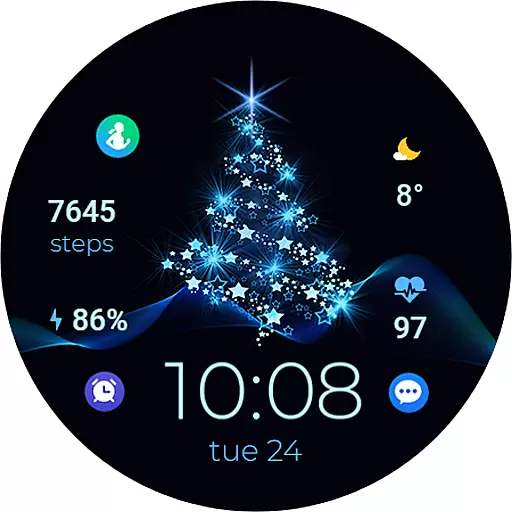
A digital watch face that celebrates Christmas.
4.00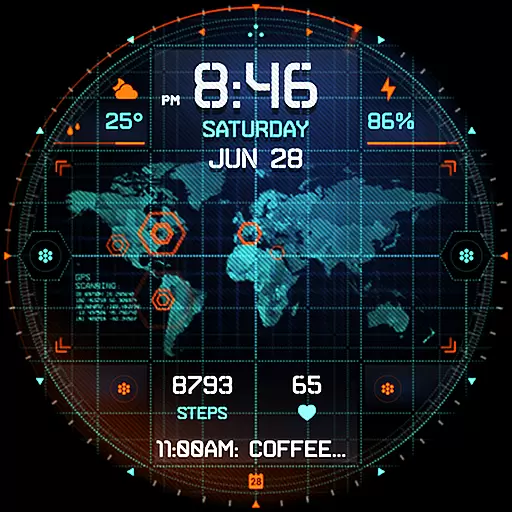
Animated video-game inspired “secret agent” simulation, right on your wrist!
4.20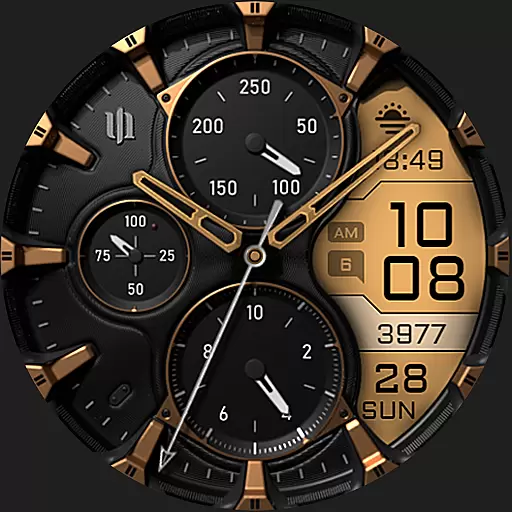
A realistic hybrid watch face with many customization options.
4.60
Want to take charge of your health? Let Google Fit help you reach your goals.
3.50
The Chevron App allows you to pay for fuel from the comfort of your car!
4.80
Diet tracker for weight loss - track calories, food and macros. Simple and easy!
4.70
Simple, helpful messaging by Google
4.60
MyNISSAN® lets you remotely control your car from your phone.*
4.50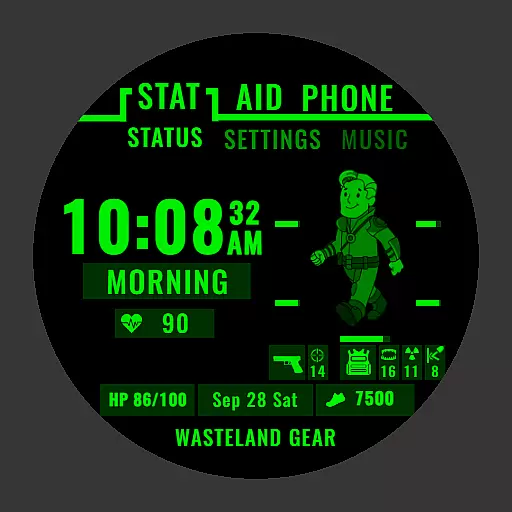
Ideal for surviving in the wasteland left after nuclear fallout
4.50
Connect to your Bluelink equipped Hyundai vehicle from your smartphone.
4.50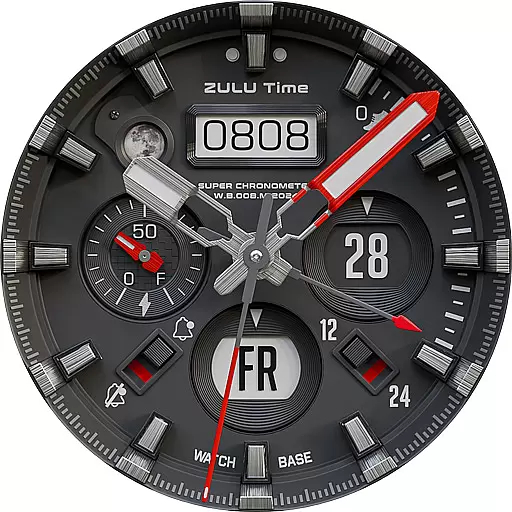
Authentic military-tactical design with ZULU time! Realistic and functional!
3.80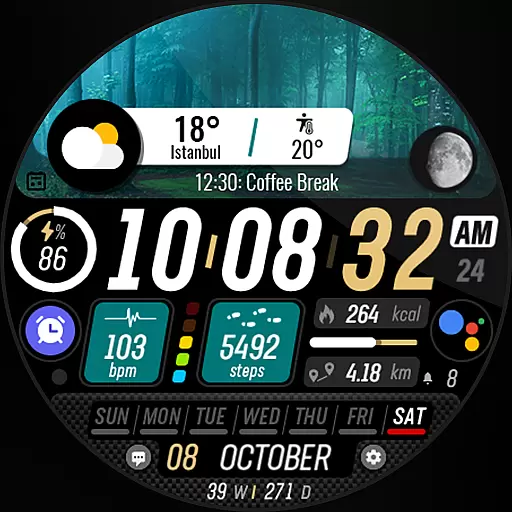
Watch the sharpness of the sky on your wrist..
3.70
Stay in touch with your friends and family using LINE!
3.40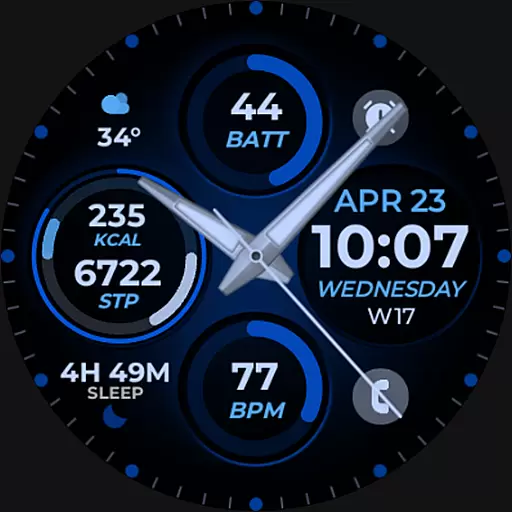
Hybrid Vibrant Health Watch Face for Wear OS
4.4


