
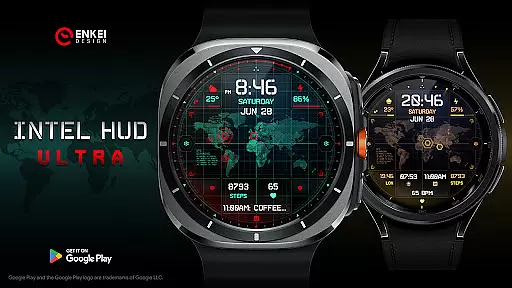
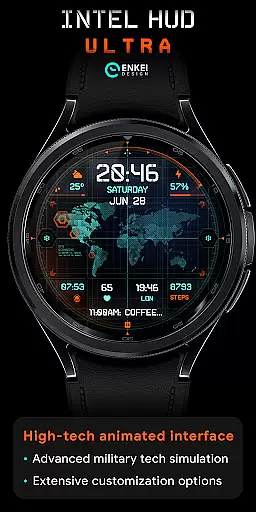
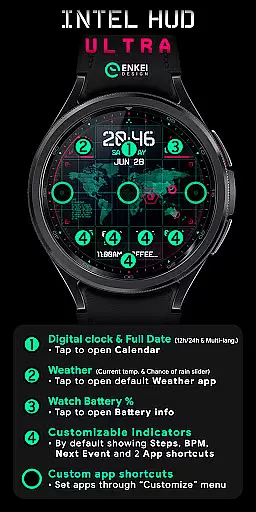
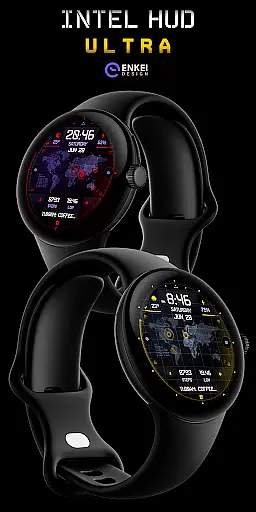
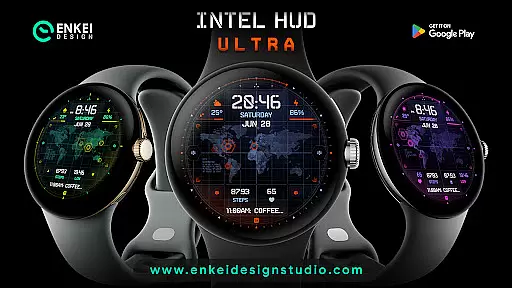
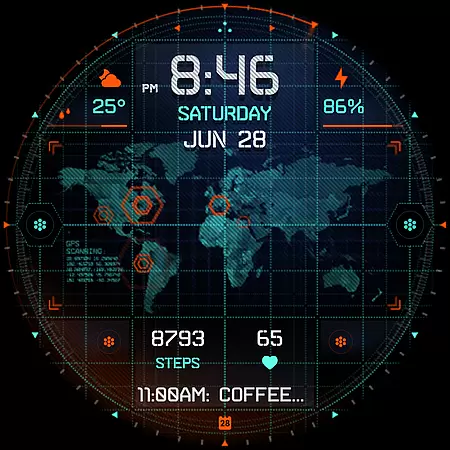
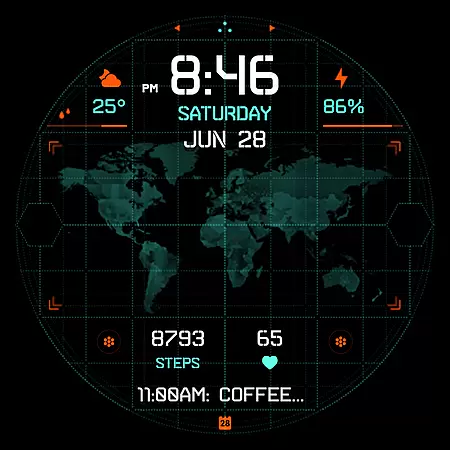
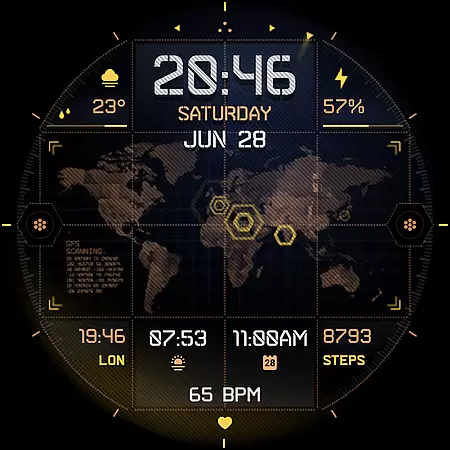
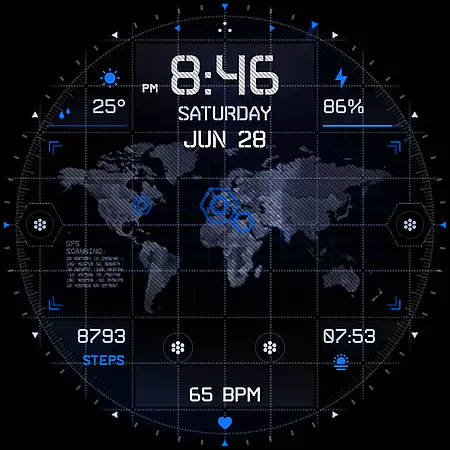
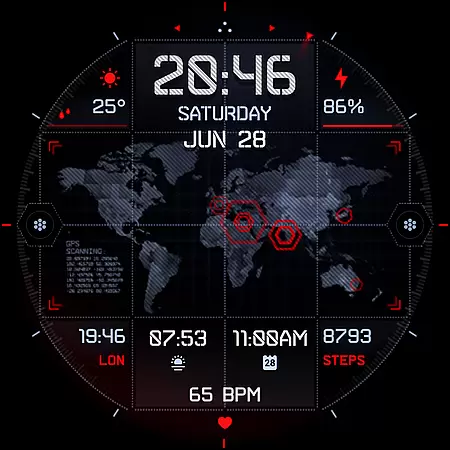
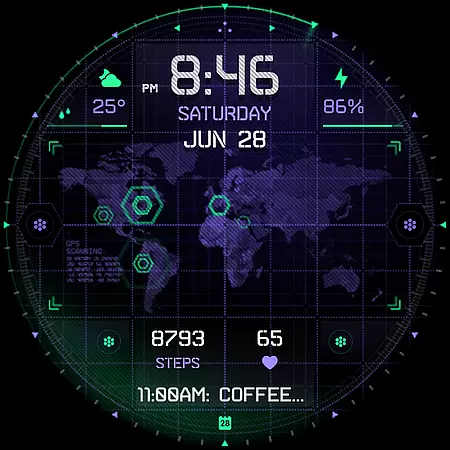
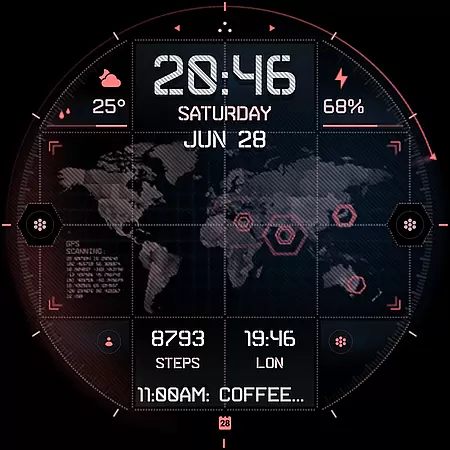
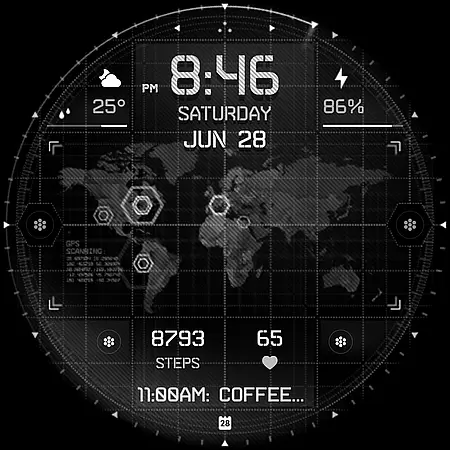
INTEL HUD Ultra is a cutting-edge digital watch face designed for smartwatches running Wear OS 5.0 and newer versions. This high-tech interface combines advanced military-inspired design with practical functionality, offering users an optimized experience that minimizes battery consumption while maximizing performance. The watch face features customizable animations and an extensive range of personalization options.
This application is ideal for users seeking a balance between style and utility on their smartwatch. With its refined layout and numerous customization possibilities, INTEL HUD Ultra allows you to tailor the display to your preferences, making it suitable for both everyday use and special occasions where a tech-savvy appearance is desired.
INTEL HUD Ultra stands out with its feature-rich design tailored for smartwatch users. The application offers a digital clock with 12h/24h format support, weather updates, and battery percentage indicators, all easily accessible with simple tap interactions. It also includes four customizable short-text indicators, a long-text indicator, and three app shortcuts, providing quick access to essential functions like steps tracking, heart rate monitoring, and calendar events.
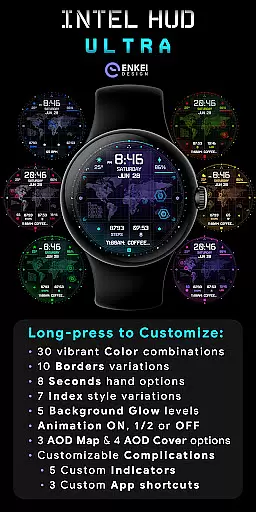
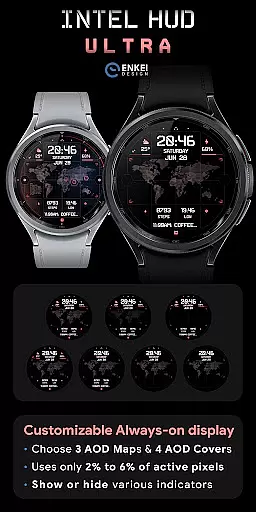
One of the key highlights is the advanced customization menu accessible via a long-press gesture. Users can choose from 30 color combinations, 10 border styles, and various other visual elements such as seconds display, index styles, and background glow levels. Additionally, the always-on display (AOD) mode is both battery-efficient and highly customizable, ensuring the watch face remains functional and visually appealing even when the device is in low-power mode.
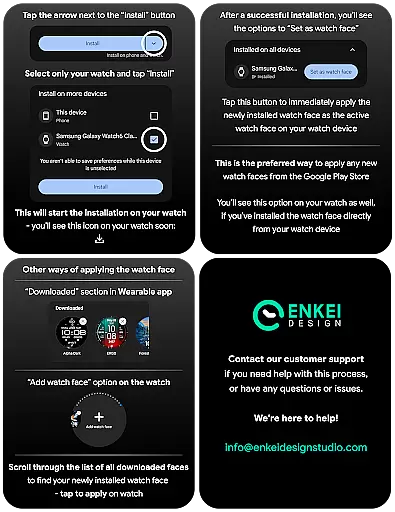
Companion app integration is crucial for smartwatch applications as it ensures seamless synchronization between the wearable and its paired mobile device. INTEL HUD Ultra excels in this area by providing a dedicated phone companion app that simplifies the installation process directly to the watch device.
This application leverages the phone app not for regular operations but as a facilitator to streamline the setup process. By doing so, it guarantees that users can enjoy an uninterrupted experience on their Wear OS devices running version 5.0 and newer.
The benefit of this approach is twofold: it reduces clutter on the smartphone while empowering users with direct control over their watch face settings. This results in efficient management of the high-tech animated interface and customization options without unnecessary interference from a constantly running companion app.
Device compatibility is a cornerstone of any Wear OS application, dictating how well the software performs across different hardware configurations. INTEL HUD Ultra is optimized exclusively for devices operating on Wear OS 5.0 and newer versions (API 34+), ensuring access to advanced features and enhanced performance.
By targeting these latest operating systems, INTEL HUD Ultra can harness the full potential of modern smartwatches. Users are guaranteed a feature-rich experience with support for extensive customization options, including vibrant color combinations, varied borders, and unique Always-On Display (AOD) designs.
This strategic decision benefits users by offering them cutting-edge functionalities such as battery-efficient AOD modes and customizable complications. As a result, they enjoy a balance of style and utility tailored specifically for their sophisticated wearable technology.
Highly customizable
Battery efficient
Military-inspired design
Quick access shortcuts
Vibrant color options
Wear OS 5.0 required
Complex setup process
Limited phone functionality
Premium price point
Advanced features may overwhelm new users

WTW M17 is a premium and luxurious hybrid watch face
 4.70
4.70
Rose gold watch face with festive lights & customizable features.
4.60
Embrace the festive spirit with our Christmas Countdown watchface for Wear OS
4.10
Simple Analog-Digital Watchface For Wear OS 3.0 and Up Smartwatches
4.3
Watch face designed for Thanksgiving Day. 7 Background Styles included.
3.20
Watch face for Wear OS.
4.20
Digital watch face with big numbers and many customization for Wear OS devices
4.40
Ideal for surviving in the wasteland left after nuclear fallout
4.50
Premium hybrid watch face with many customizations for Wear OS devices.
4.40
The most customizable minimal watch face. For Wear OS 5.0, API 34+ and later
4.70
Highly customizable hybrid watch face for Wear OS, perfect for everyday use.
4.60
MyNISSAN® lets you remotely control your car from your phone.*
4.50
Stylish, Energizing and Modern Watch Face crafted by Dominus Mathias.
4.50
Locate your family members by GPS phone location tracker everywhere and anytime
4.30
The ultimate destination for kids ages 3-8 to explore the Marvel Universe!
4.30
A customizable Christmas watch face for Wear OS with a countdown.
4.20
Your music, your playlists, and more—offline and unlimited.
4.20
Professional weather radar and more
3.90
Stay in touch with your friends and family using LINE!
3.40


User Reviews