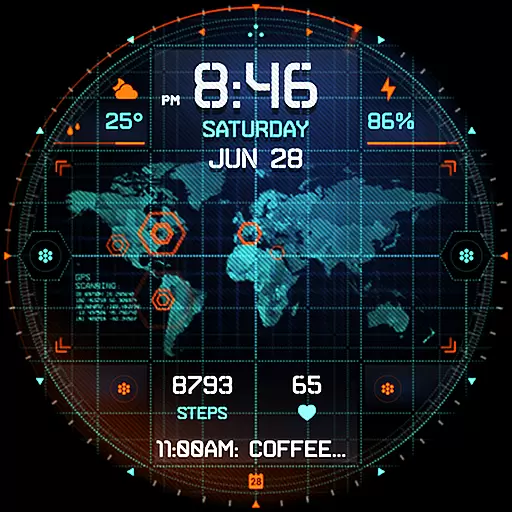
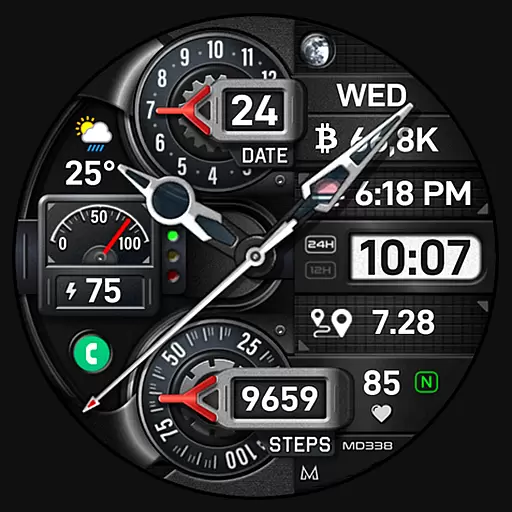
Highly customizable hybrid watch face for Wear OS, perfect for everyday use.
 4.60
4.60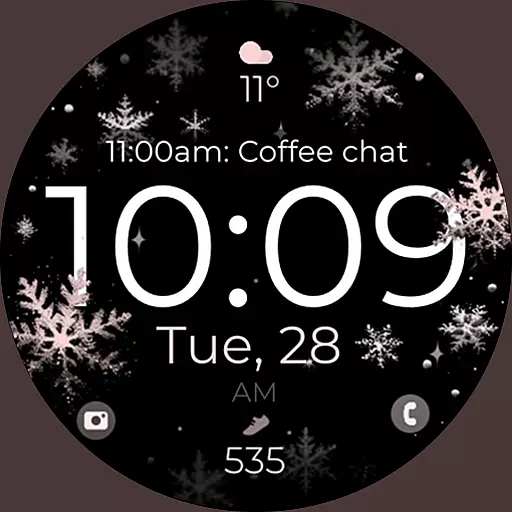
Snowflake Rose Gold Watch Face - Digital, modern, & sleek with GYRO effect.
4.10
MyNISSAN® lets you remotely control your car from your phone.*
4.50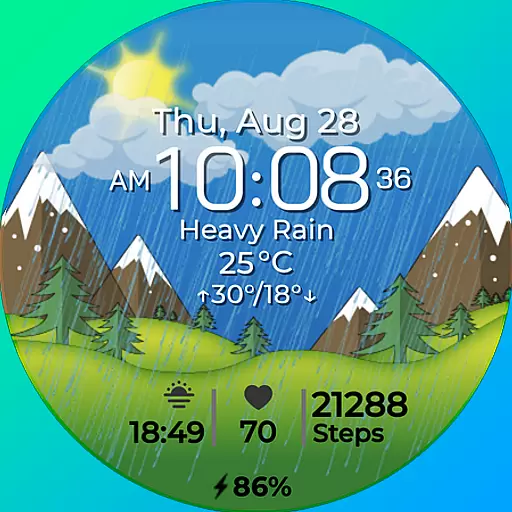
Watch face for Wear OS.
4.20
Connect to your Bluelink equipped Hyundai vehicle from your smartphone.
4.50
The Chevron App allows you to pay for fuel from the comfort of your car!
4.80
Professional weather radar and more
3.90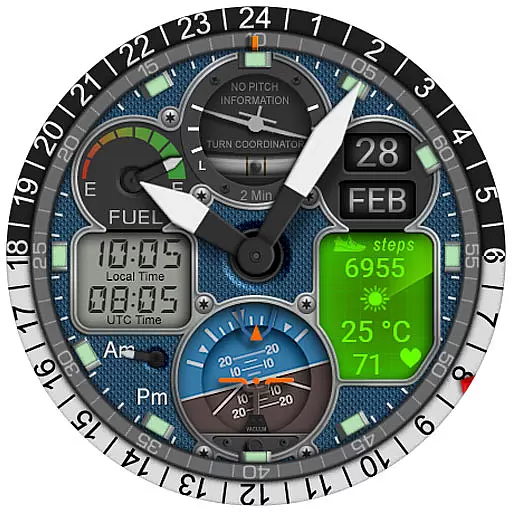
Hyper-Realistic Airplane Dashboard Watch Face With 10 Skins and Custom AOD
4.00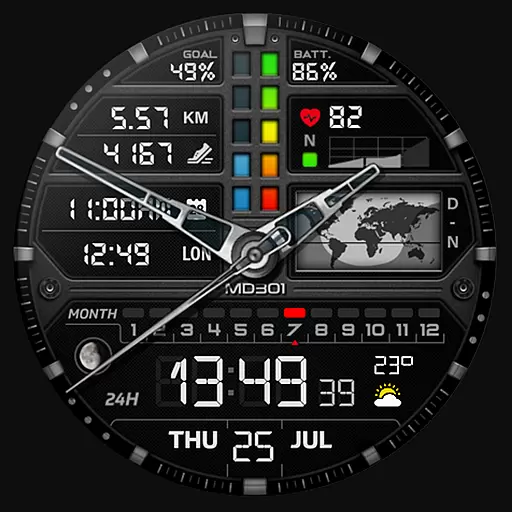
Hybrid watch face for Wear OS with customizable complications by Matteo Dini MD
4.70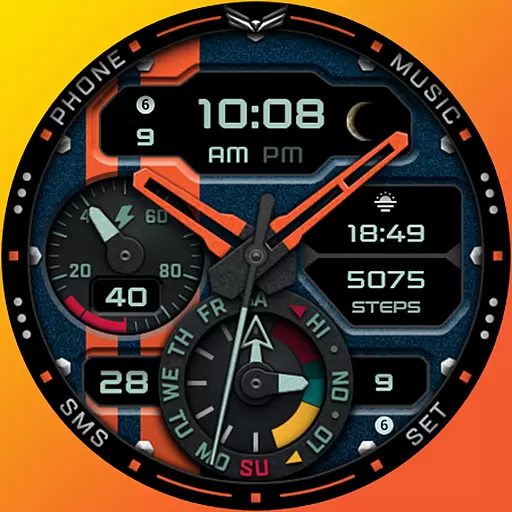
A modern hybrid informative watch face for Wear OS designed by BALLOZI
4.80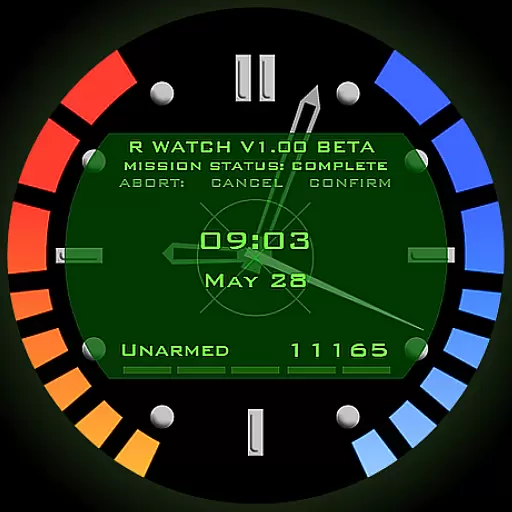
Be an elegant and classy secret agent, with this carefully detailed watch face
4.70
Monitor health with the stress test and pulse checker in the heart rate app.
4.60
Gym & home workout plans with strength training, exercise tracking, HIIT & more.
4.60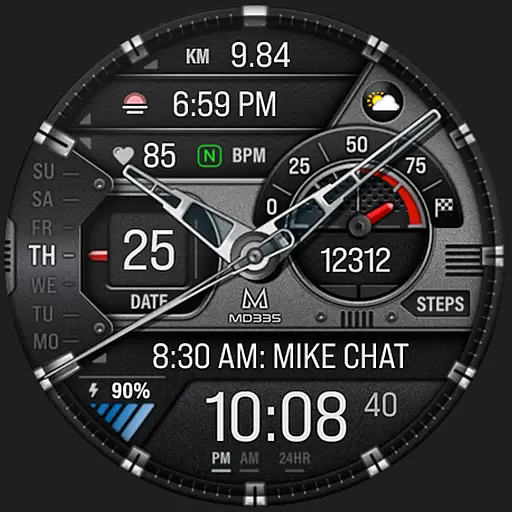
Premium hybrid watch face with many customizations for Wear OS devices.
4.40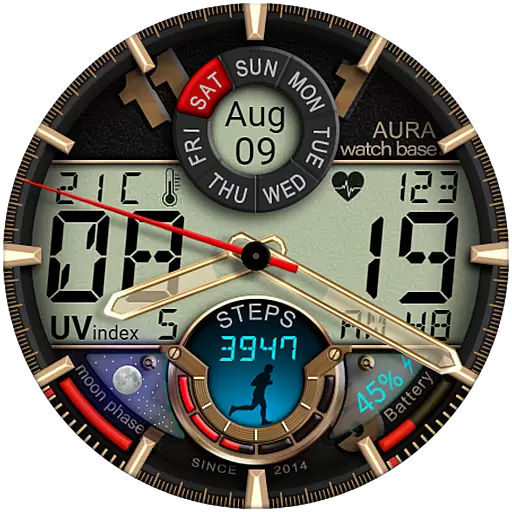
Bold, Modern Hybrid Watch Face for Wear OS. 10 Colors, Rich Info Display.
4.30
Find EV charging stations
4.30
Calming & relaxing sounds for sleeping and stress relief. Stay focused all day!
4.20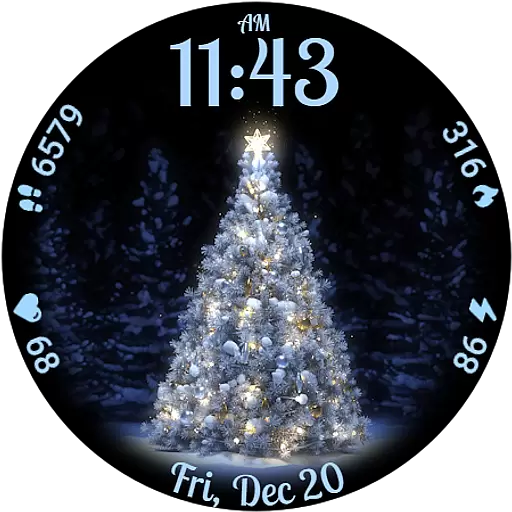
Elegant animated Christmas tree with multiple customization options
4.20
A full-featured Amazon Alexa voice assistant that can show you things.
3.70


