
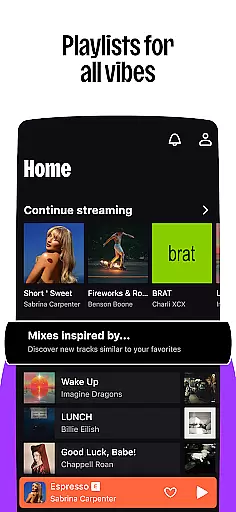

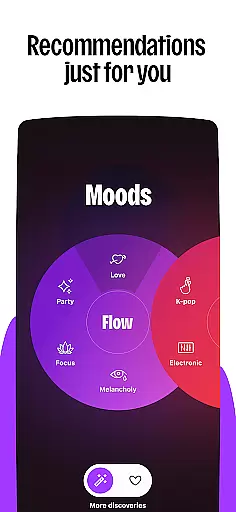
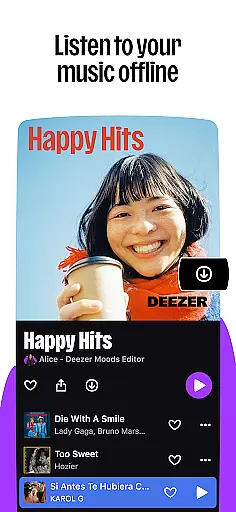

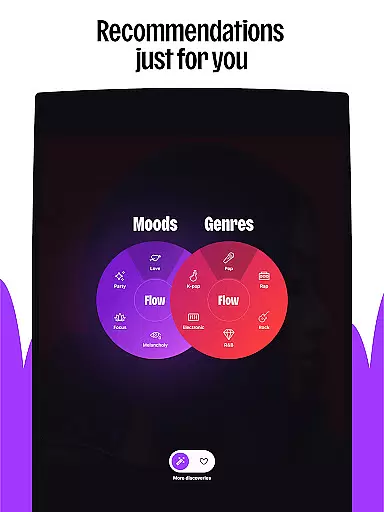
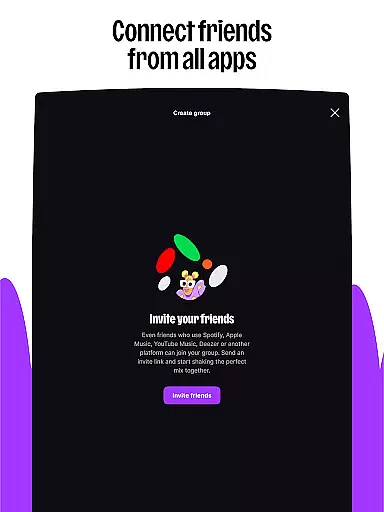
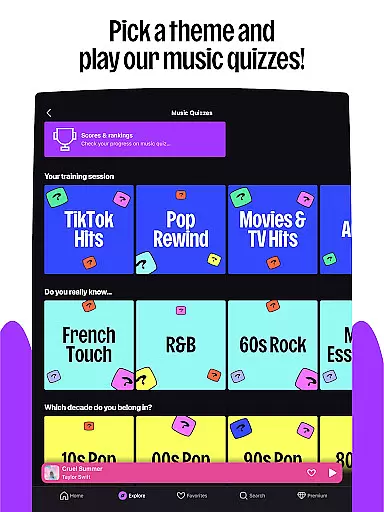
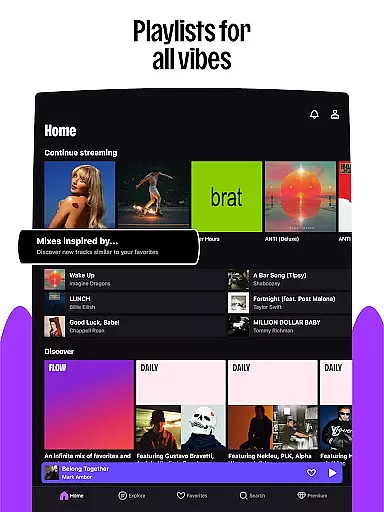

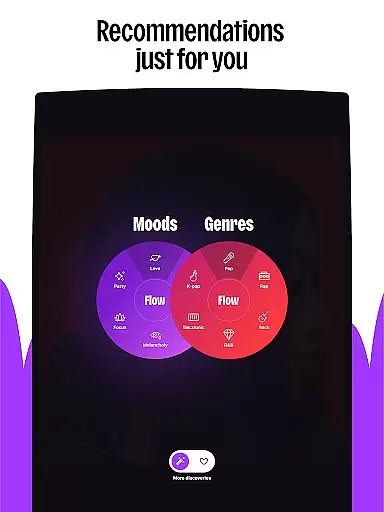
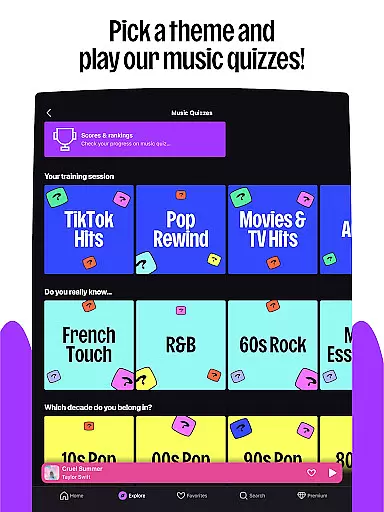
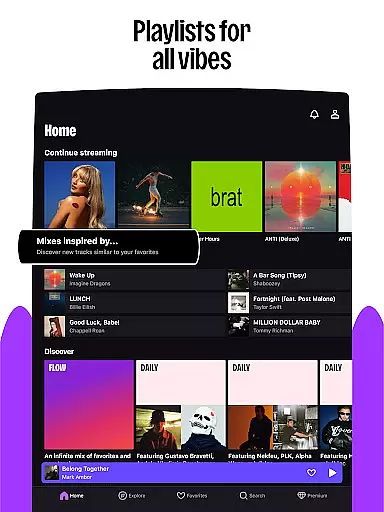

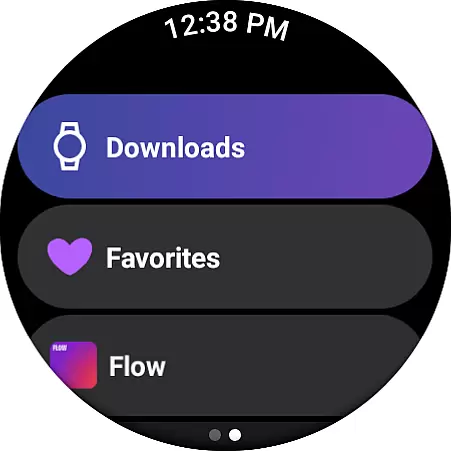
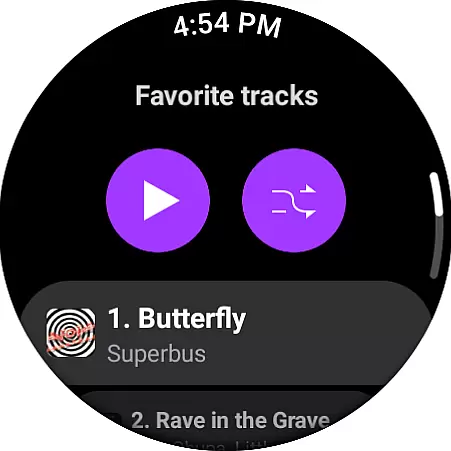
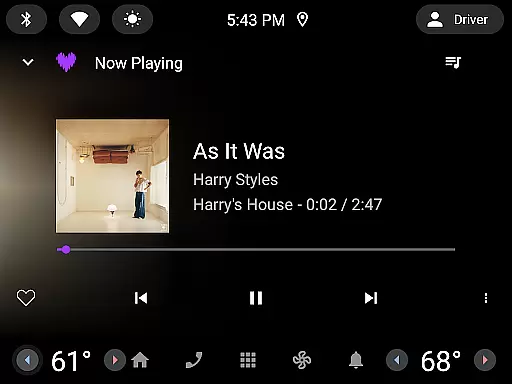
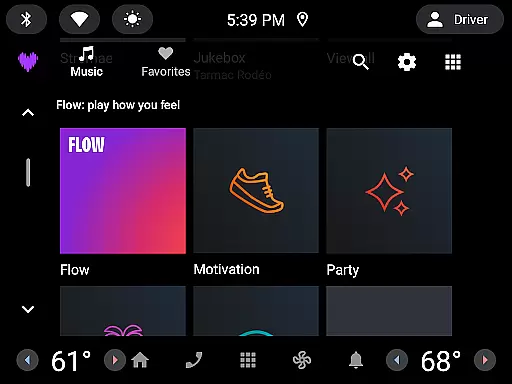
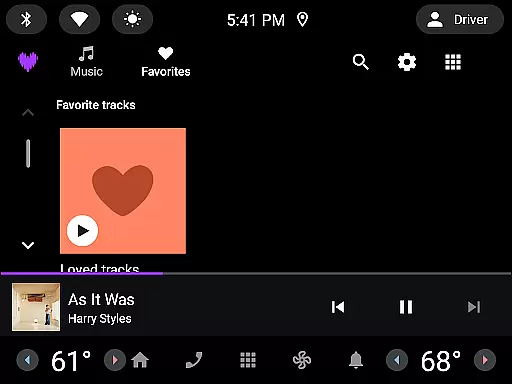
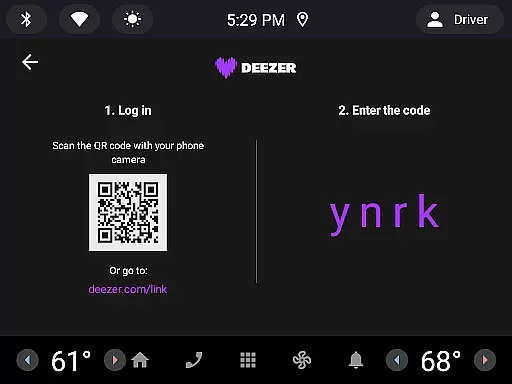

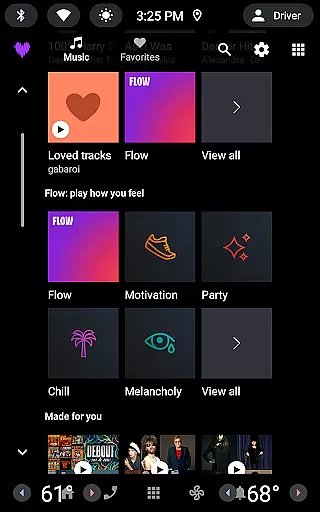
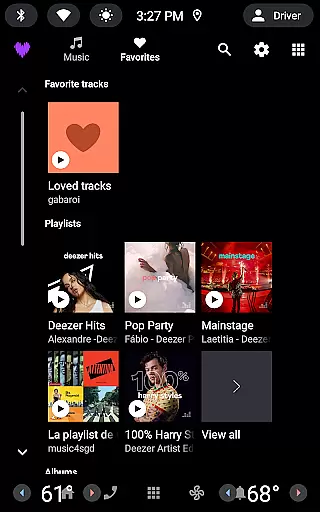

Deezer is a comprehensive music streaming platform designed specifically for Android Wear users, offering a personalized listening experience. The app provides an extensive music catalog with features like Flow, which creates an infinite, customized mix of your favorite tracks and new discoveries. It also includes curated playlists for every mood and genre, ensuring you always have the perfect soundtrack.
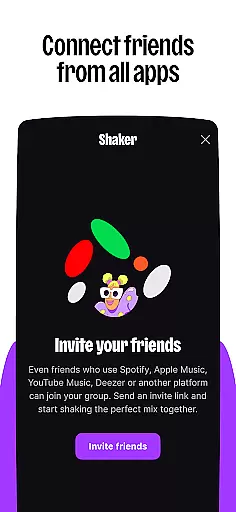
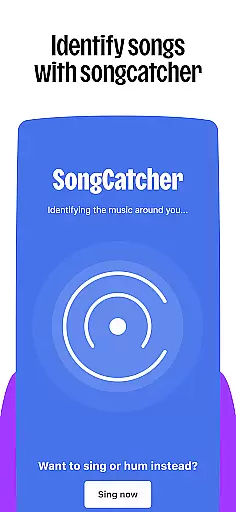
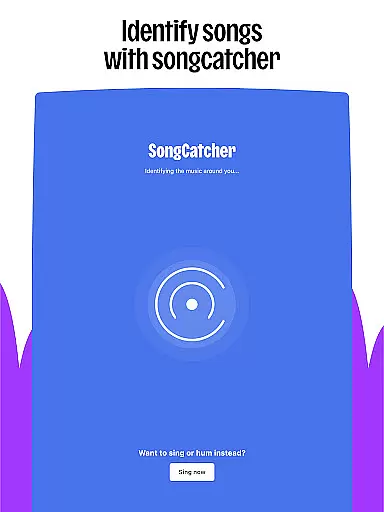
Beyond music, Deezer supports podcasts and audiobooks, making it a versatile entertainment companion. With interactive features such as Shaker for collaborative playlists and SongCatcher for identifying songs, Deezer enhances user engagement. Available in multiple subscription plans including Premium, Duo, Family, and Student options, Deezer ensures there's a plan for every listener's needs.
The app is optimized for various devices, including smart speakers, wearables, and car systems, allowing seamless music access wherever you go. Whether you're working out, commuting, or relaxing at home, Deezer delivers high-quality audio with customizable options to suit your preferences.
Deezer stands out with its rich feature set tailored for Android Wear users. The app's signature Flow feature uses advanced algorithms to create a personalized music mix that evolves with your listening habits. This ensures you're constantly discovering new tracks while enjoying your favorites. Additionally, curated playlists cover a wide range of themes, from seasonal collections to genre-specific compilations.
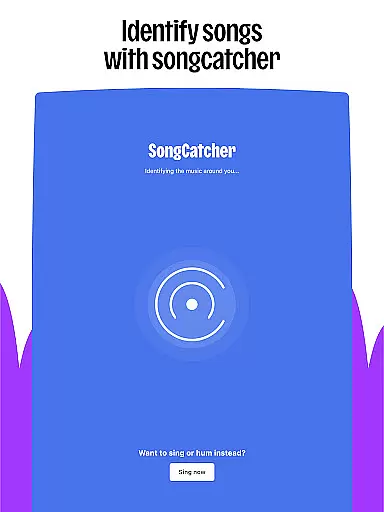
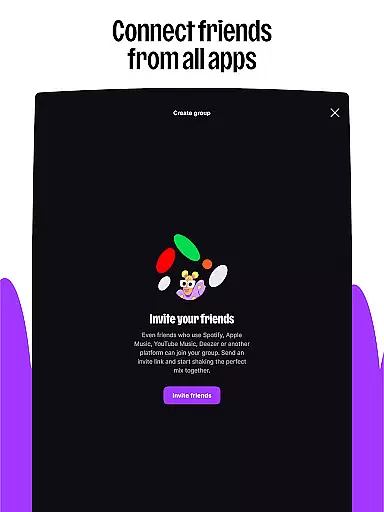
Interactive elements like Shaker enable social music experiences by letting you mix playlists with friends and compare musical tastes. The SongCatcher feature employs sophisticated audio recognition technology to identify any playing song, even through humming. Customization options are abundant, allowing users to shape their algorithm, design playlist covers, and organize their homepage layout.
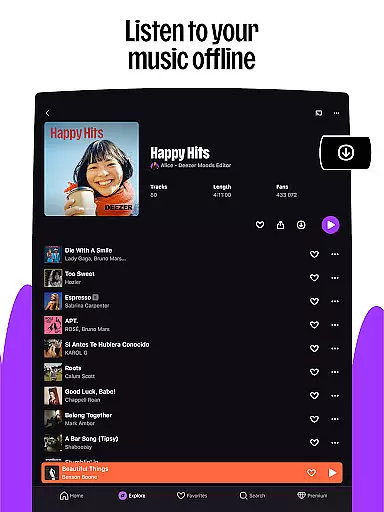
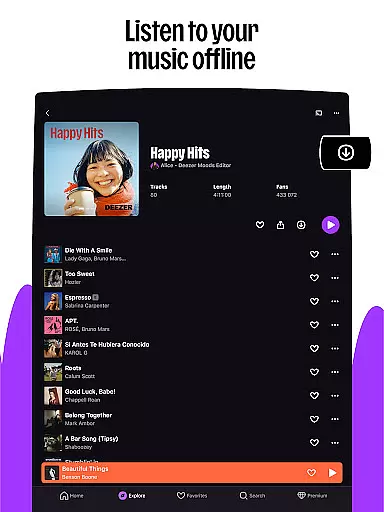
Deezer also offers essential features like ad-free listening, offline mode, unlimited skips, and HiFi audio quality. These premium aspects ensure uninterrupted, high-fidelity sound whether you're streaming online or enjoying music offline. The app's compatibility with various devices, including Galaxy Watch, Fitbit, and Automotive OS, makes it a flexible choice for modern listeners.
For users of wearable devices, Deezer offers seamless companion app integration that enhances the listening experience on the go. This feature ensures that your music, playlists, and preferences are synchronized across all your devices, allowing you to transition smoothly from your smartphone to your smartwatch or other wearables.
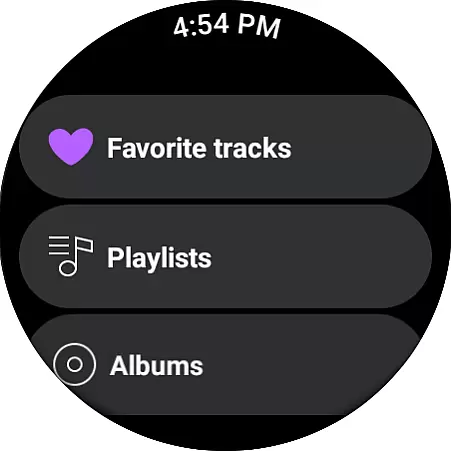
The integration is designed to maintain a consistent user interface and experience. Whether you're using a Galaxy Watch, Fitbit, or any Wear OS device, Deezer's companion app provides intuitive controls and easy access to your favorite tracks, Flow, and playlists. This means you can leave your phone behind and still enjoy your personalized music experience directly from your wrist.
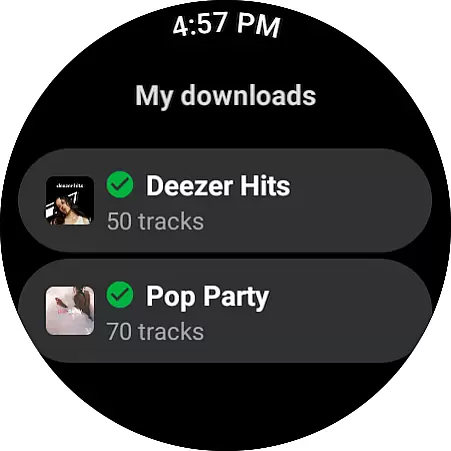
Deezer also supports voice commands and offline mode for wearables, ensuring that you have hands-free control and uninterrupted playback even without an active internet connection. This level of integration empowers users to manage their music effortlessly, whether they're working out, commuting, or simply relaxing.
By prioritizing compatibility and synchronization, Deezer ensures that its users enjoy a unified ecosystem where their music is always accessible, regardless of the device they choose to use at any given moment.
Deezer stands out with its extensive compatibility with Wear OS and various other devices, making it a versatile choice for users invested in the Android ecosystem. The app is optimized to deliver high performance on Wear OS devices, ensuring smooth navigation and playback without draining the battery life of your smartwatch.
Beyond Wear OS, Deezer extends its compatibility to include a wide range of devices such as Galaxy Watches and Fitbits. This broad device support allows users to integrate Deezer into their daily routines seamlessly, no matter which wearable technology they prefer. Each compatible device benefits from tailored features that make the most of its unique capabilities.
Furthermore, Deezer's commitment to compatibility ensures regular updates and improvements, keeping pace with advancements in wearable technology. Users can expect new features and enhancements that leverage the latest hardware innovations, providing an ever-improving experience.
This dedication to Wear OS and device compatibility underscores Deezer's mission to offer a flexible and adaptive music platform that caters to the diverse needs of modern listeners, ensuring that everyone can enjoy their favorite tunes on their terms.
User-friendly interface
Extensive music library
Personalized recommendations
Offline listening mode
HiFi audio quality
Limited free version
Occasional connectivity issues
Some features region-locked
Subscription costs
Learning curve for new users

Snowflake Rose Gold Watch Face - Digital, modern, & sleek with GYRO effect.
 4.10
4.10
Beautiful, colorful and practical watch face. For Wear OS devices.
5.00
A modern premium sporty hybrid watch face for Wear OS by Ballozi
4.70
Stylish digital watch face for Wear OS devices with customizable features
4.5
Your second brain for organizing your life: to-do, calendar, reminder.
4.70
Nutrition, Macro tracker: Food, fitness & healthy diet tracking for weight loss
4.60
Locate your family members by GPS phone location tracker everywhere and anytime
4.30
Toyota app currently supports 2010 or newer vehicles (2018 or newer for Hawaii).
4.50
Download full tracks, listen to music offline, make unlimited playlists.
4.80
The Chevron App allows you to pay for fuel from the comfort of your car!
4.80
Diet tracker for weight loss - track calories, food and macros. Simple and easy!
4.70
Highly customizable hybrid watch face for Wear OS, perfect for everyday use.
4.60
Rose gold watch face with festive lights & customizable features.
4.60
Retro digital watch face with customizable colors and a unique lighting effect
4.60
Ideal for surviving in the wasteland left after nuclear fallout
4.50
Viewer for Wyze/Yi/Eufy/Arlo/ONVIF/RTSP/P2P IP cams w/ adv. features & DIY DVR
4.00
Get helpful reminders, take progress photos and find answers to your questions.
3.90
an Analog Watch Face for winter season with freeze winter background for Wear OS
4.4
Christmas is near, let's count together the days left until Santa comes
4.5


User Reviews