
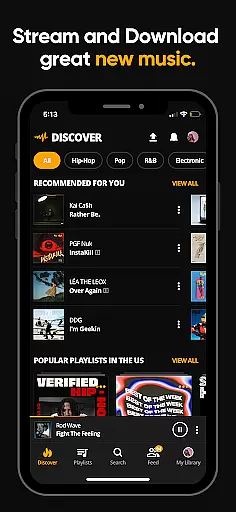
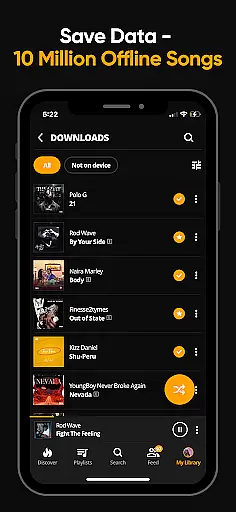
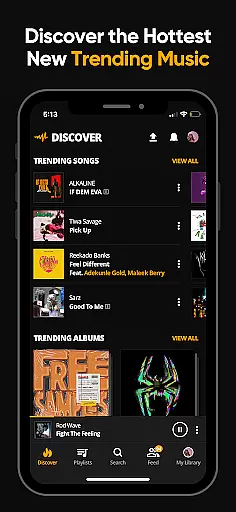
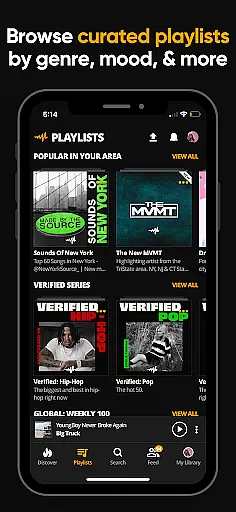
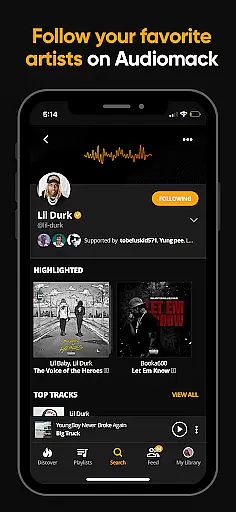
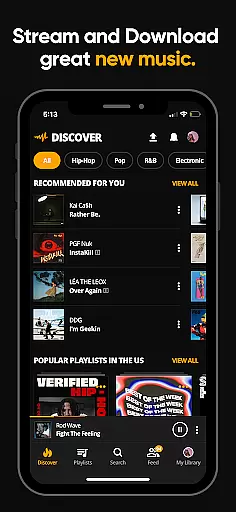
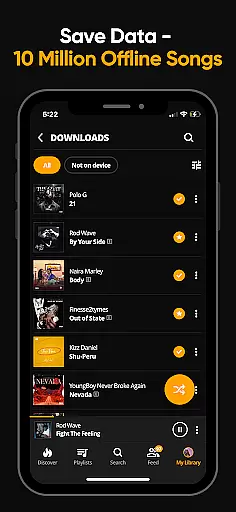
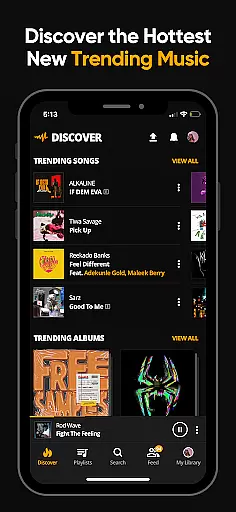
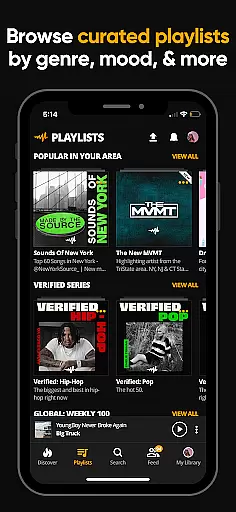
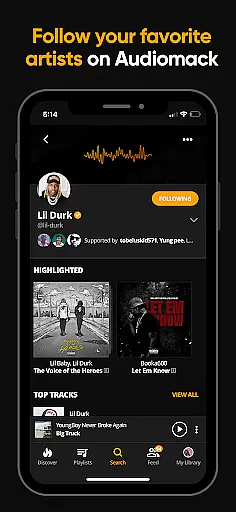
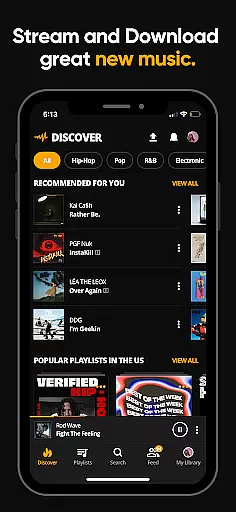
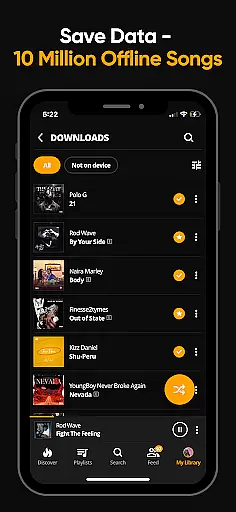
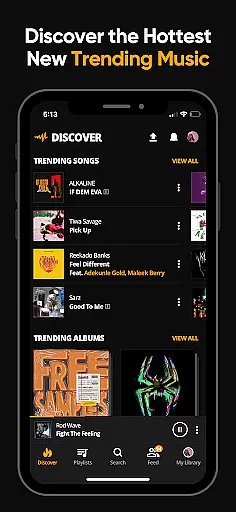
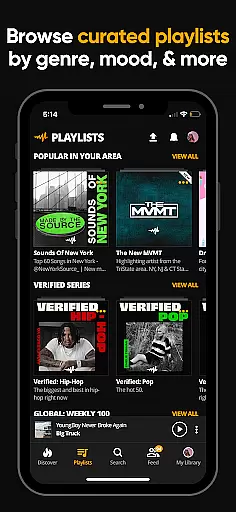
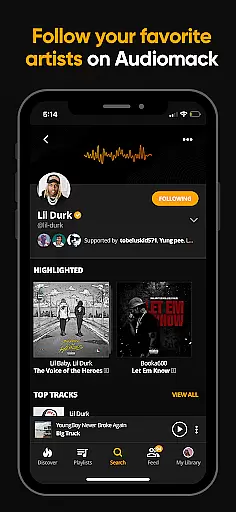
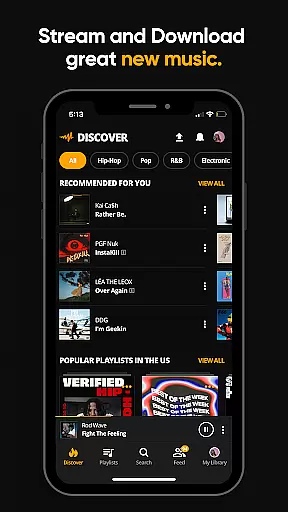
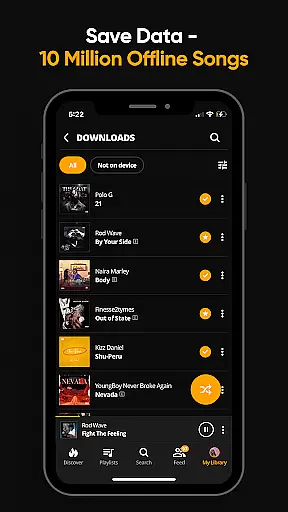
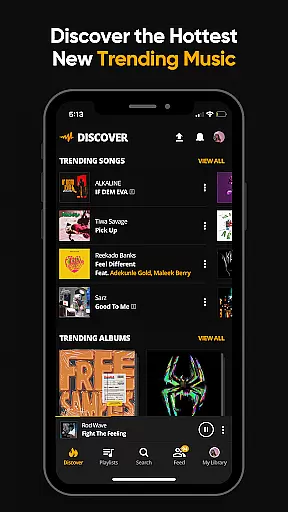
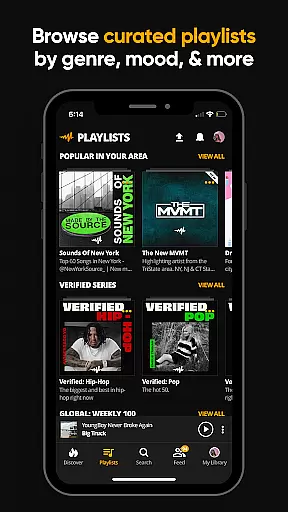
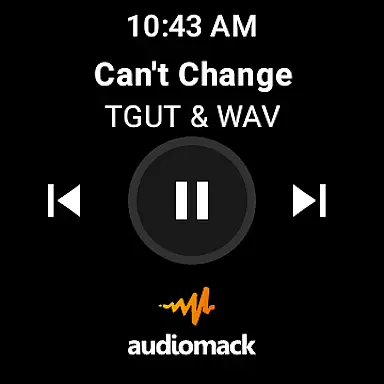
Audiomack is a premier music streaming application tailored for Android Wear, offering users the ability to stream and download trending full tracks without using data. It provides access to an extensive library of Hip-Hop, Rap, R&B, EDM, Afropop, and Reggae music, curated by top artists. With offline listening capabilities, Audiomack ensures that you can enjoy your favorite songs anytime, anywhere, even without an internet connection.
One of the standout features of Audiomack is its seamless integration with local music files, allowing users to play MP3s, WAVs, M4As, and AACs directly from the app. Whether you're commuting or traveling, Audiomack's offline mode and expertly curated playlists cater to every mood and genre preference, making it an indispensable tool for music enthusiasts on the go.
Audiomack stands out with its rich feature set designed to enhance user experience on Android Wear devices. The app allows unlimited streaming of new and trending music tracks, ensuring users are always up-to-date with the latest in the music world. Its offline download capability lets you save songs and albums, which can be played without consuming data, perfect for areas with poor connectivity.
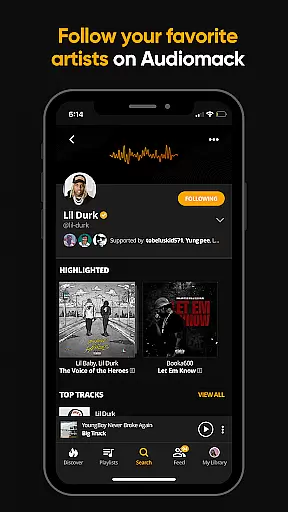
Beyond streaming, Audiomack offers powerful organizational tools such as the ability to create unlimited playlists and favorite tracks, albums, and playlists for easy access. Integration with local file players means you can also manage and listen to your personal music collection within the app. Additionally, following your favorite artists and tastemakers provides personalized content, keeping you connected to the music and artists you love.
For Audiomack users, the seamless integration between the main mobile application and its Wear OS counterpart enhances the overall music streaming experience. This companion app integration allows users to control their music directly from their smartwatch, providing unparalleled convenience.
The Audiomack app ensures that your playlists, downloaded tracks, and favorite songs are synchronized across all devices. Whether you're at the gym or commuting, you can easily manage playback, browse through your music library, and receive real-time updates without needing to reach for your phone.
This synchronization extends to Android Auto as well, meaning drivers can enjoy a safer and more engaging audio experience on the road. With everything from play/pause functions to skipping tracks accessible via voice commands or touch controls in the car, Audiomack's cross-platform functionality is designed with user accessibility in mind.
Audiomack's compatibility with Wear OS devices guarantees that users have access to their music library no matter where they are or what they're doing. The app has been optimized for various screen sizes and input methods, ensuring an intuitive interface whether interacting via touch or voice.
Device compatibility goes beyond just supporting different hardware; it also involves maintaining consistent performance levels and feature availability. Users will find that even on smaller screens, navigating through extensive catalogs of Hip-Hop, Afropop, EDM, and other genres remains smooth and responsive.
Moreover, by embracing the latest standards set by Googleu2019s wearable platform, Audiomack not only supports current models but is also prepared for future innovations within the ecosystem. This forward-thinking approach ensures long-term value for subscribers who rely on their smartwatches not just for fitness tracking but also entertainment purposes.
User-friendly interface
Extensive music library
Offline listening mode
Curated playlists
Cross-platform support
Limited free version
Occasional ads
High storage usage
Premium subscription cost
Dependent on music labels

Gym Log & Workout Tracker | Fitness Journal, Training & Weight Lifting Planner
 4.90
4.90
Calming & relaxing sounds for sleeping and stress relief. Stay focused all day!
4.20
A customizable Christmas watch face for Wear OS with a countdown.
4.20
Wear Os Watch Face - Animated Snow - Sesonal for Christmas & Winter
4.2
Rose gold watch face with festive lights & customizable features.
4.60
Analog watch face with 8 complications and expedition styling
4.5
Your second brain for organizing your life: to-do, calendar, reminder.
4.70
Hybrid Vibrant Health Watch Face for Wear OS
4.5
Toyota app currently supports 2010 or newer vehicles (2018 or newer for Hawaii).
4.50
Kia Access makes getting your vehicle information easier than ever
4.60
A realistic hybrid watch face with many customization options.
4.60
Stylish, Energizing and Modern Watch Face crafted by Dominus Mathias.
4.50
Find EV charging stations
4.30
sleep, alarm, snoring, stress, healing, focus, sound therapy, circadian rhythm
4.10
Watch the sharpness of the sky on your wrist..
3.70
A heartwarming Christmas scene featuring a cute image of Santa and Rudolf
4.0
Artistic Digital Watchface
4.1
Simple Analog-Digital Watchface For Wear OS 3.0 and Up Smartwatches
4.2
Funny animated watch face for Thanksgiving
4.0


User Reviews