
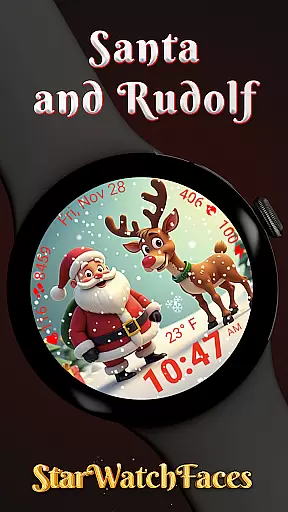
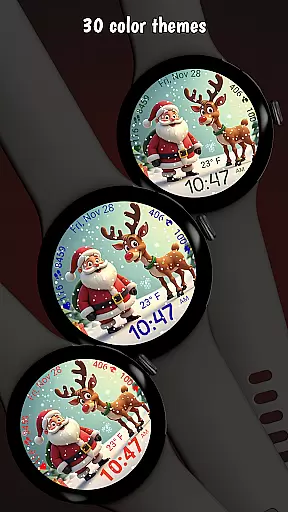
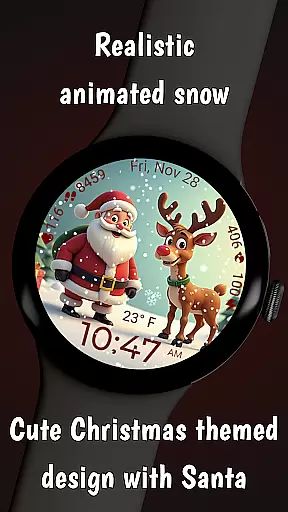
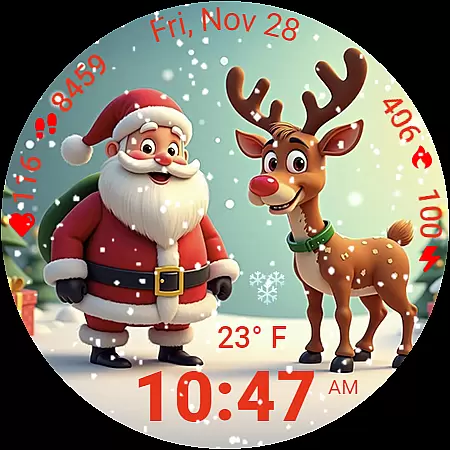
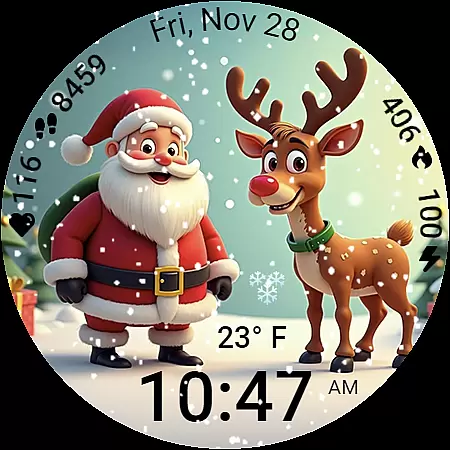
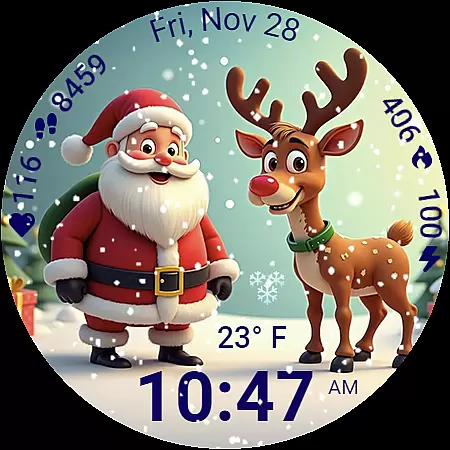
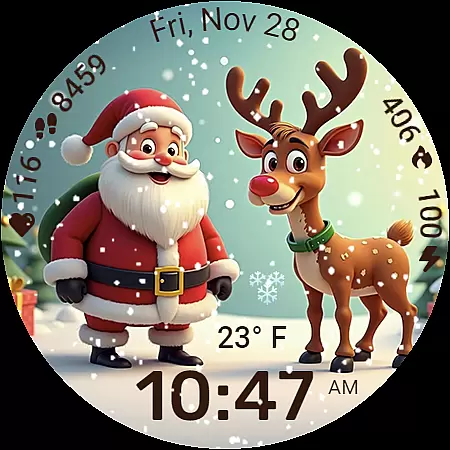
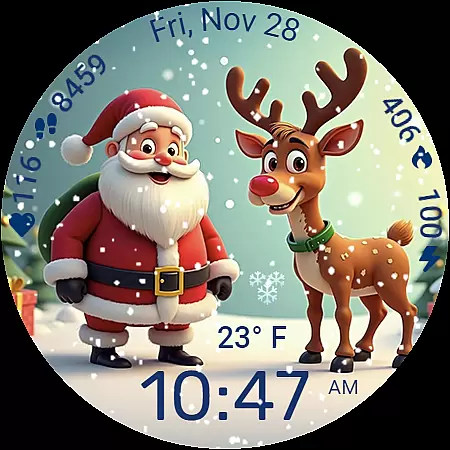
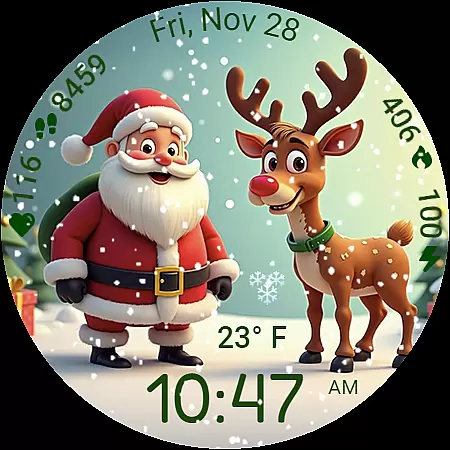
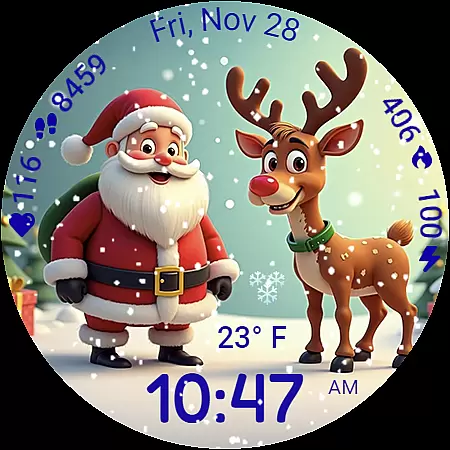
Santa and Rudolf Christmas WF is a premium Wear OS watchface that brings festive charm to your Galaxy Watch. Featuring delightful animations, customizable options, and essential health data, it offers both style and functionality. Designed for holiday lovers, this app transforms your smartwatch into a winter wonderland while maintaining practical utility.
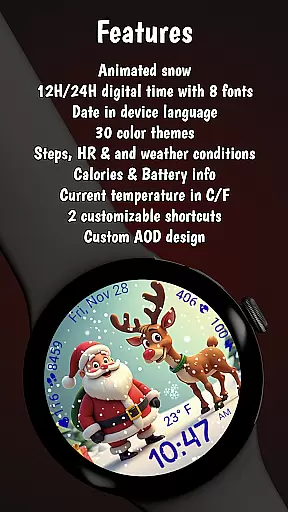
The watchface includes animated snowfall, 8 time fonts, 30 color themes, and various shortcuts. It displays crucial information like steps, heart rate, and weather conditions in an easy-to-read layout. Optimized for performance, it ensures low battery consumption without compromising visual quality.
This watchface stands out with its unique combination of holiday spirit and smartwatch functionality. The centerpiece is a beautifully illustrated scene of Santa and Rudolf, enhanced by realistic animated snowfall that creates an immersive Christmas atmosphere.
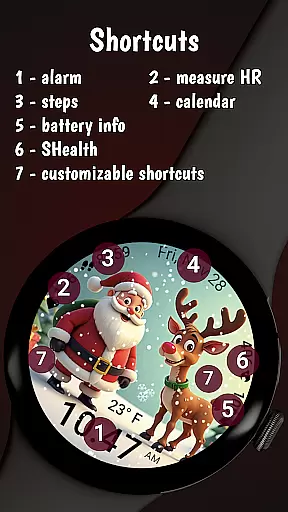
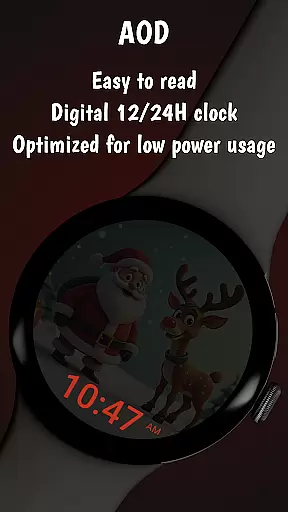
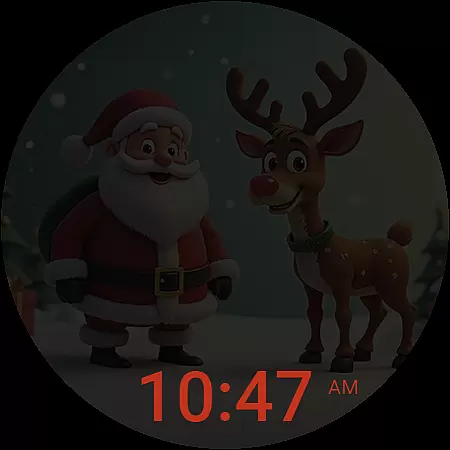
Customization options are extensive - users can choose from 8 digital time fonts, 30 color themes, and multiple display formats. Practical features include localized date display, always-on functionality, and two customizable shortcuts. Health and activity data such as calories burned, step count, and heart rate are presented in a clean, professional layout.
The application is optimized for Wear OS 5 and newer, ensuring smooth performance and efficient battery usage. Its lightweight design maintains visual quality while minimizing resource consumption, making it suitable for everyday use during the holiday season.
Companion app integration is essential for a seamless smartwatch experience. The Santa and Rudolf Christmas watchface excels in this area by offering deep connectivity with its dedicated companion app.
Through the companion app, users can access an extensive customization suite. This includes options to modify background images, adjust color themes, and configure complications according to personal preferences.
The integration extends beyond mere customization. Users can explore additional watchfaces crafted by the developers, creating a comprehensive Wear OS experience that keeps their Galaxy Watch feeling fresh and new.
This robust companion app functionality ensures that users can maximize their watchface's potential while enjoying a user-friendly interface that makes management effortless.
Device compatibility is crucial for ensuring optimal performance of any Wear OS application. The Santa and Rudolf Christmas watchface is specifically optimized for Galaxy Watches running Wear OS 5 or newer.
This compatibility focus guarantees that users enjoy the full range of features without compromise. Smooth animations, accurate health tracking, and customizable shortcuts work harmoniously on supported devices.
While designed primarily for Samsung devices, the watchface maintains fundamental functionality on other Wear OS platforms. However, certain advanced features like weather updates or specialized shortcuts might be limited on non-Samsung devices.
By targeting specific device parameters, the developers have created a watchface that balances broad accessibility with exceptional performance on recommended hardware.
Festive holiday theme
Extensive customization
Smooth animations
Health data tracking
Battery efficiency
Limited compatibility
Premium cost
Complex setup
Weather dependency
Brand restrictions

Gym Log & Workout Tracker | Fitness Journal, Training & Weight Lifting Planner
 4.90
4.90
Snowflake Rose Gold Watch Face - Digital, modern, & sleek with GYRO effect.
4.10
A Wintery Snow Globe on Your Wrist; now celebrating Christmas!
4.5
Embrace the festive spirit with our Christmas Countdown watchface for Wear OS
4.10
The most customizable minimal watch face. For Wear OS 5.0, API 34+ and later
4.70
Locate your family members by GPS phone location tracker everywhere and anytime
4.30
Funny animated watch face for Thanksgiving
4.1
Fast and smart typing with Emojis, GIFs, and more
4.50
From periods to pregnancy & perimenopause, Flo helps you track it all. Try now.
4.70
Digital, flexibly customizable watch face. For Wear OS 5.0, API 34+ and later.
5.00
Be an elegant and classy secret agent, with this carefully detailed watch face
4.70
Retro digital watch face with customizable colors and a unique lighting effect
4.60
Current temperature, weather hourly, weather radar by the weather forecast app
4.40
Digital watch face. For Wear OS devices.
4.40
Reliable phone calls with spam protection, caller ID and more helpful features
4.40
The ultimate destination for kids ages 3-8 to explore the Marvel Universe!
4.30
Elegant animated Christmas tree with multiple customization options
4.20
Want to take charge of your health? Let Google Fit help you reach your goals.
3.50
Fitness interactive virtual pet super fighter boy watch face
4.4


User Reviews