
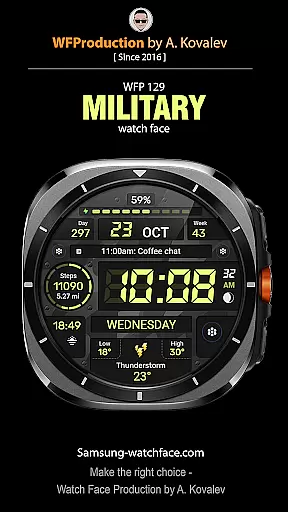
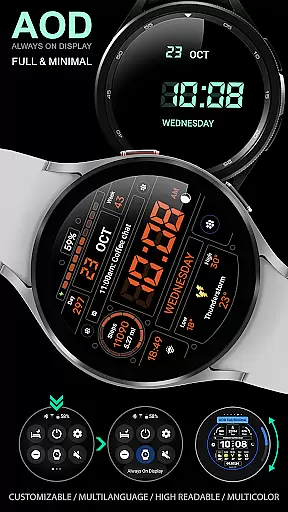
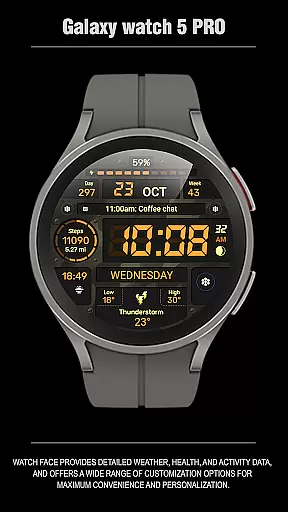
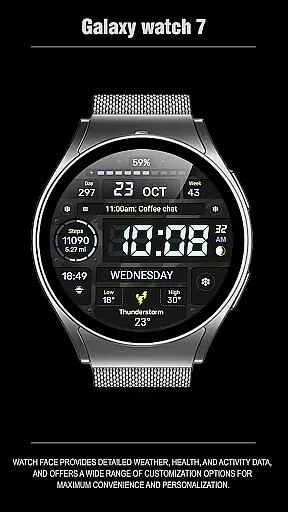
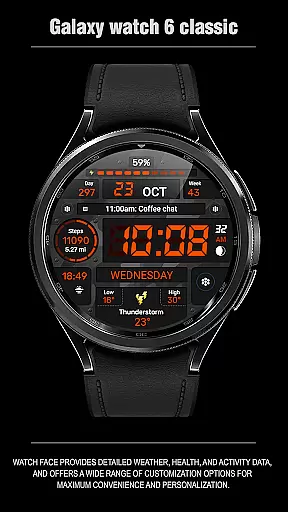
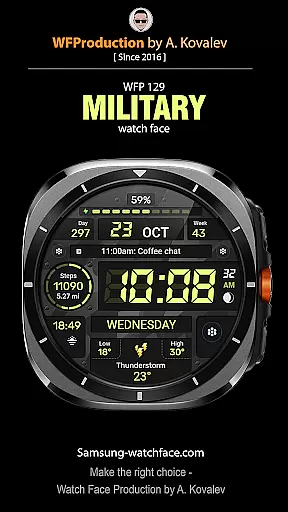
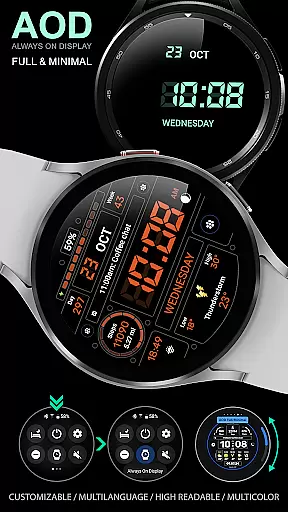
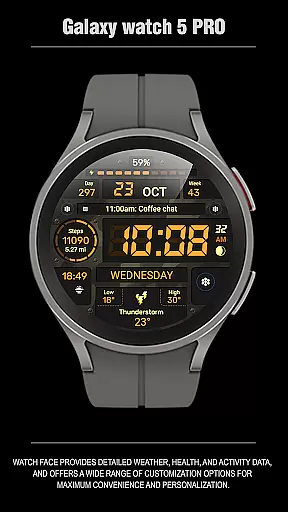
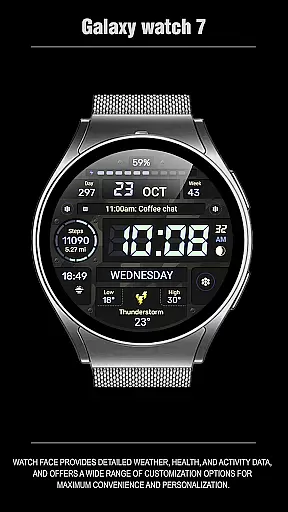
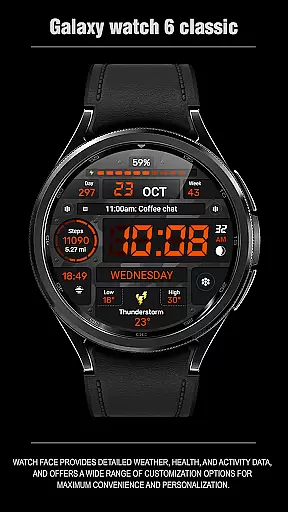
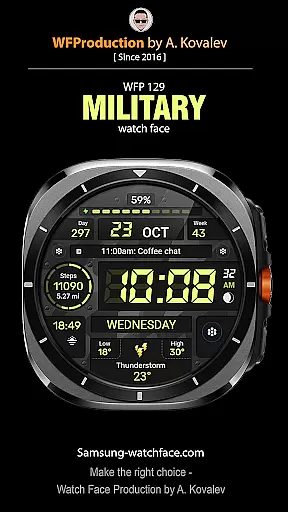
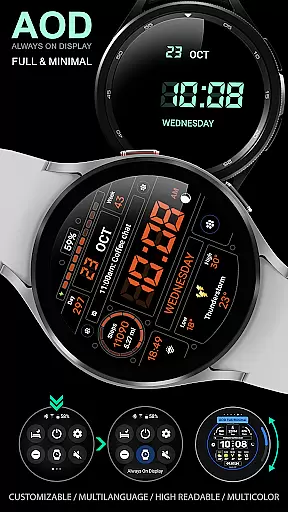
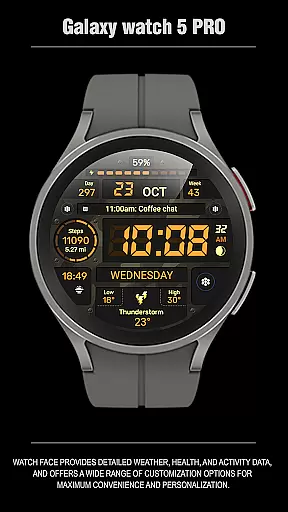
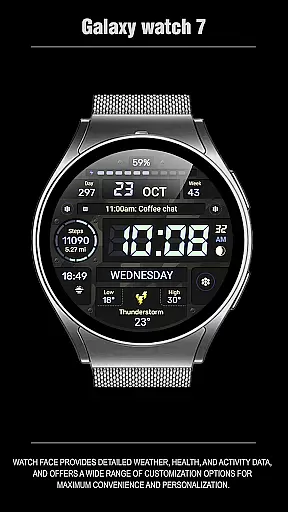
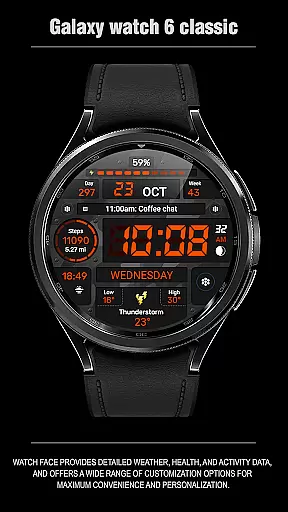
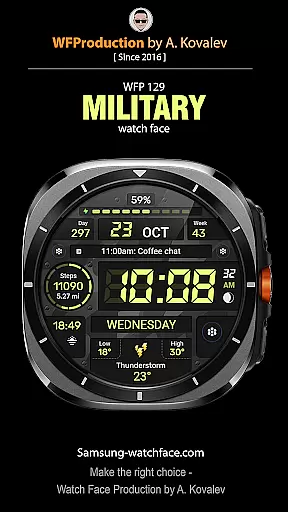
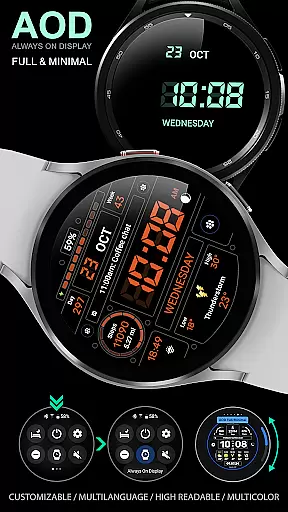
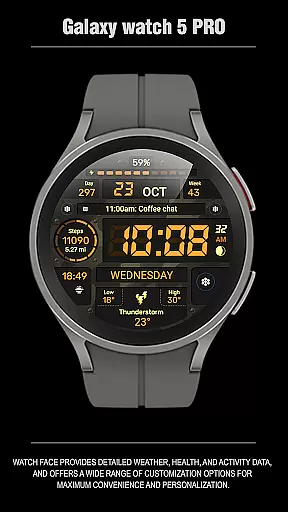
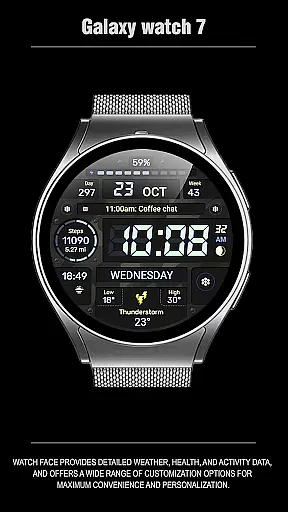
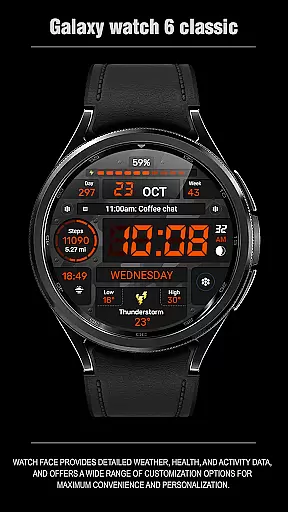
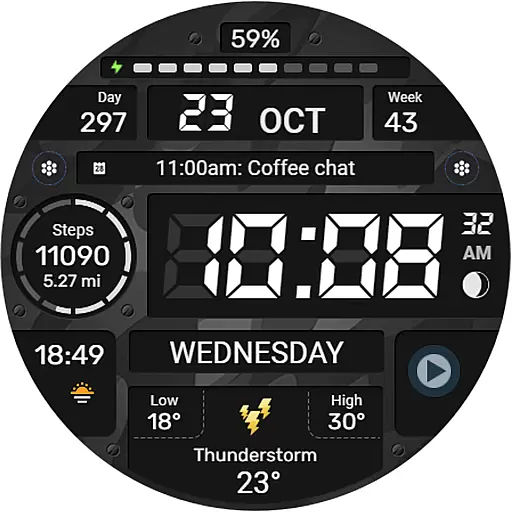
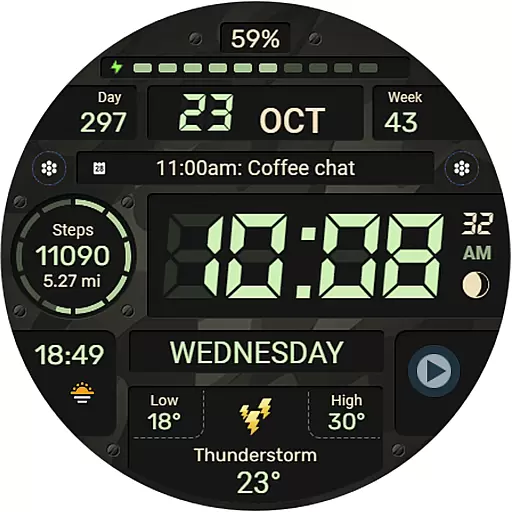
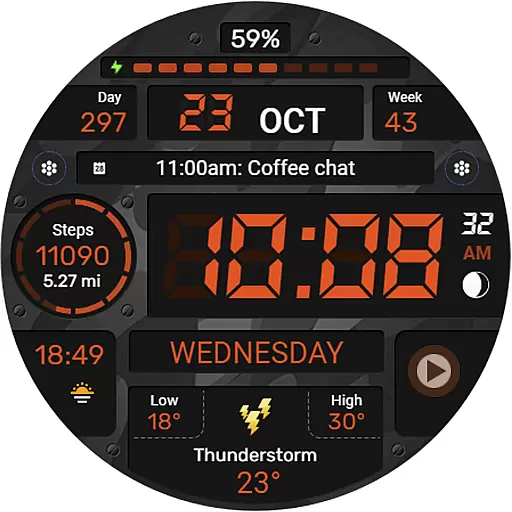
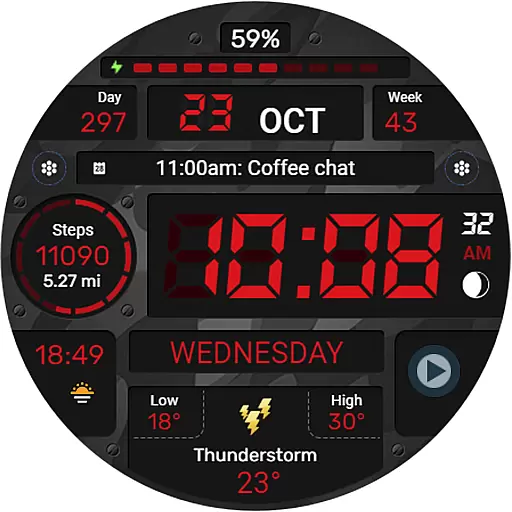
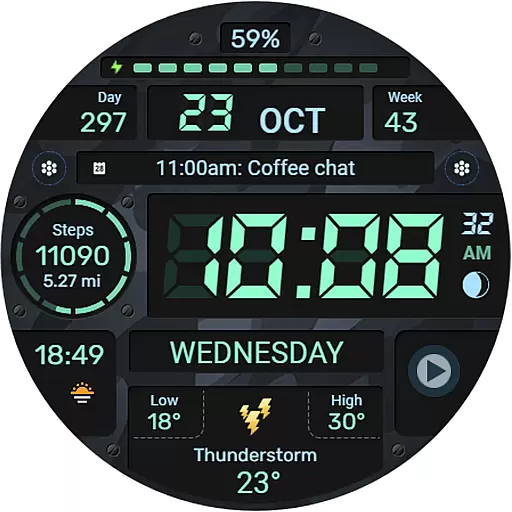
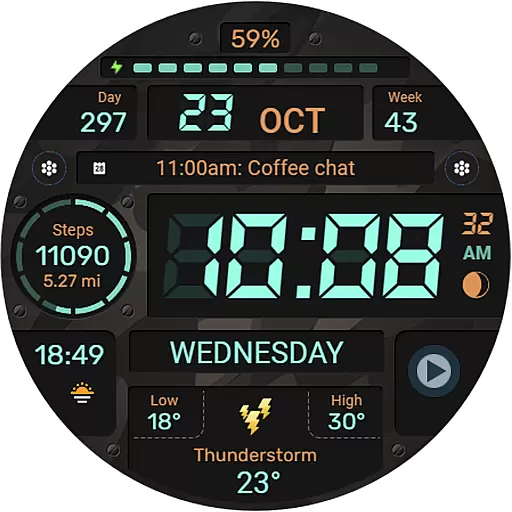
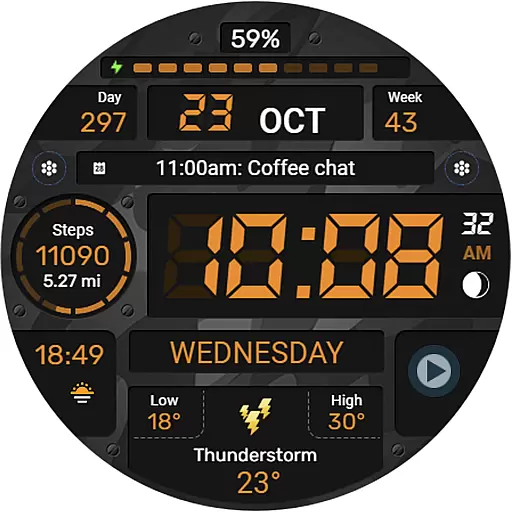
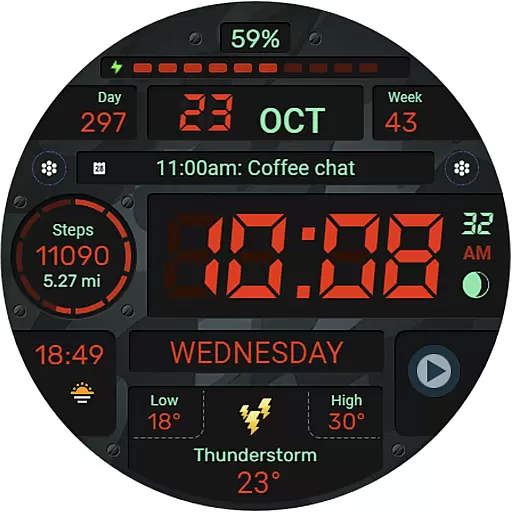
WFP 129 Military watch face is a versatile and feature-rich digital watch face designed for WearOS devices. It supports API Level 30+ and offers users a customizable experience with its wide range of features.
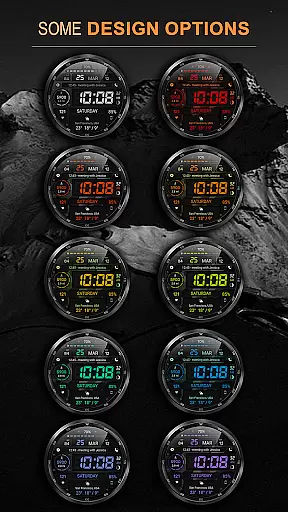
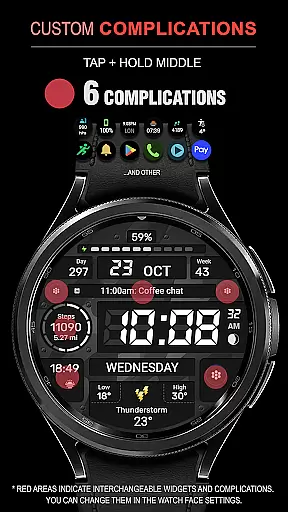
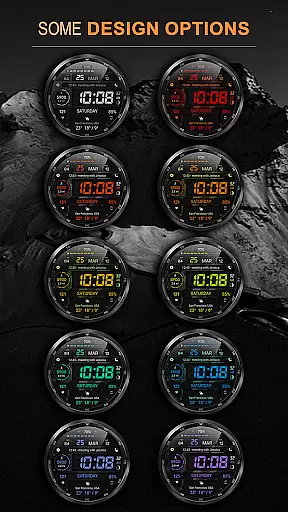
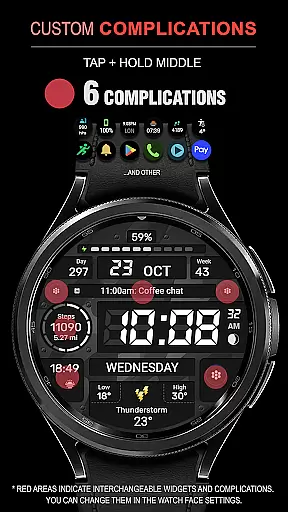
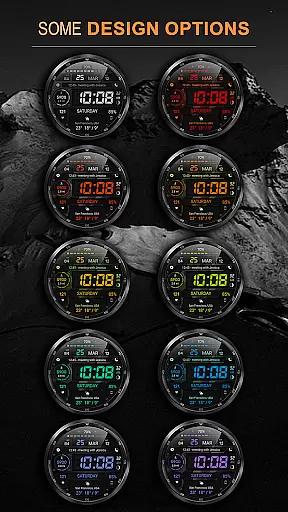
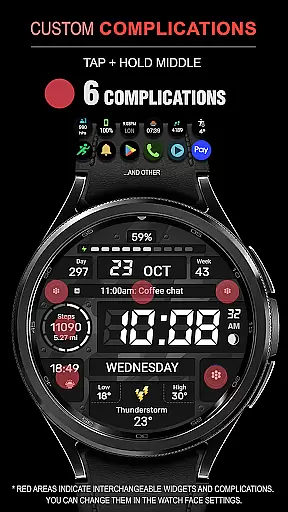
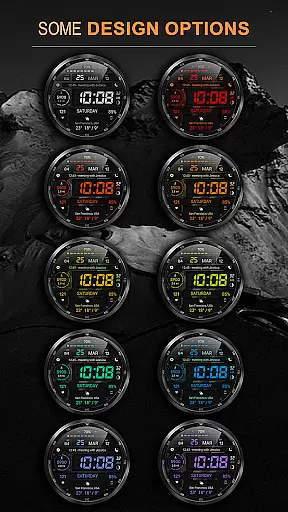
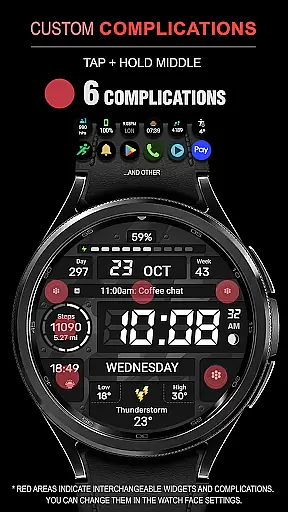
The watch face includes six complications and widgets, 30 background color combinations, high resolution display, and optimized performance with low battery consumption. Users can choose between 12/24 hour time formats, Fahrenheit/Celsius temperature displays, and enjoy multilingual support.
Perfect for those seeking both functionality and personalization on their smartwatch, this military-style watch face provides essential information at a glance while allowing for extensive customization options.
This Android Wear app stands out with its comprehensive feature set tailored to enhance user experience. The WFP 129 Military watch face allows up to six complications and widgets, giving users quick access to important data such as distance in Km/Miles, calories, floors climbed, and more.
With thirty different background color combinations available, users can personalize their watch face to match their style. The high-resolution display ensures clarity, while the optimization techniques used result in minimal battery drain.
Additional features include multilingual support, flexible time format settings (12/24 hours), weather display in Fahrenheit or Celsius, and customizable Always-On Display (AOD) modes that offer both full and minimal views.
For the WFP 129 Military watch face, companion app integration is crucial for a seamless user experience. This functionality ensures that data captured on your wearable device syncs effortlessly with your smartphone application.
The watch face supports WearOS 4 and API Level 30+, which means it's designed to work in harmony with its companion app to provide features like phone charge widgets, fitness tracking, and more. By following the provided instructions, users can optimize their setup to make the most of these capabilities.
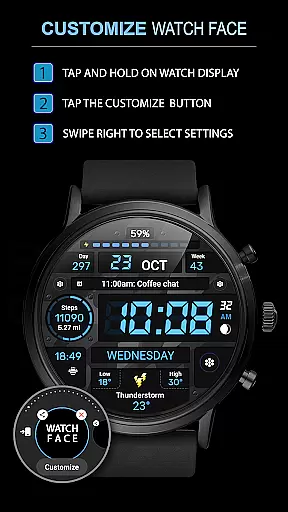
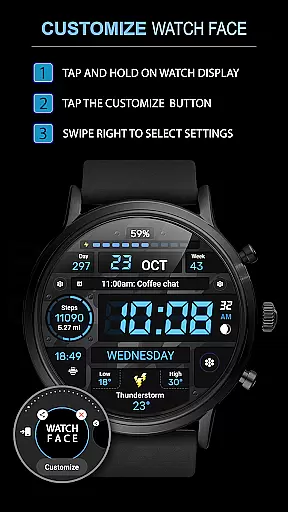
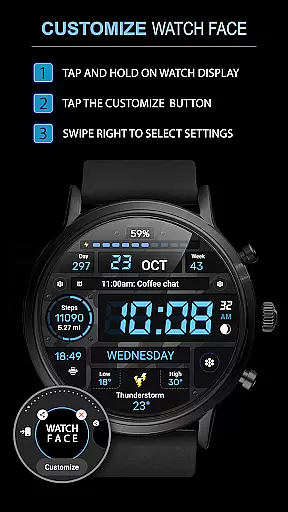
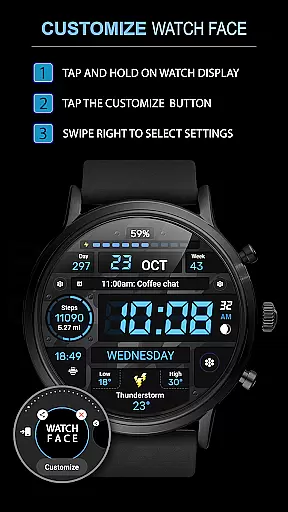
Users benefit from this integration through real-time updates and access to advanced settings, allowing them to customize their watch face with complications, multilingual support, and weather information in preferred units. This connectivity enhances the overall utility and personalization options available.
Ultimately, the value lies in having a cohesive ecosystem where your wearable and mobile devices communicate effectively, ensuring you have all necessary information at your fingertips, whether it's time, health stats, or environmental conditions.
Compatibility with various Wear OS devices is a key feature of the WFP 129 Military watch face. Ensuring that the watch face functions across different devices running Wear OS 4 and above provides flexibility and wide-reaching usability for consumers.
This watch face is optimized for high resolution and low battery consumption, making it suitable for a range of devices without compromising performance. Its design accommodates both technological advancements and user preferences, such as 12/24 hour time formats and customizable Always-On Display modes.
By supporting multiple languages and offering 30 background color combinations, it caters to diverse user needs while maintaining system efficiency. Users can enjoy an intuitive interface that works reliably on their specific device model.
In summary, robust Wear OS and device compatibility not only expands the potential user base but also guarantees a consistent and satisfying experience regardless of the specific hardware being used.
Highly Customizable
Low Battery Usage
Multilingual Support
Optimized Performance
Multiple Color Options
Requires WearOS 4
API Level 30+ Needed
Widgets Need Setup
Limited Free Features
Premium Version Cost

Wear Os Watch Face - Animated Snow - Sesonal for Christmas & Winter
 4.5
4.5
Rose gold watch face with festive lights & customizable features.
4.60
Beautiful, colorful and practical watch face. For Wear OS devices.
5.00
Gym & home workout plans with strength training, exercise tracking, HIIT & more.
4.60
Real-time weather radar with temperatures, warnings, hurricanes, and widgets
4.80
Stylish, Energizing and Modern Watch Face crafted by Dominus Mathias.
4.50
A digital watch face that celebrates Christmas.
4.00
Your music, your playlists, and more—offline and unlimited.
4.20
Fitbit is dedicated to helping people lead healthier, more active lives.
4.10
Christmas Theme Watch Face for Wear Os
5.00
Gym Log & Workout Tracker | Fitness Journal, Training & Weight Lifting Planner
4.90
Easy Voice Recorder is your everyday companion to record important moments.
4.70
Highly customizable hybrid watch face for Wear OS, perfect for everyday use.
4.60
Wear Os Watch Face - Animated Snow Effect & Magic Spark - 6 Scenes
4.10
Get helpful reminders, take progress photos and find answers to your questions.
3.90
Wear Os Watch Face - Animated Snow Effect & Christmas Lights
4.4
Contemporary digital watch face with five complications
4.4
3 Complications. All shadow on/off. 30 Themes color palette...
4.2
Hybrid Vibrant Health Watch Face for Wear OS
4.2


User Reviews