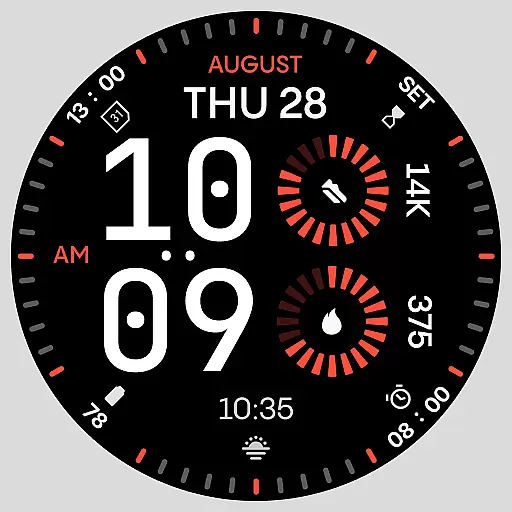
Stunning modern digital watch face with 7 complications and strong contrast
 4.1
4.1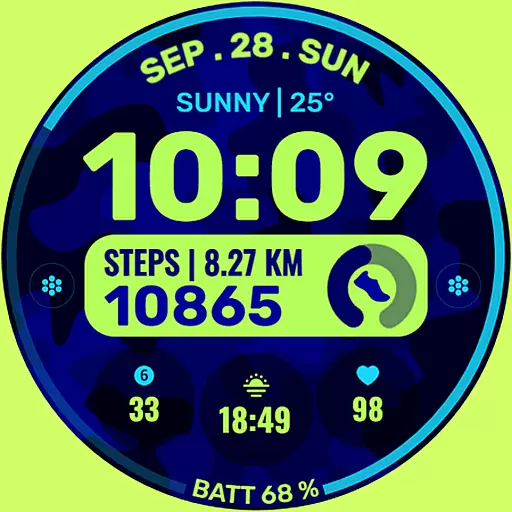
Artistic Digital Watchface
4.3
Connect to your Bluelink equipped Hyundai vehicle from your smartphone.
4.50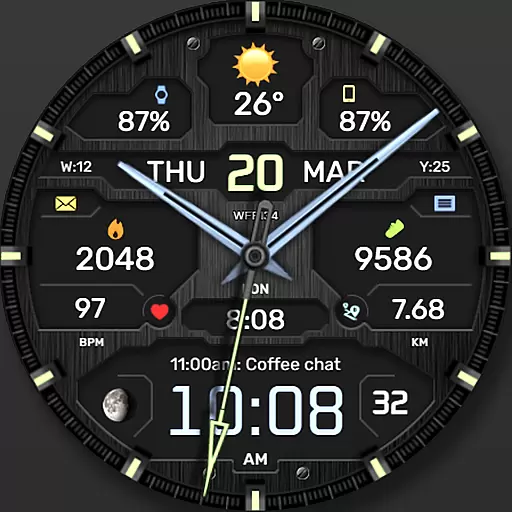
The most customizable hybrid watch face. For Wear OS 5.0, API 34+ and later
4.70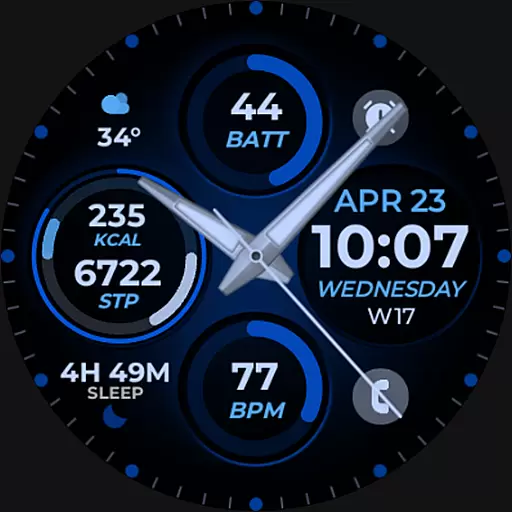
Hybrid Vibrant Health Watch Face for Wear OS
4.0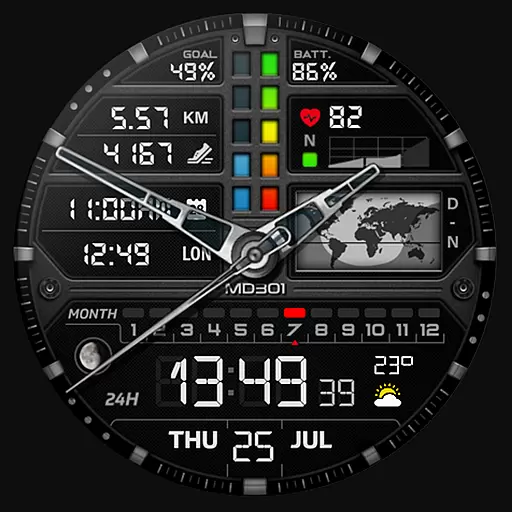
Hybrid watch face for Wear OS with customizable complications by Matteo Dini MD
4.70
Your music, your playlists, and more—offline and unlimited.
4.20
Track your active life in one place and share the journey with friends.
4.40
Toyota app currently supports 2010 or newer vehicles (2018 or newer for Hawaii).
4.50
Period, ovulation & pregnancy tracker. Fertility insights & menstrual calendar.
4.90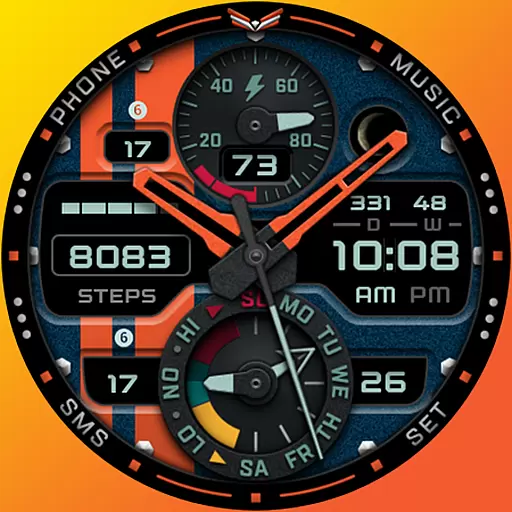
A modern premium sporty hybrid watch face for Wear OS by Ballozi
4.70
Kia Access makes getting your vehicle information easier than ever
4.60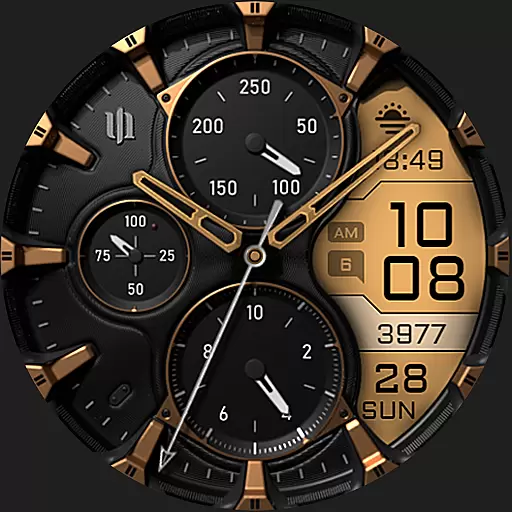
A realistic hybrid watch face with many customization options.
4.60
Simple, helpful messaging by Google
4.60
The ultimate destination for kids ages 3-8 to explore the Marvel Universe!
4.30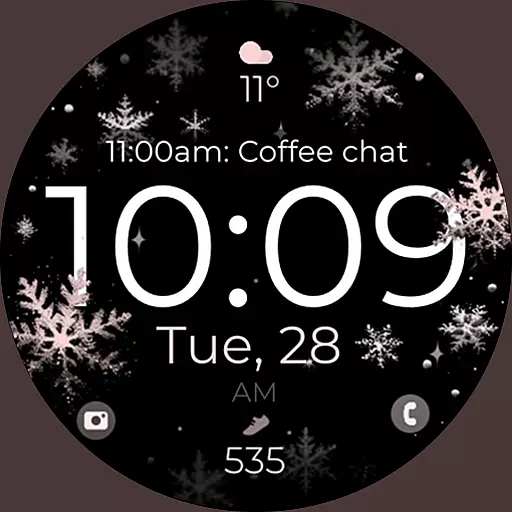
Snowflake Rose Gold Watch Face - Digital, modern, & sleek with GYRO effect.
4.10
The #1 source of faces for your smartwatch!
4.00
A full-featured Amazon Alexa voice assistant that can show you things.
3.70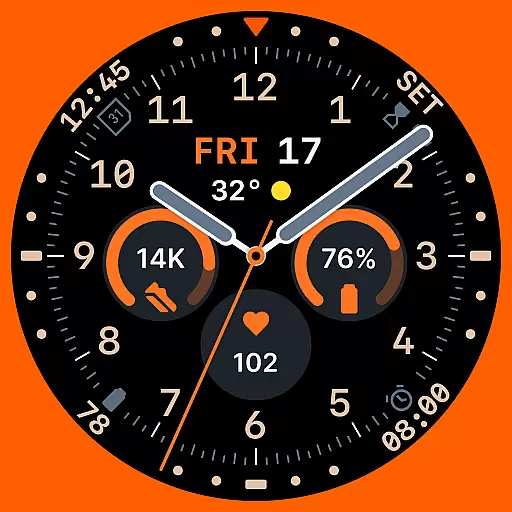
Analog watch face with 8 complications and expedition styling
4.5


