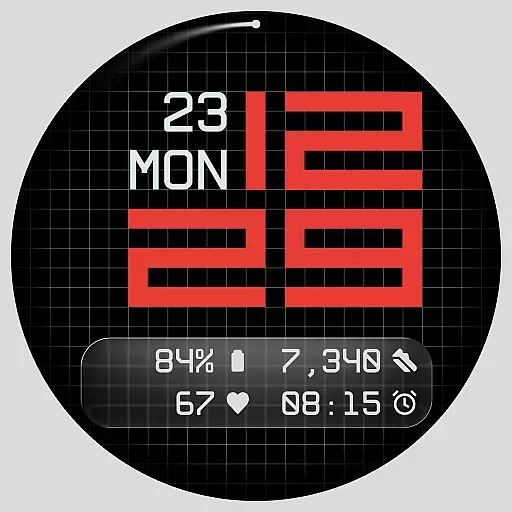
Diet tracker for weight loss - track calories, food and macros. Simple and easy!
 4.70
4.70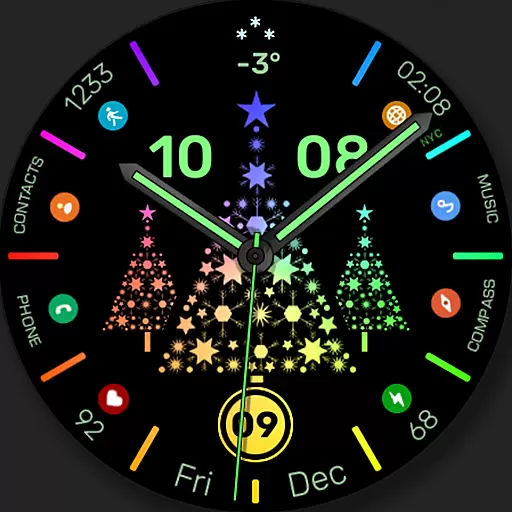
Christmas watch face. For Wear OS devices.
4.30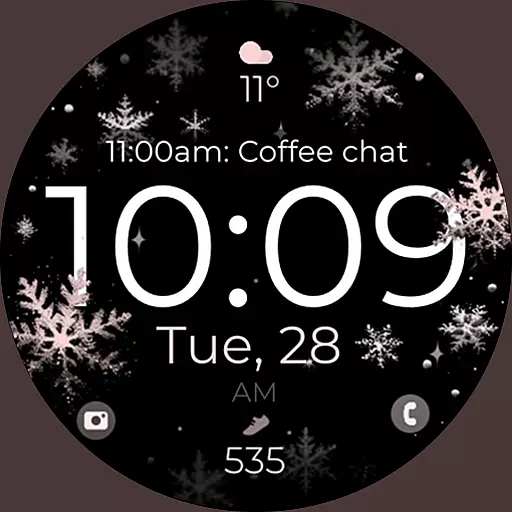
Snowflake Rose Gold Watch Face - Digital, modern, & sleek with GYRO effect.
4.10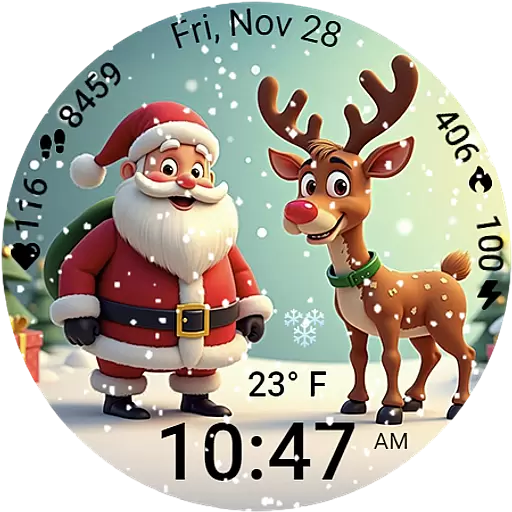
A heartwarming Christmas scene featuring a cute image of Santa and Rudolf
4.2
Connect to your Bluelink equipped Hyundai vehicle from your smartphone.
4.50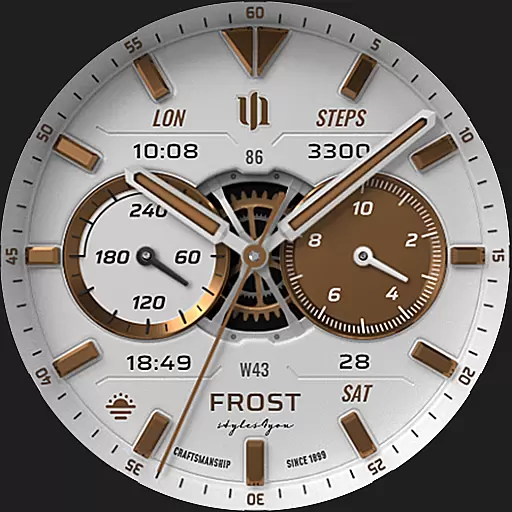
A white realistic classic analog watch face with many customization options.
4.40
Your music, your playlists, and more—offline and unlimited.
4.20
Connect, create, and collaborate with Gmail, part of Google Workspace.
4.10
Want to take charge of your health? Let Google Fit help you reach your goals.
3.50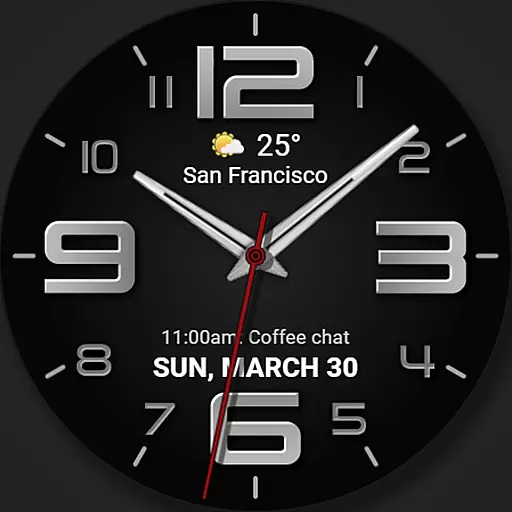
The most customizable minimal watch face. For Wear OS 5.0, API 34+ and later
4.70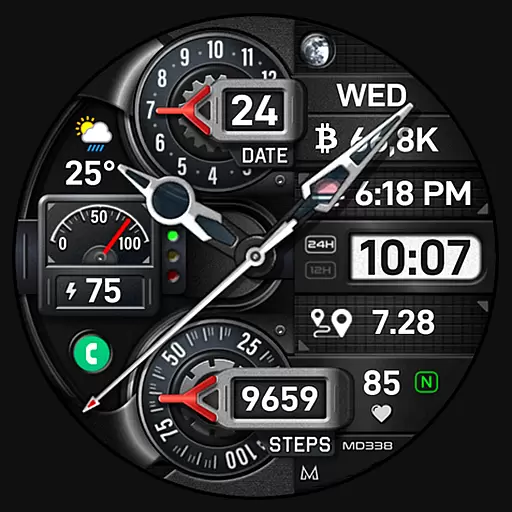
Highly customizable hybrid watch face for Wear OS, perfect for everyday use.
4.60
Kia Access makes getting your vehicle information easier than ever
4.60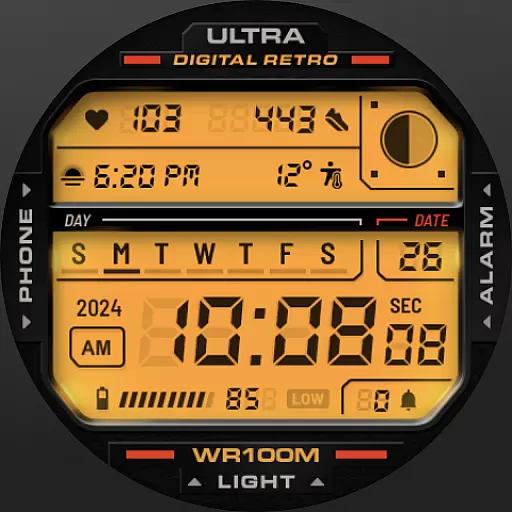
Retro digital watch face with customizable colors and a unique lighting effect
4.60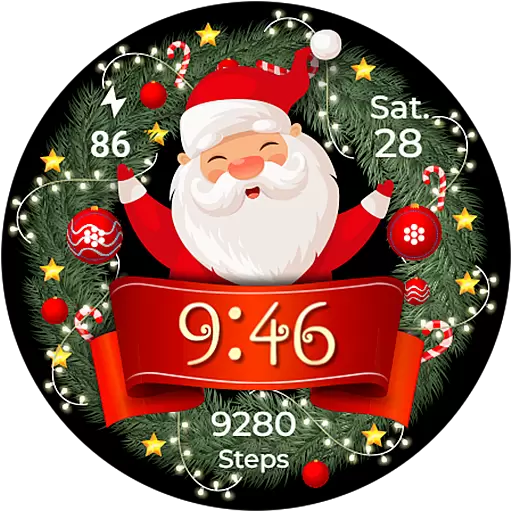
Deck out your Wear OS Watch face with a beautifully decorated pine wreath!
4.50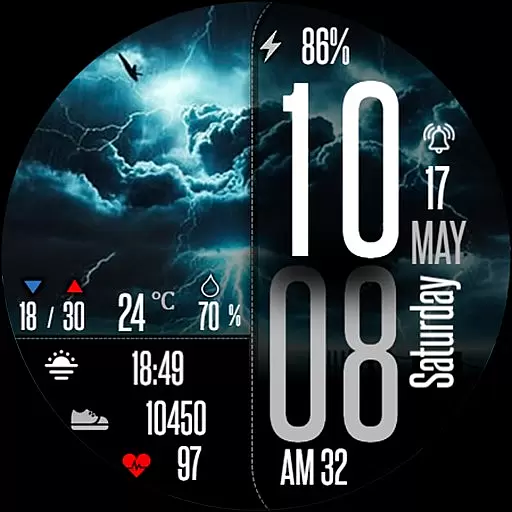
Daily Weather forecast with 15 weather images for Day & Night plus Big Bold time
4.10
The #1 source of faces for your smartwatch!
4.00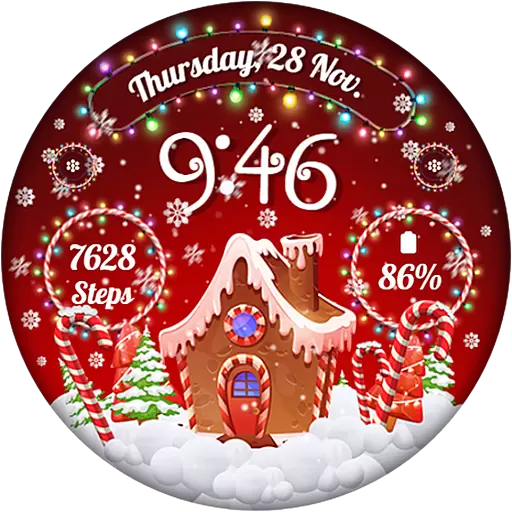
Wear Os Watch Face - Animated Snow - Sesonal for Christmas & Winter
4.0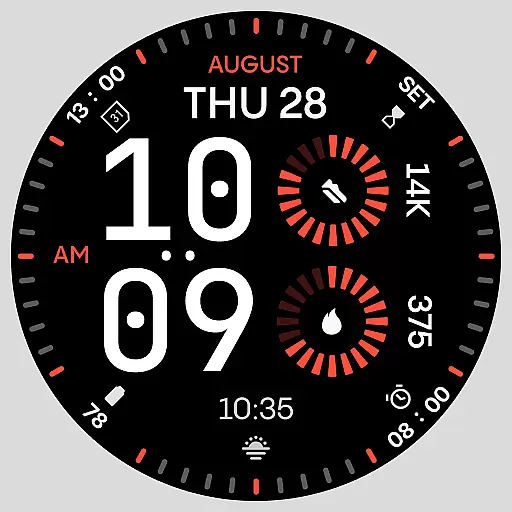
Stunning modern digital watch face with 7 complications and strong contrast
4.5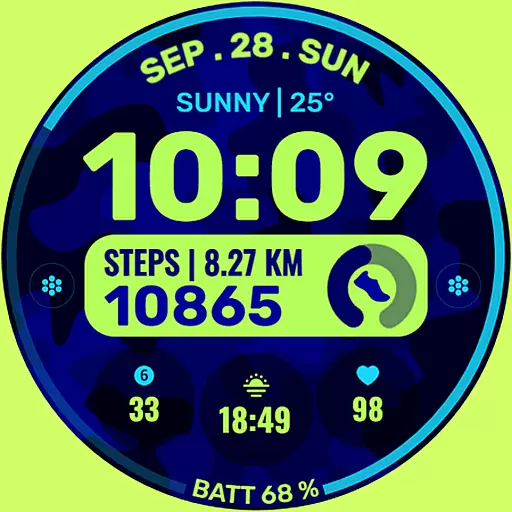
Artistic Digital Watchface
4.3


