
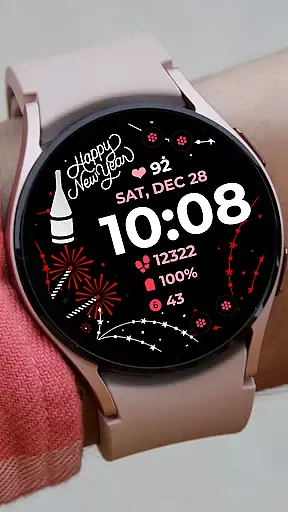
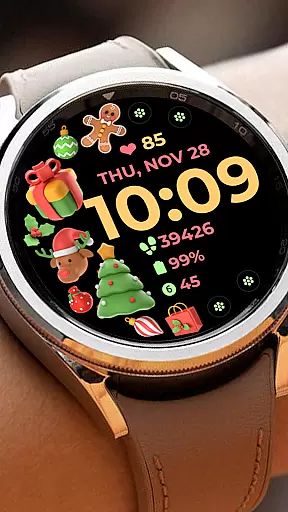
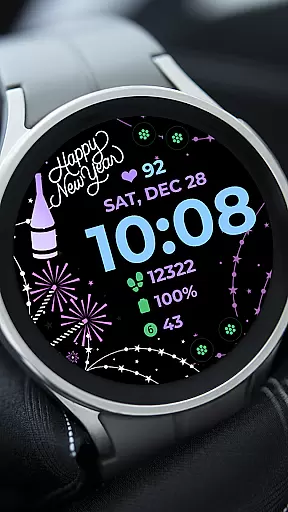
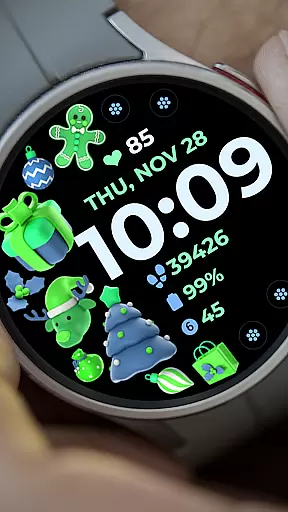
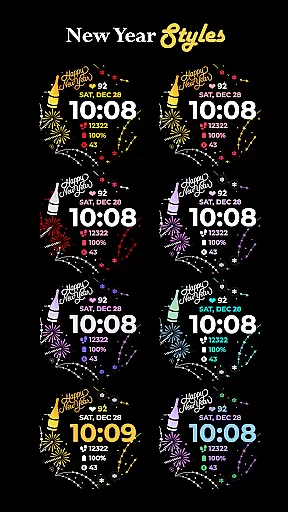
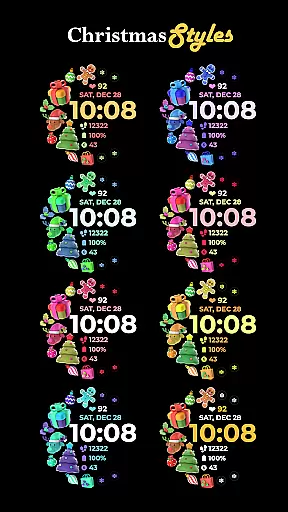
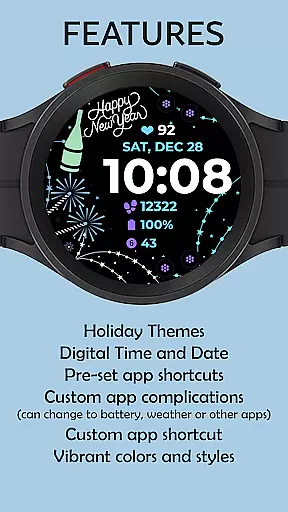
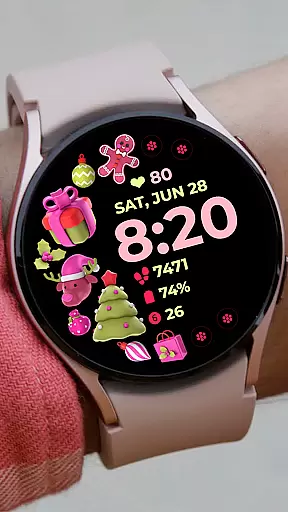
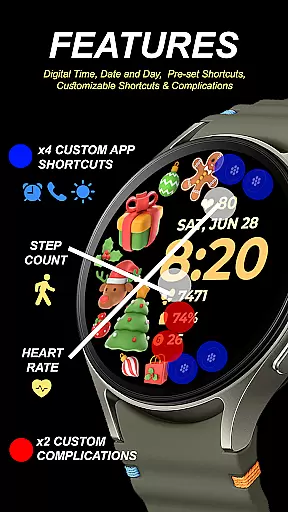
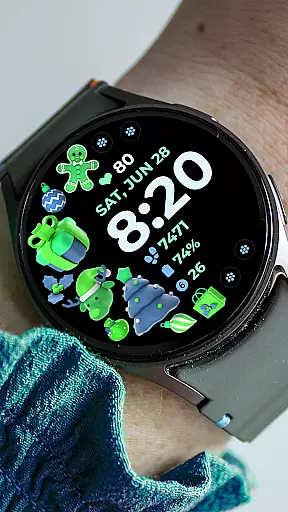
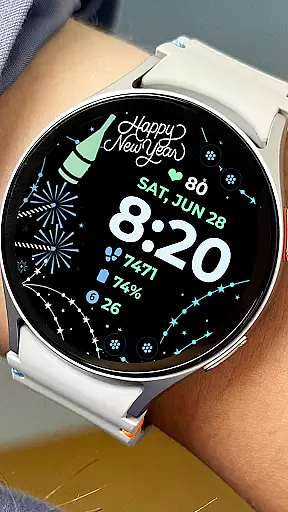
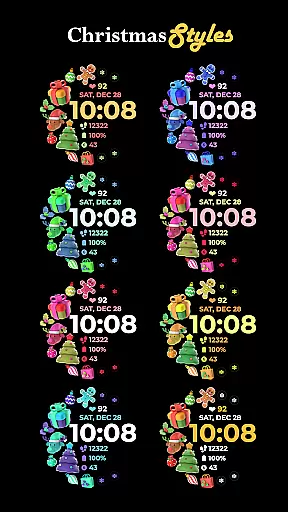
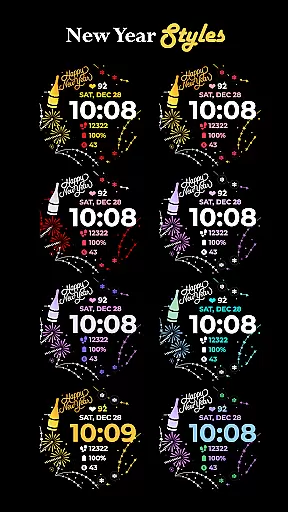
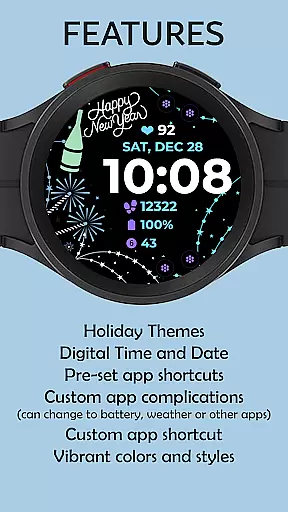
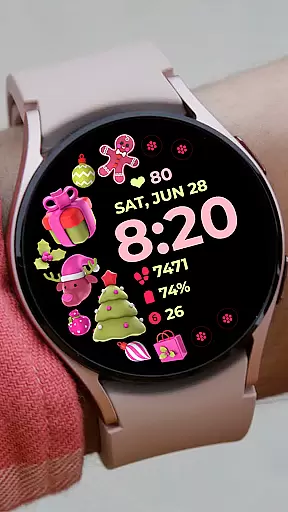
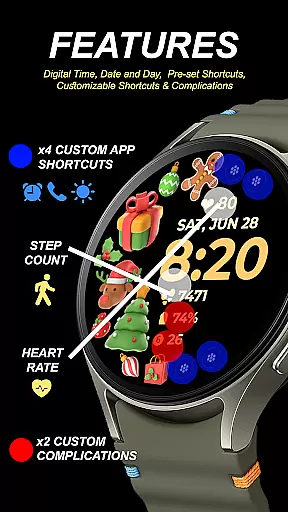
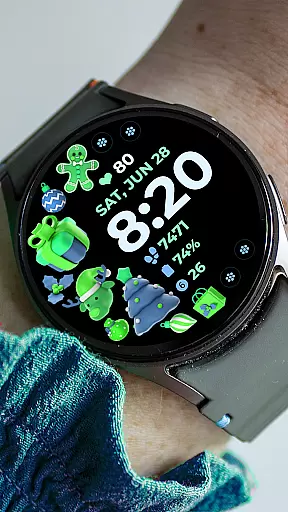
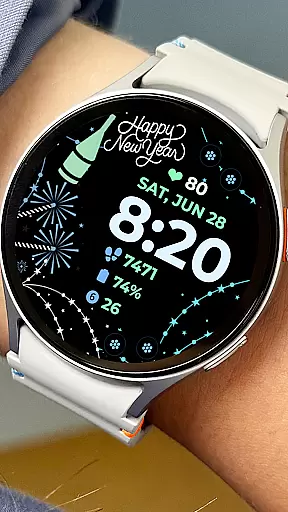
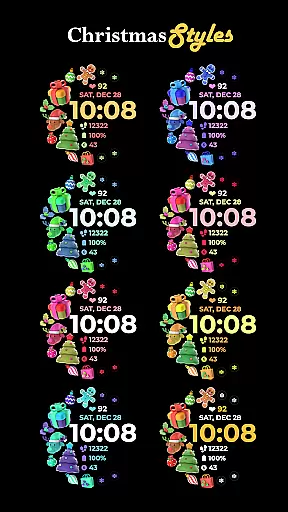
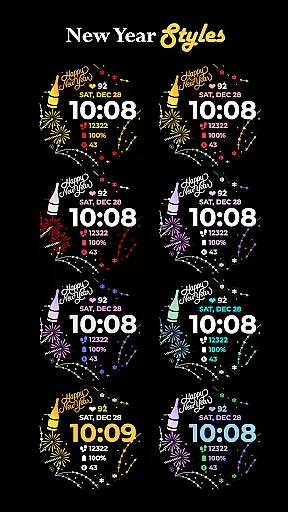
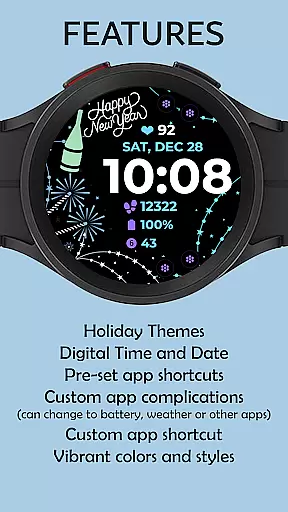
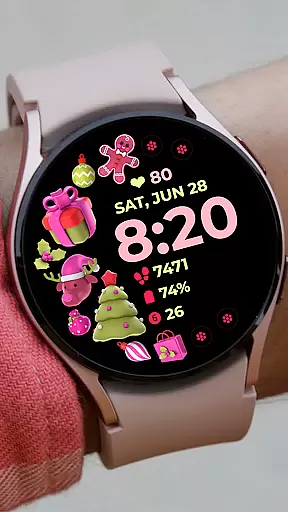
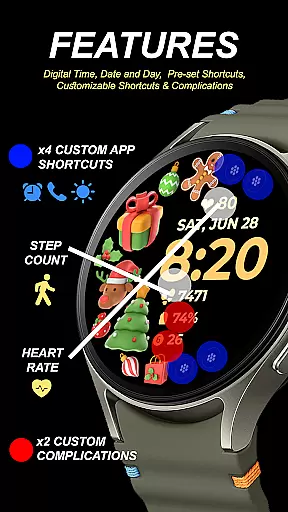
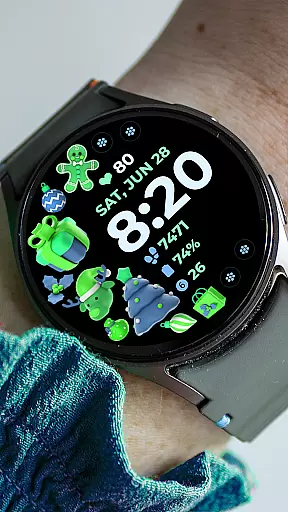
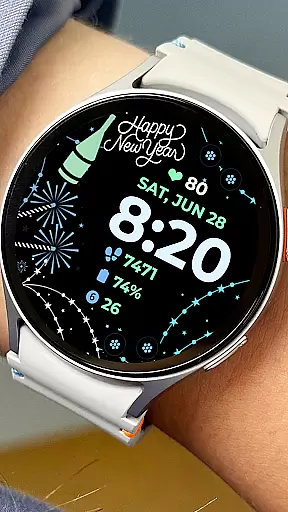
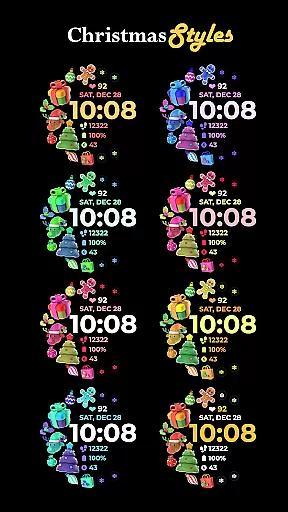
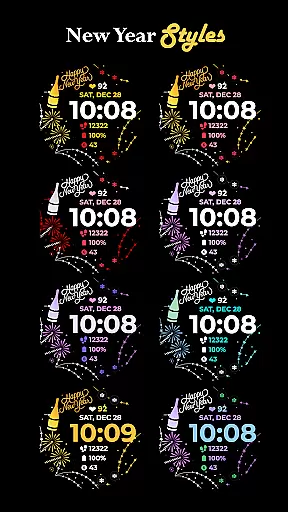
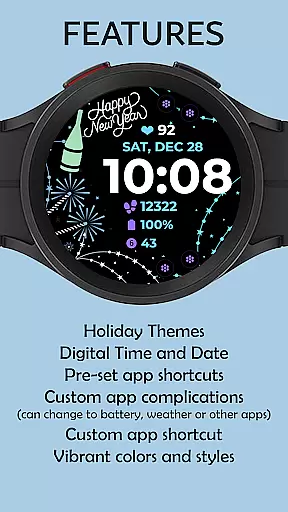
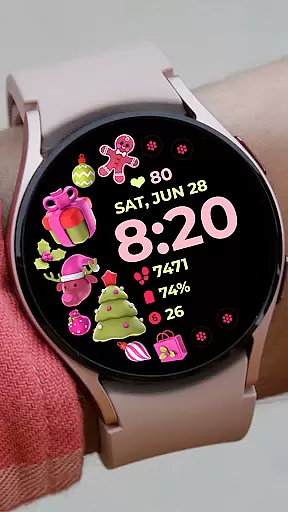
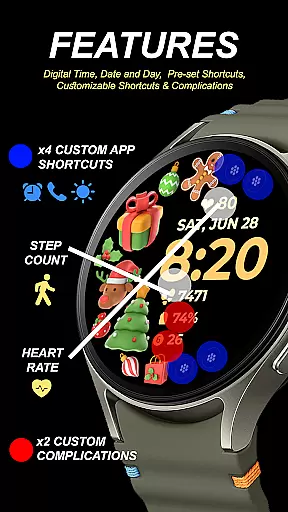
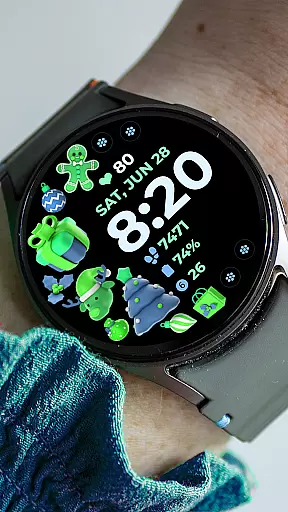
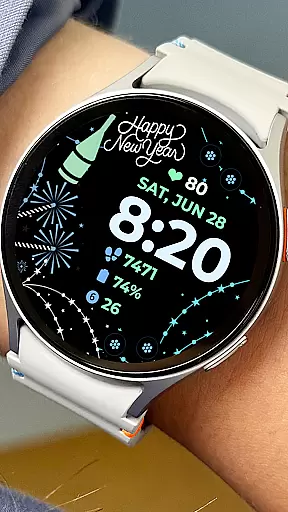
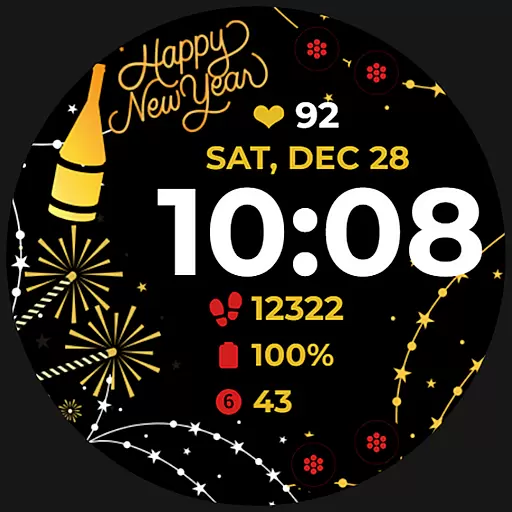
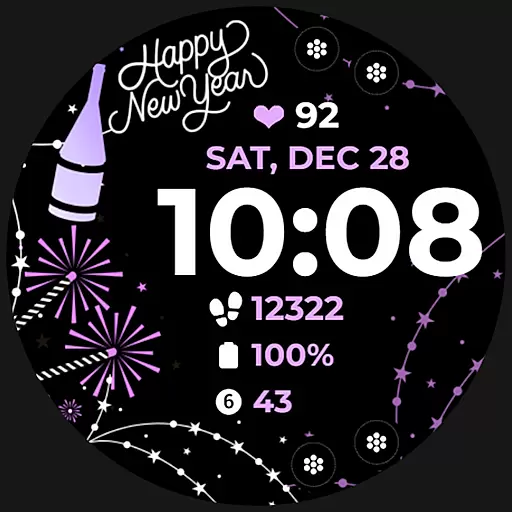
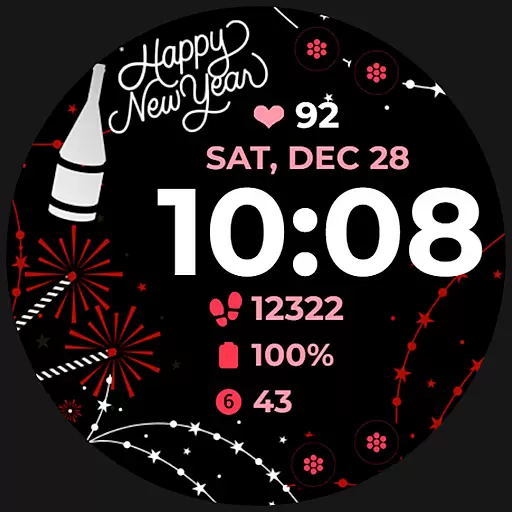
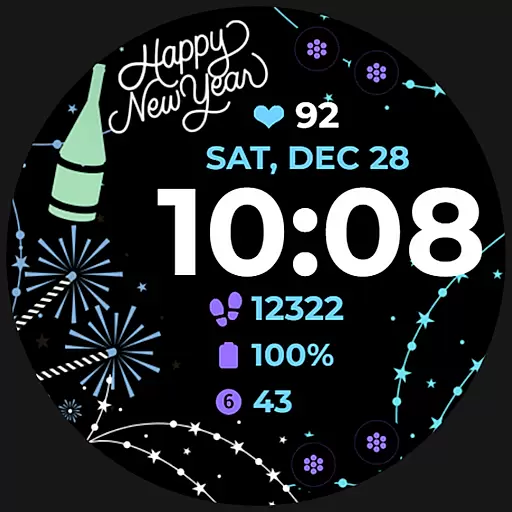
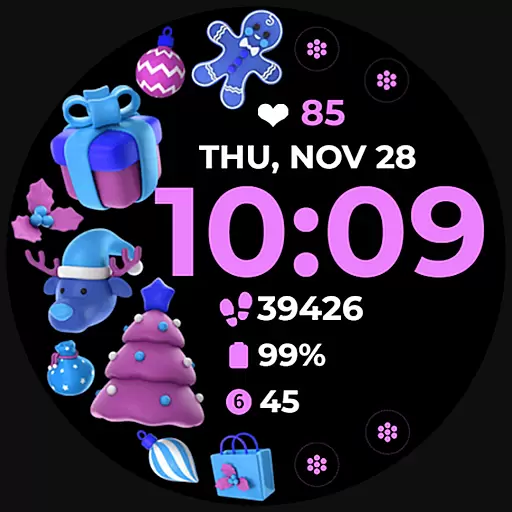
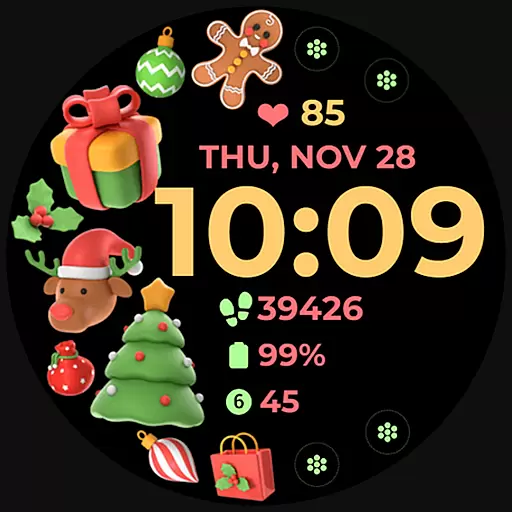
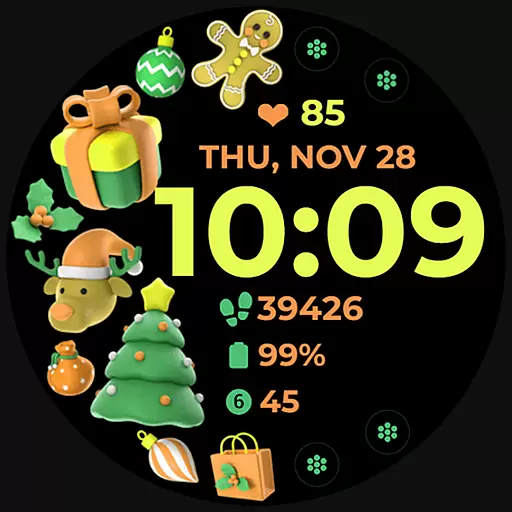
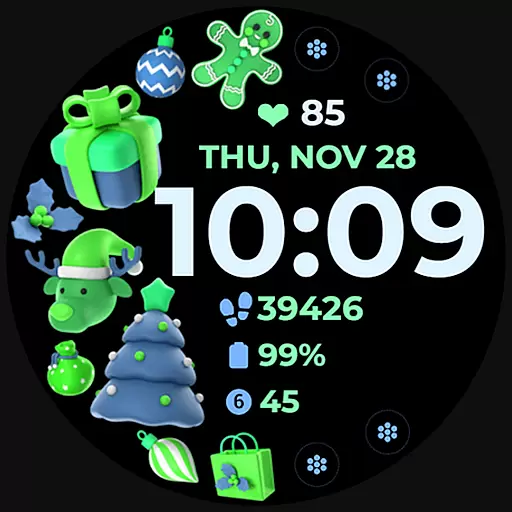
Holiday Art is a feature-rich watch face app designed specifically for Wear OS devices like Samsung Galaxy Watch 4. Developed using Samsung's Watch Face Studio tool, this application brings festive designs and essential timekeeping functions to your smartwatch.
The app offers digital clock display, date and day information, always-on functionality (AOD), and customizable app shortcuts. Users can personalize their watch faces with preset complications and changeable styles, creating a unique wearable experience that combines practicality with holiday spirit.
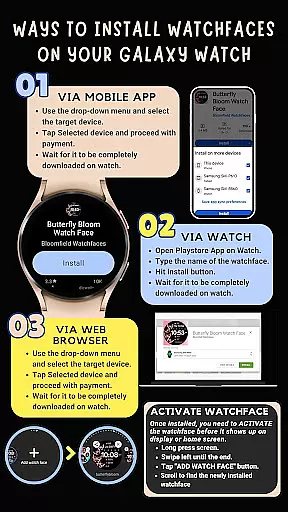
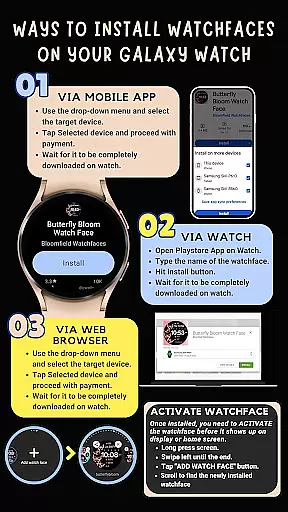
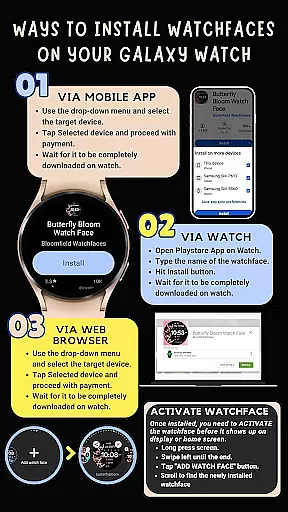
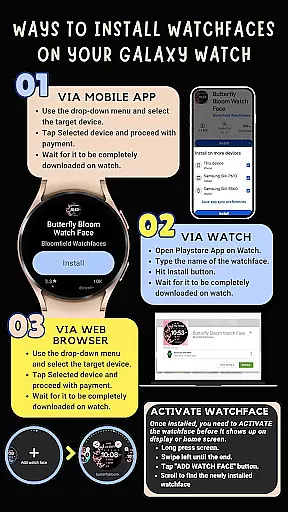
Perfect for smartwatch users who want to add seasonal flair to their devices while maintaining essential timekeeping features. The app ensures seamless installation when the watch is connected to the same Wi-Fi as the paired phone and requires enabling all necessary permissions for optimal performance.
Holiday Art stands out with its comprehensive set of customization options for smartwatch users. The app provides essential timekeeping functions including digital clock, date, and day display, alongside advanced features such as Always-On Display (AOD) technology.
Users can personalize their watch experience through preset app shortcuts and fully customizable complications. The app supports changeable styles and color palettes, allowing users to modify the watch face to match their personal preferences or holiday themes.
A key differentiator is the app's compatibility with Samsung's latest Wear OS devices, ensuring optimized performance on Galaxy Watch 4 series. While some features might vary across different watch models, the core functionalities maintain consistent quality and reliability.
For Holiday Art, seamless companion app integration is crucial for an optimal user experience. The app ensures that all features are perfectly synchronized between your smartphone and wearable device. This synchronization allows users to effortlessly manage their watch faces directly from their phone.
The application employs Samsung's 'Watch Face Studio' tool, ensuring compatibility with devices running on the new Wear OS Google/One UI Samsung operating system like the Galaxy Watch 4. Users can easily customize their watch face with digital clock, date, day, and always-on display features.
By enabling permissions through settings, users can take full advantage of customizable app shortcuts and complications. This level of integration provides a cohesive experience across devices, enhancing both functionality and personalization options.
Holiday Art is meticulously designed for compatibility with Wear OS and specific Samsung devices, particularly the Galaxy Watch 4 series. Ensuring this compatibility involves rigorous testing on real devices, guaranteeing that users experience consistent performance and reliability.
Before publishing, the app undergoes a thorough review and approval process by the Google Play Store team. This validation assures users of the app's quality and seamless operation on supported devices. Such diligence in compatibility testing means users can confidently install and use Holiday Art without concern for device-specific issues.
Additionally, the app supports various features like preset app shortcuts, changeable styles, and color palettes, which may vary depending on the specific device. By adhering to strict compatibility standards, Holiday Art delivers a versatile and dependable solution for personalizing your smartwatch experience.
User-friendly interface
Wide customization options
Seamless installation process
Always-On Display support
Regular updates and support
Limited to newer devices
Feature variation by model
Requires Wi-Fi connection
Premium price point
Initial setup complexity

A customizable Christmas watch face for Wear OS with a countdown.
 4.20
4.20
Digital watch face with big numbers and many customization for Wear OS devices
4.40
Your second brain for organizing your life: to-do, calendar, reminder.
4.70
Nutrition, Macro tracker: Food, fitness & healthy diet tracking for weight loss
4.60
Real-time weather radar with temperatures, warnings, hurricanes, and widgets
4.80
Stylish, Energizing and Modern Watch Face crafted by Dominus Mathias.
4.50
Retro digital watch face with customizable colors and a unique lighting effect
4.60
A white realistic classic analog watch face with many customization options.
4.40
Download full tracks, listen to music offline, make unlimited playlists.
4.80
A modern hybrid informative watch face for Wear OS designed by BALLOZI
4.80
A realistic hybrid watch face with many customization options.
4.60
Locate your family members by GPS phone location tracker everywhere and anytime
4.30
"PER27 Galaxy Digital" is a digital Wear OS watch face designed by PERSONA
4.10
Wear Os Watch Face - Animated Snow Effect & Magic Spark - 6 Scenes
4.10
The #1 source of faces for your smartwatch!
4.00
Wear Os Watch Face - Animated Snow - Sesonal for Christmas & Winter
4.1
Simple Analog-Digital Watchface For Wear OS 3.0 and Up Smartwatches
4.0
Sleek, highly customizable watch face inspired by Galaxy Watch Circle Dashboard.
4.2
Fitness interactive virtual pet super fighter boy watch face
4.4


User Reviews