
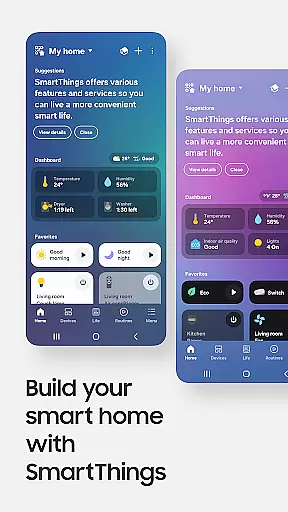
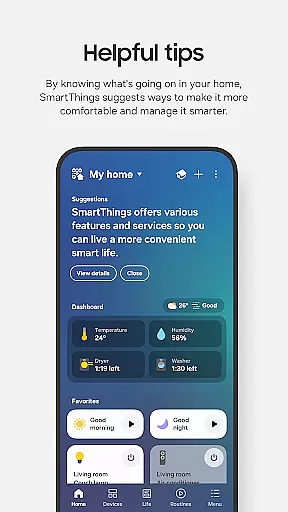
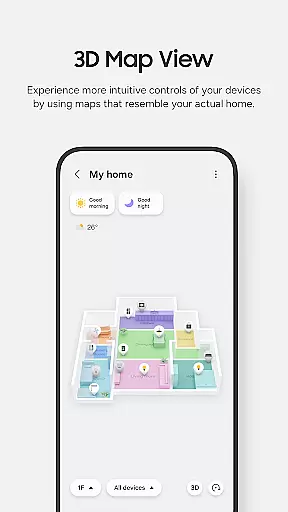
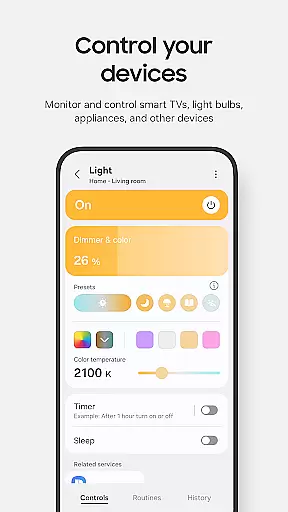
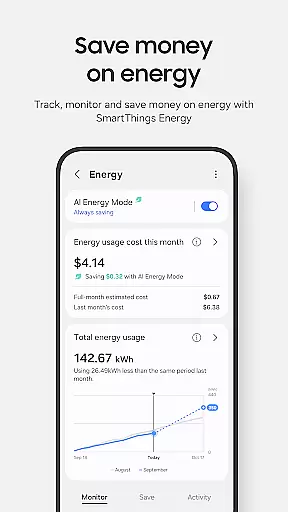
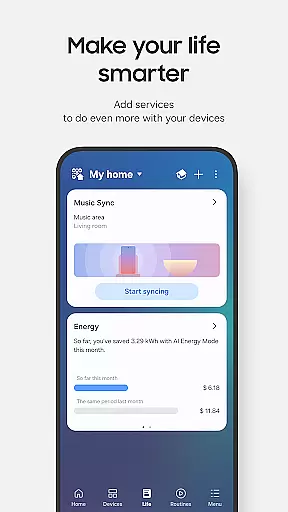
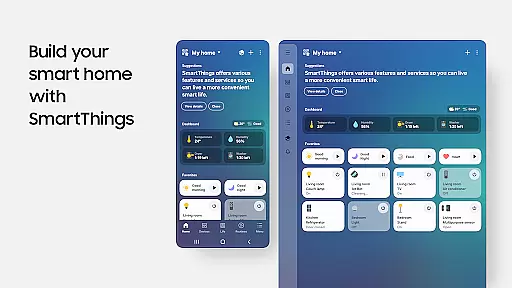
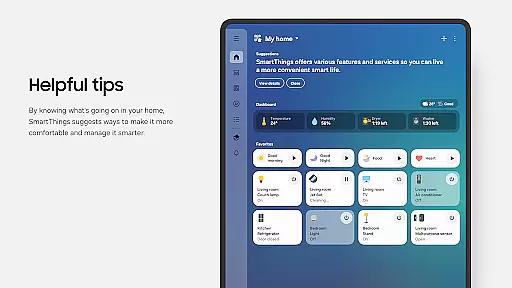
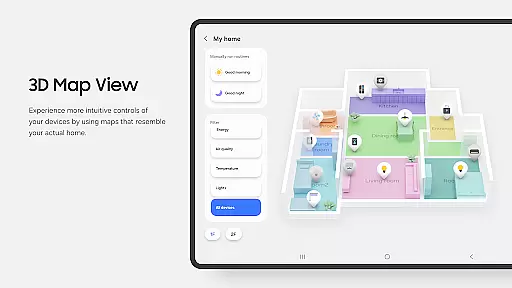
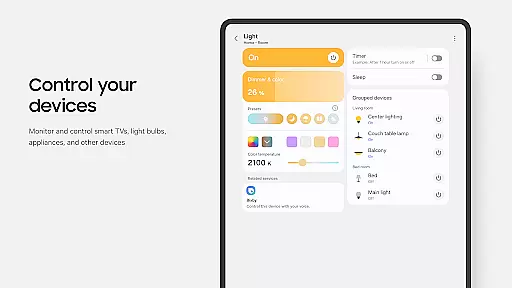
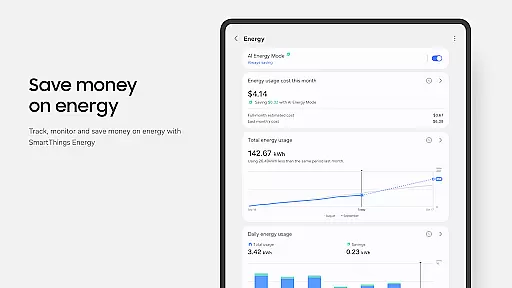
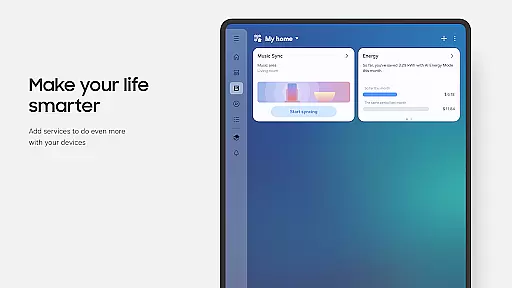
SmartThings is a comprehensive smart home management application that allows users to seamlessly connect and control all their smart devices from a single platform. Compatible with hundreds of smart home brands, the app supports Samsung Smart TVs, smart appliances, and integrates with popular voice assistants like Alexa, Bixby, and Google Assistant.
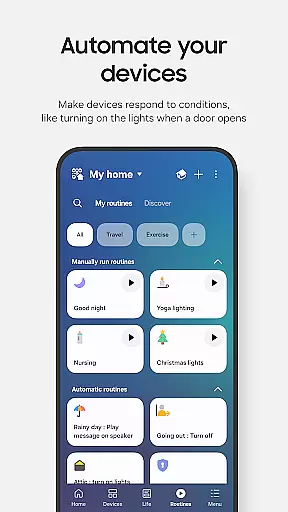
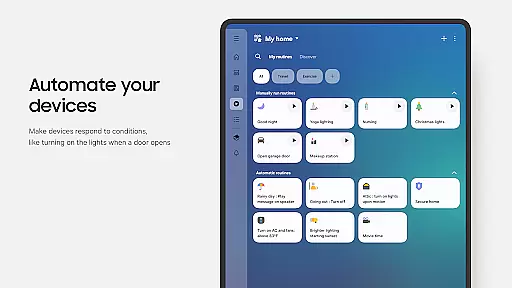
The app's core functionality lies in its ability to unify smart home management. Users can create automated routines based on time, weather, or device status, receive real-time notifications about their devices, and even share access with other users. Whether you're controlling your smart home remotely or setting up complex automation scenarios, SmartThings provides an intuitive interface for managing your connected devices.
This application is particularly useful for homeowners who have invested in multiple smart home products from different brands. By consolidating control into one app, SmartThings eliminates the need to switch between multiple applications, streamlining the smart home experience while offering advanced features like location-based automation and quick-access controls.
SmartThings stands out through its extensive feature set designed to simplify smart home management. The app's most notable capability is its cross-brand compatibility, supporting over 100 smart home brands including Ring, Nest, and Philips Hue. This universal compatibility ensures users can manage all their smart devices from a single interface.
One of the app's key innovations is its robust automation engine. Users can create sophisticated routines that trigger based on various conditions such as time, weather, or device status. For instance, you could set your lights to turn on automatically when you arrive home or have your thermostat adjust based on the outdoor temperature. The app also offers advanced security features, allowing users to monitor their home remotely and receive instant notifications about device activities.
Additional noteworthy features include voice assistant integration, support for Wear OS devices, and comprehensive permission management. The app's ability to function across different platforms - from smartphones to smartwatches - demonstrates its versatility. Moreover, its optional access permissions system gives users granular control over which device capabilities they want to enable, ensuring both functionality and privacy are maintained.
SmartThings offers seamless companion app integration, allowing users to control their smart home devices from a unified platform. This feature is crucial for maintaining connectivity across various gadgets and ensuring smooth operation.
The app supports multiple brands including Samsung Smart TVs, smart appliances, Ring, Nest, and Philips Hue. By consolidating all device controls into one interface, it simplifies the user experience significantly. Additionally, SmartThings can be used with voice assistants like Alexa, Bixby, and Google Assistant, enhancing accessibility and convenience.
Users benefit from the ability to manage routines, receive automated notifications, and share control with others. These capabilities ensure that your smart home runs efficiently, providing peace of mind whether you're at home or away.
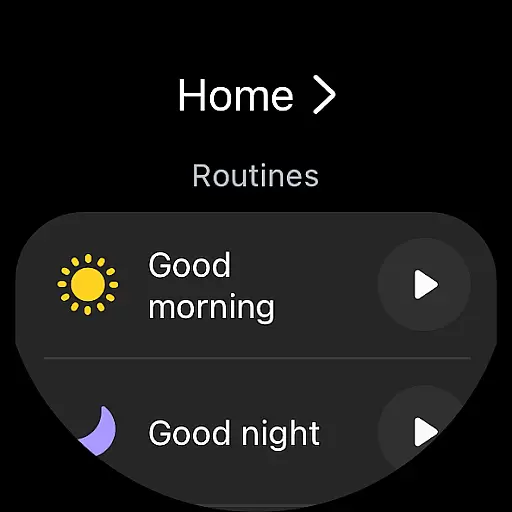
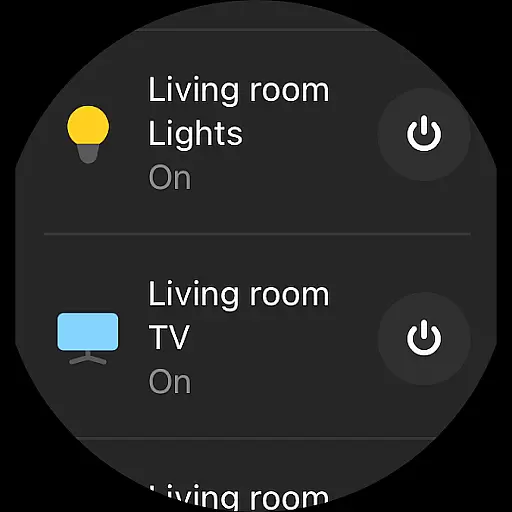
SmartThings ensures excellent compatibility with Wear OS devices, enabling users to access key features directly from their smartwatches. This compatibility is essential for those who prefer managing their smart homes on the go without needing to take out their smartphones.
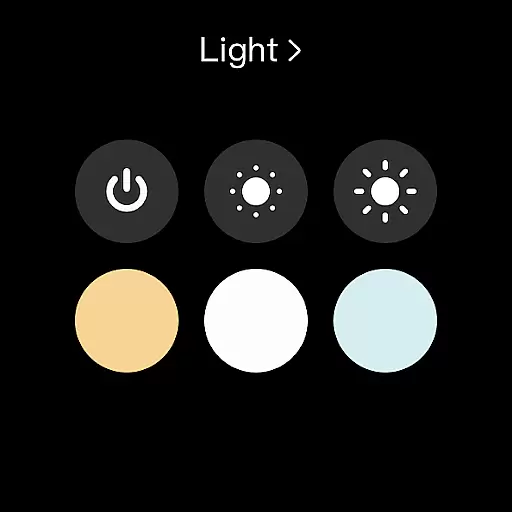
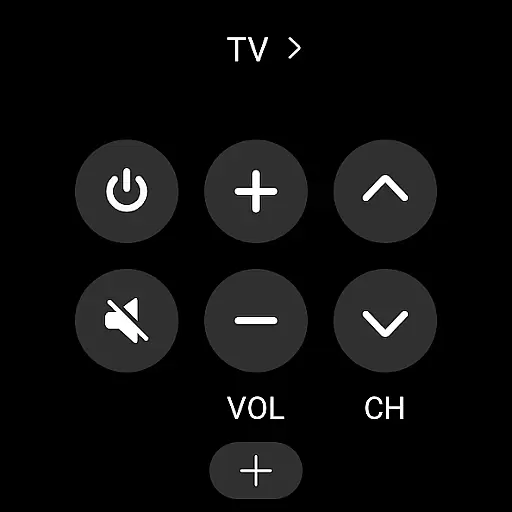
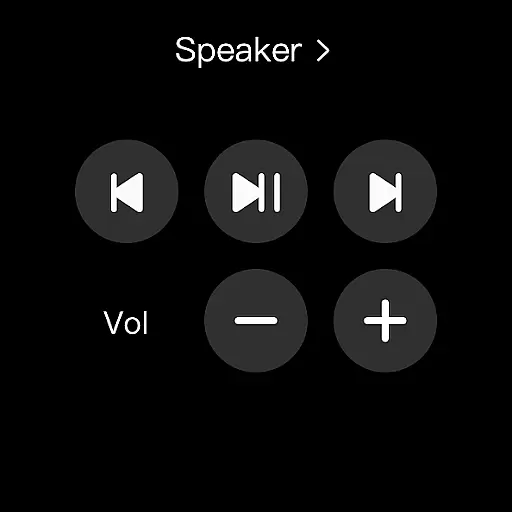
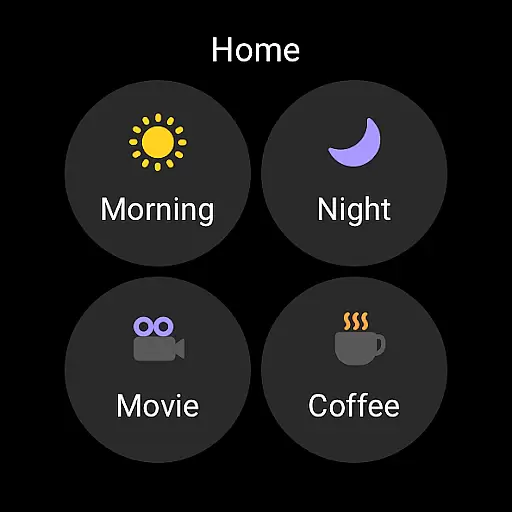
By adding SmartThings tiles on a Wear OS watch, users gain quick access to routine execution and device control. The app also provides complications that allow direct entry into its services from the watch face, streamlining interactions further.
This functionality enhances user convenience by offering instant access to critical controls and updates right from the wrist. Whether checking device statuses or triggering routines, SmartThings makes wearable technology an integral part of smart home management.
User-friendly interface
Wide device compatibility
Advanced automation options
Voice assistant integration
Remote monitoring capabilities
Limited third-party features
Occasional connectivity issues
Complex setup process
Battery consumption concerns
Vendor-specific limitations

Calming & relaxing sounds for sleeping and stress relief. Stay focused all day!
 4.20
4.20
Embrace the festive spirit with our Christmas Countdown watchface for Wear OS
4.10
Contemporary digital watch face with five complications
4.1
Wear Os Watch Face - Animated Snow Effect & Magic Spark - 6 Scenes
4.10
Artistic Digital Watchface
4.3
Digital, flexibly customizable watch face. For Wear OS 5.0, API 34+ and later.
5.00
Kia Access makes getting your vehicle information easier than ever
4.60
Gym & home workout plans with strength training, exercise tracking, HIIT & more.
4.60
Minimalistic design modern digital watch face.
4.5
Period, ovulation & pregnancy tracker. Fertility insights & menstrual calendar.
4.90
Be an elegant and classy secret agent, with this carefully detailed watch face
4.70
Monitor health with the stress test and pulse checker in the heart rate app.
4.60
Nutrition, Macro tracker: Food, fitness & healthy diet tracking for weight loss
4.60
Connect to your Bluelink equipped Hyundai vehicle from your smartphone.
4.50
Current temperature, weather hourly, weather radar by the weather forecast app
4.40
Your local weather forecast, storm tracker, radar maps & live weather news
3.40
Watch face designed for Thanksgiving Day. 7 Background Styles included.
3.20
A heartwarming Christmas scene featuring a cute image of Santa and Rudolf
4.5
Stunning modern digital watch face with 7 complications and strong contrast
4.1


User Reviews