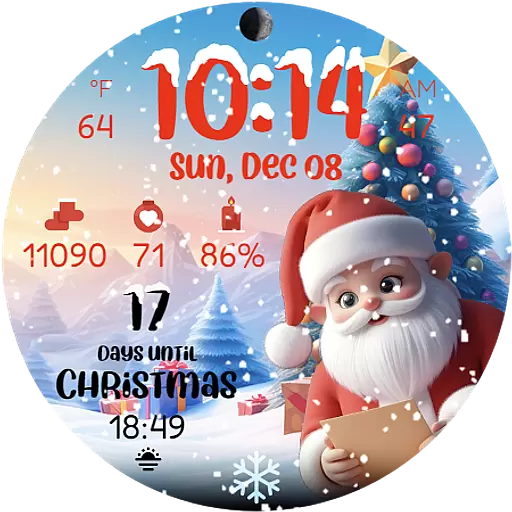
Christmas is near, let's count together the days left until Santa comes
 4.4
4.4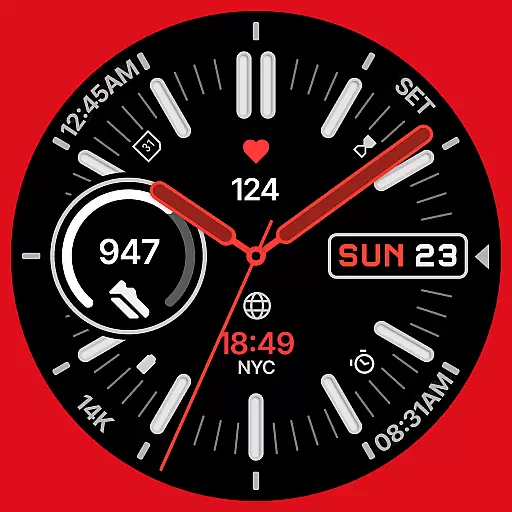
A watch face that fuses motorsport precision with contemporary smartwatch design
4.5
Easy Voice Recorder is your everyday companion to record important moments.
4.70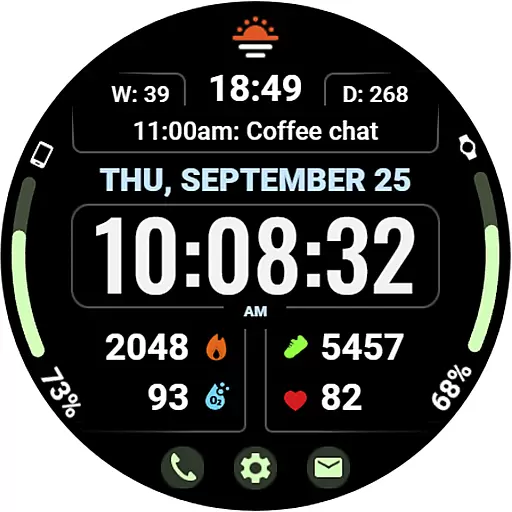
Beautiful, colorful and practical watch face. For Wear OS devices.
5.00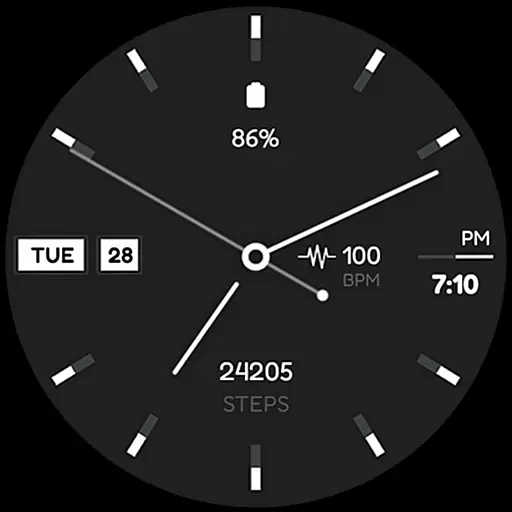
Simple Analog-Digital Watchface For Wear OS 3.0 and Up Smartwatches
4.5
Get helpful reminders, take progress photos and find answers to your questions.
3.90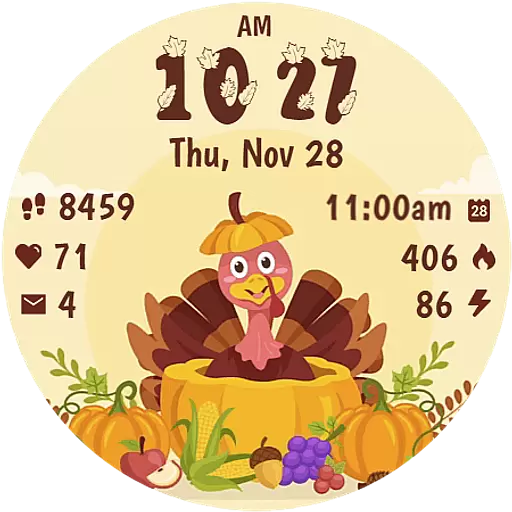
Funny animated watch face for Thanksgiving
4.3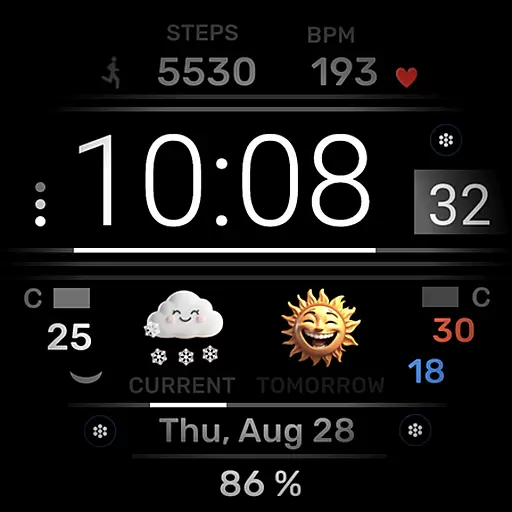
Minimalistic design modern digital watch face.
4.4
Download full tracks, listen to music offline, make unlimited playlists.
4.80
The Chevron App allows you to pay for fuel from the comfort of your car!
4.80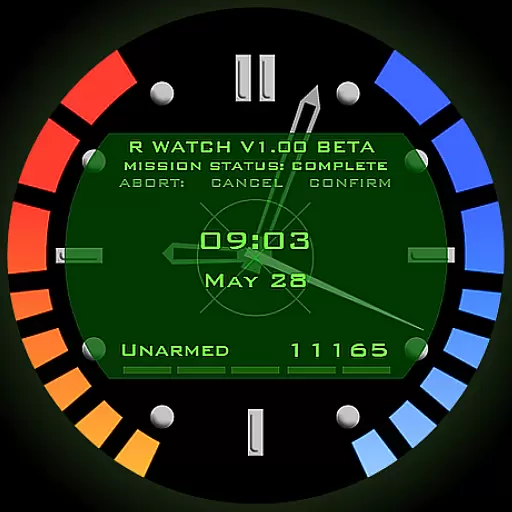
Be an elegant and classy secret agent, with this carefully detailed watch face
4.70
To-Do List: daily schedule planner, task organizer, to do reminder app, calendar
4.60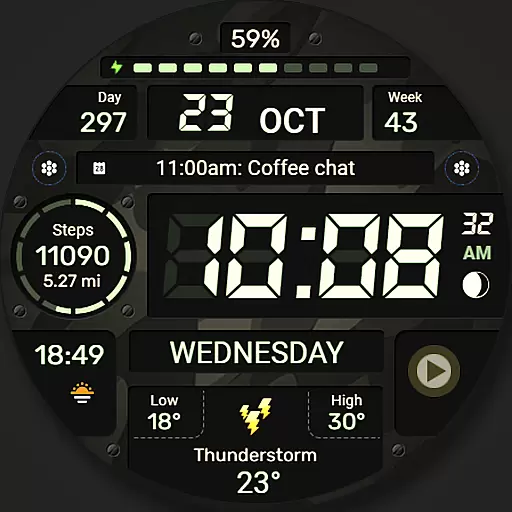
Digital watch face. For Wear OS devices.
4.40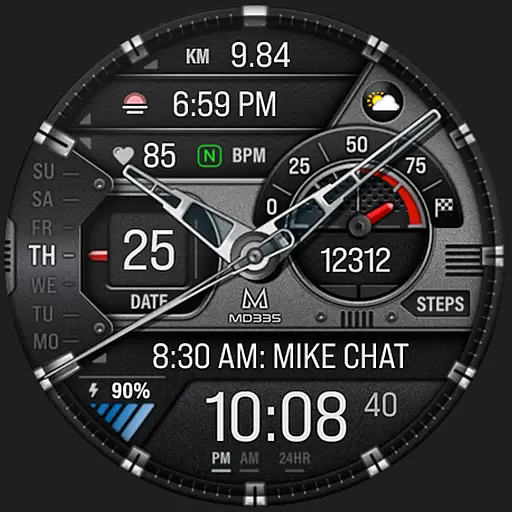
Premium hybrid watch face with many customizations for Wear OS devices.
4.40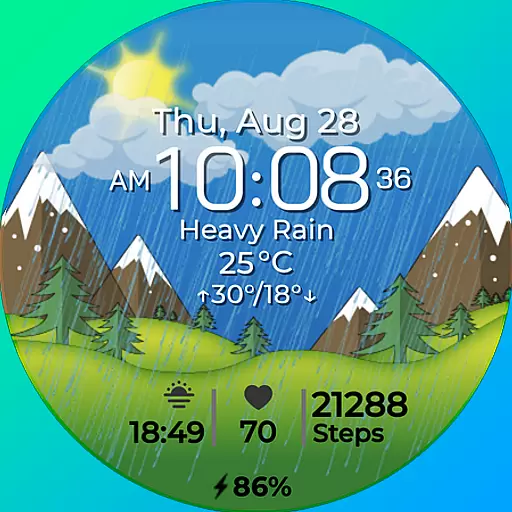
Watch face for Wear OS.
4.20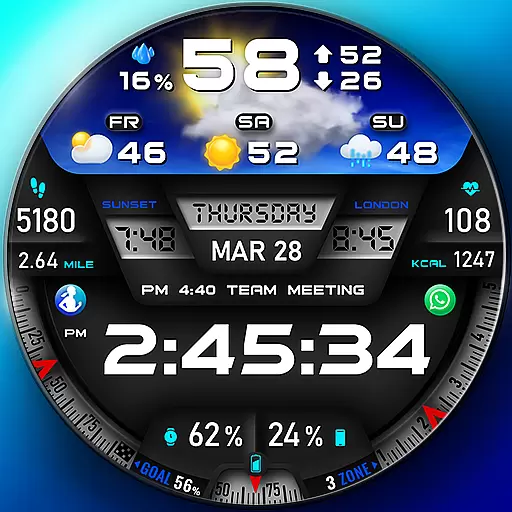
"PER27 Galaxy Digital" is a digital Wear OS watch face designed by PERSONA
4.10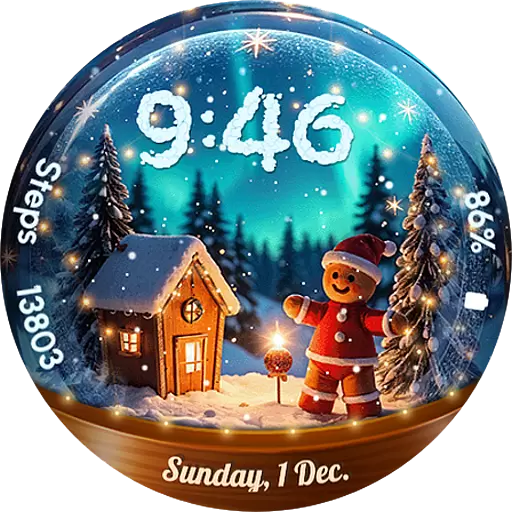
Wear Os Watch Face - Animated Snow Effect & Magic Spark - 6 Scenes
4.10
The #1 source of faces for your smartwatch!
4.00
A full-featured Amazon Alexa voice assistant that can show you things.
3.70


