MyNISSAN® lets you remotely control your car from your phone.*
 4.50
4.50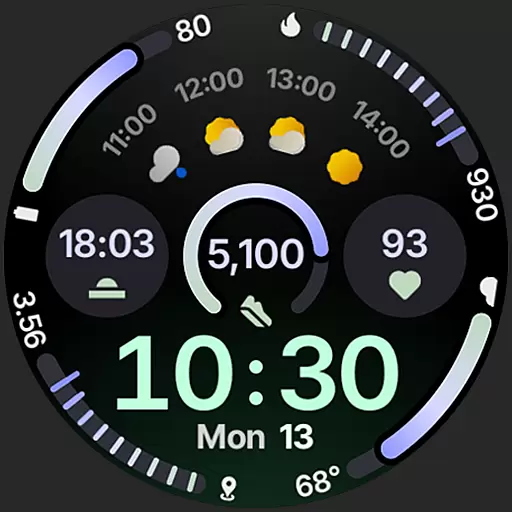
Sleek, highly customizable watch face inspired by Galaxy Watch Circle Dashboard.
4.4
Your second brain for organizing your life: to-do, calendar, reminder.
4.70
The ultimate destination for kids ages 3-8 to explore the Marvel Universe!
4.30
Period, ovulation & pregnancy tracker. Fertility insights & menstrual calendar.
4.90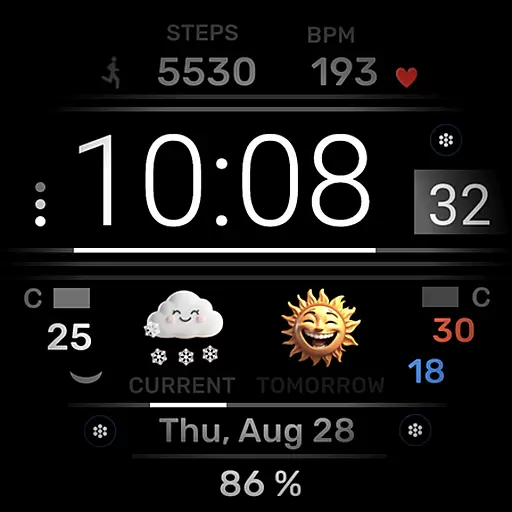
Minimalistic design modern digital watch face.
4.5
Connect, create, and collaborate with Gmail, part of Google Workspace.
4.10
Want to take charge of your health? Let Google Fit help you reach your goals.
3.50
Start and succeed with PAP
4.10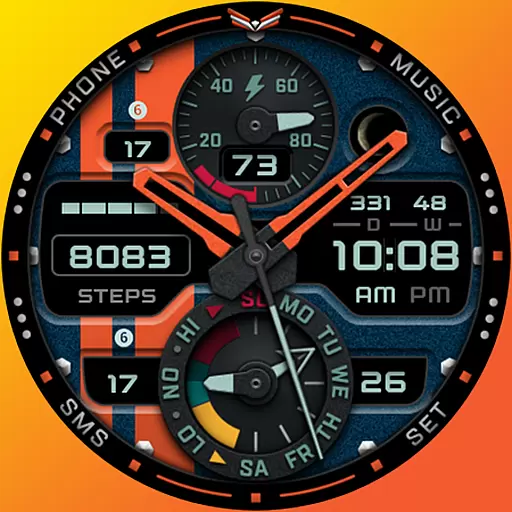
A modern premium sporty hybrid watch face for Wear OS by Ballozi
4.70
Kia Access makes getting your vehicle information easier than ever
4.60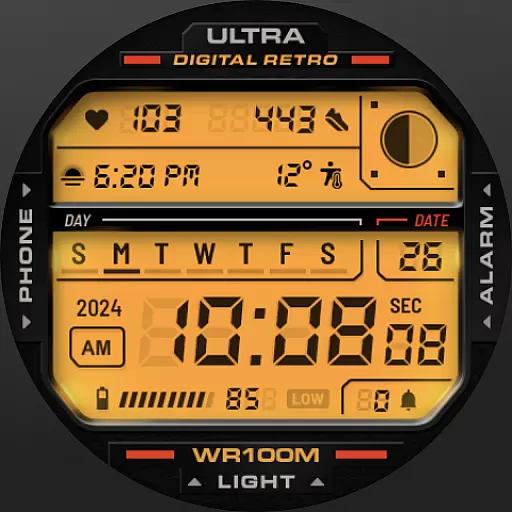
Retro digital watch face with customizable colors and a unique lighting effect
4.60
Connect to your Bluelink equipped Hyundai vehicle from your smartphone.
4.50
Fast and smart typing with Emojis, GIFs, and more
4.50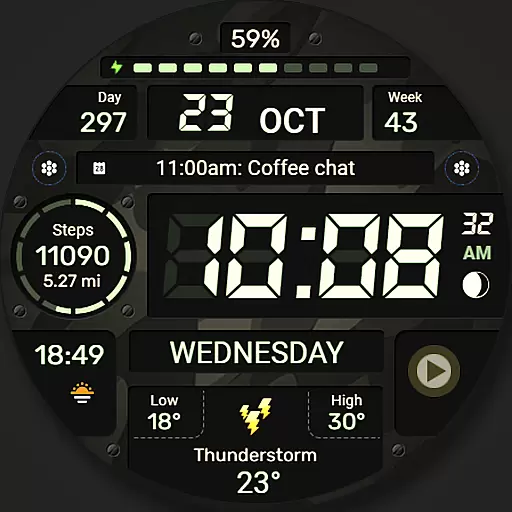
Digital watch face. For Wear OS devices.
4.40
Locate your family members by GPS phone location tracker everywhere and anytime
4.30
Get helpful reminders, take progress photos and find answers to your questions.
3.90
A full-featured Amazon Alexa voice assistant that can show you things.
3.70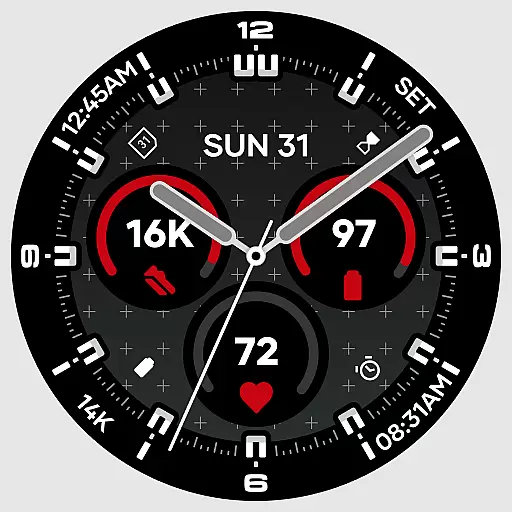
Precision analog watch face with 7 complications and style options
4.4


