
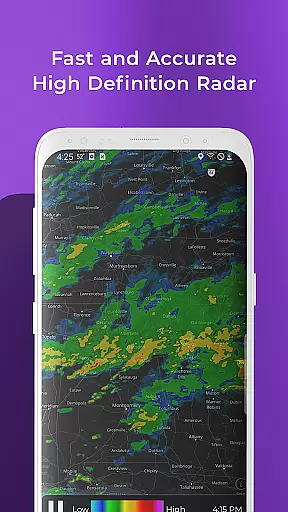
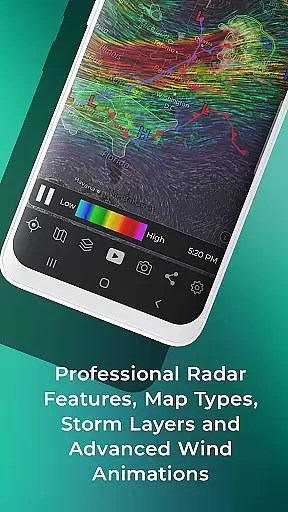
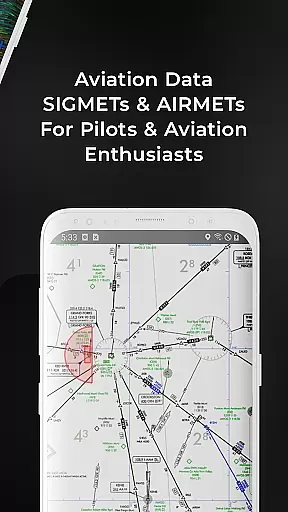
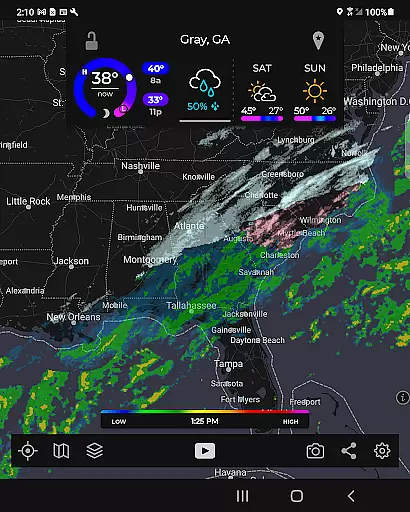
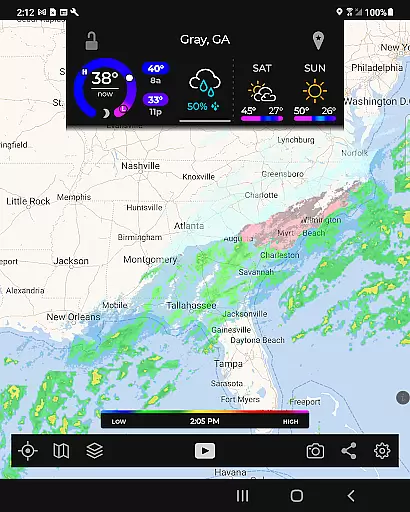
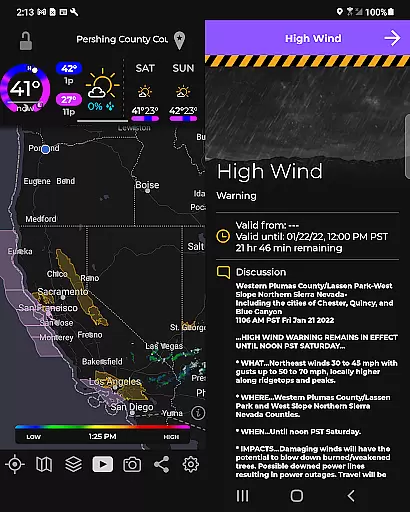
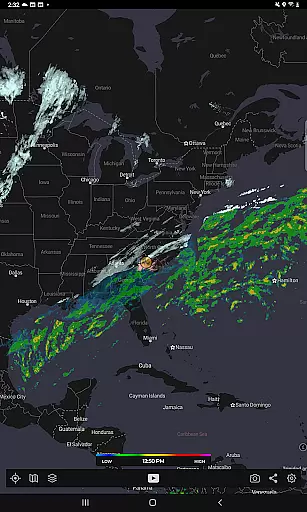
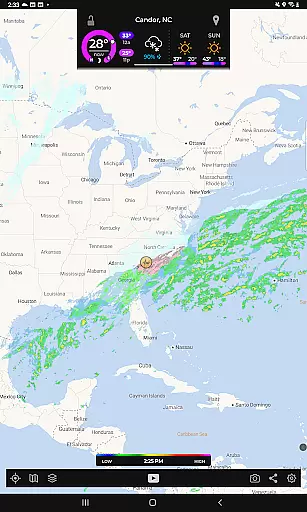
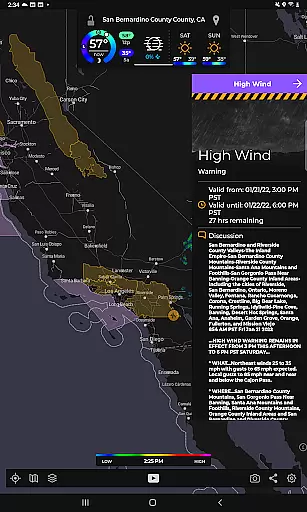
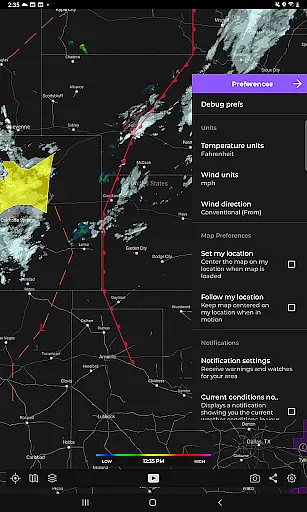
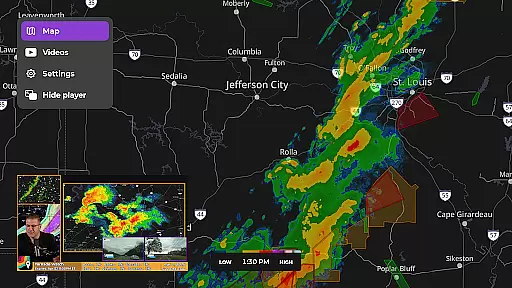
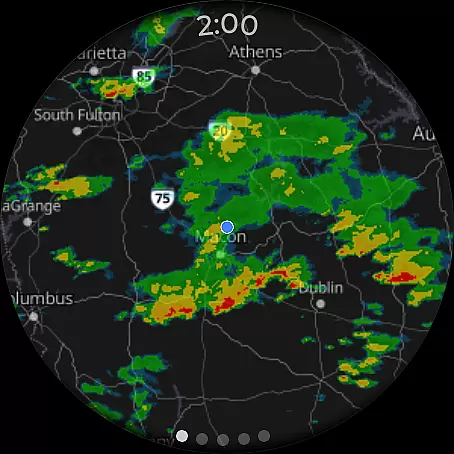
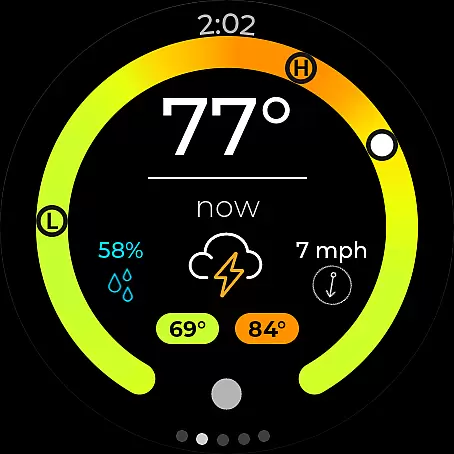
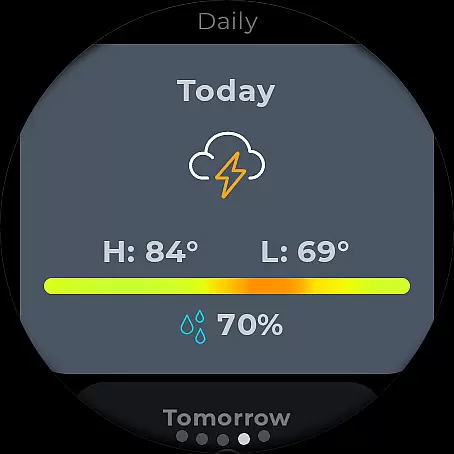
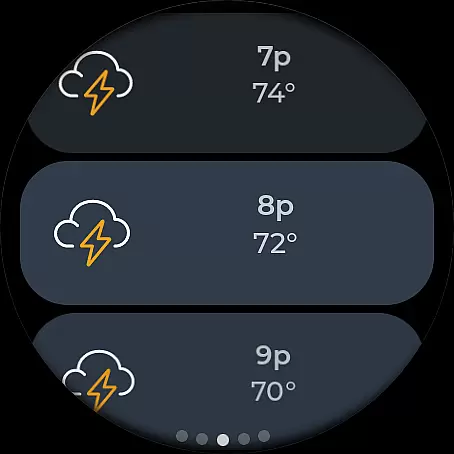
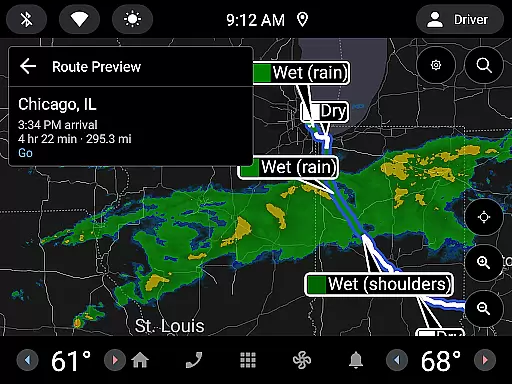
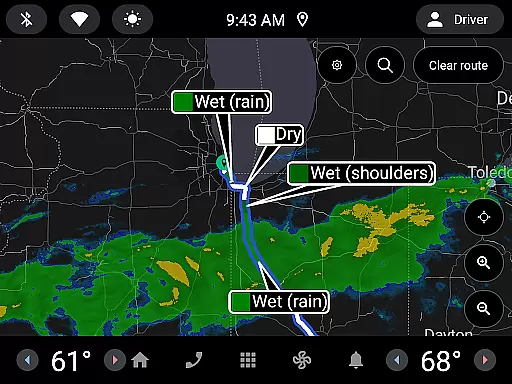
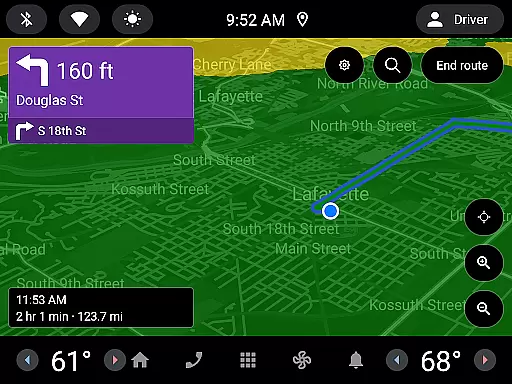
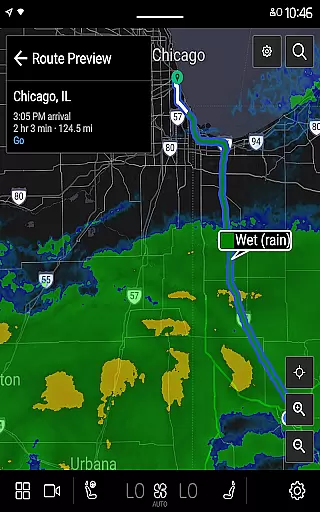
MyRadar Weather Radar is a powerful weather application designed specifically for Android Wear devices, providing users with instant access to crucial weather information directly from their smartwatch. The app's core functionality revolves around its animated live radar feature, which displays real-time weather patterns around the user's location. This allows for quick assessment of approaching weather conditions, making it an essential tool for those on-the-go.
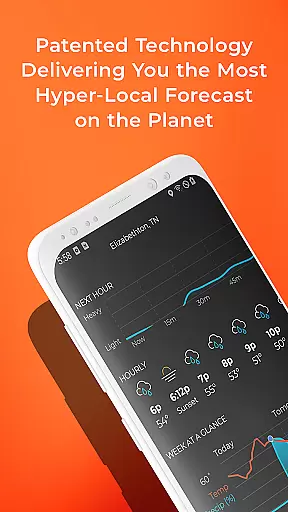
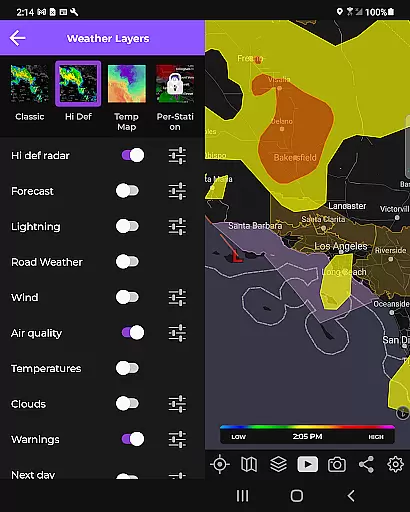
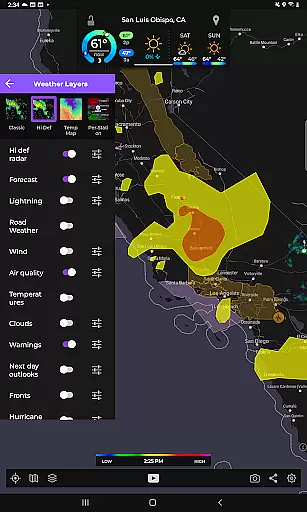
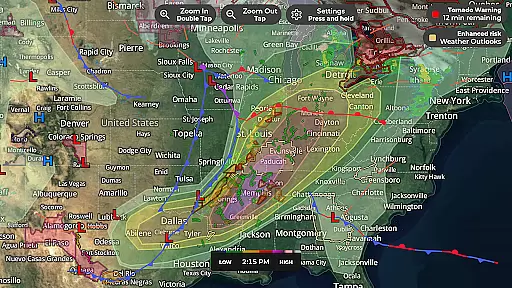
In addition to basic radar, MyRadar offers advanced data layers that can be overlaid on the map, including wind patterns, earthquake activity, hurricane tracking, and wildfire updates. These features provide a comprehensive view of environmental conditions beyond just precipitation. The app also includes patent-pending rain alert technology, giving users hyper-local rainfall predictions up to an hour in advance. With additional support for Wear OS tiles, MyRadar ensures weather updates are always accessible at a glance.
MyRadar stands out through its diverse range of innovative features tailored for weather enthusiasts and casual users alike. One of its most notable capabilities is the advanced rain alert system, which uses a patent-pending process to predict rainfall with exceptional accuracy. This feature sends proactive notifications about when rain will arrive at the user's exact location, including details on intensity and duration, allowing users to plan their day effectively without constant app monitoring.
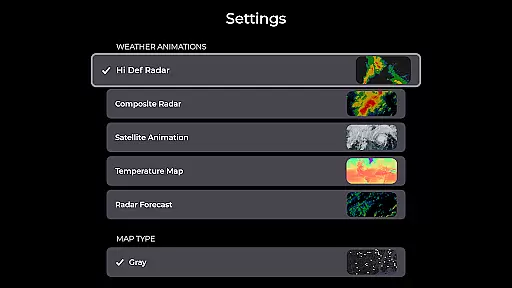
The app also provides various customizable map overlays, such as animated wind layers, earthquake reports, hurricane tracking, and wildfire updates. These overlays utilize cutting-edge mapping technology powered by the device's GPU, ensuring smooth performance even during complex visualizations. Additionally, premium upgrades unlock enhanced functionalities like detailed radar products and real-time hurricane tracking, offering seasoned meteorology buffs more granular control over displayed data. Integration with Wear OS further extends these capabilities to smartwatches, making MyRadar one of the most versatile weather apps available today.
Companion app integration is crucial for wearable devices as it ensures seamless data sharing and functionality between the main application and its wearable counterpart. MyRadar Weather Radar excels in this area by providing users with the ability to access weather information directly on their Wear OS devices.
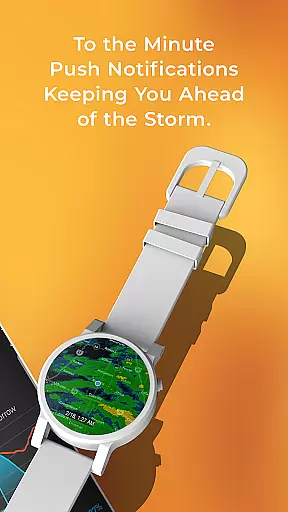
The app offers dedicated tiles for radar and current conditions, which are specifically designed for smartwatches. This allows users to quickly check the weather without needing to take out their phones. The integration is smooth, ensuring that the weather data on the wearable device is always up-to-date and consistent with the main app.
By leveraging the capabilities of Wear OS, MyRadar enhances user convenience. Whether you're outdoors or on the move, having instant access to weather updates on your smartwatch can be incredibly beneficial. This feature ensures that users are always informed about incoming weather changes, thus helping them plan their day more effectively.
Ensuring compatibility with Wear OS and various devices is essential for any app targeting the Android wearable market. MyRadar Weather Radar stands out by offering broad compatibility with a range of Wear OS devices, allowing users to experience its powerful weather tracking features right from their wrists.
The app is optimized to run smoothly on different smartwatches, utilizing the device's GPU for fast and efficient performance. This means that whether you own a newer model or an older version of a Wear OS device, you can expect the same high-quality mapping and radar animations that MyRadar is known for.
Moreover, the app's design takes into account the smaller screen sizes of wearable devices, presenting information in a clear and concise manner. Users can easily navigate through radar images and current weather conditions using simple touch gestures. This level of optimization ensures that MyRadar remains a reliable tool for staying informed about weather conditions, regardless of the device you use.
Real-time weather updates
Hyper-local rain alerts
Customizable map layers
Advanced radar options
Wear OS compatibility
Premium features costly
Complex for beginners
Occasional inaccuracies
Heavy battery usage
Limited offline mode

Diet tracker for weight loss - track calories, food and macros. Simple and easy!
 4.70
4.70
Wear Os Watch Face - Animated Snow Effect & Christmas Lights
4.5
Wear Os Watch Face - Animated Snow - Sesonal for Christmas & Winter
4.4
Artistic Digital Watchface
4.2
Beautiful, colorful and practical watch face. For Wear OS devices.
5.00
Ideal for surviving in the wasteland left after nuclear fallout
4.50
Connect to your Bluelink equipped Hyundai vehicle from your smartphone.
4.50
To-Do List: daily schedule planner, task organizer, to do reminder app, calendar
4.60
Want to take charge of your health? Let Google Fit help you reach your goals.
3.50
Easy Voice Recorder is your everyday companion to record important moments.
4.70
A modern premium sporty hybrid watch face for Wear OS by Ballozi
4.70
Gym & home workout plans with strength training, exercise tracking, HIIT & more.
4.60
Real-time results, stats, schedules and player profiles for all leagues
4.60
Find EV charging stations
4.30
Embrace the festive spirit with our Christmas Countdown watchface for Wear OS
4.10
Daily Weather forecast with 15 weather images for Day & Night plus Big Bold time
4.10
Hyper-Realistic Airplane Dashboard Watch Face With 10 Skins and Custom AOD
4.00
Your local weather forecast, storm tracker, radar maps & live weather news
3.40
3 Complications. All shadow on/off. 30 Themes color palette...
4.1


User Reviews